GPT Image 2.5 is live — OpenAI's newest image model, targeted edits that leave the rest of the frame alone

Claude Sonnet 5.5 — Coding, Research & Tool Use on reAPI

Use Claude Sonnet 5.5 to review code, compare source documents, and connect multi-step tasks to your tools. Try your own workflow on reAPI.

Highlights
1M context · adaptive thinking · high default effort
Best for
Code review, source-based research, tool workflows
Input
Text and images
Output
Text, structured JSON, tool calls
Claude Sonnet 5.5

Ask Claude Sonnet 5.5

Start with the prompt in the composer or choose an example.

Enter to send · Shift+Enter for a new line

Pricing

Credit-based — 1 credit = $0.001 USD. Pay only for completed generations.

30% off official pricing· Input / output tokens

First test cost
$0.00848.4 credits

One 1K-token prompt with a 1K-token answer at the cheapest tier.

Testing budget guide
Add credits
$10
≈ 1190 tests
$50
≈ 5952 tests
$100
≈ 11904 tests
Input
$1.40
Price · 1M tokens
Output
$7.00
Price · 1M tokens
Cache read
$0.14
Price · 1M tokens
Cache write
$1.75
Price · 1M tokens

What is Claude Sonnet 5.5?

Claude Sonnet 5.5 is an Anthropic language model for coding and knowledge work, with text and image input and up to one million tokens of context. Bring related code or research into one conversation. Claude Sonnet 5.5 supports adaptive thinking and application-managed tools, so a workflow can continue after your code returns the information needed.

What you can build with this model

Real-world workflows and production use cases you can build and ship with this model.

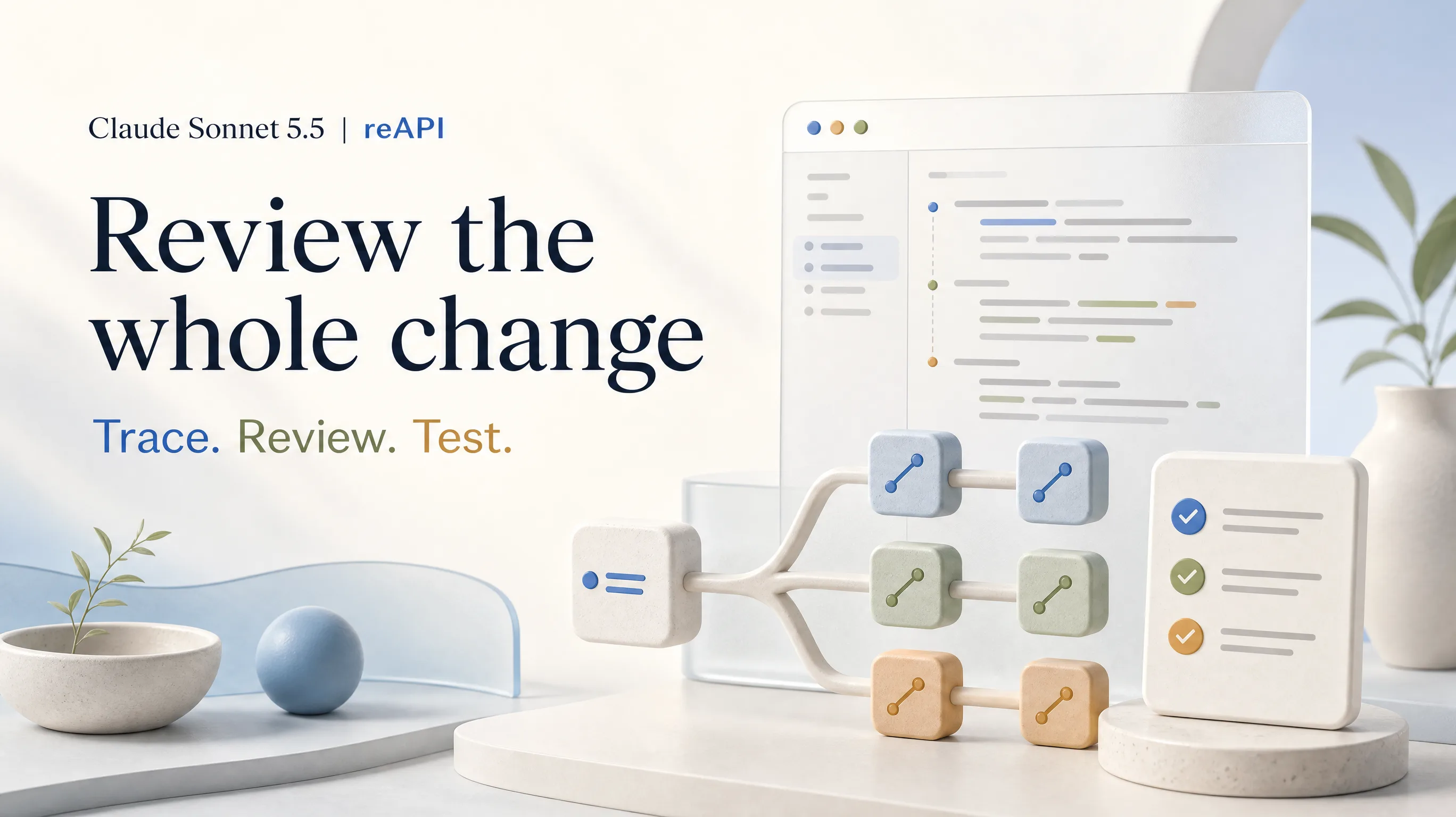
Claude Sonnet 5.5 product poster showing code review and connected test modules

Claude Sonnet 5.5 for reviewing code changes

Give Claude Sonnet 5.5 the change, the surrounding code, and the behavior your tests are meant to protect. Ask for a reproducible defect and the smallest correction, with a check that would fail before the fix. Review the proposed patch against your project constraints before applying it.

Try Claude Sonnet 5.5 for coding


Claude Sonnet 5.5 product poster showing sources combined into a decision brief

Claude Sonnet 5.5 for research decisions

Give Claude Sonnet 5.5 the competing proposals and your decision criteria. Claude Sonnet 5.5 can connect each conclusion to a supplied source. Ask it to show missing evidence alongside its recommendation so the next reviewer knows what needs checking.

Claude Sonnet 5.5 product poster showing a hub connected to application tools

Claude Sonnet 5.5 for tool workflows

Let Claude Sonnet 5.5 request information through your tools, then return the result. Start with a read-only lookup and have Claude Sonnet 5.5 draft an explanation. Keep permission checks and actions that change a system in your application.

Why reAPI for Claude Sonnet 5.5

Try Claude Sonnet 5.5 with your evidence

Test Claude Sonnet 5.5 on a task whose result you can assess. Keep the same source material and acceptance criteria when comparing Claude Sonnet 5.5 with another model.

Plan Claude Sonnet 5.5 token costs

Check the current rates and estimate a representative request before scaling up. Claude Sonnet 5.5 includes thinking in output usage, so leave room for the answer while choosing a budget that fits the task.

Use Claude Sonnet 5.5 through Messages

Use Claude Sonnet 5.5 through the Messages request format, including structured output and full assistant content. The linked examples show how to stream an answer and carry a tool conversation forward without flattening its content blocks.

Claude Sonnet 5.5 vs Claude Haiku 5.5

Start with the control differences that affect your application. Claude Sonnet 5.5 and Haiku can both handle structured results and tool conversations; compare their answers on your own workload before choosing a default.

Documented difference
Claude Sonnet 5.5
Claude Haiku 5.5
Default effort
High
Medium
Skip initial thinking
Between-tools mode at low, medium, or high effort
Disabled at low, medium, or high effort
Force a named tool
Use automatic selection
Supported
Context window
1 million tokens
1 million tokens
Standard output ceiling
128,000 tokens, including thinking
Official release
September 28, 2026
October 7, 2026

Based on Anthropic model and migration documentation checked October 9, 2026. reAPI prices are shown separately above. These specifications are not a benchmark ranking.

Start using Claude Sonnet 5.5

  1. step 01

    Get a key for Claude Sonnet 5.5

    Create an API key in your account and keep it on your server. Add funds, then choose a small evaluation task with a result you can independently check.

    Open
  2. step 02

    Call Claude Sonnet 5.5

    Send claude-sonnet-5-5 to https://reapi.ai/api/v1/messages with your conversation and output budget. Start from the documented example before adding tools or more detailed output requirements.

    Open
  3. step 03

    Review your Claude Sonnet 5.5 result

    Run the suggested test, verify the source citation, or inspect the returned record. Save successful prompts with their evaluation criteria before extending the workflow to additional requests.

    Open
docs/api/claude-sonnet-5-5

API reference

Drop-in code and the full parameter table.

curl --no-buffer --request POST \
  --url https://reapi.ai/api/v1/messages \
  --header "x-api-key: YOUR_API_KEY" \
  --header "Content-Type: application/json" \
  --data '{
  "model": "claude-sonnet-5-5",
  "messages": [
    {
      "role": "user",
      "content": "Explain this design clearly."
    }
  ],
  "max_tokens": 4096,
  "output_config": {
    "effort": "high"
  },
  "stream": true
}'

Read the full response

Check stop_reason and all content blocks. Thinking uses output tokens, and a successful HTTP response may still contain an incomplete answer.

Check authentication

Use your active reAPI key and a funded account. The API docs explain headers and token billing.

Preserve tool history

Return tool results with their matching IDs and keep the previous assistant content, including signed thinking blocks.

Inspect upstream errors

Parameters pass through to the upstream service. Follow the returned error information and keep the request ID for diagnosis.

Frequently asked questions

Common questions about this model.

Claude Sonnet 5.5 can help with code reviews, research comparisons, technical explanations, and application-managed tool workflows. Supply relevant context and state what a useful result looks like: for a code change, a minimal patch plus a verification test.

start building

Ready to ship?

Try it in the playground or grab an API key to integrate now.