GPT Image 2.5 is live — OpenAI's newest image model, targeted edits that leave the rest of the frame alone

PolyBuzz AI

PolyBuzz AI Character Creator

Turn a character idea into a portrait for your PolyBuzz AI profile. Describe the look or upload a reference photo, pick one of eight styles, and generate an anime, realistic or fantasy avatar.

Independent tool by reAPI. Not affiliated with or endorsed by PolyBuzz.

PolyBuzz AI Character Creator poster with anime, realistic and fantasy character portraits
Input

≤ 262,144 chars

Default: auto

1k · 2k · 4k

0/14 files

Up to 14 · public URLs

0/10 files

Up to 10 · ~14 MB total · public URLs

Off by default

Off by default

minimal · medium · high

Estimated cost~$0.02828 credits
Result

PolyBuzz AI Character Styles & Examples

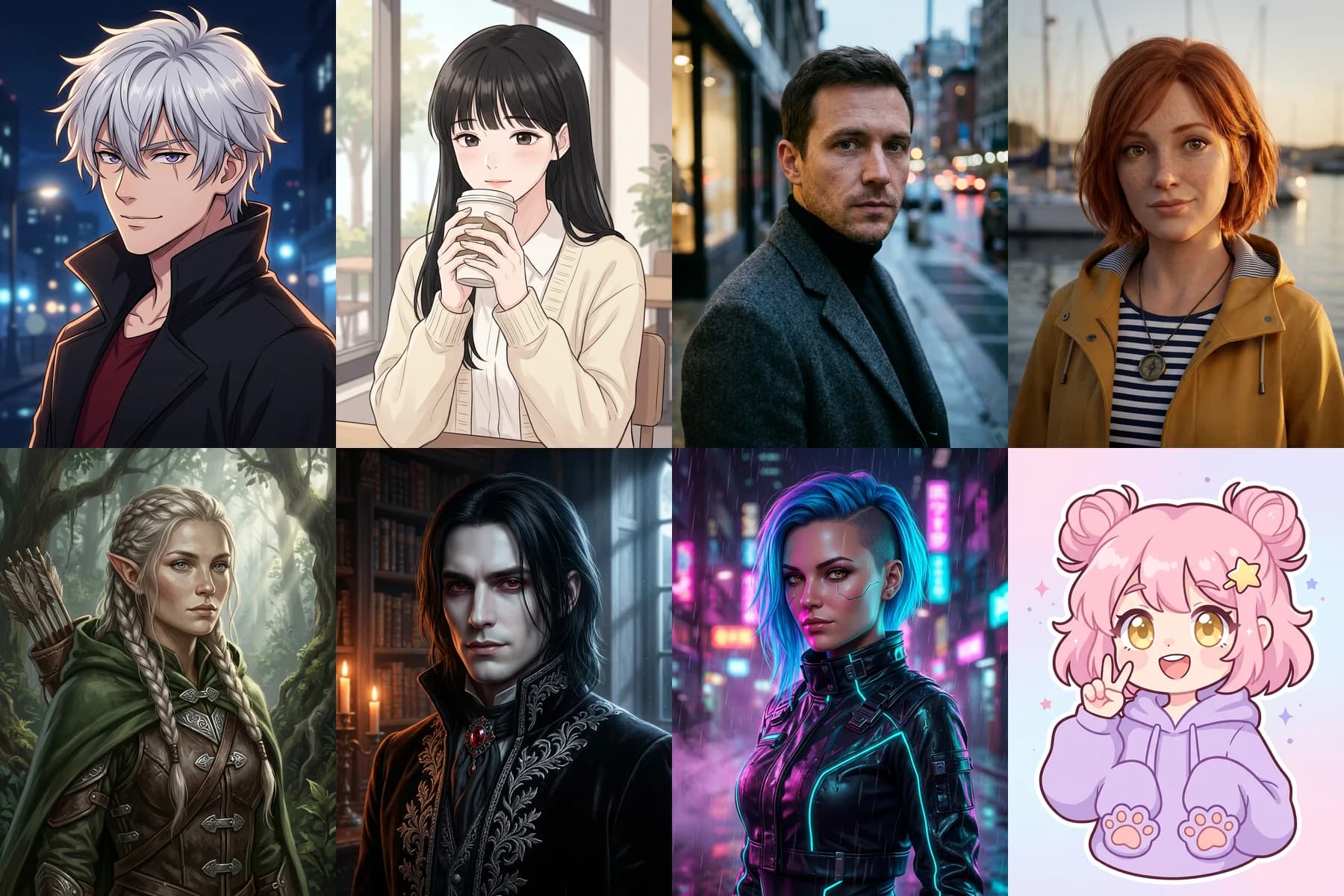
Every image below is a real output of its prompt. Pick a style to load that prompt into the PolyBuzz AI Character Creator, then change the hair, outfit or setting to make the PolyBuzz AI character your own.

Choosing a style replaces only the prompt; your reference images and settings stay. Styles are locked while a portrait is generating.

What a PolyBuzz AI character portrait costs

Each PolyBuzz AI portrait is billed once, when the image is completed, at the Nano Banana 2.1 standard rate. 1K, 2K and 4K cost the same, and reference images do not change the price. The form shows the estimate before you generate.

There is no subscription: buy credits once and spend them on any model. 1 credit equals $0.001, credits never expire, and failed generations are refunded automatically.

See the live Nano Banana 2.1 price

What is PolyBuzz AI?

PolyBuzz AI is a character chat platform where people talk with AI characters, write roleplay stories and create characters for others to chat with. Its homepage lists more than 20 million characters. Every PolyBuzz AI character has two parts: the picture people see first and the written description that tells the AI how to behave.

This PolyBuzz AI Character Creator covers both parts. The generator above makes the portrait with Nano Banana 2.1, from text or a reference photo. The guide below shows how to write the PolyBuzz AI character description in the fields the platform asks for, so image and personality match.

reAPI runs this tool independently. It does not create, publish or edit characters on PolyBuzz; you download the image and add it to your character yourself. PolyBuzz AI also offers its own image generator inside the app.

What you can create with the PolyBuzz AI Character Creator

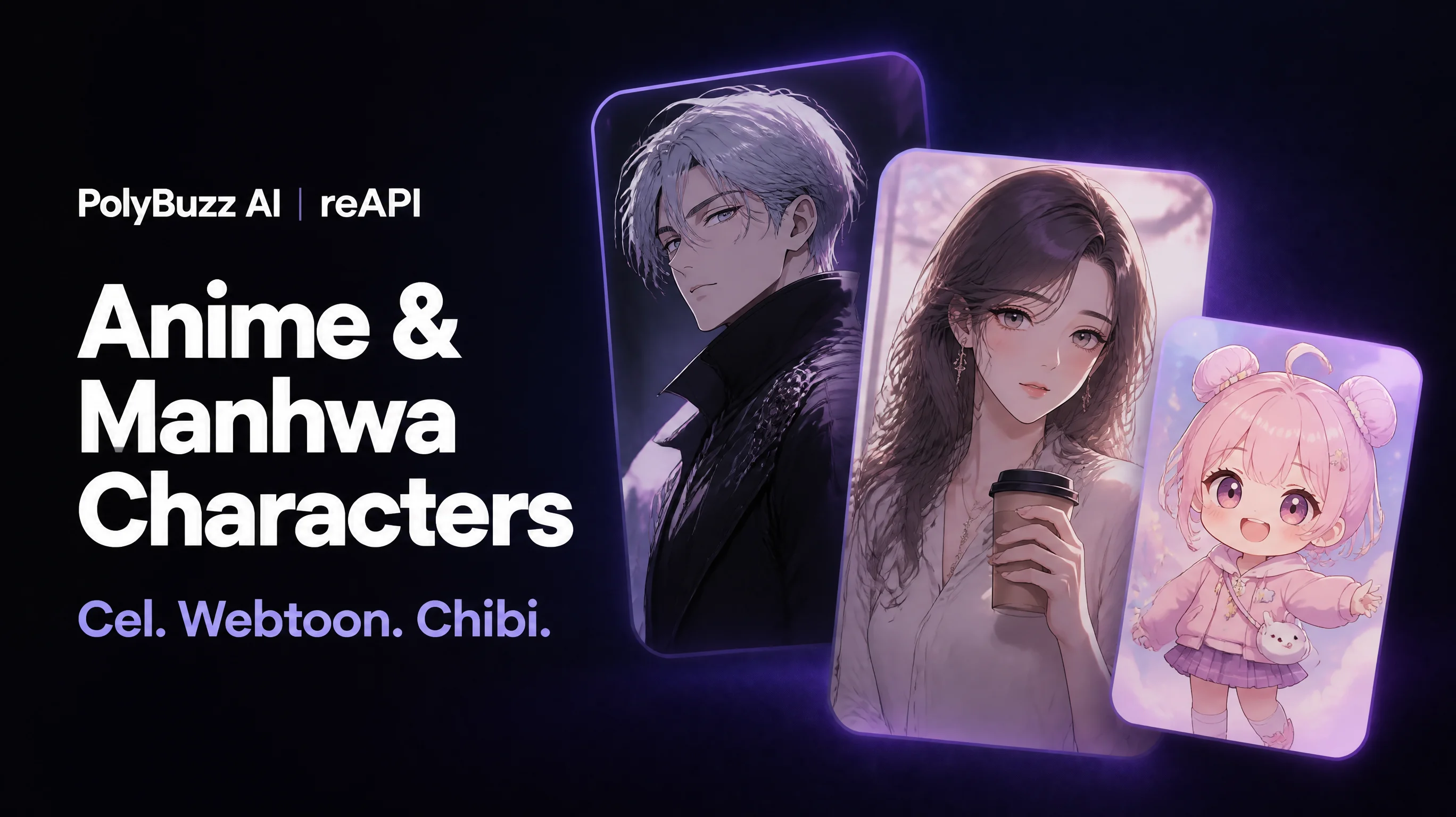
Anime, manhwa and chibi PolyBuzz AI character portraits side by side

01

Anime and manhwa characters

Many PolyBuzz AI characters are anime-inspired. Describe hair, eye color, outfit and one signature detail, then choose cel-shaded anime, soft manhwa or a chibi avatar. Keep the face large so the portrait still reads as a small PolyBuzz AI profile picture.

Realistic and semi-realistic 3D PolyBuzz AI character avatars

02

Realistic and 3D avatars

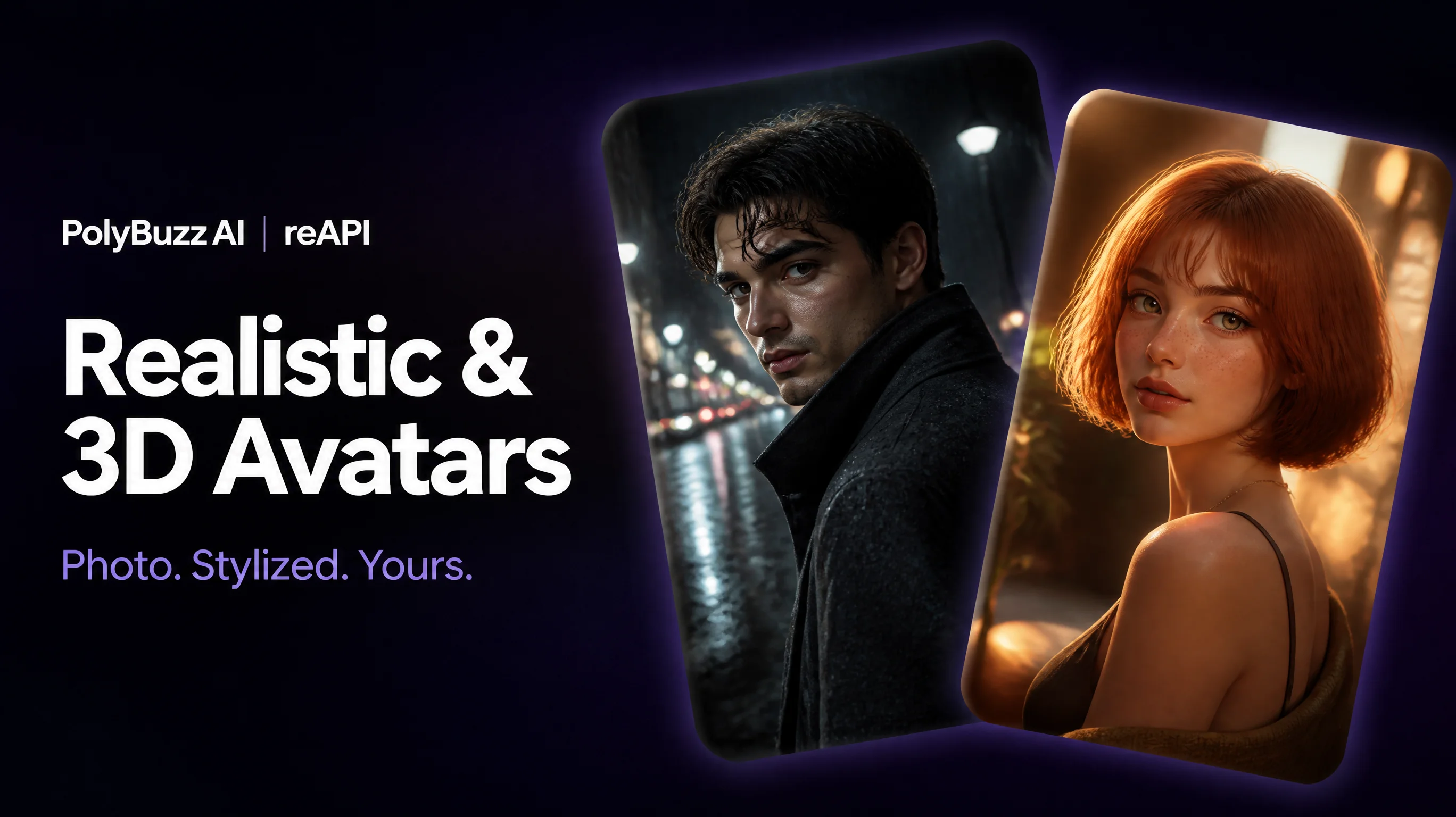
For a grounded PolyBuzz AI roleplay, build a fictional adult around a photographic or semi-realistic 3D portrait. Lighting, clothing and setting do the storytelling: a rain-wet street suggests a detective, a sunlit harbor a traveler.

Fantasy, gothic and cyberpunk PolyBuzz AI story characters

03

Fantasy and story characters

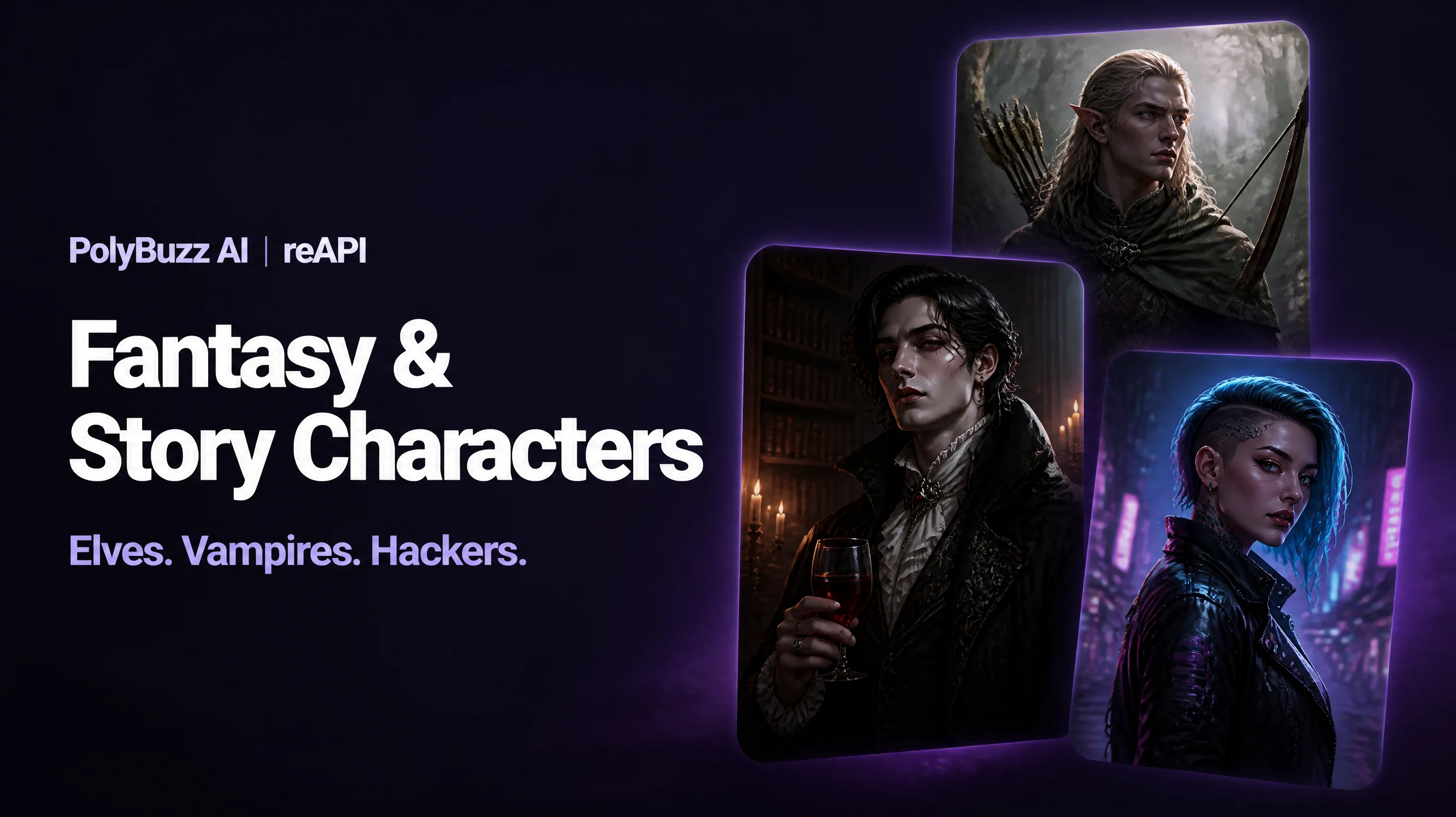
Elves, vampires and cyberpunk hackers carry their backstory in costume and setting. Generate your PolyBuzz AI hero first, then reuse that image as a reference to keep the same face across scenes, outfits and the rest of your cast.

How to write a PolyBuzz AI character description

The PolyBuzz AI creation guide asks for an image first and then a set of written fields. The portrait gives your character a face; these fields decide how it talks.

Name
PolyBuzz AI’s guide notes that a name carrying more information is more appealing: “Rowan, lighthouse keeper” rather than “Rowan”.
Brief introduction
One or two sentences on the most appealing traits of your PolyBuzz AI character: job, personality and the situation the user walks into.
Greeting
The first message. State the relationship to the user, where the scene starts and the character’s opening line. PolyBuzz AI’s guide notes that a greeting with an emotional hook is more likely to start a conversation.
Background
Family, upbringing, hobbies, beliefs and one hidden weakness. Specific details keep a PolyBuzz AI character from feeling generic.
Dialogue style and examples
How the character speaks — dry, shy, bossy, playful — plus two or three sample lines with any catchphrase. Sample dialogue helps the AI match the voice you have in mind.
Labels
Tags that describe the genre, personality and setting.

PolyBuzz AI character template

Name: [name], [role]
Brief introduction: [age], [job], [two personality traits]; [what the user walks into].
Greeting: *[setting and action]* "[opening line that sets the relationship and a small hook]"
Background: [family and upbringing]. [what they want]. [what they hide or fear].
Dialogue style: [tone], [reply length], [narration or dialogue only]. Example: "[sample line]"
Labels: [genre], [personality], [setting]

Example character description

Name: Mara Voss, lighthouse keeper
Brief introduction: 31, keeper of the last working lighthouse on a stormy northern coast; patient, wry and quietly protective. The user is a stranded sailor who has just washed ashore.
Greeting: *Mara wraps a wool blanket around your shoulders and pushes a mug of tea into your hands.* "You picked a terrible night to sink. Drink first, then tell me what you saw out there."
Background: Raised by her grandfather, the previous keeper. She stays because the shipping company wants to automate the light, and she has kept a logbook of strange lights at sea that nobody believes.
Dialogue style: Dry humor, short replies of two to four sentences, light action descriptions in asterisks. Example: "The sea doesn’t keep secrets. It just keeps them longer than we do."
Labels: Mystery, Slow burn, Coastal, Caring

Paste the description into the PolyBuzz AI character settings. Never write the user’s actions or feelings for them — leave room in the greeting for a reply.

How to write a better PolyBuzz AI character image prompt

A character description says how someone behaves; an image prompt says what the viewer sees. Describe visible details only, and choose one art style per attempt.

Image prompt formula: art style + who the character is (adult, age range) + hair and eyes + outfit and one signature accessory + expression or pose + setting + lighting + framing.

Name one art style

Anime, manhwa, photorealistic, semi-realistic 3D or chibi. Mixing two styles in one prompt usually gives a muddy result.

Show personality visually

Turn traits into things a camera can see: a guarded half-smile, a worn notebook, a neatly pressed collar.

Frame for an avatar

Ask for head-and-shoulders framing with space around the face. PolyBuzz AI profile pictures are shown small and cropped.

Say what to keep from a reference

When you upload a photo, name the features to keep (face, hairstyle, eye color) and the things to change (outfit, background, style).

Keep one character per image

A single subject makes the face, hands and accessories of your PolyBuzz AI character easier to check.

Iterate one detail at a time

If the hair is wrong, change only the hair line of the prompt. Reuse a PolyBuzz AI portrait you like as the reference for the next version.

How to create a PolyBuzz AI character in 3 steps

  1. 1

    Pick a PolyBuzz AI style or describe your character

    Load one of the eight style prompts or write your own using the formula above.

  2. 2

    Add a reference and settings

    Optionally upload a photo or earlier portrait to keep the same face, then choose the aspect ratio and 1K, 2K or 4K.

  3. 3

    Generate and download

    Sign in, generate and download the portrait. Add it to your PolyBuzz AI character as the avatar, chat background or cover.

Why make PolyBuzz AI characters here

Consistent PolyBuzz AI faces

Nano Banana 2.1 accepts up to 14 reference images, so one approved portrait can anchor every later scene and outfit of the same character.

Pay per PolyBuzz AI portrait

No monthly plan. Each completed image is billed once from your credit balance, and a failed generation costs nothing.

Same request as the API

The form sends the same request shown in the API section, so a PolyBuzz AI character pipeline for your own roleplay app can start from this page.

reAPI vs PolyBuzz AI’s built-in image generator

Both make character pictures. PolyBuzz AI’s generator is part of the PolyBuzz platform; this PolyBuzz AI Character Creator is a standalone image tool you can also call from code.

PolyBuzz AI Character Creator on reAPIPolyBuzz AI image generator
What it isStandalone portrait generator using Nano Banana 2.1Image generator on the PolyBuzz platform
StylesAny style you describe; eight starter promptsAnime, realistic and cartoon styles with templates
Reference imagesOptional, up to 14Upload a reference picture
Chat with the characterNo — download the image and use it anywhereYes, chat is the core product

PolyBuzz features as described on polybuzz.ai pages checked on November 4, 2026.

PolyBuzz AI Character Creator FAQ

What is PolyBuzz AI?

PolyBuzz AI is a character chat platform where you talk with AI characters, create your own and play roleplay stories. Each character has a picture plus a written description — name, introduction, greeting, background and dialogue style — that guides how the AI replies.

What is the PolyBuzz AI Character Creator on reAPI?

It is an independent image tool for designing PolyBuzz AI character portraits from a text prompt or a reference photo, with eight ready-made style prompts and a template for the character description. reAPI runs it separately from PolyBuzz; it does not post anything to your PolyBuzz account.

Is this the official PolyBuzz AI image generator?

No. PolyBuzz AI has its own image generator inside the app. This creator runs on reAPI with Google’s Nano Banana 2.1 model and gives you the image file to use wherever you like.

Is the PolyBuzz AI Character Creator free or paid?

It is paid per image. Eligible new reAPI accounts get a small starter credit to try it, and after that each completed portrait is billed once from your credit balance. Failed generations are refunded automatically.

Does the PolyBuzz AI Character Creator require a monthly subscription?

No. reAPI is pay as you go: buy credits once and spend them on portraits or any other model. Credits never expire.

Can I keep the same PolyBuzz AI character across several images?

Yes. Upload a clear portrait as the reference and say which features to keep, such as face, hairstyle and eye color. Each result is a new generation, so check small details, and reuse your favorite output as the reference for the next scene.

Can I use the portrait as my PolyBuzz AI character avatar?

Yes. PolyBuzz AI lets you upload your own pictures and set them as a character avatar, chat background or homepage cover. Download the portrait here, then upload it in PolyBuzz and check its current content rules first.

How do I write a PolyBuzz AI character description?

Fill in the name with a role, a short introduction, a greeting that sets the scene, a background with one weakness, and a dialogue style with two or three sample lines. Use the template on this page as a starting point.

Can I chat with my PolyBuzz AI character on this page?

No. This page creates the character image and helps you write the description. Chat happens in PolyBuzz AI or in your own app connected to a language model.

How do I get an API key for the PolyBuzz AI Character Creator?

Sign up at reAPI, open the API keys page in the dashboard and create a key. Send it as a Bearer token to /api/v1/images/generations with the model nano-banana-2.1 — the same request this form sends.
Build your own PolyBuzz AI-style roleplay app

A portrait is half a PolyBuzz AI character. To make it talk in your own app, pair the image with the character description above and a language model. Your app stores the description and chat history and sends them with each message; reAPI bills each model call separately.

Create PolyBuzz AI characters with the API

The PolyBuzz AI Character Creator sends a standard Nano Banana 2.1 request. Use the same call to generate character portraits in bulk or inside your own app. Add image_urls to keep a reference face.

Nano Banana 2.1 · nano-banana-2.1

curl -X POST 'https://reapi.ai/api/v1/images/generations' \
  -H 'Authorization: Bearer YOUR_API_KEY' \
  -H 'Content-Type: application/json' \
  -d '{
  "model": "nano-banana-2.1",
  "prompt": "Create a single-character anime illustration for a chat profile avatar. If a reference image is attached, keep that character’s recognizable face, apparent age, skin tone, hairstyle and eye color, and change only what this prompt describes. Otherwise, depict an adult man in his mid-twenties with messy silver hair, sharp violet eyes and a small scar across one eyebrow. He wears a long black coat with a high collar over a dark red shirt. Calm, slightly teasing half-smile, head turned three-quarters toward the viewer. Clean cel shading, crisp line art, soft rim light from behind, dark blue night-city bokeh in the background. Head-and-shoulders framing with space around the face for a circular crop. No text, no watermark, no logo.",
  "aspect_ratio": "3:4",
  "resolution": "1k"
}'
Nano Banana 2.1 API docs

Give your PolyBuzz AI character a face

Pick a style, describe your PolyBuzz AI character and download the portrait.

Open the PolyBuzz AI Character Creator