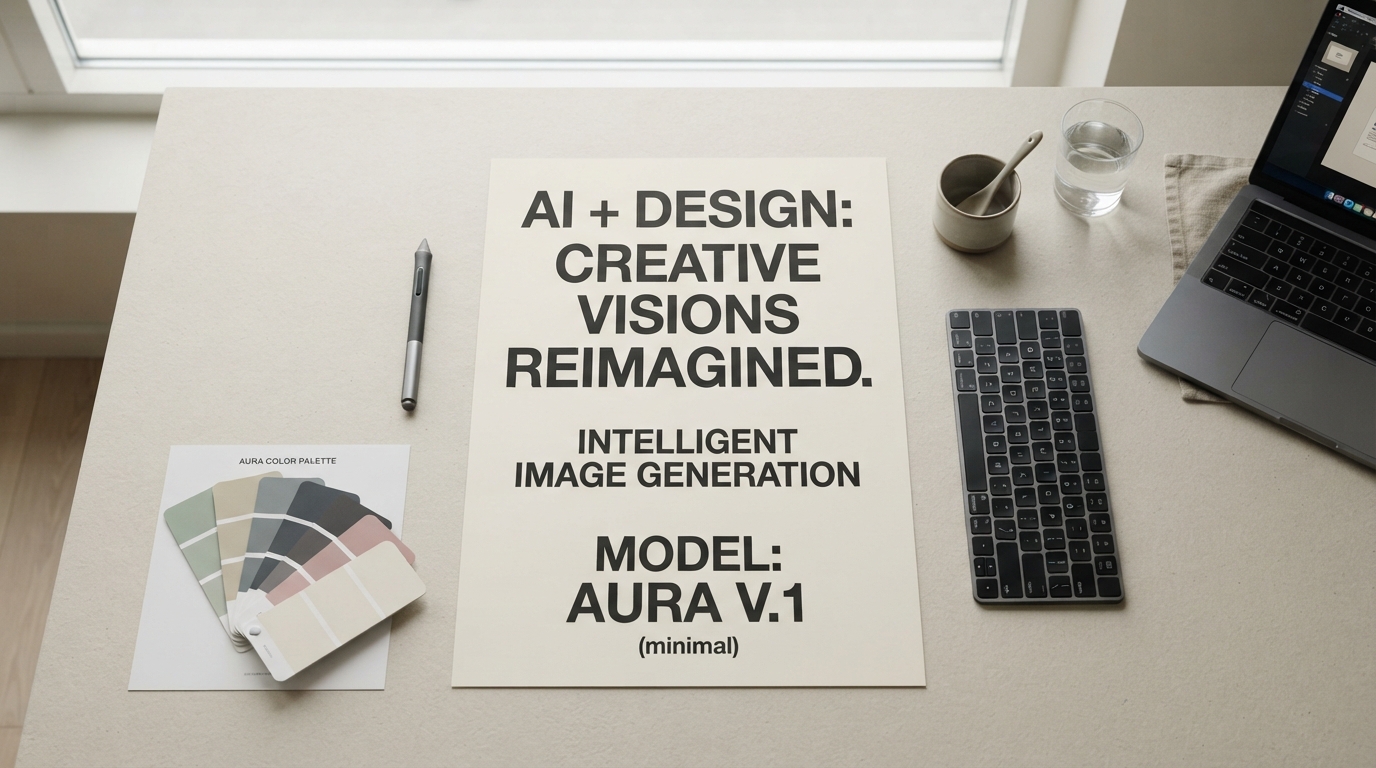
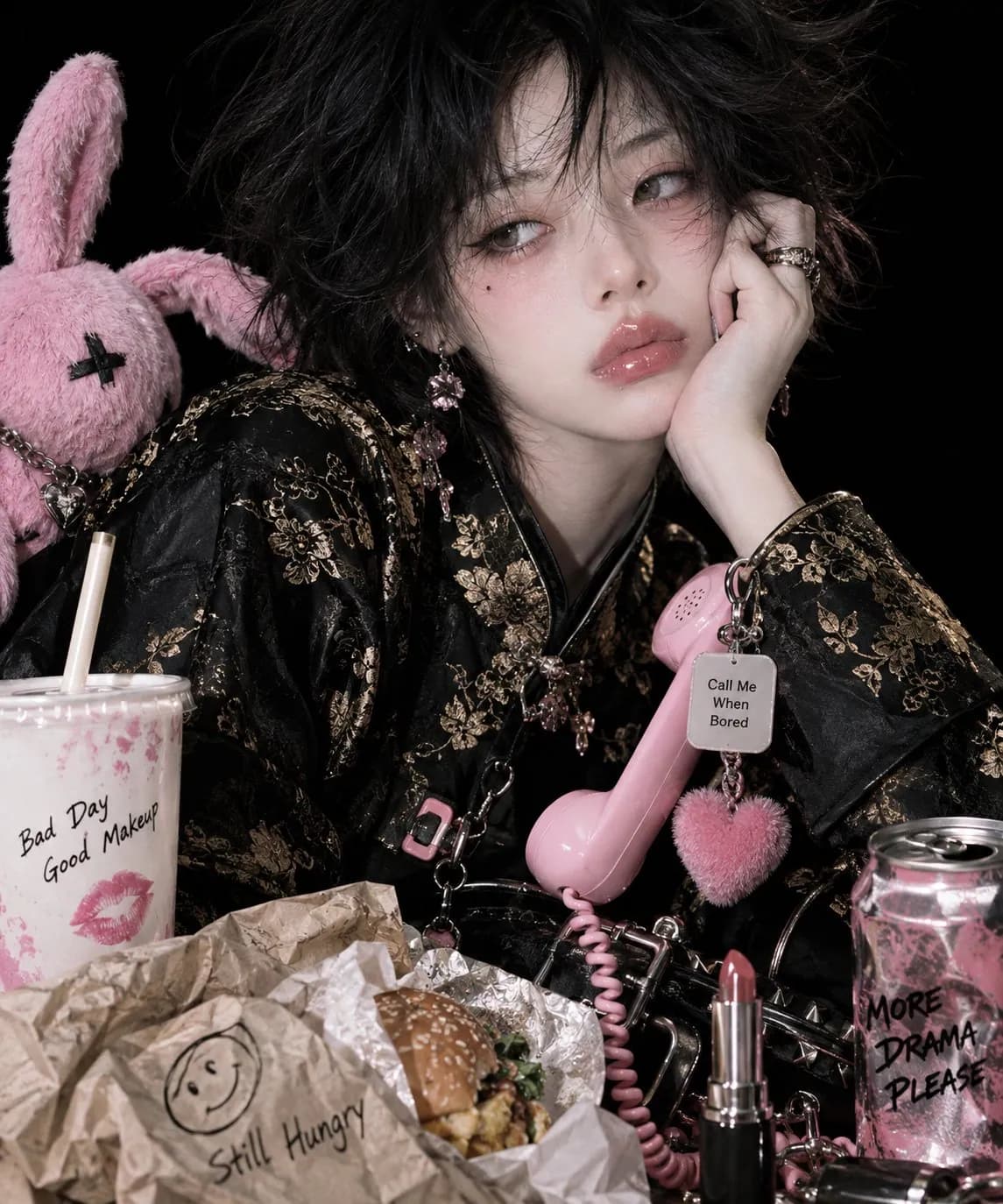
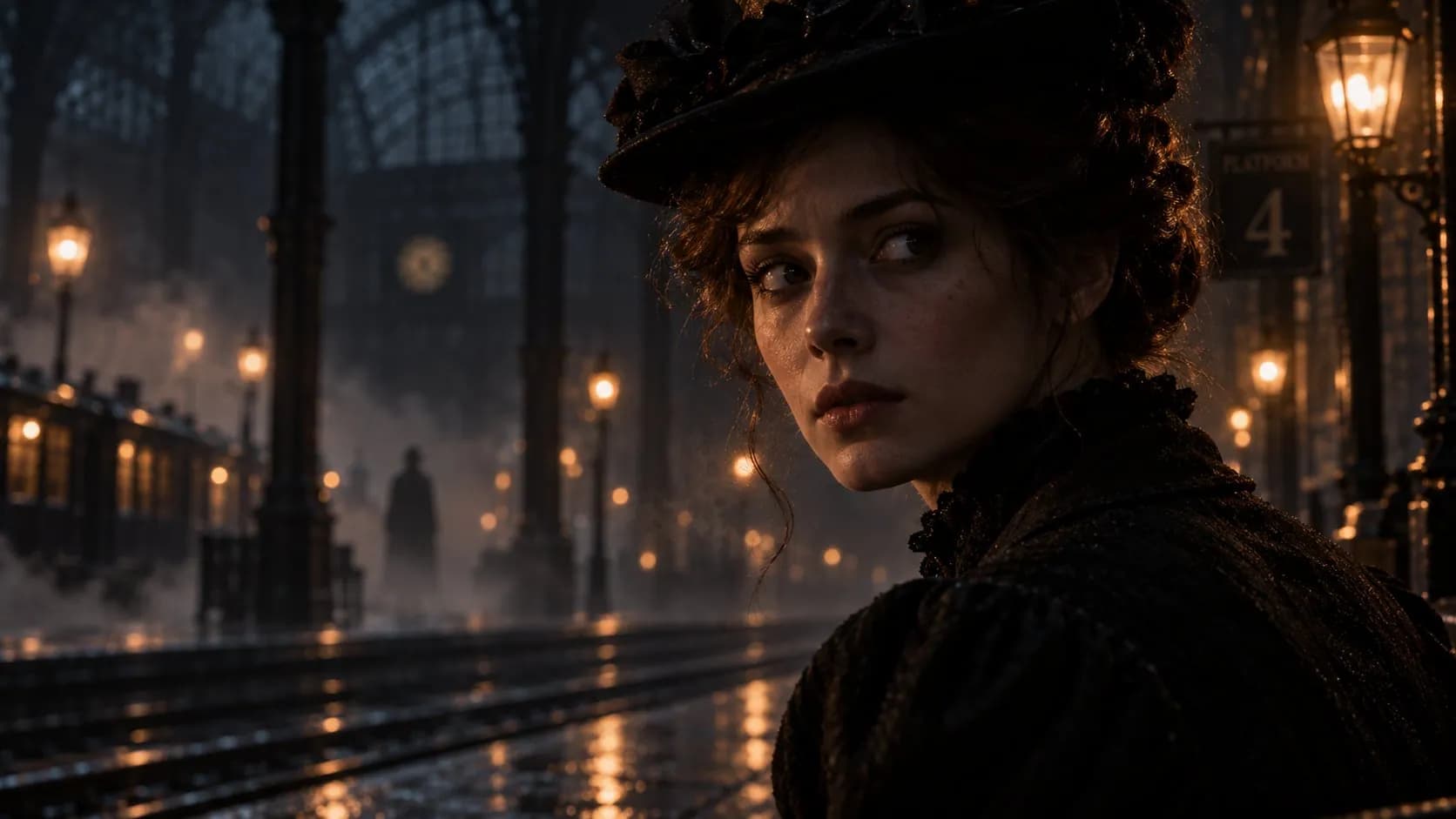
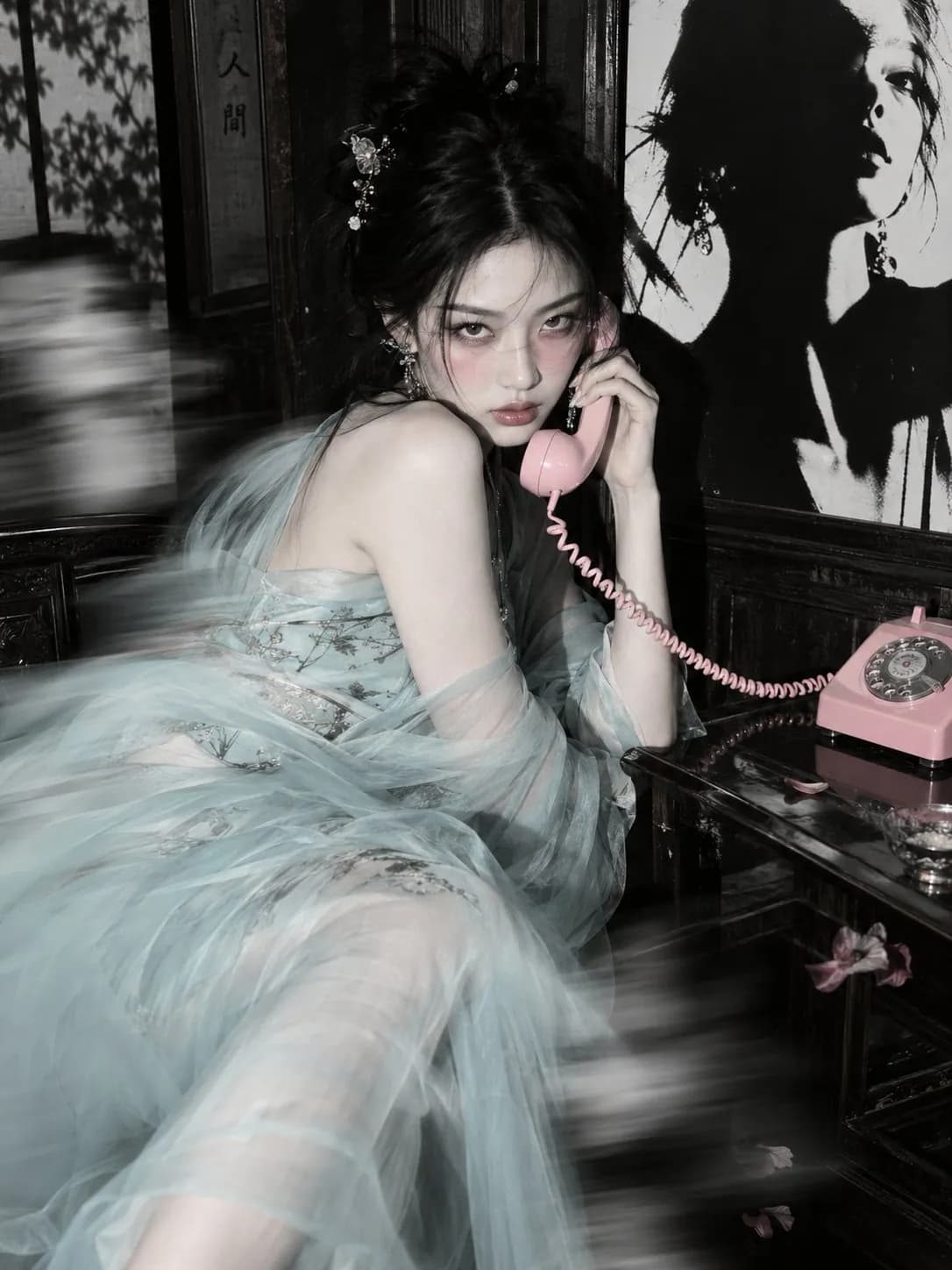
Seedance 2.5 is live — 30-second cinematic video with native audio & real-person references

GPT Image 2.5 — Sharper Detail, Precise Editing

GPT Image 2.5 is OpenAI's current image generation and editing model, released on September 8, 2026. GPT Image 2.5 renders more natural lighting and richer texture, keeps the subjects of your reference photos recognizable, and changes only the element you asked it to change. Call GPT Image 2.5 through reAPI's shared image endpoint with the same key as every other model.

Coming soon — the API for this model is not available yet.
Text to imageImage editingMasked inpaintingTransparent backgroundCustom sizes to 4K
Highlights
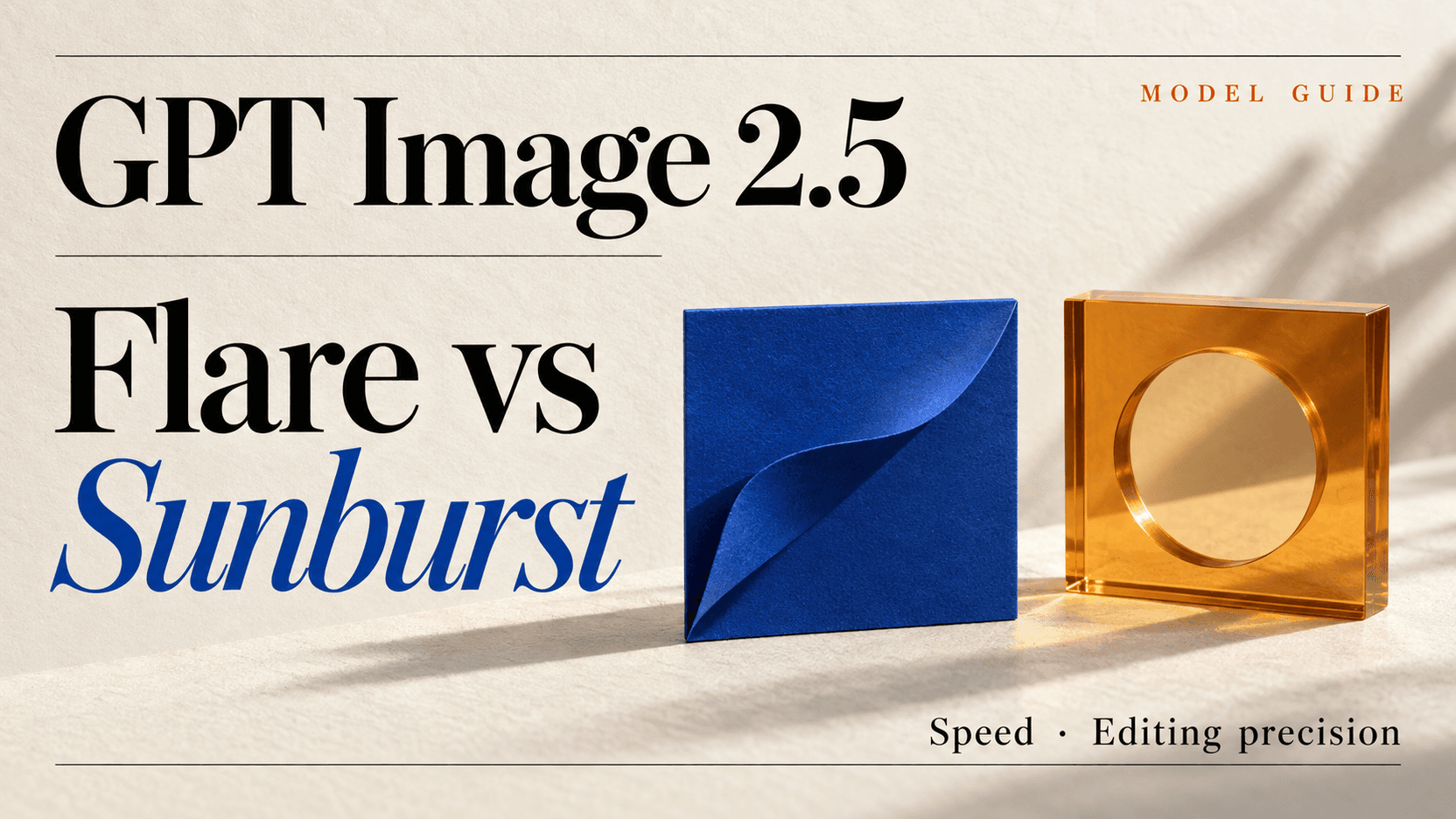
GPT Image 2.5 ships two tiers, Flare and Sunburst · quality up to max · edits from up to 16 reference images
Best for
Precision edits, reference-led campaign assets, on-brand creative series
Input
Text prompt, reference images, optional mask
Output
Up to 10 images per request · png, jpeg or webp

See what it generates

Unedited output from this model. Every clip plays exactly as the API returned it.

Sample video generated with GPT Image 2.5

What is GPT Image 2.5?

GPT Image 2.5 is the image model OpenAI released on September 8, 2026, alongside ChatGPT Images 2.5. Two GPT Image 2.5 ids ship: Flare, the default, which brings the quality and editing gains at roughly half the latency of the previous generation, and Sunburst, which trades generation time for tighter control across edits. Both take text and image input, both read the same parameters, and both meter on the same token rate card. What changed underneath is fidelity and control. GPT Image 2.5 produces more natural lighting and richer textures. GPT Image 2.5 preserves the subjects of reference photos more reliably. GPT Image 2.5 edits only the element you named and leaves the surrounding composition alone, then holds that consistency across a long chain of successive edits. It also handles more complex layouts, including transparent backgrounds, and adds two quality tiers above high. On reAPI you reach GPT Image 2.5 through the same image endpoint, the same key and the same task lifecycle as every other model in the catalog.

3 generation modes on one endpoint

Mode is implicit: which media fields you send decides how the request runs.

Text to image

prompt

A prompt alone. GPT Image 2.5 composes the frame from scratch.

Reference edit

prompt + image_urls

Up to 16 source images plus an instruction. Set input_fidelity to high when the source detail must survive.

Masked inpainting

prompt + image_urls + mask_url

A mask fences the edit to one region. Everything outside it comes back untouched.

What you can build with this model

Real-world workflows and production use cases you can build and ship with this model.

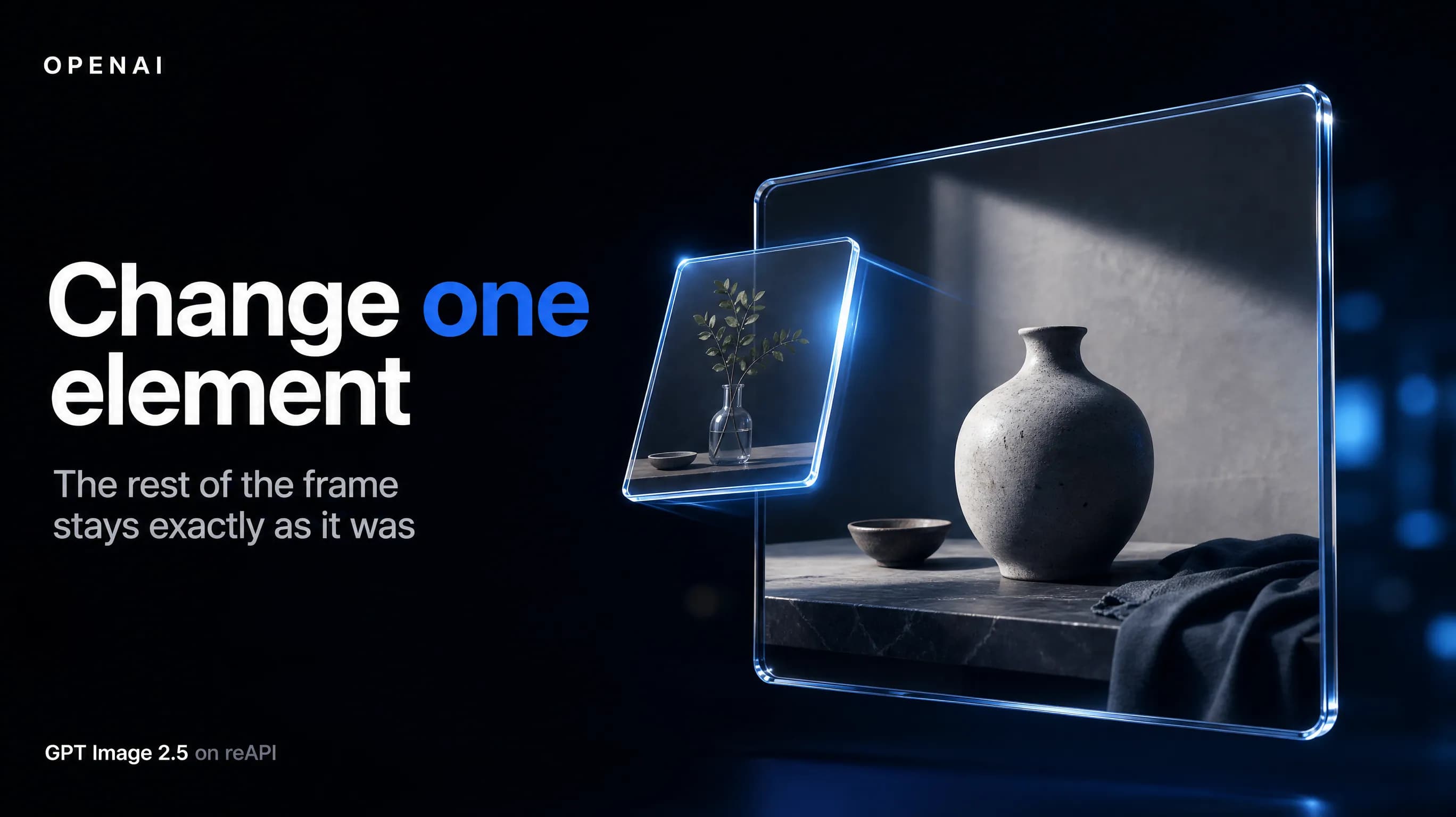
GPT Image 2.5 replacing one element of a product photo while the rest of the frame stays identical

Change one element without rebuilding the asset

The expensive part of production imagery is everything you did not want to change. Point GPT Image 2.5 at a single product, background or line of copy and GPT Image 2.5 rewrites that region while the subject, composition and brand treatment around it stay put. Nothing is re-rolled, so an approved layout survives the edit.

Read the docs
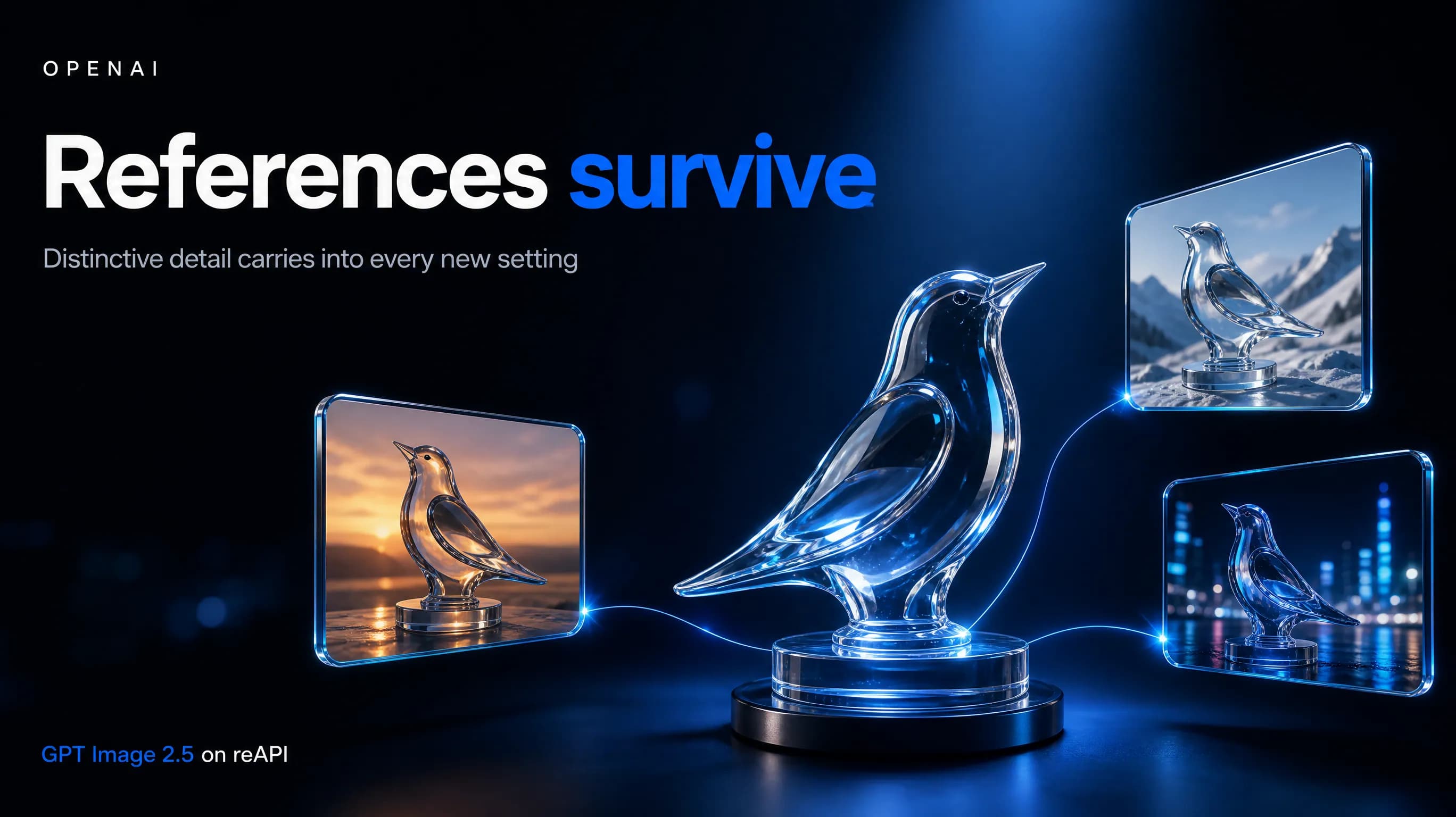
A reference photo transformed by GPT Image 2.5 into three settings with the subject still recognizable

Keep a real subject recognizable across new settings

Reference-led work fails when the person or product in the source photo comes back subtly wrong. GPT Image 2.5 carries distinctive features, lighting and texture through into new settings, styles and compositions, and the GPT Image 2.5 input fidelity control lets you decide how tightly it holds to the source.

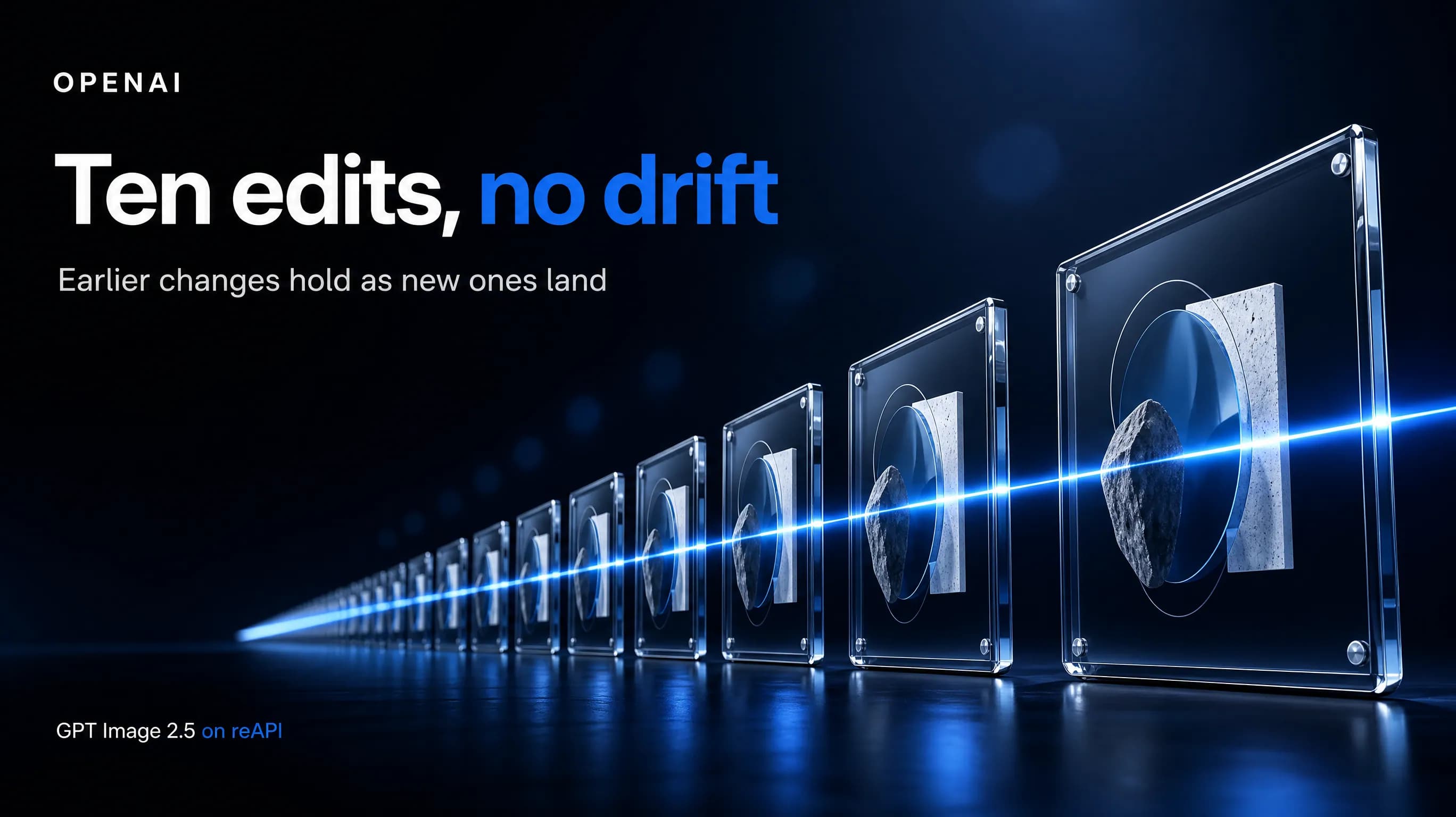
A sequence of GPT Image 2.5 edits to one image with no visible quality loss

Run a long edit chain without quality drift

Ten edits into a conversation, earlier models start losing what they were told five turns ago. GPT Image 2.5 keeps earlier changes intact as new ones land, so a series of on-brand assets, UI concepts with a fixed hierarchy, or presentation visuals built to a defined structure stay coherent to the end.

Why reAPI

Edits stay surgical

GPT Image 2.5 is better at editing only what you asked for, even with complex subjects and busy backgrounds. That is the difference between an edit you can ship and one that sends you back to the original file.

References survive the trip

Subjects from your reference photos come back recognizable — features, lighting and materials carried through rather than approximated. Set GPT Image 2.5 input fidelity to high when the source has to be honored exactly.

Two tiers, same parameters

Flare for volume and speed, Sunburst when edit precision decides the outcome. Both GPT Image 2.5 tiers take the same parameters, so switching between them is a change of model id and nothing else.

GPT Image 2.5 vs GPT Image 2

GPT Image 2 is the generation GPT Image 2.5 replaces, and it is callable on reAPI today. Every comparison point below is one OpenAI states in its own GPT Image 2.5 documentation, measured against exactly that predecessor.

Capability
GPT Image 2.5
GPT Image 2
Quality settings
Six tiers, adding xhigh and max above high for detail-critical work
Four tiers, topping out at high
Generation latency
GPT Image 2.5 Flare runs at roughly half the latency of the previous generation, per OpenAI
The baseline that figure is measured against
Editing precision
Rewrites the named element and leaves the rest of the frame intact, including on complex subjects
Editing supported, without the targeted-change guarantees stated for GPT Image 2.5
Reference fidelity
Input fidelity is a choice — high or low — so you decide how tightly GPT Image 2.5 holds the source
Every image input is processed at high fidelity and the parameter cannot be set
Multi-turn consistency
Earlier edits survive later ones without quality degrading over the chain
No equivalent claim in the vendor's documentation
Model ids
Two ids, Flare and Sunburst, reading exactly the same parameters — pick per request
A single id, with channel options rather than model tiers

Comparison reflects publicly documented behavior at the time of writing, drawn from OpenAI's release announcement and model reference pages of September 8, 2026. Vendor capabilities change; check the linked documentation before relying on any single row.

Integrate GPT Image 2.5 in three steps

  1. step 01

    Create an API key

    Sign up at reAPI and create a key from the dashboard. One key reaches every model on the platform, GPT Image 2.5 included.

    Open
  2. step 02

    Submit a generation

    POST to /api/v1/images/generations with a model id, a prompt, and any of size, quality, background or n. The endpoint answers immediately with a task id — media generation is asynchronous across the whole platform.

    Open
  3. step 03

    Poll the result

    GET /api/v1/tasks/:id until status is completed, then read the image URLs from the response. Mirror them to your own storage if you need them long term, because generated links expire.

    Open

Two ways to run GPT Image 2.5

Call the GPT Image 2.5 endpoint from your own backend when you are shipping a product or running batches. Hand it to an agent when you want results without writing integration code. Both use the same API key, the same balance, and the same task log.

Path 1

Through the API

Best for product backends, batch jobs, automated pipelines

Call the shared image endpoint directly. You own the parameters, the queue, the polling, and where the file lands.

  1. 1Configure parameters and review the estimated cost in the Playground
  2. 2Create an API key in the console
  3. 3POST to /v1/images/generations to run GPT Image 2.5
  4. 4Poll the task id until it settles, then read usage.credits
Path 2

Through an agent

Best for iterating inside Codex, Claude, or Gemini

Paste one instruction into your agent. It picks the parameters, submits the job, and tracks it to a terminal state.

  1. 1Keep REAPI_API_KEY in your environment, never in a prompt
  2. 2Copy the prompt below into Codex, Claude, or Gemini
  3. 3Fill in the subject, references, size, and quality
  4. 4The agent submits, polls to completion, and reports failures back
docs/api/gpt-image-2-5

API reference

Drop-in code and the full parameter table.

curl -X POST https://reapi.ai/api/v1/images/generations \
  -H "Authorization: Bearer YOUR_API_KEY" \
  -H "Content-Type: application/json" \
  -d '{
    "model": "gpt-image-2.5-flare",
    "prompt": "An editorial poster for a ceramic kettle, soft window light",
    "size": "1536x1024",
    "quality": "high"
  }'

Parameter validation failed

Rejected synchronously with the failing field named. Check enum values, ranges, and URL fields — nothing is charged.

Authentication or balance issue

401 means a missing or invalid Bearer key; 402 means the reserve exceeds your balance. Manage keys and credits in the console.

Content or material rejected

Reference material and outputs pass automated moderation. Rejected tasks fail with a clear error and a full refund.

Task failed or timed out

A task that reaches a failed state is never charged — the reserve refunds automatically. Keep the task id and retry when ready.

Frequently asked questions

Common questions about this model.

They are two GPT Image 2.5 ids that read exactly the same parameters. Flare is the default: the same quality and editing gains at roughly half the latency of the previous generation, which suits high-volume generation, creator and social content, and rapid prototyping. Sunburst is built for premium visual workflows that benefit from tighter control across edits, such as campaign creative and polished product imagery, and takes longer to generate. Both meter on the same token rate card, but the number of tokens an image costs differs between them.

start building

Ready to ship?

Try it in the playground or grab an API key to integrate now.