GPT Image 2.5 is live — OpenAI's newest image model, targeted edits that leave the rest of the frame alone

Qwen Image 2.1 — Transparent Images, Multi-Reference Edits

Qwen Image 2.1 is Alibaba's compact 7B image model that generates and edits in one: native transparent PNGs, up to 10 reference images in a single edit, and mask-based local changes that leave the rest of the picture alone. Run Qwen Image 2.1 at 1K or 2K, pay per image.

Highlights
Native transparency · up to 10 references · masked edits
Best for
Product cutouts, stickers, try-on, group shots, retouching
Input
Text, plus 1–10 reference images and an optional mask
Output
One PNG, WebP or JPEG image per request
Input

Up to 5,000 characters in any language. With several references, name them by position — "the first image", "the second image". With a mask, describe only what belongs inside the white area.

Text to image defaults to 1:1. With references the default is auto, which snaps to the nearest supported ratio of the first image. For group shots and multi-product layouts a landscape ratio such as 3:2 or 16:9 usually works best.

2K has four times the pixels of 1K and costs twice as much — see the pricing table. 1K usually returns in seconds; 2K takes noticeably longer, especially with references.

For transparent output, describe only the subject — prompts that mention a scene, surface or backdrop may come back opaque. Transparent needs PNG or WebP.

PNG (default) and WebP carry an alpha channel; JPEG does not and cannot be combined with a transparent background.

On by default and it noticeably improves quality on short prompts. Turn it off when you have written an exact brief and want it followed literally.

Leave empty for a new random image each time. The same seed with the same prompt and settings reproduces the same image.

wire field: content_filter (boolean) · default true · API only

Estimated cost~$0.0220 credits
Result

Try one of these prompts

Pricing

Credit-based — 1 credit = $0.001 USD. Pay only for completed generations.

First test cost
$0.0220 credits

One sample at the cheapest tier (1 image).

Testing budget guide
Add credits
$10
≈ 500 tests
$50
≈ 2500 tests
$100
≈ 5000 tests
1K — text or image input
$0.02
Price · 1 image
2K — text or image input
$0.04
Price · 1 image

One compact model for generating and editing

Qwen Image 2.1 is the Qwen team's unified image model, released with open weights in September 2026. It folds text-to-image, image editing and transparency into one 7B visual generator: create a regular or transparent image from a prompt, combine up to ten reference images into one scene, or repaint a single masked region while the rest of the photo stays put. On reAPI, Qwen Image 2.1 is one model id — the request shape decides what it does.

Transparent assets and edited images produced by Qwen Image 2.1

What you can build with this model

Real-world workflows and production use cases you can build and ship with this model.

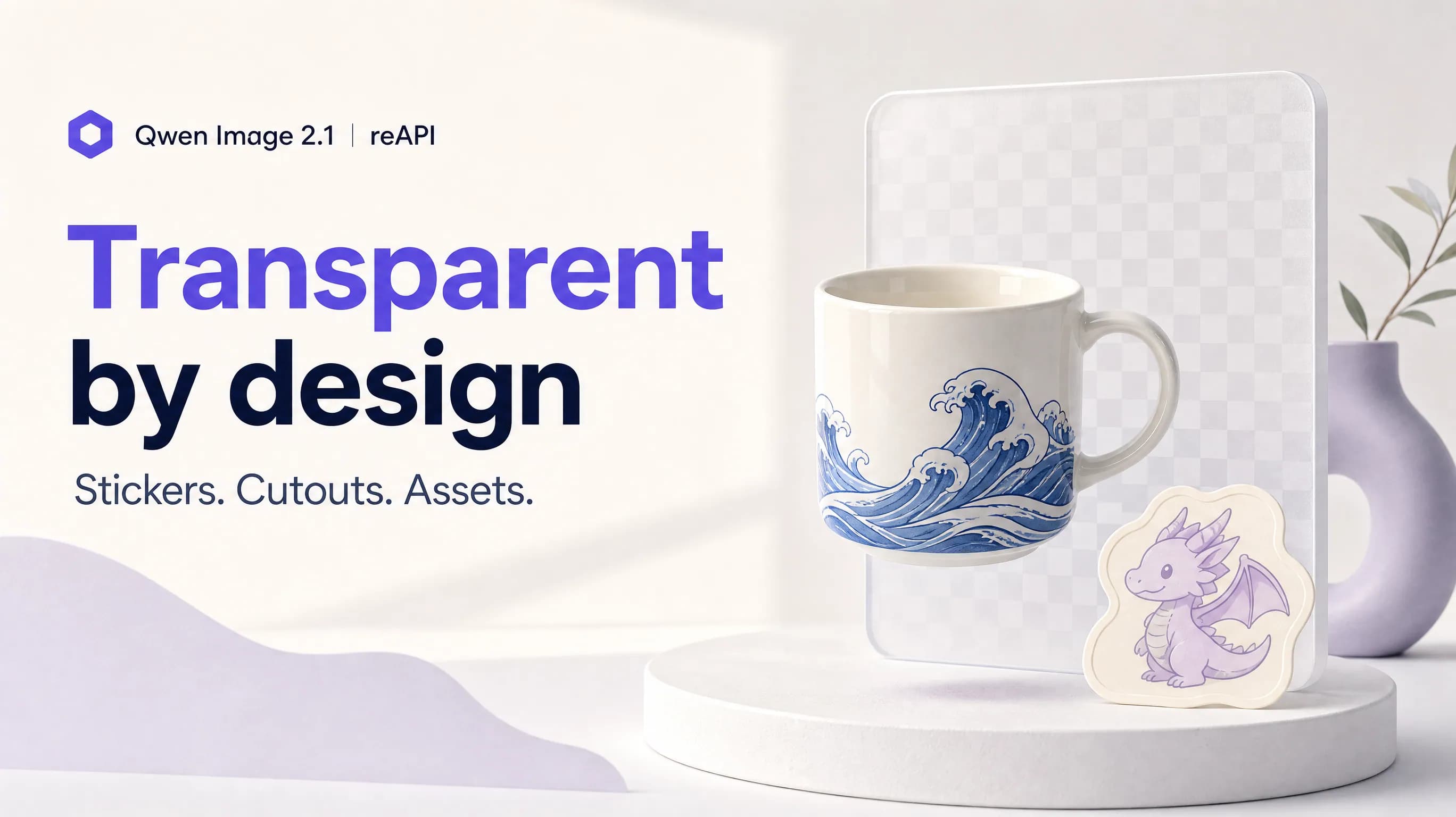
Transparent product and sticker assets generated by Qwen Image 2.1

Transparent assets straight from a prompt

Most image models give you a picture and leave the cutout to a separate background-removal step. Qwen Image 2.1 writes a real alpha channel into the image itself, so a sticker, a product shot or a UI element comes back as a transparent PNG or WebP. Qwen Image 2.1 can also edit transparent layers and pull a subject out of an ordinary photo as an RGBA asset — the same request shape, just with a reference image attached.

Generate a transparent image
Several reference images combined into one composition by Qwen Image 2.1

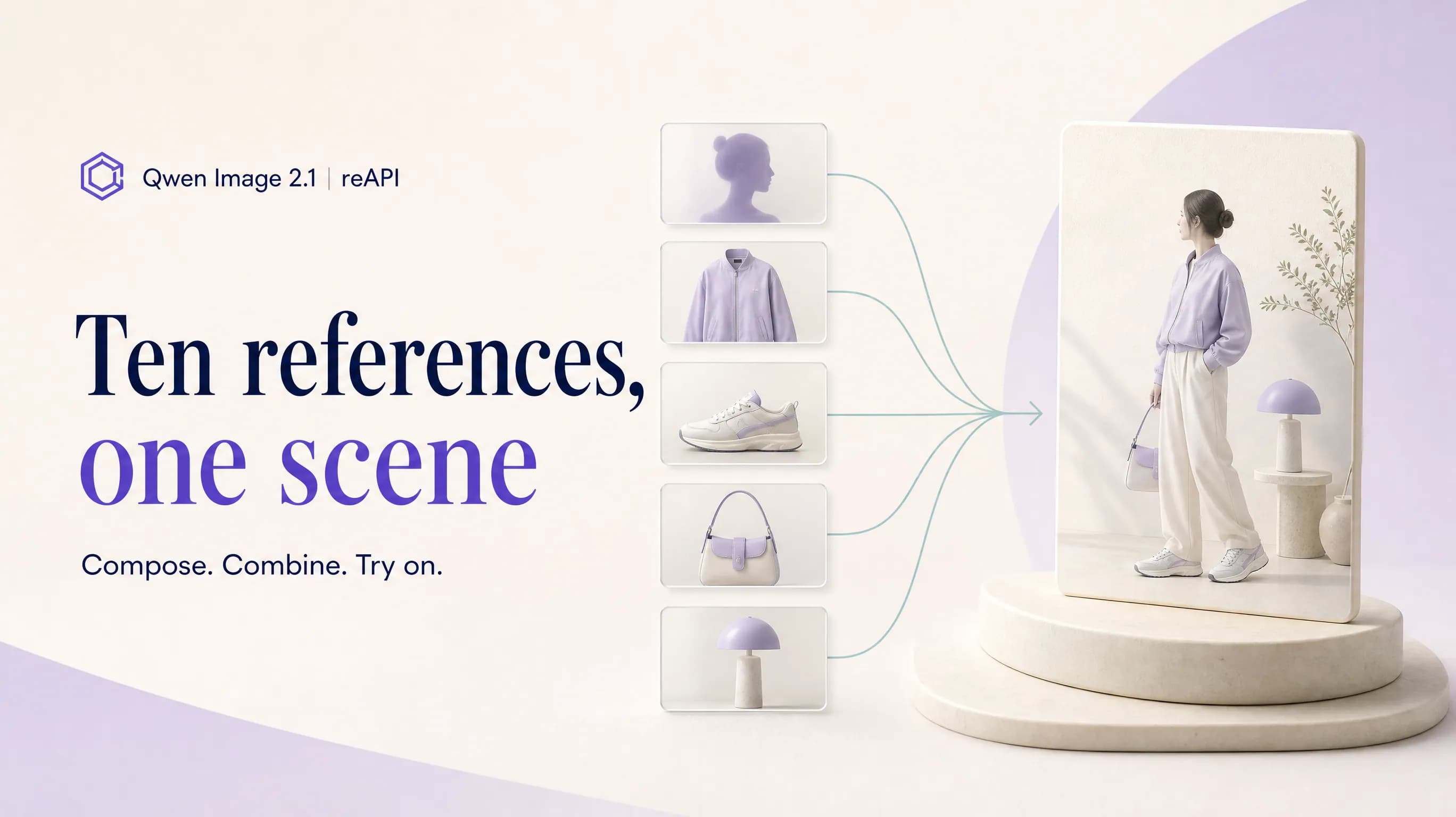
Ten references, one coherent picture

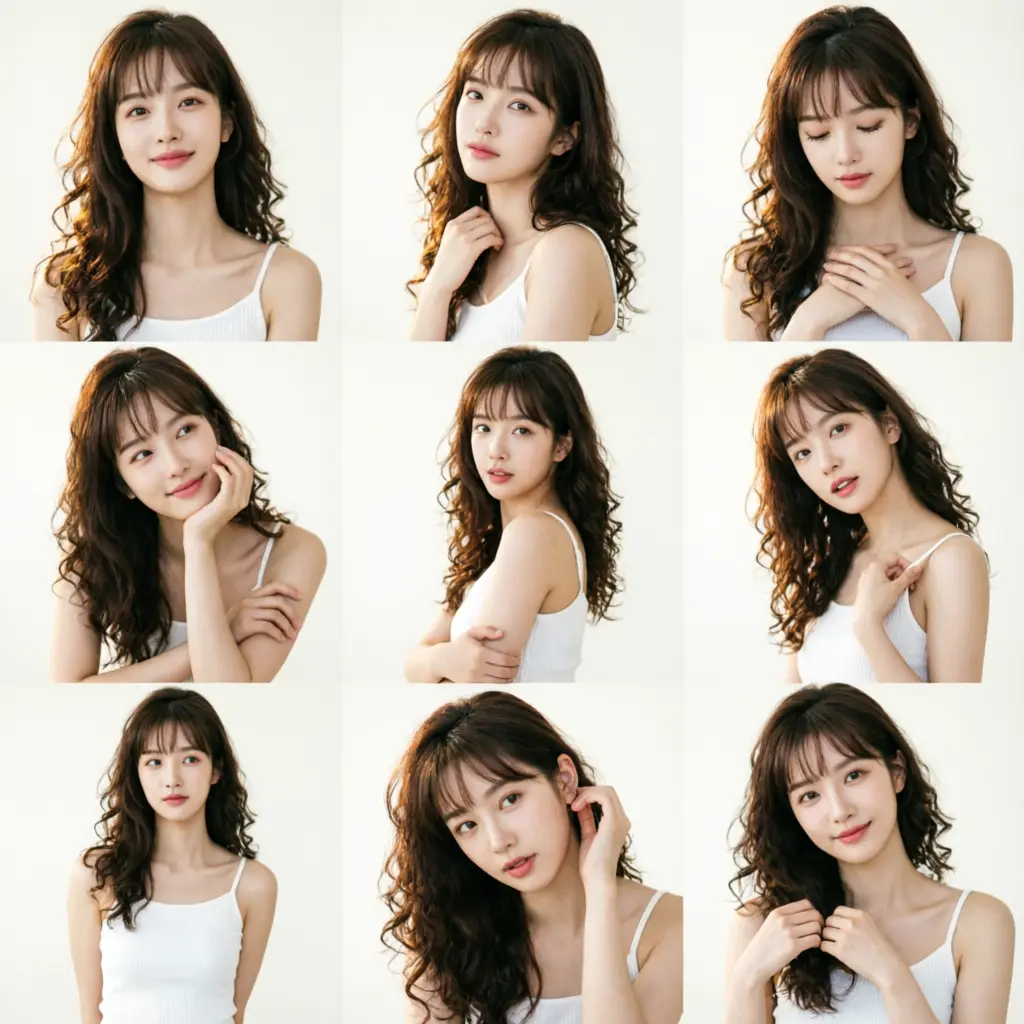
Qwen Image 2.1 accepts up to ten reference images in a single edit and composes them into one result: six portraits into a group photo, a model plus a jacket, shoes and a bag for virtual try-on, or separate pieces of furniture into a finished room. You refer to each input by position in the prompt. The more references you add the less detail each one keeps, so Qwen Image 2.1 works best with four or fewer when fidelity matters.

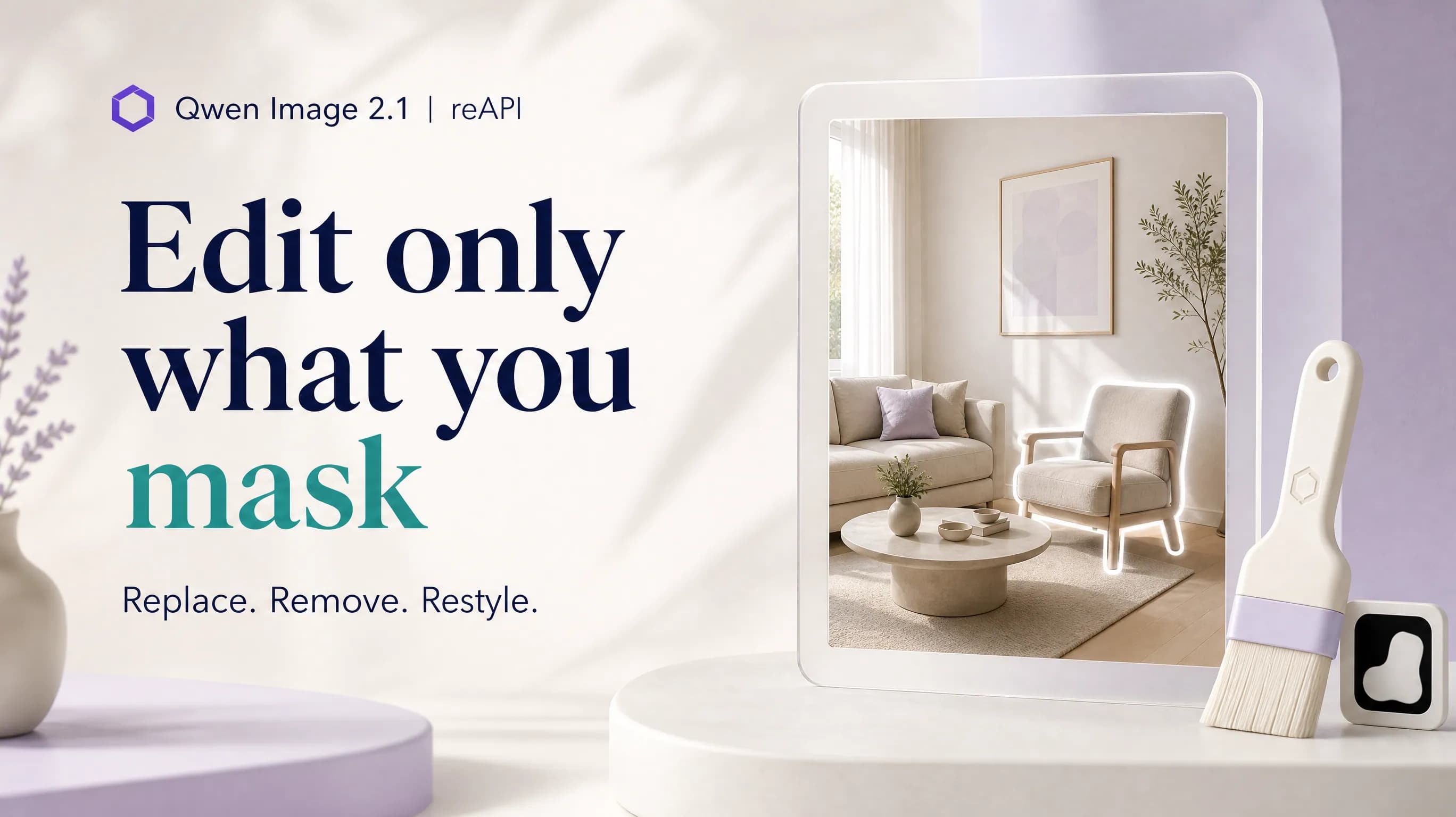
A masked local edit applied to one region of a photo by Qwen Image 2.1

Change one region, keep everything else

Send one reference image and a black-and-white mask, and Qwen Image 2.1 edits only the white area — swap a product, remove an object, restyle a sleeve — while the rest of the frame stays as it was. Without a mask, Qwen Image 2.1 still aims to preserve what defines the subject: a person's identity in a portrait, and the shape, texture and printed text of a product across variations.

Why reAPI for Qwen Image 2.1

Transparency without a second tool

Background removal is usually a separate model, a separate call and a separate failure point. Qwen Image 2.1 carries transparency inside the model, so the cutout and the image are the same output — which is exactly what sticker, e-commerce and design-asset pipelines need.

Generation and editing on one id

Qwen Image 2.1 is one model id on one endpoint. Leave out reference images and it generates; add them and it edits; add a mask and it edits locally. The parameters stay the same, so your integration does not branch per task.

Compact by design

The visual generation part of Qwen Image 2.1 is 7B parameters — 32 single-stream DiT layers with mixed-granularity attention and prefix KV-cache reuse. Alibaba's stated goal for Qwen Image 2.1 is strong image quality at low computational cost.

Qwen Image 2.1 vs Qwen Image 2

Both models are Alibaba Qwen image generators that also edit, and both are on reAPI at a similar per-image price. Qwen Image 2.1 is the newer release and widens almost every input: longer prompts, many references, masks and transparency. Qwen Image 2 remains the simpler single-image editor.

Capability
Qwen Image 2.1 on reAPI
Qwen Image 2 on reAPI
Transparent background
Native — set background to transparent and receive a PNG or WebP with a real alpha channel.
No background option; output is always opaque.
Reference images per edit
One to ten, referenced by position in the prompt.
A single source image.
Local (masked) editing
A black-and-white mask limits the edit to the white area.
No mask input; edits apply to the whole image.
Prompt length
Up to 5,000 characters.
Up to 800 characters.
Resolution and ratios
1K or 2K, nine aspect ratios plus auto for edits.
No resolution choice; five ratios for text to image, eight for editing.
Output formats
PNG, WebP or JPEG.
PNG or JPEG.

Comparison reflects the documented request parameters of both models on reAPI at the time of writing. It describes capabilities, not measured quality scores.

Call Qwen Image 2.1 in three steps

  1. step 01

    Get an API key

    Create a key from your reAPI dashboard. New accounts start with signup credits — enough to try Qwen Image 2.1 on a transparent asset or an edit before you top up.

    Open
  2. step 02

    Shape the request

    Use the playground on this page to pick text to image or image to image, set the background, ratio and resolution, then copy the request body. The form mirrors the Qwen Image 2.1 request one to one.

    Open
  3. step 03

    POST and poll

    Send the body to the images endpoint with your key, take the task id from the response, and poll until Qwen Image 2.1 returns the image URL. Failed generations are refunded automatically.

    Open
docs/api/qwen-image-2-1

API reference

Drop-in code and the full parameter table.

curl -X POST https://reapi.ai/api/v1/images/generations \
  -H "Authorization: Bearer YOUR_API_KEY" \
  -H "Content-Type: application/json" \
  -d '{
    "model": "qwen-image-2.1",
    "prompt": "A cute cartoon dragon sticker, bold outline",
    "background": "transparent",
    "resolution": "2K"
  }'

Parameter validation failed

Rejected synchronously with the failing field named. Check enum values, ranges, and URL fields — nothing is charged.

Authentication or balance issue

401 means a missing or invalid Bearer key; 402 means the reserve exceeds your balance. Manage keys and credits in the console.

Content or material rejected

Reference material and outputs pass automated moderation. Rejected tasks fail with a clear error and a full refund.

Task failed or timed out

A task that reaches a failed state is never charged — the reserve refunds automatically. Keep the task id and retry when ready.

Frequently asked questions

Common questions about this model.

Qwen Image 2.1 on reAPI is paid, billed per delivered image with no subscription. New accounts get signup credits for a few test generations, but that grant is a trial rather than a free tier. The open model weights are published separately under the Qwen Research License, so check those terms before self-hosting. Current per-image rates for 1K and 2K are in the pricing table on this page.

start building

Ready to ship?

Try it in the playground or grab an API key to integrate now.