GPT Image 2.5 is live — OpenAI's newest image model, targeted edits that leave the rest of the frame alone

Swishy AI alternative · Seedance 2.5

Swishy AI Motion Designer Alternative

Describe a kinetic headline, a logo reveal or an app notification and get a video back. This Swishy AI alternative turns motion graphics templates into editable Seedance 2.5 prompts, paid per generation.

Independent tool by reAPI. Not affiliated with or endorsed by Swishy AI.

Concept poster of kinetic typography and a logo reveal for the Swishy AI alternative on reAPI
Concept illustration, not a generated result.

Start from a Swishy AI style template

Each Swishy AI style template fills the Seedance 2.5 prompt and aspect ratio in the playground below. Change the quoted words, the colors or the motion before you generate. Every other Seedance 2.5 setting stays available.

Picking another Swishy AI template replaces only the prompt and the aspect ratio, so a running generation and its result stay. To animate your own logo, open the Image-to-video tab, add the logo as an image and describe the reveal.

Input

3–20000 chars

5

4–30 seconds

adaptive lets the model pick

720p is the default

Output video encoding bitrate. default: return the original video without processing. standard: compress for smaller files and faster downloads. high: lighter compression to preserve more detail than standard. Does not affect price.

on by default · mono

mp4 (default) or mov for pro color

off by default

returns last_frame_url for chaining

wire shape: tools array with web_search type

same seed ≈ similar output

480p only · drafts stay usable for 7 days

wire field: content_filter (boolean) · default true · API only

Estimated cost~$1.3351,335 credits
Result
No output yet
Run Generate to see results.

A real Swishy AI style result

This clip came from the Swishy AI kinetic headline template exactly as the playground sends it, generated with Seedance 2.5 on November 4, 2026. Nothing was edited afterwards.

Seedance 2.5 · 5 seconds · 720p · 16:9 · audio on

What we saw: "LAUNCH" is spelled correctly in every frame we checked, settles in the center and the lime lines sweep in. The word enters from the upper right in italics rather than from the left as the Swishy AI template asked, so direction cues may need another take.

What does a Swishy AI style animation cost?

Swishy AI style generations on this page use reAPI credits at Seedance 2.5 rates. The playground shows a live estimate for the current duration, resolution and inputs before you submit, and $1 buys 1,000 credits.

This Swishy AI alternative has no subscription. Credits do not expire, a failed generation is refunded automatically, and new accounts receive 100 credits ($0.10) to try the playground.

See Seedance 2.5 pricing

What is this Swishy AI alternative?

Swishy AI is a browser-based motion designer: you start from a template or a prompt, refine the animation in its editor and export it. This Swishy AI alternative reaches similar results by another route. It sends a motion graphics prompt to Seedance 2.5, a video generation model, which renders the whole clip as video.

Because the motion is generated rather than built from editable layers, every run is a new take. You change the prompt and generate again instead of moving keyframes. In return this Swishy AI alternative gives you one playground and one API for text animation, logo reveals, UI motion and short social clips, at up to 1080p.

What you can make with this Swishy AI alternative

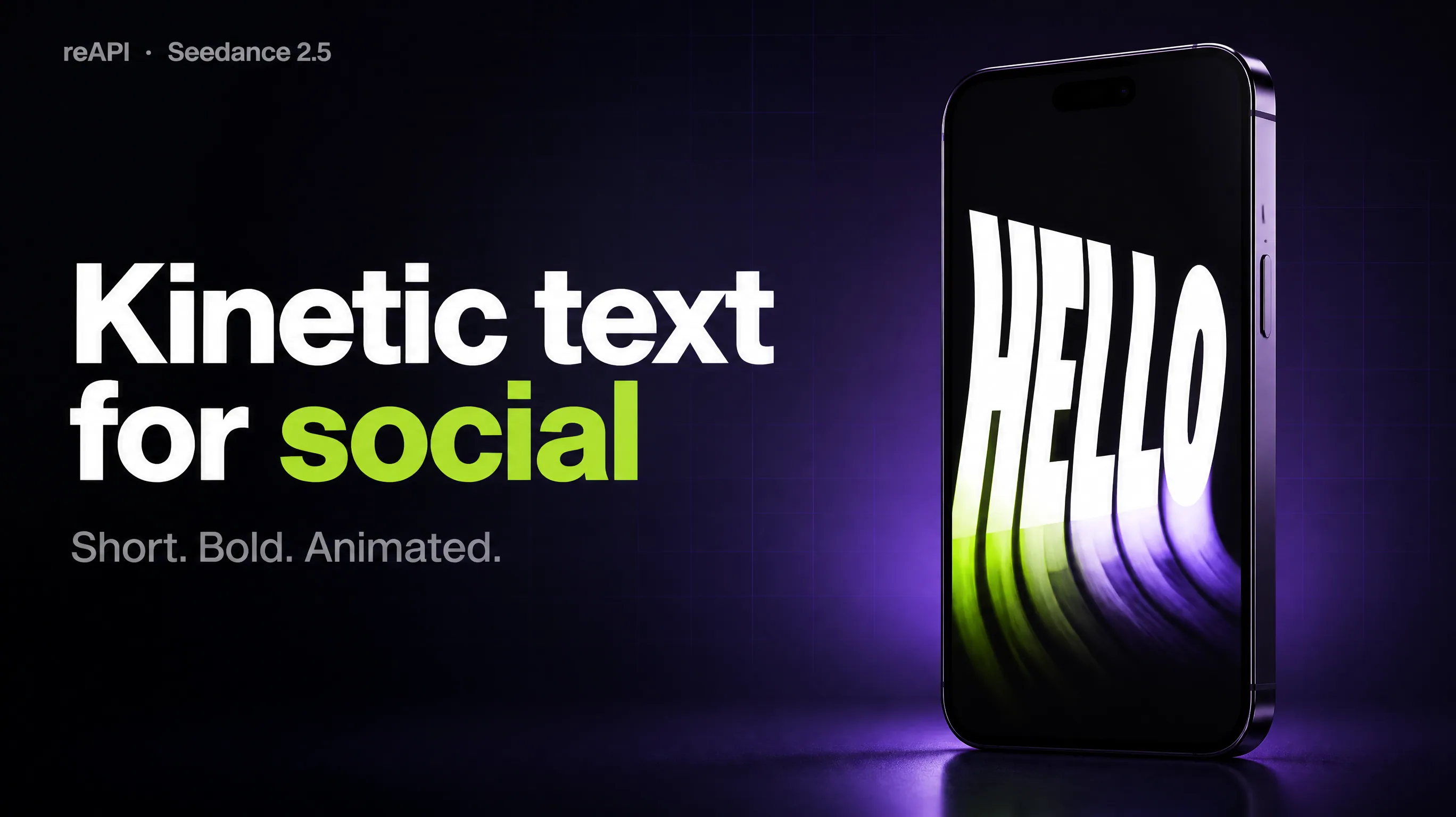
Concept poster of a bold kinetic headline in a vertical social video frame
Concept illustration, not a generated result.

01

Kinetic text for social posts

Swishy AI style headlines that bounce, stretch or type on, framed 9:16 for Reels, Shorts and TikTok or 16:9 for YouTube. Put the exact words in quotes in the prompt and read every letter of the result before you post it.

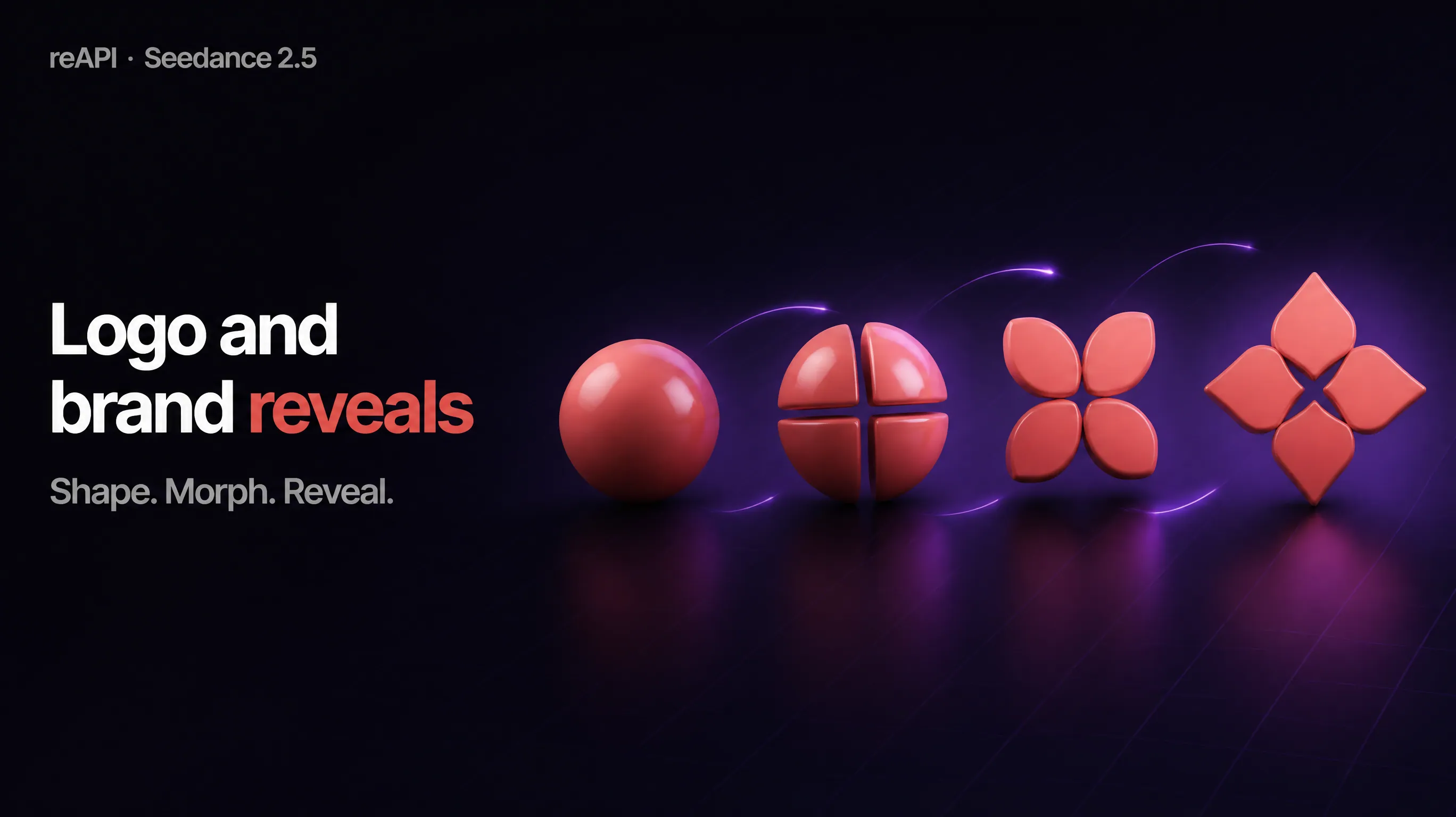
Concept poster of a geometric logo mark revealing a wordmark
Concept illustration, not a generated result.

02

Logo and brand reveals

Describe the shapes, colors and pacing of a Swishy AI style reveal, or upload your logo as an image reference and ask the model to animate it. Useful for intros, outros and product launch clips.

Concept poster of a phone notification and a rising bar chart
Concept illustration, not a generated result.

03

UI and data motion

Notifications, buttons, counters and simple charts in the Swishy AI style, for app promos and explainer videos. Labels and numbers come from the generated video, so check them against your source before publishing.

Why choose this Swishy AI alternative

Pay per clip

Swishy AI style clips are charged per generation, with no monthly plan to keep. Failed generations are refunded automatically.

The same request works from code

What the Swishy AI templates send is a normal API call. POST it to /api/v1/videos/generations with your API key and poll the task for the video URL.

Sound can come with it

Seedance 2.5 can generate an audio track with your Swishy AI style video. Turn generate_audio off when you want a silent clip to score yourself.

How to make a Swishy AI style motion graphic

  1. 1

    Pick a template

    Choose the closest Swishy AI style template. It fills the prompt and the aspect ratio.

  2. 2

    Edit the prompt

    Replace the quoted words, colors and motion in the Swishy AI template. Set the duration (4 to 30 seconds) and the resolution.

  3. 3

    Generate and download

    Sign in, check the estimate and generate. Download your Swishy AI style clip as an MP4 or MOV file when the task completes.

Seedance 2.5 settings for Swishy AI style clips

4 to 30 second clips

Set the length of each Swishy AI style clip, or use Auto and let the model choose.

480p, 720p and 1080p

Try an idea as a 480p draft, then render the same draft at 1080p.

Seven aspect ratios

16:9, 9:16, 1:1, 4:3, 3:4, 21:9 or adaptive framing.

Image references

Add up to 30 images, such as a logo, a product shot or a Swishy AI style frame.

MP4 or MOV

Choose the file container with output_format.

Generated audio

An optional audio track, generated together with the Swishy AI style picture.

Swishy AI questions

Is Swishy AI free or paid?

Swishy's own FAQ describes Swishy AI as a subscription-based service that provides credits for animations. This alternative has no subscription: each Seedance 2.5 generation is paid with reAPI credits, and new accounts receive 100 credits ($0.10) to test it.

Does this Swishy AI alternative require a monthly subscription?

No. reAPI credits are pay-as-you-go. $1 buys 1,000 credits, credits do not expire, and a failed generation is refunded automatically.

How do I get an API key for Swishy AI style animations?

Sign in to reAPI, open API Keys in the dashboard sidebar and create a key. Send it as a Bearer token with a POST to /api/v1/videos/generations using the model doubao-seedance-2.5-face, then poll the returned task.

What is the Swishy AI motion designer?

Swishy AI presents itself as an AI motion designer for motion graphics, kinetic typography and animated typefaces, made in the browser from templates or prompts. reAPI is not affiliated with Swishy. This page is an alternative built on Seedance 2.5.

Which model powers this Swishy AI alternative?

Seedance 2.5, model ID doubao-seedance-2.5-face. The playground exposes its full parameter set, including duration, resolution, aspect ratio, image references, audio and draft mode.

Can I make animated typefaces with this Swishy AI alternative?

Yes. Put the words in quotes and describe the font style and the motion, as the kinetic headline template does. The letters are drawn by a video model, so check the spelling in the result and generate again if a word comes out wrong.

Can this Swishy AI alternative export a GIF or a transparent background?

No. Seedance 2.5 returns MP4 or MOV video with a background. Swishy's documentation lists GIF and MOV exports with transparency, so if you need an alpha channel, Swishy AI is the better fit.

Can I animate my own logo like in Swishy AI?

Yes. Open the Image-to-video tab, add your logo as an image and describe the reveal: what moves, in which order and against which background.

Do I need motion design experience for Swishy AI style clips?

No. There is no timeline or keyframes. You write a prompt, and the templates show which details to include: the background, the exact words in quotes, the movement and a static camera.

What happens if a Swishy AI style generation fails?

The task returns the error and the reserved credits are refunded automatically. Read the message and change the prompt or inputs before trying again.
Swishy AI vs this alternative

Swishy AI and this alternative both start from a prompt or a template, but they produce motion graphics differently. The Swishy AI column follows Swishy's own documentation, retrieved on November 4, 2026. The other column follows the Seedance 2.5 settings on reAPI.

CapabilitySwishy AISeedance 2.5 on reAPI
Starting pointTemplates or an AI promptSix templates or your own prompt
Changing a resultAI chat editor, manual settings and version historyEdit the prompt and generate a new take
Export formatsMP4, GIF and MOVMP4 or MOV
Transparent backgroundGIF and MOV exportsNot available
Frame sizesPortrait, landscape and square16:9, 9:16, 1:1, 4:3, 3:4, 21:9 or adaptive
BillingSubscription that provides creditsPay-as-you-go credits, no subscription

Independent tool by reAPI. Not affiliated with or endorsed by Swishy AI.

Make your first Swishy AI style animation

Pick a Swishy AI template, change the words and generate. Credits are only used by the generations you run.

Open the templates