GPT Image 2.5 is live — OpenAI's newest image model, targeted edits that leave the rest of the frame alone

Hotel Lobby AI from two photos

Hotel Lobby AI

Put your duo behind the mic. Turn two character photos into a Hotel Lobby AI rap video with a ready-to-use motion reference and the original soundtrack.

Choose Seedance 2.5, 2.0, Fast or Mini. Sign in to generate.

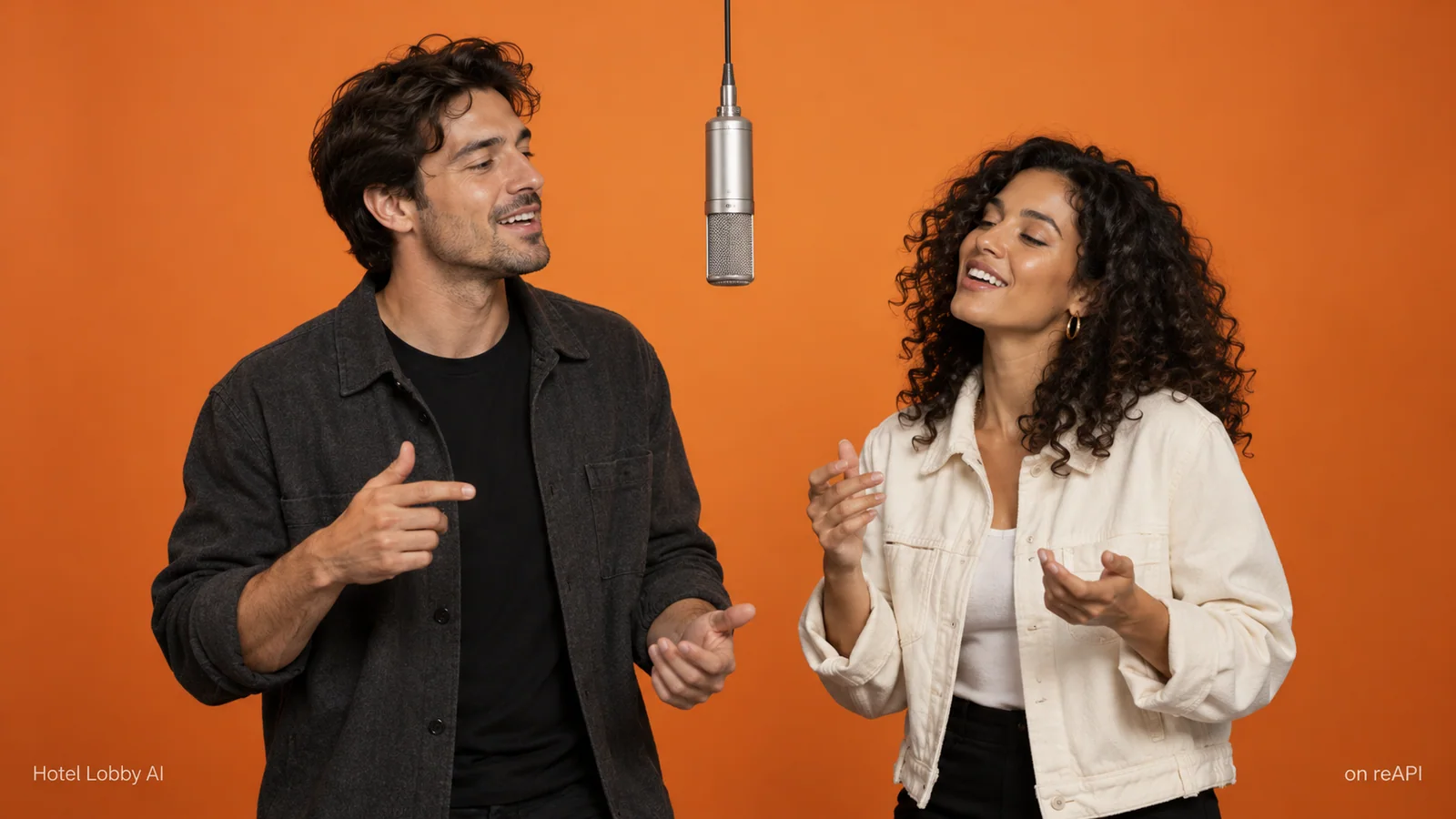
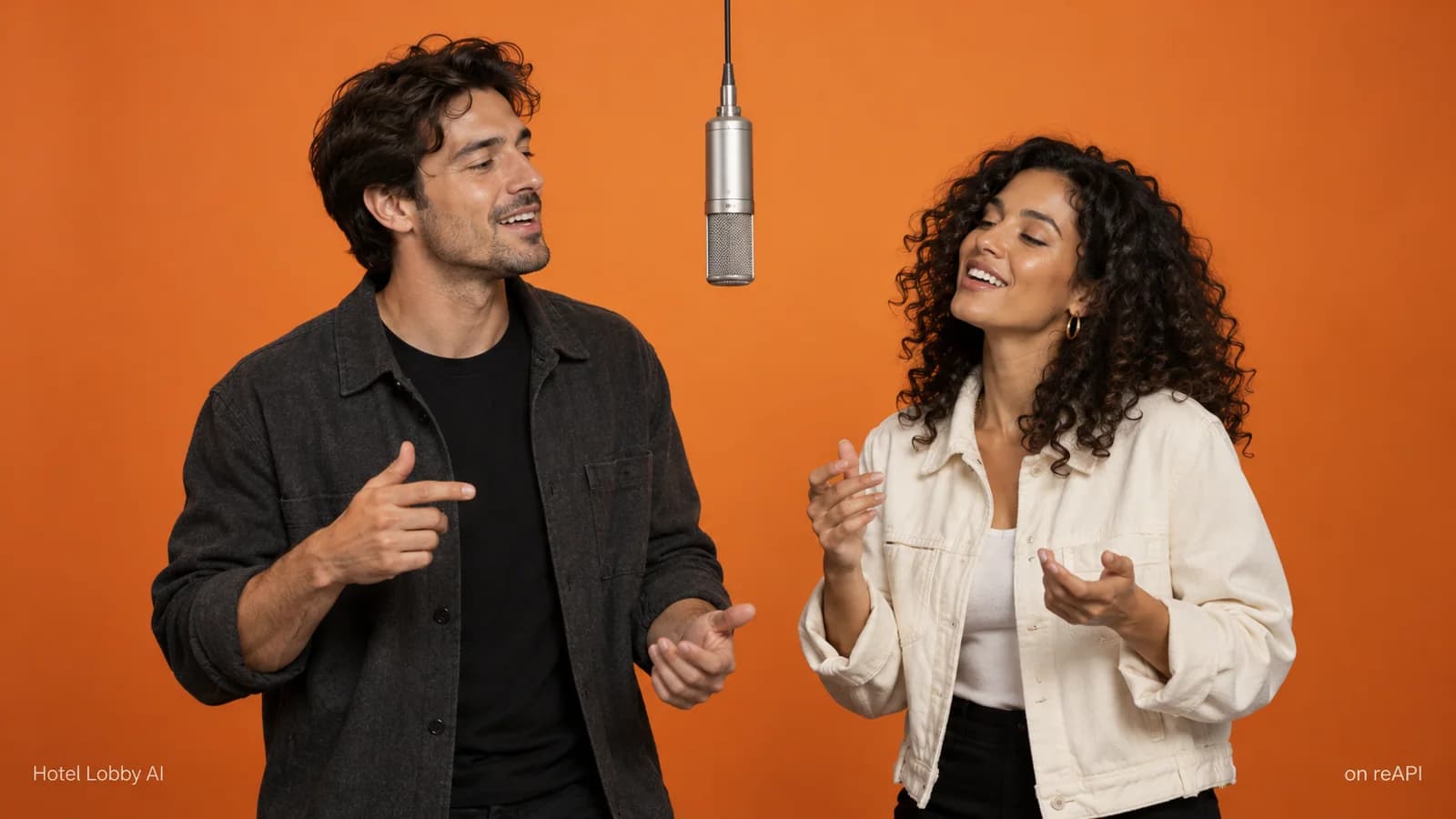
Hotel Lobby AI illustration of two performers at a microphone against an orange backdrop
Concept illustration · not a generated video result

Make your Hotel Lobby AI video

Add one person or character on each side. The first image stays on the left; the second stays on the right.

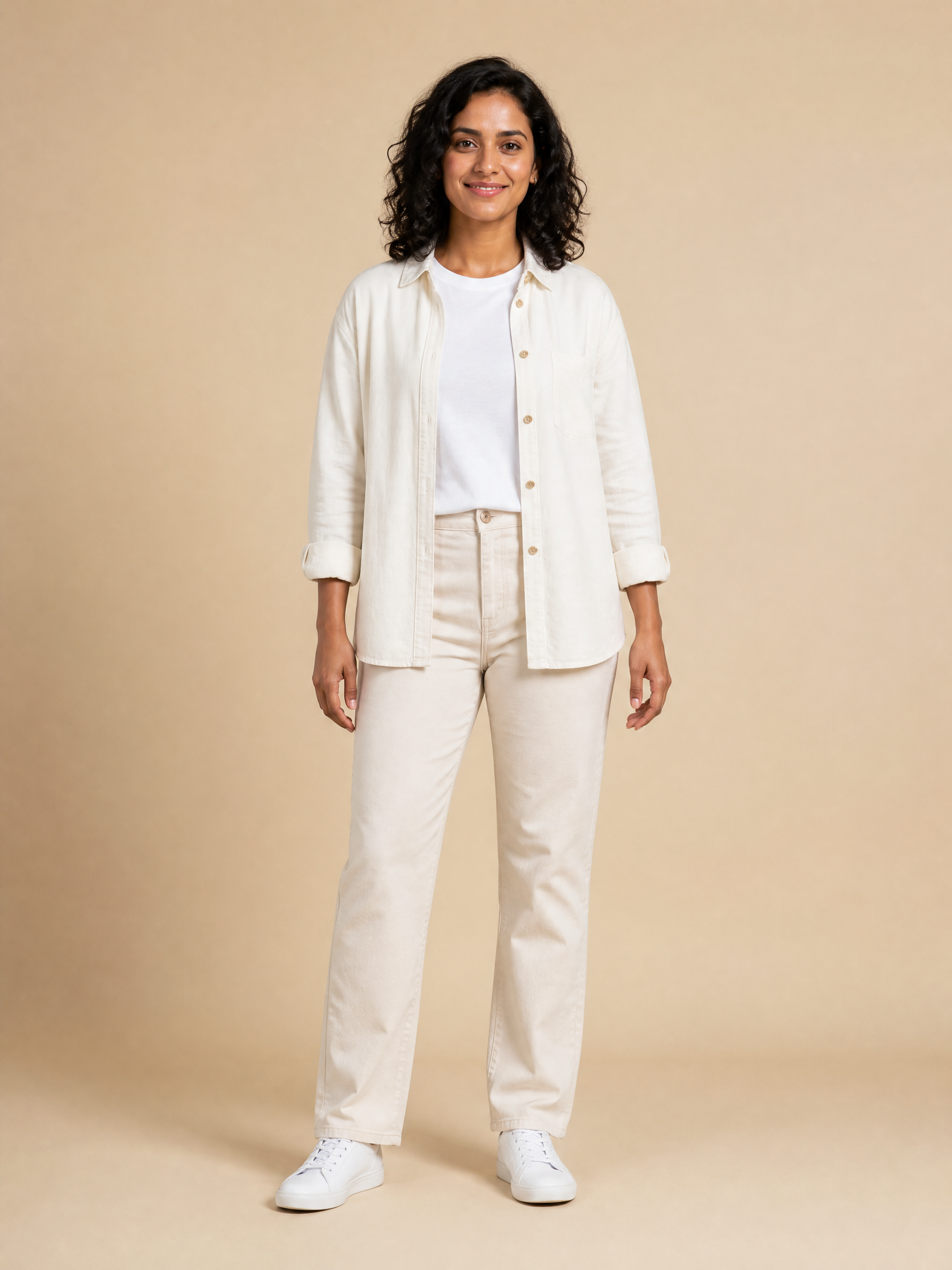
Left performer · Image 1

Right performer · Image 2

For Hotel Lobby AI, use a clear face, consistent clothing and an unobstructed body. A multi-view character sheet can help with turns.

Want more consistent turns?

Prepare one sheet per performer, then upload the two sheets here. Image generation is a separate request.

Make a character reference sheet of the person in this image. Keep the same face, age, hair and outfit throughout. Use three close-up views across the top: front, three-quarter and profile. Use four full-body views below: front, three-quarter, side and back. Plain background, neutral even light, no labels or extra people.

Open image generator
Advanced settings

Leave the prompt blank to use the Hotel Lobby AI preset, or enter your own to replace it. Additional JSON fields are sent to the API unchanged.

Keep the 15-second preset for the reference’s full choreography. A different duration changes how the soundtrack fits.

Request parameters
{
  "prompt": "Create a single continuous two-person rap performance. Image 1 is the LEFT performer; Image 2 is the RIGHT performer. Preserve each character’s face, hair, clothing and identity from their own image throughout the shot. Use Video 1 only for choreography, body gestures, mouth movements, camera framing and performance timing. Do not copy appearance or line-art styling from Video 1. Both performers share one silver microphone against a warm orange studio backdrop. Follow the reference’s turns, arm movements and exchanges while keeping each character on their assigned side. Natural coherent anatomy, consistent hands, expressive faces. No extra people, text, cuts or scene changes. Render the characters in the visual style of their uploaded images.",
  "duration": 15,
  "resolution": "720p",
  "size": "16:9",
  "image_urls": [
    "",
    ""
  ],
  "video_urls": [
    "https://file.deepytb.com/tools/hotel-lobby-ai/motion-reference-v1.mp4"
  ],
  "generate_audio": false,
  "model": "doubao-seedance-2.0-face",
  "fallback": {
    "enabled": false
  },
  "nsfw_checker": true
}

Estimated cost

Price is calculated when the inputs are ready.

Hotel Lobby AI motion reference

The Hotel Lobby AI line-art clip provides gestures and timing. Your photos provide appearance.

Hotel Lobby AI soundtrack

Hotel Lobby AI automatically adds this soundtrack. Your finished download includes audio; no extra step is needed.

Your duet will appear here

Upload both performers to begin.

A real Hotel Lobby AI result

These two character images produced this 15-second Seedance 2.5 draft. The preview and download include the original soundtrack.

Left performer · Image 1
Right performer · Image 2

Seedance 2.5 · Draft · 480p · 15 seconds

What does a Hotel Lobby AI video cost?

Hotel Lobby AI uses your reAPI credits. The estimate follows the selected model, output resolution and duration, including the billable motion-reference seconds. Check the live estimate before generating; switching between Seedance 2.5, 2.0, Fast and Mini updates the request and its pricing.

There is no separate Hotel Lobby AI subscription. A new generation is a new paid request. Retrying the audio export reuses the existing video.

View credits and billing

What is Hotel Lobby AI?

Hotel Lobby AI recreates a two-person rap performance with characters supplied in your photos. The recognizable setup pairs a warm orange backdrop, a shared microphone and coordinated gestures. This tool assembles the reference inputs and prompt, then uses your chosen Seedance model to generate the duet.

The roles of the inputs matter. Photos describe who appears; the reference clip describes movement. The soundtrack is a separate finishing step. Keeping those roles explicit makes a Hotel Lobby AI request easier to inspect and revise when a face, outfit or gesture drifts.

Choose your Hotel Lobby AI duo

Hotel Lobby AI concept with two fictional people and a central microphone
Concept illustration · not a generated video result

01

Hotel Lobby AI for two people

Make a Hotel Lobby AI duet with two clear portraits. Pick photos with similar framing and visible facial features. Keep each outfit recognizable, and decide who belongs on each side before submitting. Review both performers throughout the clip, especially when they turn away from the camera.

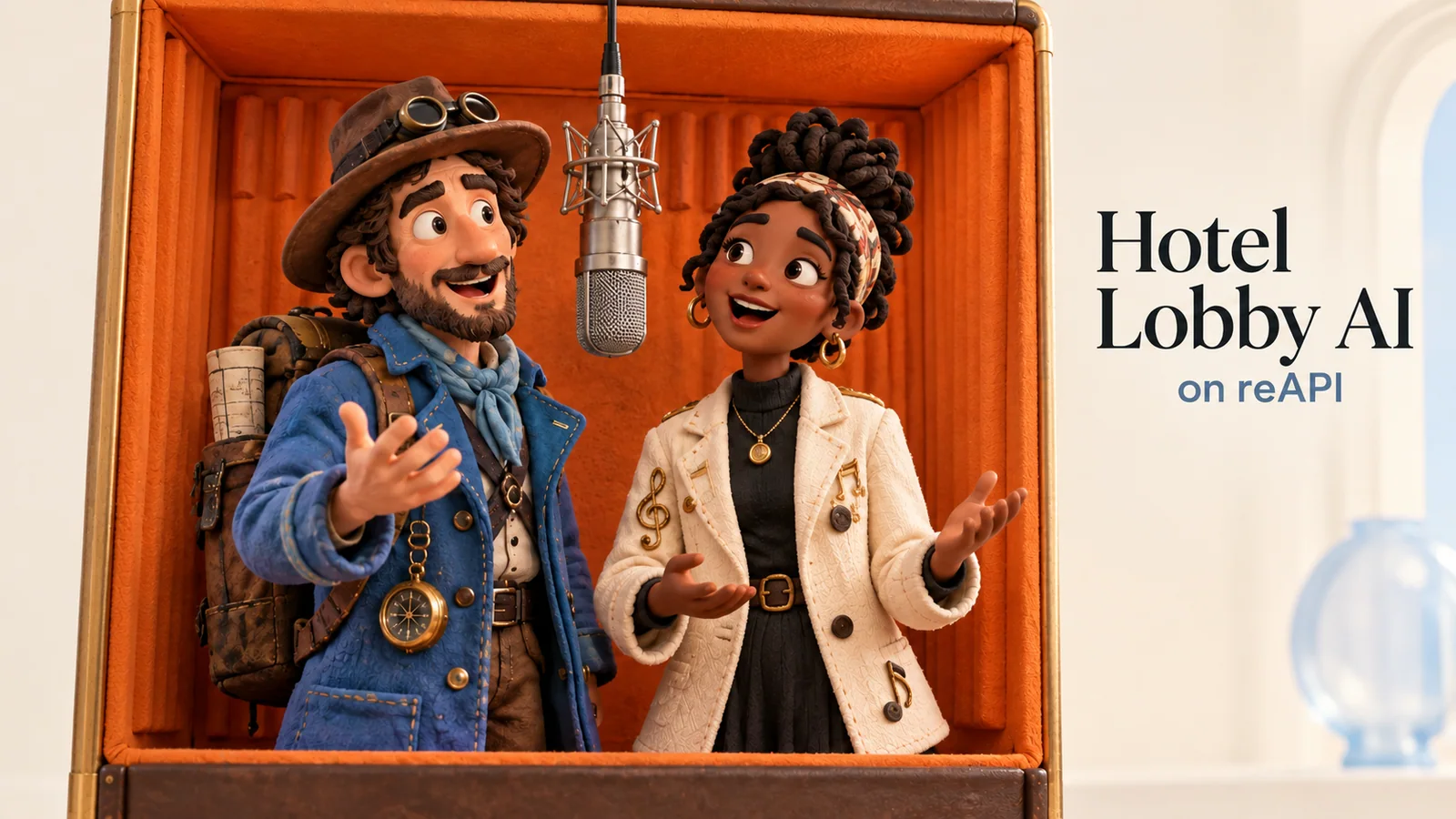
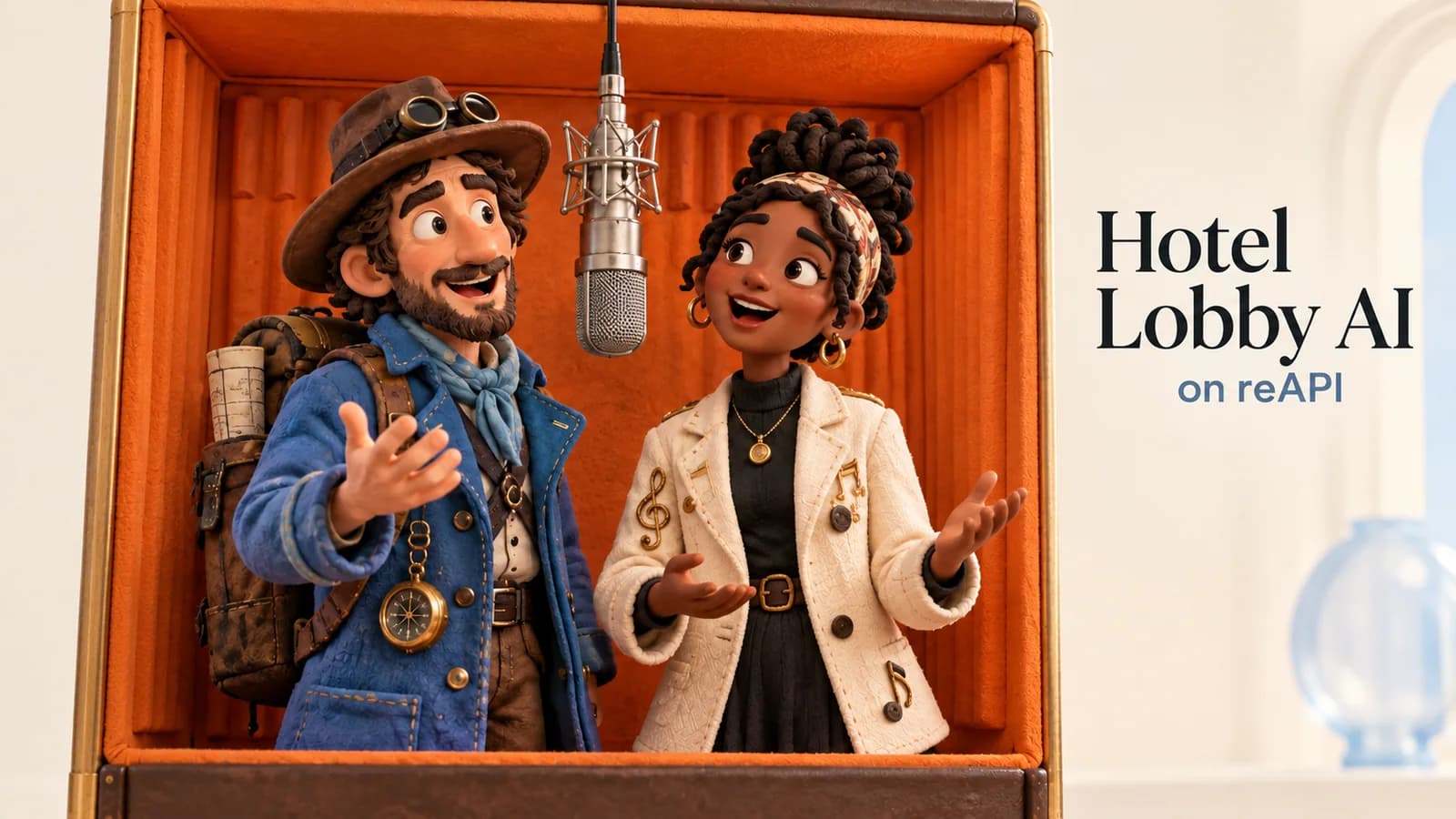
Hotel Lobby AI concept showing two stylized fictional performers
Concept illustration · not a generated video result

02

Hotel Lobby AI for your characters

Use Hotel Lobby AI with your own fictional characters or illustrated personas. A front view alone may leave the model guessing about a profile or full outfit. Prepare a separate character sheet for each performer when those details matter, then keep the motion reference unchanged while testing appearance.

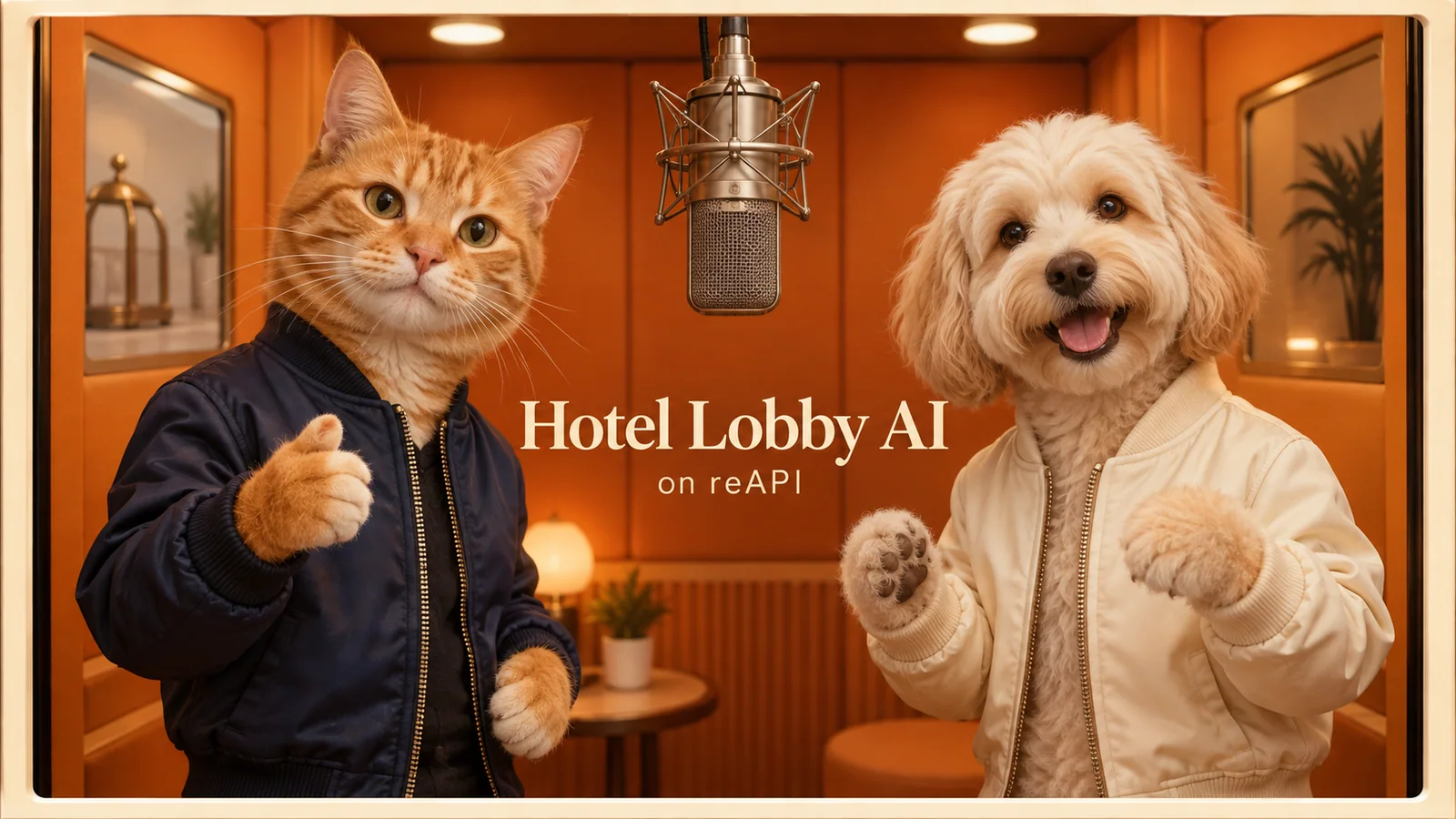
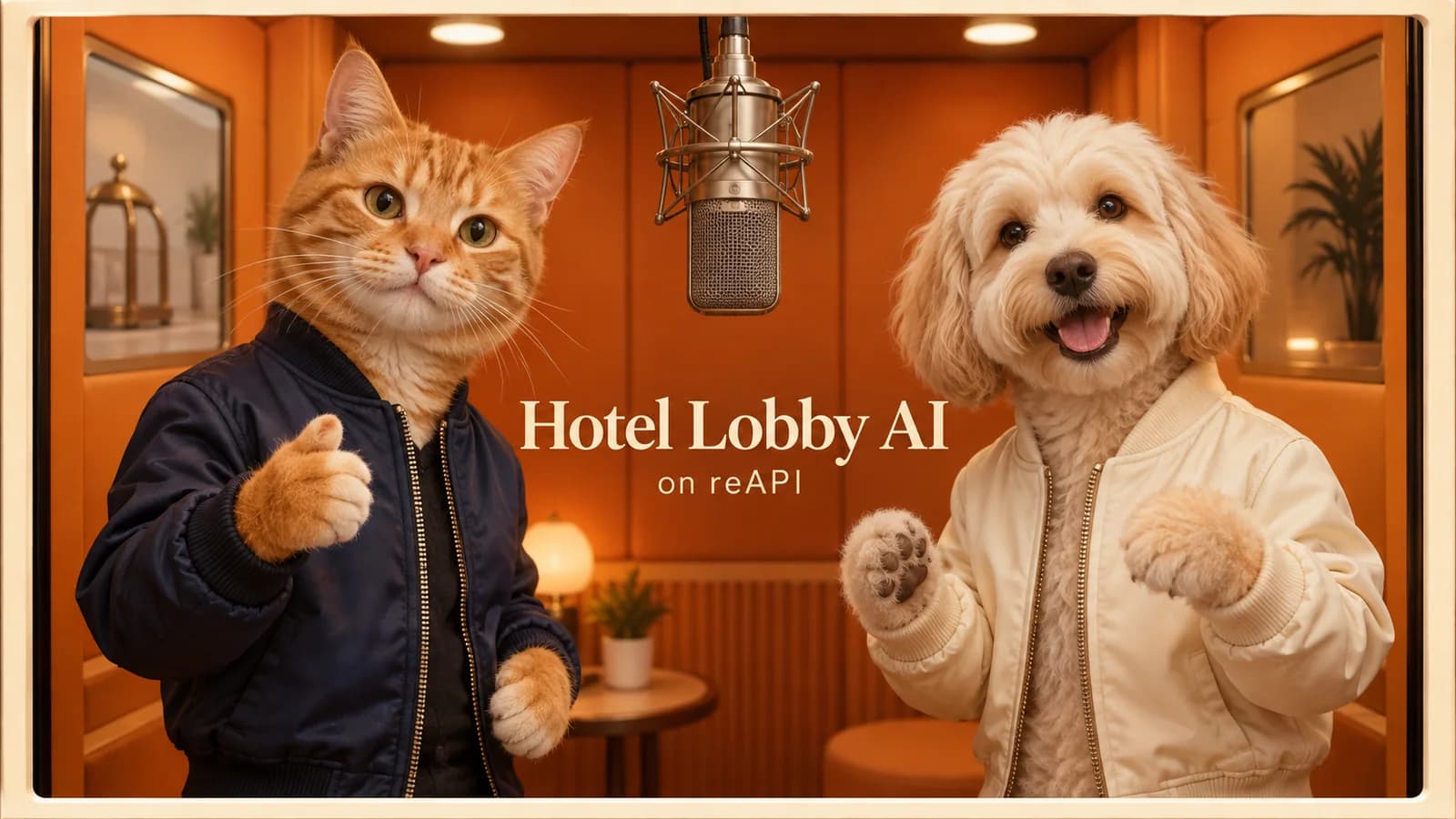
Hotel Lobby AI concept showing a cat and dog at a microphone
Concept illustration · not a generated video result

03

Hotel Lobby AI with a pet duo

Try a Hotel Lobby AI scene with a cat, dog or another character pair. Describe the intended posture and visible features clearly. Human choreography may translate unevenly to animal anatomy, so check paws, body proportions and contact with the microphone before sharing the finished clip.

A clearer Hotel Lobby AI workflow

Know which image goes where

Hotel Lobby AI keeps left and right inputs separate so character assignment stays visible. Swap the two images to reverse the duet; the prompt continues to refer to the first image on the left and the second on the right.

Keep movement separate from identity

The Hotel Lobby AI preset uses a line-art reference to reduce competing facial and clothing details. That can make the intended input roles clearer. It is not a promise of moderation approval or a guarantee that every movement will transfer.

Finish with an audible download

Hotel Lobby AI adds the original soundtrack after the video completes. Preview the finished file, keep the original generation, and download a workflow record to help reproduce the settings later.

How to make a Hotel Lobby AI video

  1. 1

    Prepare your two performers

    Start your Hotel Lobby AI duet with one clear photo or character sheet per person. Use consistent outfits and avoid an image containing both performers. Set their left and right positions, then choose a model from the dropdown.

  2. 2

    Generate with the motion preset

    Review the prompt, 15-second duration and live estimate. The Hotel Lobby AI preset supplies the line-art choreography. Submit once and wait for the result; you can see the task status while the model works.

  3. 3

    Check the duet and its audio

    The original soundtrack is added automatically. Watch the full Hotel Lobby AI clip with sound, checking identities, gestures, hands and timing. Download the finished MP4 and save the workflow record.

Hotel Lobby AI controls

Four model choices

Choose Seedance 2.5, 2.0, Fast or Mini from one dropdown without rebuilding your Hotel Lobby AI scene.

Two identity references

Hotel Lobby AI accepts portraits or character sheets, with a fixed side for each performer.

A ready motion reference

Start your Hotel Lobby AI video with the supplied line-art choreography. Advanced parameters remain available for custom references.

Editable directions

Edit your Hotel Lobby AI prompt to specify outfits, framing or expression while keeping the input roles explicit.

Original audio export

Attach the separate soundtrack to your Hotel Lobby AI result and download a single playable MP4.

A reusable workflow record

Save your Hotel Lobby AI model, request, reference links, task ID and output details for a later comparison or tutorial.

Choose your Hotel Lobby AI model

All four choices use the same Hotel Lobby AI workflow. Compare the live price and your own output; a model name alone cannot establish identity accuracy, motion quality or queue time.

SettingSeedance 2.0FastMiniSeedance 2.5
Reference workflowPhotos + videoPhotos + videoPhotos + videoPhotos + video
Resolution choices480p, 720p, 1080p, 4K480p, 720p480p, 720p480p, 720p, 1080p
Default clip15 seconds15 seconds15 seconds15 seconds
Original audio exportIncluded workflowIncluded workflowIncluded workflowIncluded workflow
CostLive estimateLive estimateLive estimateLive estimate

Hotel Lobby AI questions

Can I make Hotel Lobby AI from two photos?

Yes. Upload one photo for the left performer and one for the right. Clear faces and consistent outfits give the model more useful identity references. A character sheet is optional, and can provide more views for turns.

Which Seedance models does Hotel Lobby AI use?

This Hotel Lobby AI tool offers Seedance 2.5, 2.0, 2.0 Fast and 2.0 Mini. The model dropdown updates the parameters, price estimate and API example. Each model uses its existing reference-video contract; compare actual outputs before deciding which best fits your duo.

Where does Hotel Lobby AI get the movement?

The preset uses a silent line-art performance clip as its video reference. The prompt asks the model to follow its gestures and timing while taking the characters’ appearance from your images.

Does the Hotel Lobby AI download include music?

Yes. Hotel Lobby AI automatically adds the original soundtrack and delivers a finished MP4 with audio. If audio composition fails, retry that step without generating the video again.

Why not generate the song inside the model?

A model-generated soundtrack may differ in vocals, words or timing. Attaching the existing track after the Hotel Lobby AI generation keeps that audio fixed, although you still need to review how well the video performance aligns.

Can Hotel Lobby AI references still be rejected?

Yes. Providers review images, videos and prompts. A line-art reference does not guarantee approval. Read the returned error, use permitted material, and revise the relevant input rather than repeatedly resubmitting an unchanged request.

How do I avoid swapped faces or clothing?

Use separate references, keep the left/right assignments explicit and describe clothing consistently. If the result drifts during turns, try a multi-view character sheet and inspect the complete next result.

Is Hotel Lobby AI free?

Hotel Lobby AI generations use reAPI credits. The displayed estimate depends on the model and settings, including reference-video duration. The page does not promise free generations or a fixed price for every clip.

Can I make a vertical Hotel Lobby AI video?

You can change the aspect ratio. The provided choreography is framed horizontally, so a vertical Hotel Lobby AI result may crop or rearrange the performers. Check that both bodies and the microphone remain in frame.

Can I use pets or fictional characters?

You can provide those references and describe the intended scene. Results depend on the model and inputs. Pay particular attention to anatomy and how a non-human character performs the reference gestures.

How can I reproduce my result?

Download the workflow record and retain the source images. It records the request and output links, but generation is not guaranteed to be deterministic. Save the media files themselves if you need a durable record.

What should I check before sharing?

Watch the whole Hotel Lobby AI video with sound. Look for identity changes, distorted hands, extra people, microphone glitches and timing problems. Use photos and audio you are allowed to publish.
Use the same workflow through the API

This Hotel Lobby AI example follows the model and settings selected above. The form uses your signed-in session, just like the playground; API integrations use an API key. Seedance 2.5, 2.0 and Fast use image_urls and video_urls; Mini uses reference_image_urls and reference_video_urls. Seedance 2.5 also sets omni_reference_task_type to reference.

Seedance 2.0 · doubao-seedance-2.0-face

curl -X POST 'https://reapi.ai/api/v1/videos/generations' \
  -H 'Authorization: Bearer YOUR_API_KEY' \
  -H 'Content-Type: application/json' \
  -d '{
  "prompt": "Create a single continuous two-person rap performance. Image 1 is the LEFT performer; Image 2 is the RIGHT performer. Preserve each character’s face, hair, clothing and identity from their own image throughout the shot. Use Video 1 only for choreography, body gestures, mouth movements, camera framing and performance timing. Do not copy appearance or line-art styling from Video 1. Both performers share one silver microphone against a warm orange studio backdrop. Follow the reference’s turns, arm movements and exchanges while keeping each character on their assigned side. Natural coherent anatomy, consistent hands, expressive faces. No extra people, text, cuts or scene changes. Render the characters in the visual style of their uploaded images.",
  "duration": 15,
  "resolution": "720p",
  "size": "16:9",
  "image_urls": [
    "https://example.com/YOUR_LEFT_IMAGE.png",
    "https://example.com/YOUR_RIGHT_IMAGE.png"
  ],
  "video_urls": [
    "https://file.deepytb.com/tools/hotel-lobby-ai/motion-reference-v1.mp4"
  ],
  "generate_audio": false,
  "model": "doubao-seedance-2.0-face",
  "fallback": {
    "enabled": false
  },
  "nsfw_checker": true
}'
Read the video API documentation

Your duo is next

Choose two performers and make your Hotel Lobby AI video. Start with the preset, review the estimate and keep the result that works for your scene.

Create my Hotel Lobby AI video