· reAPI Team
Hotel Lobby AI cost: planning a one-time video budget
Understand Hotel Lobby AI cost for one video: photos, model settings, estimates, drafts and retries. Check your balance and current rates before you generate.
Hotel Lobby AI cost depends on the work you actually submit, not simply on the fact that you want one finished video. A clip made from two photos can involve image preparation, a video generation and a separate soundtrack export. On reAPI, the tool shows an estimate for the selected video request. That estimate is not a universal price for every model, every retry or every step in a project[1].
If you only want to make one orange-studio duet, start with the photos you already have, check the settings and decide what result would be good enough to keep. You can use account balance rather than treating this as a recurring video subscription. However, a one-time balance top-up and a purchase priced exactly for one clip are different things[2].
TL;DR
- Hotel Lobby AI cost changes with the selected model, duration, resolution and reference inputs. Use the tool estimate and the linked model page, rather than a price copied from an old tutorial[1].
- reAPI implements one-time account top-ups. The payment screen can have a minimum amount, so the top-up need not equal the cost of a single video[2].
- Existing photos let you skip a separate AI image-generation task. A character sheet is an optional preparation choice, not a required paid step[1].
- Draft is a generation setting, not a free preview. The recorded Seedance 2.5 draft run was a real submitted task with recorded usage[3].
- A polling interruption or soundtrack error does not, by itself, establish the billing outcome of the original video task. Keep its task ID and inspect the task record before resubmitting[4].
What goes into Hotel Lobby AI cost?
For this scene, separate the project into preparation, generation and export. Doing that makes the estimate easier to interpret and helps you avoid paying for work that your existing materials already cover.
| Part of the project | What you do | What to check before proceeding |
|---|---|---|
| Prepare two identities | Choose one photo or character image for each performer | Can you use existing images instead of generating new ones? |
| Generate the performance | Submit the images, motion reference and selected settings | Does the estimate match the model and settings you intend to use? |
| Add the template soundtrack | Let the tool prepare the video with audio | Has the original video completed, and is export still processing? |
| Make a new version | Submit a changed request after reviewing the first result | What specific problem will this new generation address? |
The tool uses the first image for the left performer and the second for the right performer. Its default motion reference supplies the choreography. The selected model does the video-generation work, while the tool adds the template soundtrack after that work completes[1]. The existence of a reference preview is not a promise of a free personalized result.
Our budgeting recommendation is to make those stages explicit before you start. For example, if both performers already have suitable photos, the preparation stage can be image selection rather than another generation. If you want fictional characters that do not yet exist, creating their images is additional work. Neither choice changes the fact that the video itself is a separate task.
Use your own photos when they already answer the brief
You do not have to generate a multi-view sheet just because another tutorial uses one. Start with a clear image of each performer. Keep only one intended person or character in each input slot, and check that the clothing and body outline you want are visible. This gives you a concrete reason to accept or replace an image before spending on a video.
A multi-view character sheet can be useful when you want to describe the same character from different angles, but it also adds preparation. It is not proof that identity will remain perfect during every turn. See the prompt and reference guide for the distinction between identity images and motion reference. For animals, use the pet pose and motion guide rather than assuming that a human pose transfers unchanged.
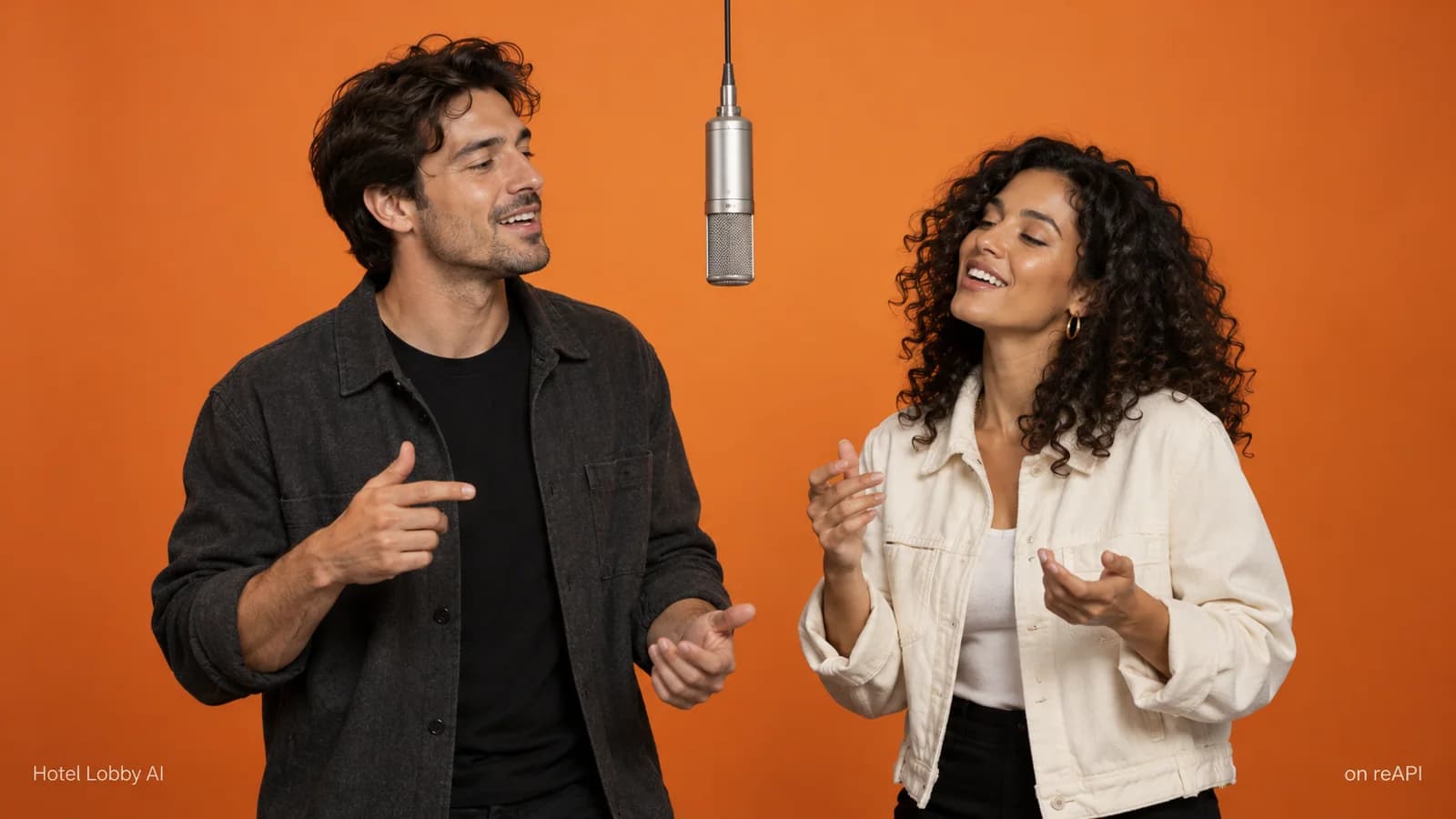
The cover of this article is conceptual artwork. It illustrates the two-person setup and is not a frame from a successful Seedance generation.
One-time use means account funding, not a fixed clip package
The current reAPI account implementation supports one-time credit purchases and custom top-ups. The tool submits a request against the account's available balance; it does not require you to buy a recurring Hotel Lobby video subscription as part of its generation flow[2].
That answers the practical one-time-use question, with a qualification: account funding is not the same as buying exactly one render. A payment method can have a minimum top-up, and the amount deposited can exceed the current request estimate. Check the payment screen before confirming a purchase. This article does not quote a minimum, list payment offers or promise that a particular payment method will be available to every account.
A sensible order is to sign in, prepare the request, read the estimate and inspect your balance. If your balance already covers the request, adding more funds is not part of making that clip. If you need to fund the account, compare the amount you plan to deposit with your actual intended use. Do not treat a top-up as a consumption record for a specific video.
This matters when someone asks whether Hotel Lobby AI is free. A promotion on a different site does not establish a reAPI offer, and an account gift is not proof that the selected request is fully covered. Read the balance and estimate shown to your own account. We make no blanket claim here that generation is free, that a coupon applies or that signing up pays for a finished duet.
Read the estimate for the request you will actually submit
The Hotel Lobby AI tool includes Seedance 2.0, Seedance 2.0 Fast, Seedance 2.0 Mini and Seedance 2.5. Their names are choices in the tool, not evidence of a measured quality or price ranking for this scene. The estimate follows the selected configuration and request[1].
For current public rates, check Seedance 2.0, Seedance 2.0 Mini or Seedance 2.5. This article intentionally does not freeze a rate into a table. A rate is only useful when its model, billing unit and applicable inputs match your task.
Pay attention to four things:
- The model selected when you submit.
- The requested video duration and resolution.
- Whether your request includes the reference video.
- Any advanced settings that differ from the preset.
If the estimate is still pending, that is not a zero-cost quote. Finish preparing the images and allow the tool to read the input metadata. If the request changes, read the new estimate before you generate. Taking a screenshot of an earlier estimate does not make it applicable to a later request with different settings.
An estimate describes intended work before completion. The task record describes the task's subsequent status and usage. The estimate and the completed task's usage describe different stages[4]. For a cost question about an actual run, use that task's record, not an unrelated sample or the total amount you once topped up.
A draft run still belongs in the budget
We recorded one Seedance 2.5 request on October 10, 2026, using two prepared character images, the line-art motion reference, a 15-second request, 480p and draft enabled. It completed, and the original silent result was combined with the template soundtrack[3].
Recorded Seedance 2.5 draft example with the template soundtrack. The poster is the reference preview, not an output frame. This example is one run, not a price or quality guarantee.
The record supports a narrow conclusion: enabling draft did not turn the submitted request into an unbilled local preview. It does not tell you the universal Hotel Lobby AI cost, the total cost of preparing all inputs, or the rate that will apply to your next request. The original video task and the soundtrack preparation were recorded separately.
Use a draft when the question you want to answer is whether the current identities, composition and motion direction are worth continuing with. It remains a request you deliberately submit. If you later make another version, include that new generation in your project plan rather than treating every iteration as part of the first attempt.
Keep billing questions separate from visible failures
A failed message on screen needs context. If submission was rejected before a task existed, that is different from a task that was accepted and later failed. If the browser stopped checking status, the server task may still need inspection. If video generation finished but soundtrack export failed, the original generation already has its own result[4].
Do not infer “charged” or “refunded” solely from a spinner, a browser network message or an export error. Keep the task ID, note the model and settings, and inspect the status and billing information for that task. The template and generation troubleshooting guide explains which stage to check.
The tool's soundtrack retry reuses the completed video instead of creating another video-generation request. An uncertain audio submission can require support to verify its status rather than another blind retry[4]. That separation is useful for your budget: repair the stage that needs attention before deciding to pay for a different performance.
Questions about one Hotel Lobby AI video
Is Hotel Lobby AI free on reAPI?
We do not claim free generation. Check the current estimate and your actual account balance. A reference preview, another site's promotion or a draft setting does not establish a free completed clip.
Can I use it once without a recurring subscription?
The current account flow supports one-time balance funding. Check the payment screen's conditions. This is account credit for usage, not a guaranteed purchase amount equal to exactly one video.
Do I have to generate the two input photos?
No. You can use your own suitable photos or character images. Creating new images is optional preparation and should be counted separately if you choose it.
Does draft mode mean a free preview?
No such promise is made. Our recorded draft was a real generation task with recorded usage. Check the selected model's current estimate before submitting.
Why does the cost estimate change?
The request can change when you switch models, duration, resolution, references or advanced settings. Read the estimate that matches the final request, not an earlier configuration.
Is the displayed video estimate my whole project cost?
It is an estimate for that video request. It does not establish the cost of optional image preparation, future generations or every later processing step.
Should I generate again if the soundtrack export fails?
Check the completed task first and use the soundtrack export retry. That action reuses the original video; submitting another generation is a separate decision.
Does an error automatically prove that I was refunded?
No. Inspect the task's status and billing record. A browser polling error, terminal generation failure and audio export failure describe different events.
Plan the request before funding another attempt
For one-time use, the most useful budget is the request you can describe clearly: two chosen identities, one intended performance and settings you have checked. Follow the complete creation tutorial, read the live estimate, then decide whether to submit. Hotel Lobby AI cost is easier to manage when you evaluate the existing task before paying for another version.
References
- reAPI. Hotel Lobby AI tool and preset. Implementation reviewed October 10, 2026. reapi.ai/tools/hotel-lobby-ai.
- reAPI. Account balance and one-time funding. Implementation reviewed October 10, 2026. Check current conditions in the signed-in payment screen. Account credits.
- reAPI Team. Recorded Seedance 2.5 draft request, response and soundtrack example. Observed October 10, 2026. Public run record.
- reAPI. Task status, usage and output retrieval. Implementation reviewed October 10, 2026. Tasks API documentation; Hotel Lobby AI tool.