Seedance 2.5 is live — 30-second cinematic video with native audio & real-person references

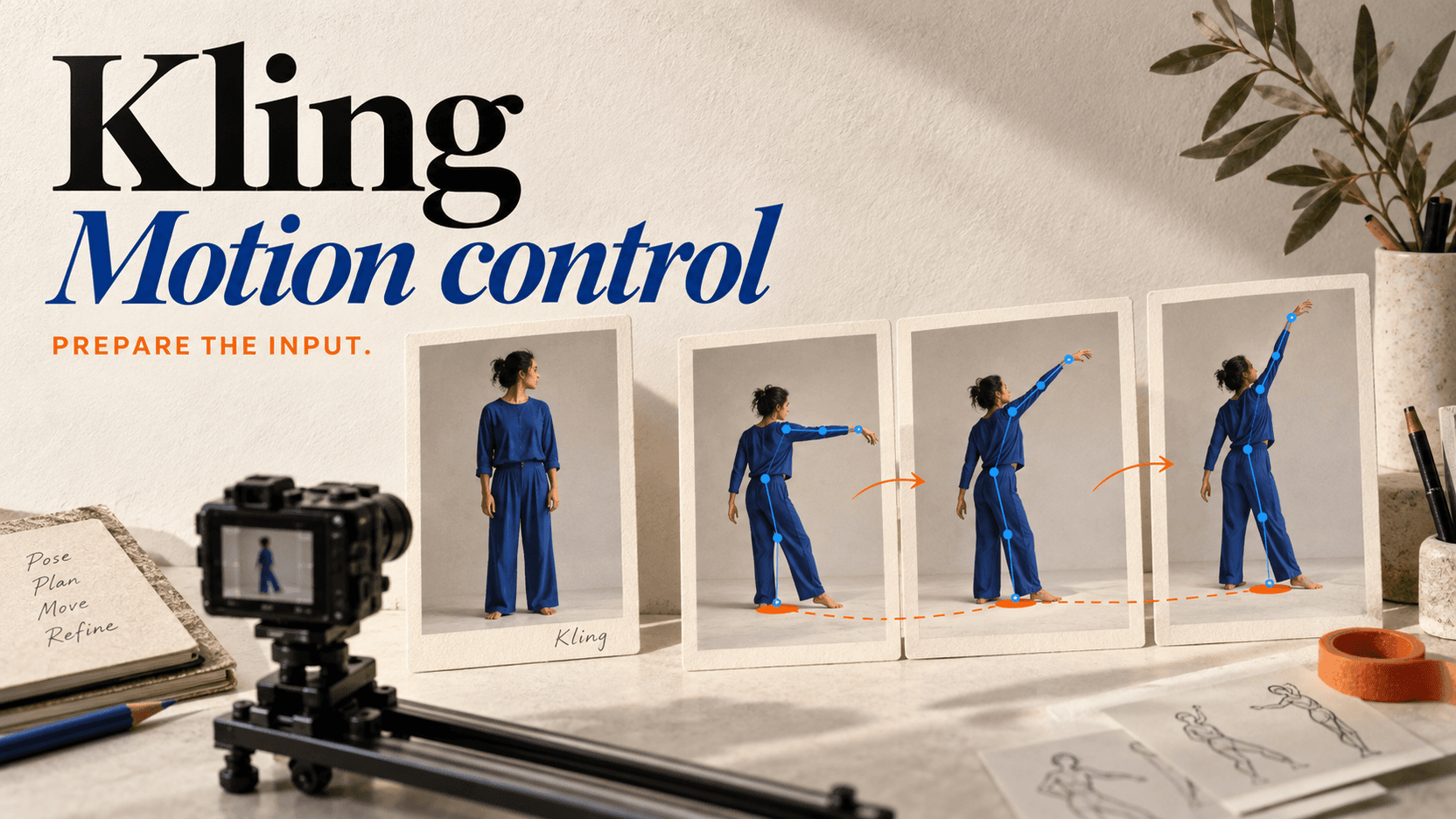
Kling Motion Control API — Reference-Driven Motion Transfer

Drive a single reference image with a reference video and the Kling Motion Control API transfers the motion onto your subject. Two tiers, std or pro quality, billed per second of source footage.

Highlights
Motion transfer from source video · std / pro
Best for
Character animation, dance transfer
Input
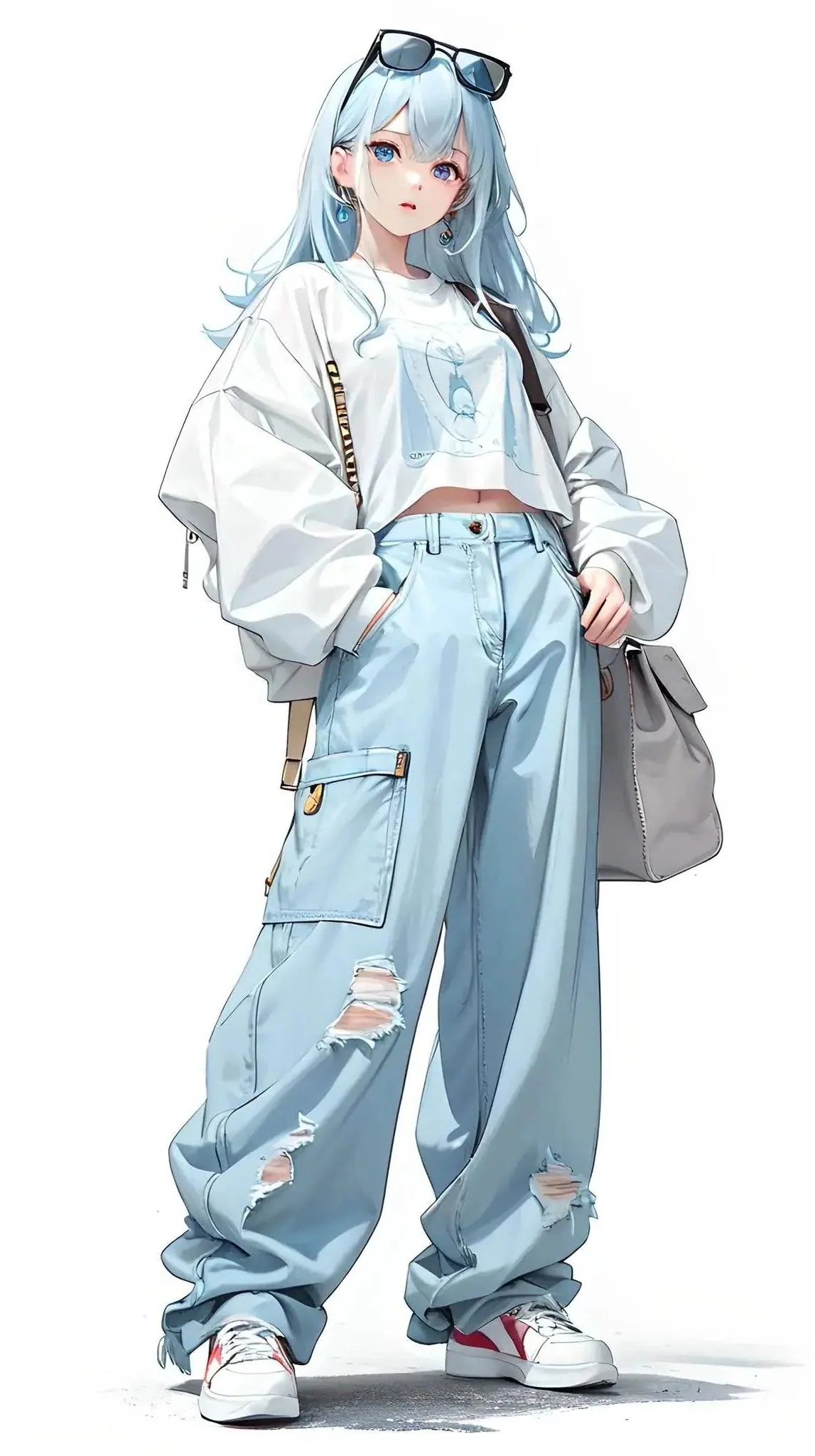
Character image + motion video
Output
Video, original sound optional
Input

Required · guides motion, camera, style

upload 11

playground-input.webp

1 file added

https://file.deepytb.com/landing/kling-motion-control/playground-input.webp
1/1 file

Public URL · JPEG / PNG / WebP

1/1 file

MP4 / MOV · public URL · 3 to 30s

image · video

std · pro

Default yes

Default off

Estimated cost~$0.566566 credits
Result

Try one of these prompts

What is the Kling Motion Control API?

Kling Motion Control is Kuaishou's motion-transfer video model: you supply one reference image for the subject and one reference video for the movement, and it maps that movement onto your subject. reAPI serves both version tiers — kling-v3-motion-control and kling-v2-6-motion-control — on one async endpoint, each in std or pro quality, with a character-orientation switch that decides whether the framing follows the image or the video. Billing is per second of the source video's measured length.

What you can build with this model

Real-world workflows and production use cases you can build and ship with this model.

Bring a still subject to life with a reference clip

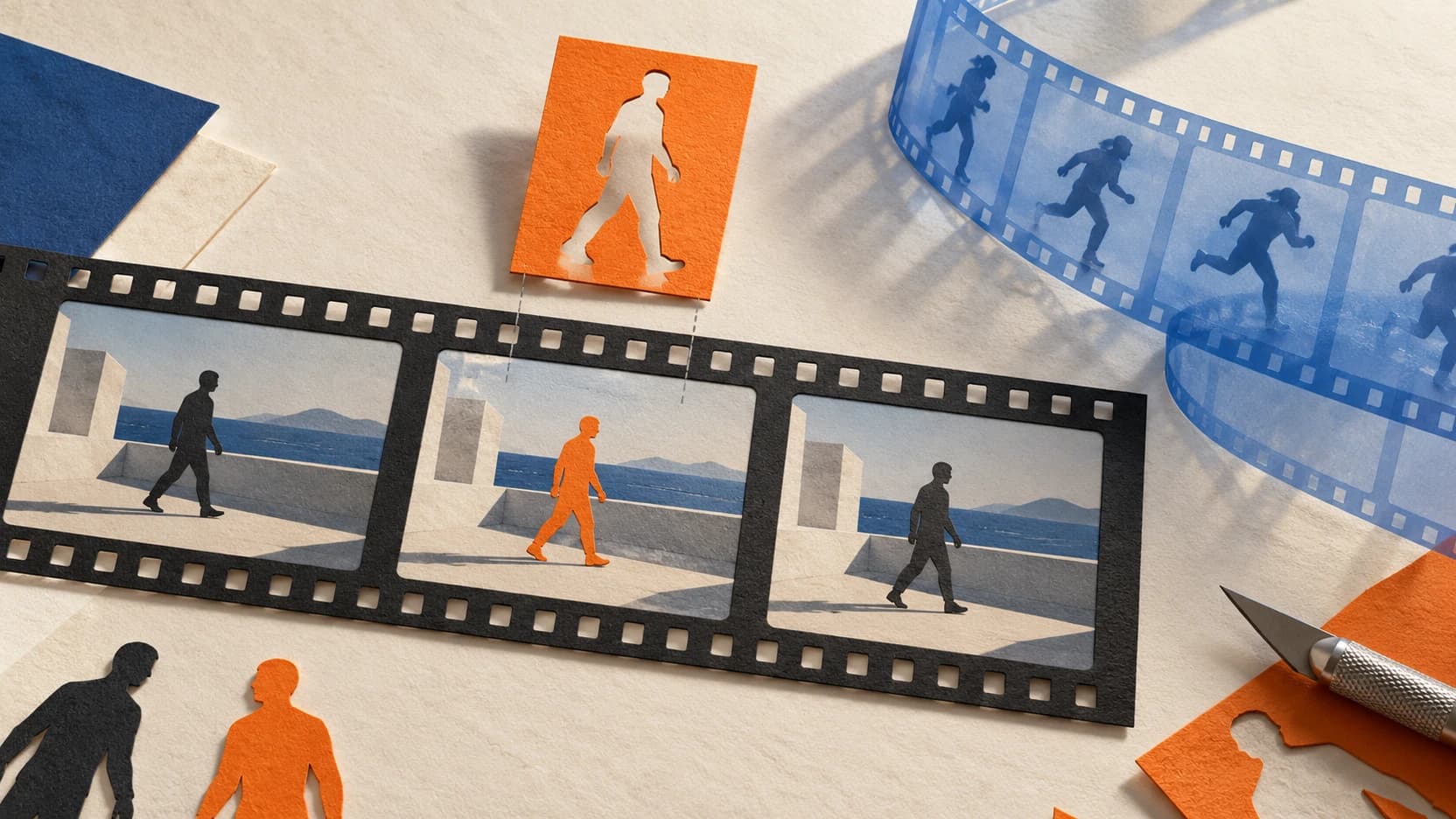
Upload a subject image and a short motion video. The Kling Motion Control API maps the reference motion onto your subject and returns a clip that keeps the original identity while adopting the movement, rhythm, and timing of the reference.

Generate a clip
Reuse one performance across many subjects

Record a single reference performance once, then swap the reference image to apply the same choreography to different characters. Consistent motion, different subjects — useful for avatars, mascots, and recurring social formats.

Match the take to your shot direction

Pick image orientation to anchor the facing to your reference photo, or video orientation to follow the reference clip and allow up to 30 seconds. Set keep_original_sound to carry the reference soundtrack into the output.

Pricing

Credit-based — 1 credit = $0.001 USD. Pay only for completed generations.

First test cost
$0.315315 credits

One 5-second sample at the cheapest tier.

Testing budget guide
Add credits
$10
≈ 31 tests
$50
≈ 159 tests
$100
≈ 318 tests
ModelCategoryPrice
Kling v3Standard mode
$0.114
114 credits · 1 second
Pro mode
$0.151
151 credits · 1 second
Kling v2.6Standard mode
$0.063
63 credits · 1 second
Pro mode
$0.101
101 credits · 1 second

Why reAPI

Reference image plus reference video

The Kling Motion Control API reads the subject from a reference image and the motion from a reference video, so the output keeps identity while adopting the reference movement. No keyframes, no rigging.

Two tiers, one request shape

Kling Motion Control ships two tiers: Kling v3 maximizes motion fidelity and subject consistency, while Kling v2.6 is the budget tier with the same parameters. Switch tiers by changing one string — the request body is identical.

Pay for the seconds you use

Kling Motion Control billing is per second of the source video, measured server-side from the actual clip length rather than a client estimate. Pick std or pro to trade cost for quality. Failed jobs refund automatically.

Kling Motion Control vs Runway Act-Two

Both transfer motion from a driving video onto a target subject. Kling Motion Control takes a reference image plus a reference video, supports image or video orientation, and bills per second across two tiers. Here is how the two compare on publicly documented behavior.

Capability
Kling Motion Control on reAPI
Runway Act-Two
Motion source
In Kling Motion Control, a reference video drives the motion; the subject comes from a single reference image.
A driving performance video animates a character image or generated character.
Subject input
One reference image fixes the subject's appearance and identity.
A character image or a generated character reference.
Orientation control
Kling Motion Control's character_orientation picks whether facing follows the reference image or the reference video.
Facing follows the driving performance; no separate orientation switch documented.
Source audio
keep_original_sound retains the reference video's soundtrack in the output.
Audio is tied to the driving performance video.
Clip length
Kling Motion Control runs up to 10s with image orientation or 30s with video orientation, set by the source clip.
Short performance clips; length follows the driving video.
Pricing model
Kling Motion Control bills per second of probed source footage; two tiers trade cost for fidelity, pay-as-you-go credits.
Credit-based pricing tied to plan and resolution.

Comparison reflects publicly documented behavior at the time of writing. Model behavior and pricing can change; check the pricing card above and the API docs for current values.

Ship the Kling Motion Control API in three steps

  1. step 01

    Create an API key

    Sign up and grab a key from the dashboard. Free credits cover your first Kling Motion Control API calls — no card required.

    Open
  2. step 02

    Submit a motion task

    POST to /api/v1/videos/generations with model = kling-v3-motion-control, an image_url, a video_url, character_orientation, and mode. The Kling Motion Control API returns a task ID immediately.

    Open
  3. step 03

    Poll the result

    GET /api/v1/tasks/:id until status is completed. Download the generated Kling Motion Control clip from output.video_urls[0] and ship it.

    Open
docs/api/kling-motion-control

API reference

Drop-in code and the full parameter table.

curl -X POST https://reapi.ai/api/v1/videos/generations \
  -H "Authorization: Bearer YOUR_API_KEY" \
  -H "Content-Type: application/json" \
  -d '{
    "model": "kling-v3-motion-control",
    "image_url": "https://example.com/subject.png",
    "video_url": "https://example.com/motion-8s.mp4",
    "character_orientation": "image",
    "mode": "std"
  }'

Parameter validation failed

Rejected synchronously with the failing field named. Check enum values, ranges, and URL fields — nothing is charged.

Authentication or balance issue

401 means a missing or invalid Bearer key; 402 means the reserve exceeds your balance. Manage keys and credits in the console.

Content or material rejected

Reference material and outputs pass automated moderation. Rejected tasks fail with a clear error and a full refund.

Task failed or timed out

A task that reaches a failed state is never charged — the reserve refunds automatically. Keep the task id and retry when ready.

Frequently asked questions

Common questions about this model.

The Kling Motion Control API is a reference-driven motion-transfer video model. You pass a reference image (the subject) and a reference video (the motion), and Kling Motion Control returns a clip of your subject performing the reference motion. An optional prompt refines camera, motion, and style.

start building

Ready to ship?

Try it in the playground or grab an API key to integrate now.