Kling Motion Control API: v2.6 vs v3, Prices, and Input Prep
Use Kling Motion Control v2.6 or v3 with the right orientation mode, source length, price tier, and reference image to reduce face and body drift.
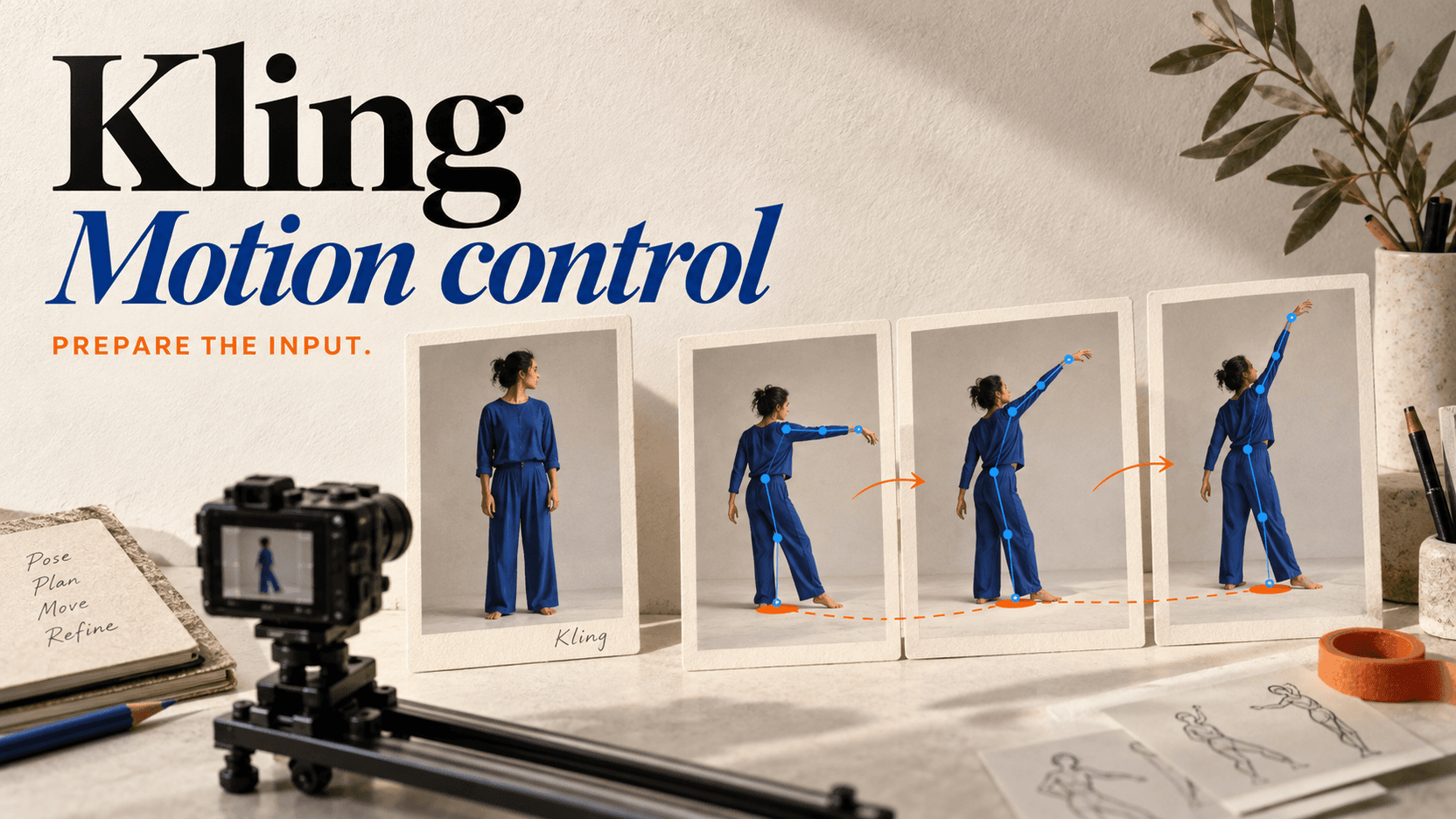
Kling Motion Control transfers movement from a 3–30-second reference video to the subject in one reference image. Use v2.6 Standard for the cheapest validation pass at $0.063 per source second; use v3 when the budget allows a newer consistency tier. The orientation setting also changes the maximum source length: image orientation allows 3–10 seconds, while video orientation allows 3–30.[1]
Most identity drift blamed on the model begins with a mismatch between the still image and the driving video. Pricing matters, but input geometry comes first.
v2.6 vs v3 pricing
Public reAPI rates checked August 23, 2026:
| Model | Standard | Pro | 10-second Standard | 10-second Pro |
|---|---|---|---|---|
| Kling v2.6 Motion Control | $0.063/s | $0.101/s | $0.63 | $1.01 |
| Kling v3 Motion Control | $0.114/s | $0.151/s | $1.14 | $1.51 |
The server probes the source video's duration, rounds up the billable seconds, and multiplies by the selected model and mode. There is no client duration field.[2]
A 7.2-second driving clip bills eight seconds. Trimming unused lead-in and tail frames before upload saves money and reduces motion the subject never needed to follow.
The two orientation modes are easy to misunderstand
character_orientation decides which input controls the subject's facing:
| Value | Facing follows | Source length |
|---|---|---|
image | The reference image | 3–10 seconds |
video | The reference video | 3–30 seconds |
Use image when the still's presentation must remain dominant: front-facing portrait, product-like character view, or a specific costume silhouette. Use video when the performance turns, spins, crosses camera, or changes facing and the output should follow it.
The wrong choice can look like face drift. If a front-facing still is forced to follow a driver turning into profile while orientation remains image-led, the model is resolving contradictory geometry.
Minimum request
{
  "model": "kling-v2-6-motion-control",
  "prompt": "Follow the reference performance and timing. Keep the face, hair, and jacket from the subject image.",
  "image_url": "https://files.example.com/subject.png",
  "video_url": "https://files.example.com/motion-8s.mp4",
  "character_orientation": "image",
  "mode": "std",
  "keep_original_sound": "yes"
}
The prompt, image, video, orientation, and mode are required. Both media fields must be public URLs; the driving video should be MP4 or MOV and no larger than 100 MB.[2]
Why the face changes
Face drift rarely has one cause. Check these in order.
1. The driver reveals an angle missing from the still
A single front portrait does not define the nose, jaw, ear, or hair from profile. If the motion clip turns ninety degrees, the model has to invent them.
Choose a reference image at the most important angle or use a driver that stays near the available view. Motion Control accepts one subject image, so the quality of that one frame matters more than a folder of unused references.
2. The face occupies too few pixels
A full-body image may be good for clothing and bad for identity. Crop tightly enough that eyes, nose, mouth, and hairline are clear while keeping the body parts needed by the motion.
For dance, a clean full-body source with a high-resolution face is better than a distant environmental photo. Avoid motion blur, beauty filters, and heavy compression.
3. Body proportions disagree
A driver with long limbs, loose clothing, or a very different silhouette can pull the generated body away from the still. Choose a performer with similar framing, body proportions, and costume volume.
4. Occlusion forces reconstruction
Hands crossing the face, fast spins, hair covering the eyes, and leaving the frame all remove identity evidence. Trim the driver to a simpler section for the first test.
5. The prompt asks for another redesign
“Cinematic warrior in a futuristic helmet” can conflict with “keep this person's face.” The prompt should describe motion, camera, lighting, and invariants. Do not add a second character design unless changing identity is acceptable.
A cheap validation ladder
- Trim the driver to 3–5 seconds around the important movement.
- Start with v2.6 Standard.
- Test both orientation modes only if the movement makes both plausible.
- Fix the image/driver mismatch before increasing quality.
- Move the accepted input pair to v3 Standard.
- Use Pro only if its output improvement on that pair is worth the rate.
Switching to Pro cannot add a missing profile view to the reference image. Spending should follow input cleanup, not substitute for it.
Prepare the driving clip instead of uploading a whole performance
Motion Control bills the clip it receives, and the model must interpret everything inside it. Cut the driver to the movement that belongs in the result.
Before upload:
- remove the count-in and the performer walking into position;
- keep the subject fully visible when limb motion matters;
- avoid hard camera cuts inside one driver;
- crop or reframe so the performer occupies a similar portion of the frame as the still;
- reduce extreme motion blur where hands or face define the action;
- preserve the original frame rate unless a deliberate retime is needed;
- check that the direct MP4/MOV URL is publicly fetchable and under 100 MB.
A ten-second clean driver usually gives a better diagnosis than a 28-second montage. Once the input pair works, longer video-orientation requests can extend the performance up to the documented 30-second limit.
Score motion and identity separately
One output can follow the body correctly while changing the face, or preserve the portrait while flattening the movement. A useful review sheet keeps those failures separate:
| Dimension | Question |
|---|---|
| Identity | Are face, hair, clothing, and body proportions recognizable? |
| Motion | Are timing, direction, limb paths, and weight transfer preserved? |
| Orientation | Does facing follow the selected image/video rule? |
| Occlusion recovery | Does identity return after hands, turns, or hair cover the face? |
| Framing | Does the subject stay inside the intended crop? |
| Audio | Was the source sound correctly kept or removed? |
Use the same cleaned pair on v2.6 Standard, v3 Standard, and—only if needed—v3 Pro. Comparing different source crops across tiers cannot tell you whether the model version improved anything.
Estimate cost from the rounded source length
Because billing uses the rounded-up probed duration, a batch of clips just over an integer boundary carries a small avoidable premium. Twenty 10.1-second drivers bill 220 seconds rather than 202. Trimming each to exactly ten seconds reduces the billed total without removing meaningful motion.
At v3 Standard, those two totals are about $25.08 and $23.03 using the displayed $0.114 rate. Do not speed up an action unnaturally to save pennies, but do remove accidental tail frames before a large batch.
Keep or drop the original sound
keep_original_sound defaults to yes. Keeping it is useful for dance, lip timing, and performance references. Set it to no when the driver contains guide audio, copyrighted music, room noise, or dialogue that should not ship.
The setting does not change the probed source duration used for billing.
What to log in production
Save the model id, mode, orientation, source duration, input URLs, prompt, task id, and final status. When somebody reports that “v3 changed the face,” those fields show whether the model version changed or the source was trimmed, recompressed, or submitted with another orientation.
The Kling Motion Control model page has the live four-cell price table. The API documentation lists source-length rules, payload fields, and validation errors.
References
- reAPI Kling Motion Control model and pricing page, accessed August 23, 2026.
- reAPI Kling Motion Control API documentation, accessed August 23, 2026.
Author

Categories
More Posts
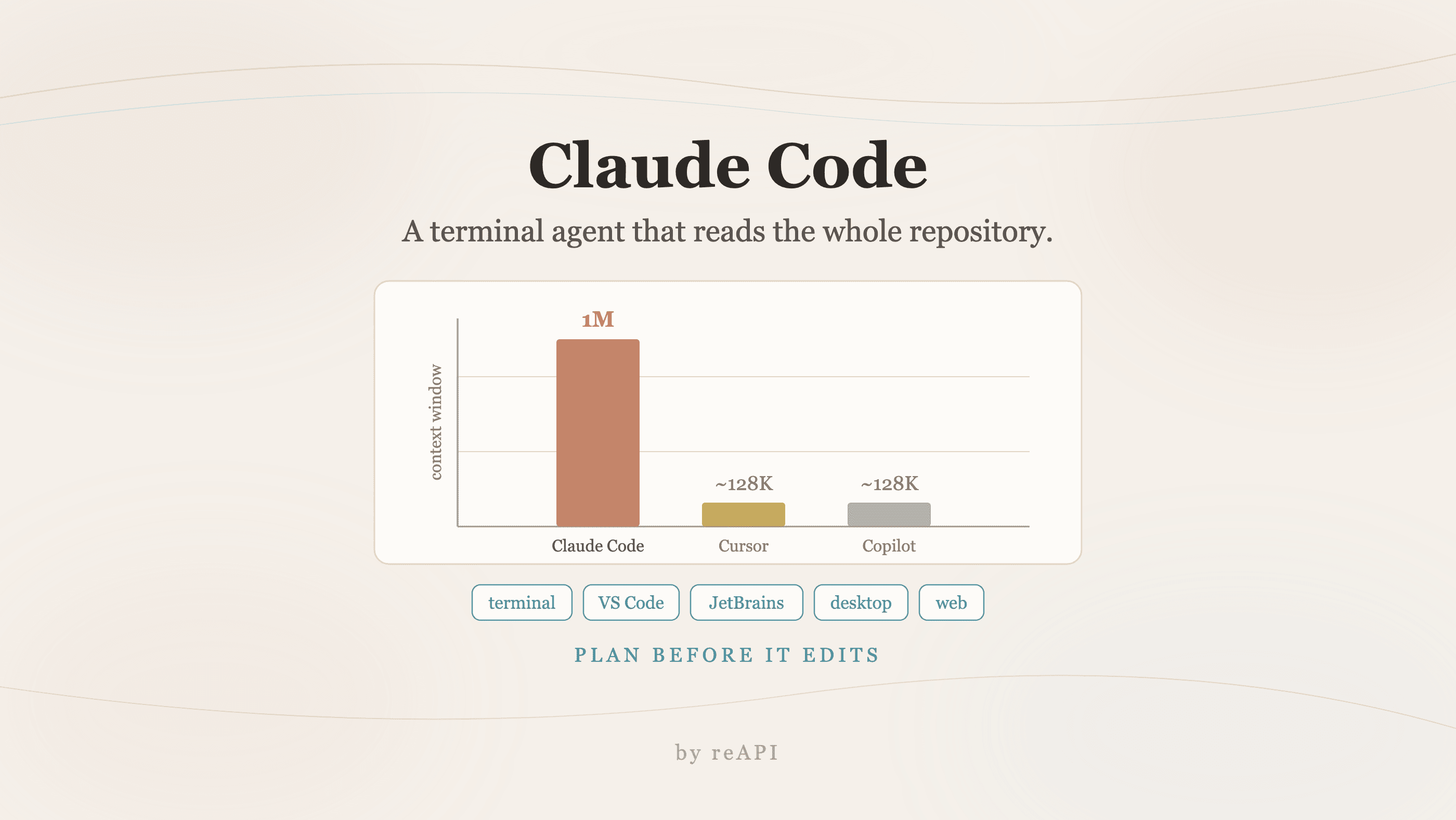
How to Use Claude Code: Anthropic's Terminal Coding Agent
How to use Claude Code: the 1M token context window, 80.8% SWE-bench score, Plan Mode, every surface it runs on, installation, and how it compares to Cursor.

Gemini 4 Argon Release Date: Is It Out, and Who Can Use It?
Gemini 4 Argon was announced on September 30, 2026, but only Fairwind Program defenders can use it so far. Who has access, and what Google says comes next.
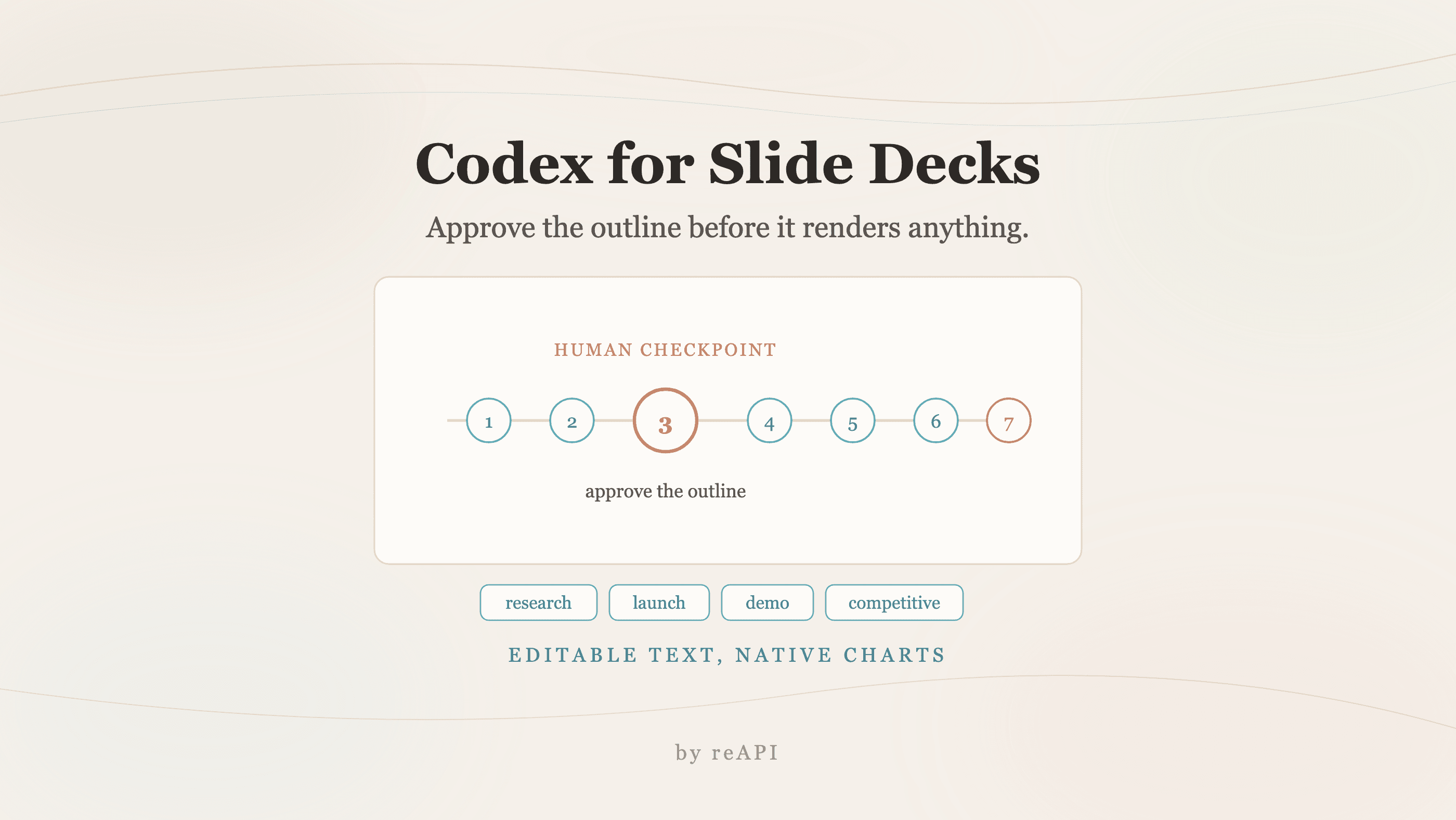
How to Use Codex to Generate Slide Decks From Research
How to use Codex to generate slides: the seven-step workflow, the outline checkpoint that decides deck quality, prompts that pin exact claims, and its limits.