GPT Image 2.5 is live — OpenAI's newest image model, targeted edits that leave the rest of the frame alone

Kling Image 4.0 — 4K Image Generator & Series

Generate 2K or 4K stills with Kling Image 4.0. Create independent concepts or a related series from one brief, with up to ten reference images.

Highlights
Kling Image 4.0 series mode · 2K and 4K · up to 10 references
Best for
Product photos, storyboards, and campaigns
Input
One prompt plus up to 10 JPEG or PNG references
Output
Kling Image 4.0 stills at 2K or 4K
Input

Give Kling Image 4.0 a subject, framing, and lighting. List series shots in order.

0/10 files

Kling Image 4.0 accepts up to ten JPEG or PNG files. Minimum 300 px per side, ratio 2:5 to 5:2. Use up to 30 MB each, or 20 MB for a series of five or more.

Name the references Kling Image 4.0 should use. Enter one name per line in image order, then mention it as @name.

Use Kling Image 4.0 at 2K for drafts or at 4K for tighter crops.

Set your crop or use auto to let Kling Image 4.0 choose the framing.

Choose how many independent options Kling Image 4.0 should generate, from one to nine.

Kling Image 4.0 keeps this off.

Estimated cost~$0.05858 credits
Result

Try one of these prompts

Pricing

Credit-based — 1 credit = $0.001 USD. Pay only for completed generations.

First test cost
$0.05858 credits

One sample at the cheapest tier (1 output image).

Testing budget guide
Add credits
$10
≈ 172 tests
$50
≈ 862 tests
$100
≈ 1724 tests
2K output
$0.0571432
Price · 1 output image
4K output
$0.0857144
Price · 1 output image
Each input reference
$0.0028568
Price · 1 reference image

What is Kling Image 4.0?

Kling Image 4.0 is Kuaishou’s model for still images from text and optional references. In single mode, Kling Image 4.0 produces independent candidates. Series mode gives you a related set, with a choice of 2K or 4K and eight fixed aspect ratios or auto.

What you can build with this model

Real-world workflows and production use cases you can build and ship with this model.

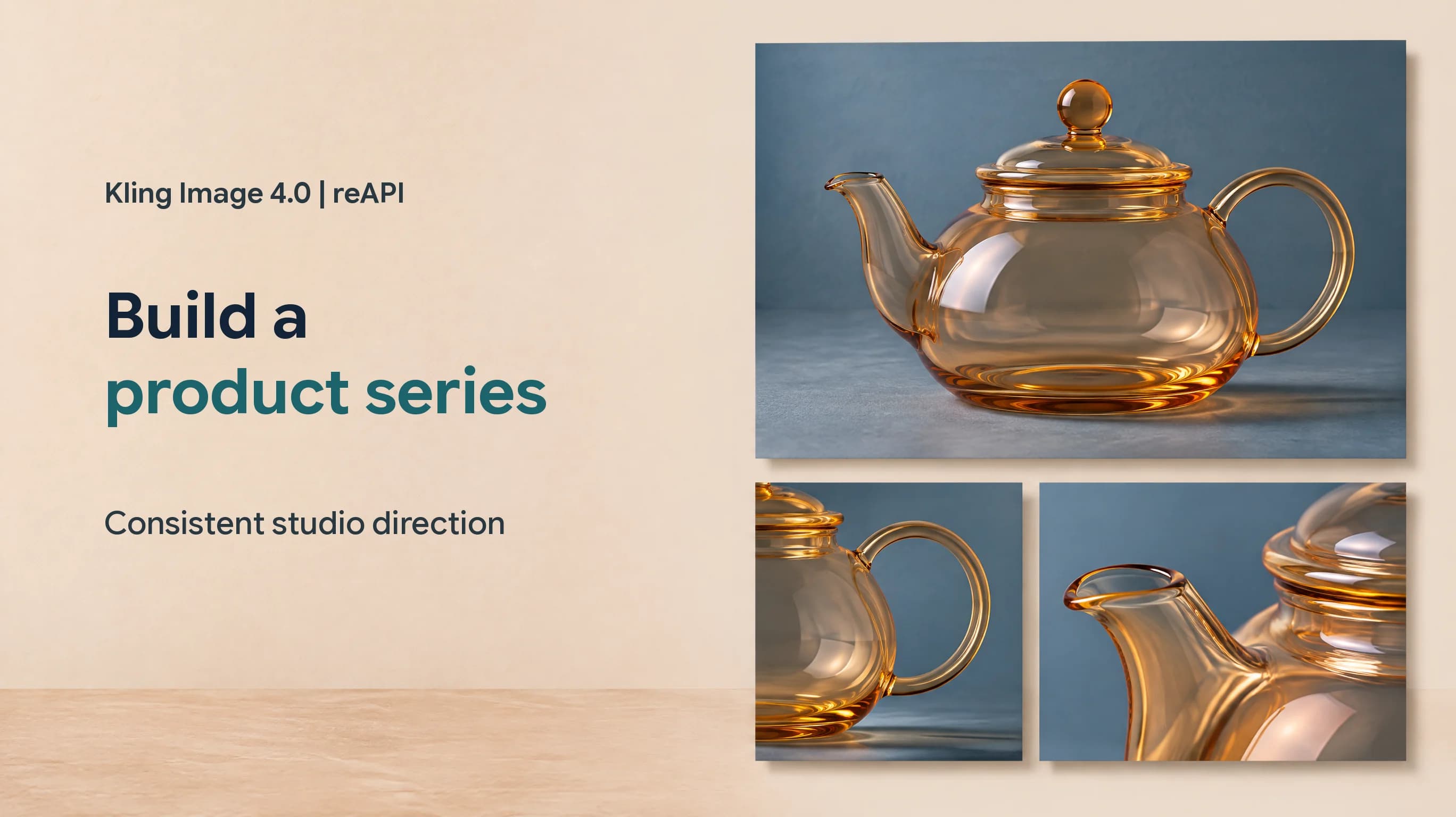
Amber glass teapot staged under soft side light in a product photography scene

Build a product series with Kling Image 4.0

Start with a clean photograph of a glass teapot. Give Kling Image 4.0 a front view, handle profile, and rim close-up in one brief. Keep the slate and light fixed. Check Kling Image 4.0 outputs for matching color, lid, and handle shape before publishing.

Try a Kling Image 4.0 product brief
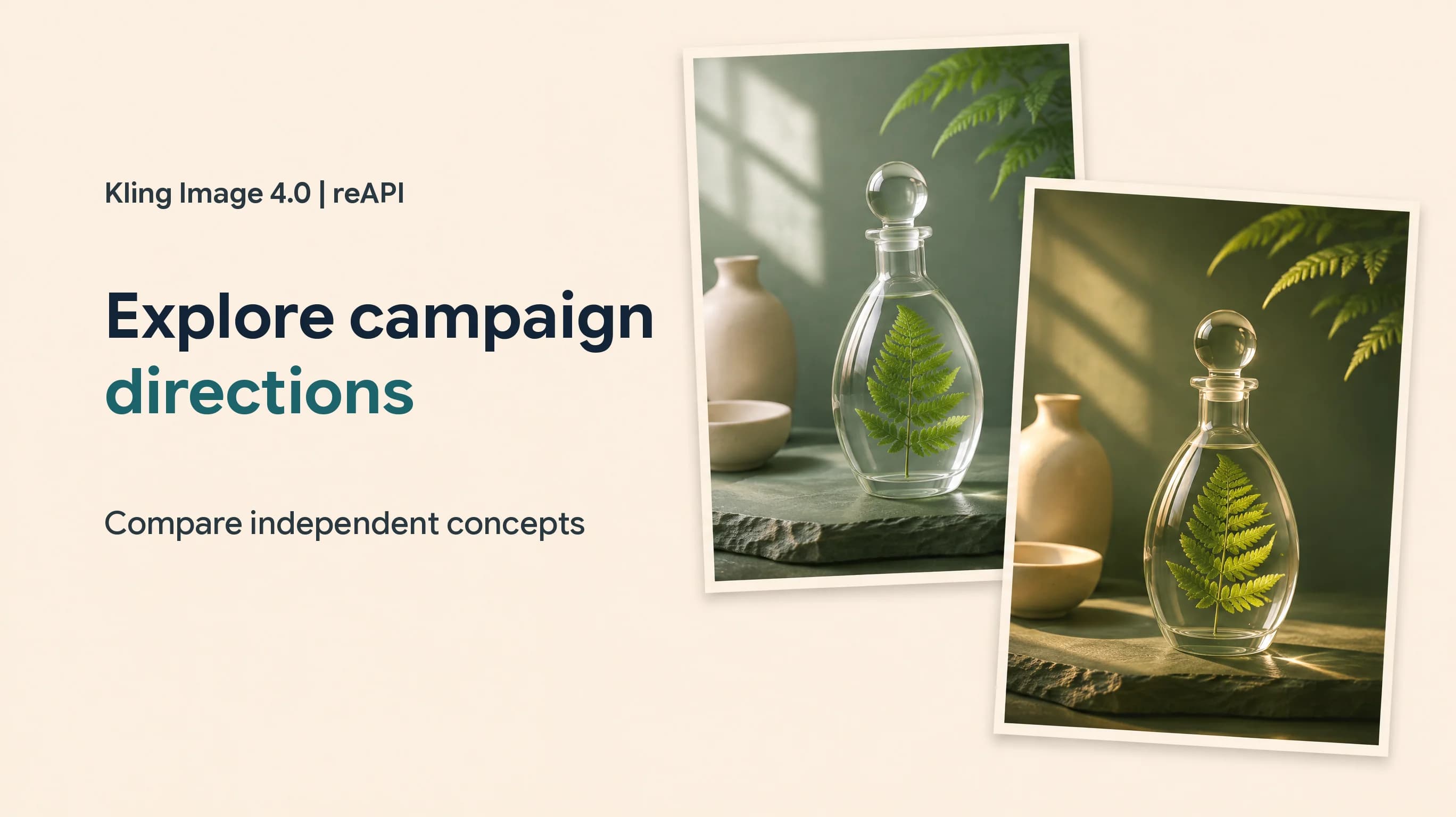
Botanical still life with a fern and glass on a studio surface

Explore campaign directions with Kling Image 4.0

Use Kling Image 4.0 single mode to compare light or styling for a launch. Pick the strongest composition from 2K drafts. Return to Kling Image 4.0 for a 4K version once you know how you’ll crop it.

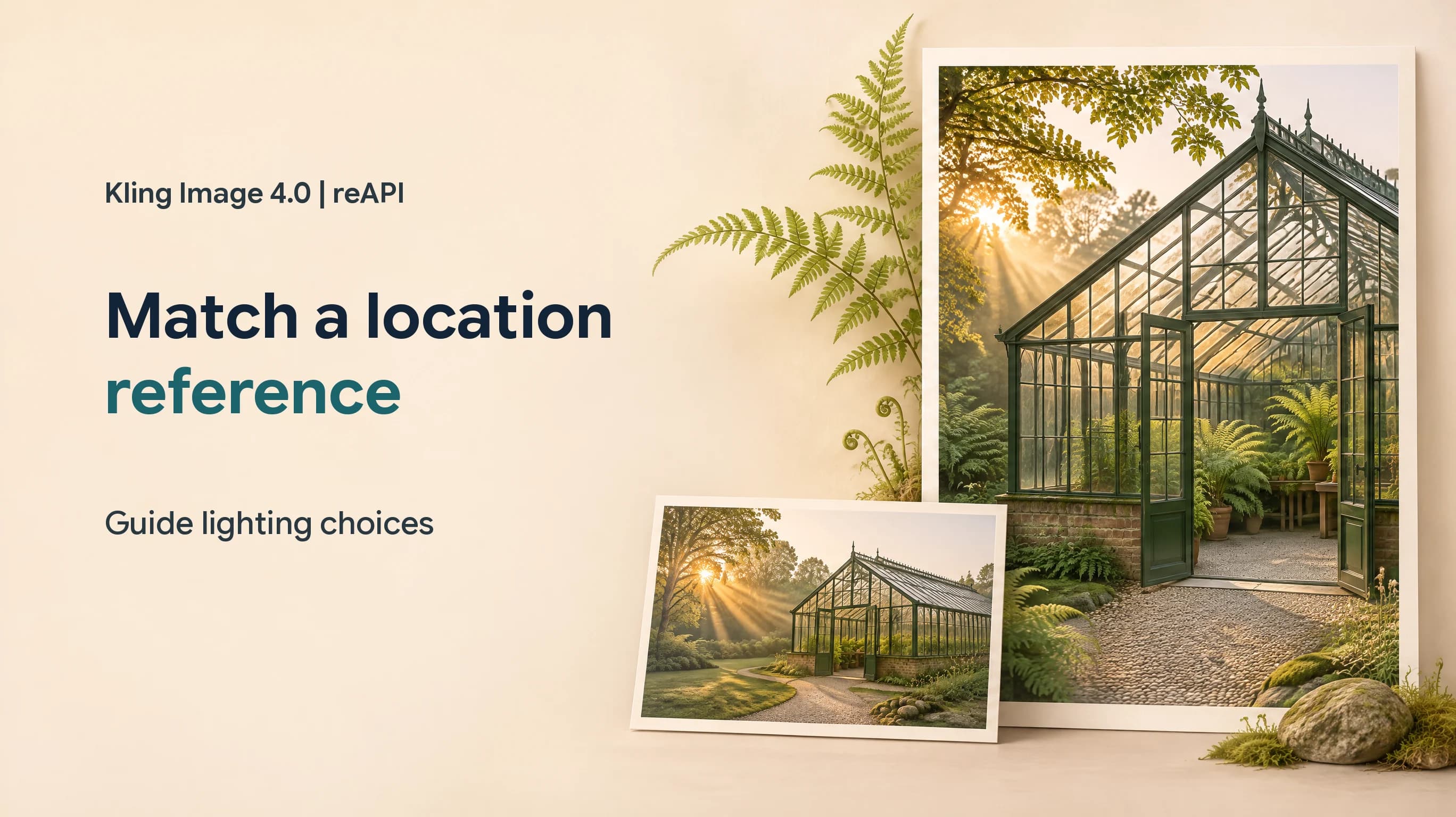
A greenhouse with glass panels, plants, and daylight used as a location study

Match a location reference with Kling Image 4.0

Show Kling Image 4.0 a glasshouse layout and a second reference for the light. Specify which image governs each detail. Compare a wide Kling Image 4.0 header with a vertical crop for stories.

Why reAPI for Kling Image 4.0

A shared brief for Kling Image 4.0 series

Write the common art direction once, then give each image a distinct shot. Compare the Kling Image 4.0 outputs side by side.

Named references in Kling Image 4.0

Use one image for the product and another for the set. Mention both by name in the Kling Image 4.0 prompt.

Budget a Kling Image 4.0 set

Estimate the full set using the selected resolution, the planned output count, and the references you supply.

Kling Image 4.0 vs Muse Image

Kling Image 4.0 offers 4K stills and series mode. Muse Image suits a brief that needs one flat-priced still with optional references.

Capability
Kling Image 4.0 on reAPI
Muse Image on reAPI
Output count
1–9 independent images or a series of 2–10
One image per request
Reference images
Up to 10
Up to 9
Aspect ratios
Eight fixed ratios or auto
Seven fixed ratios or auto
Resolution setting
2K or 4K
Set by the model
Image series
Dedicated series mode
One output per task
Billing
Per output by resolution plus each reference
Flat per output

Kling Image 4.0 and Muse Image on reAPI, checked November 19, 2026.

Generate your first Kling Image 4.0 image

  1. step 01

    Try one square Kling Image 4.0 still

    Use a 2K prompt with a clear subject, light source, and background.

    Open
  2. step 02

    Get a key for Kling Image 4.0

    Create a reAPI key in your account. Use it for both submission and polling.

    Open
  3. step 03

    Retrieve your Kling Image 4.0 results

    Save the Kling Image 4.0 task ID. When it completes, read every URL in output.image_urls.

    Open
docs/api/kling-image-4-0

API reference

Drop-in code and the full parameter table.

curl -X POST https://reapi.ai/api/v1/images/generations \
  -H "Authorization: Bearer YOUR_API_KEY" \
  -H "Content-Type: application/json" \
  -d '{
    "model": "kling-image-4-0",
    "contents": [{"type": "prompt", "text": "Studio photograph of a transparent amber glass teapot on matte blue slate, soft side light and a clean backdrop."}],
    "settings": {"resolution": "2k", "aspect_ratio": "1:1"}
  }'

Parameter validation failed

Rejected synchronously with the failing field named. Check enum values, ranges, and URL fields — nothing is charged.

Authentication or balance issue

401 means a missing or invalid Bearer key; 402 means the reserve exceeds your balance. Manage keys and credits in the console.

Content or material rejected

Reference material and outputs pass automated moderation. Rejected tasks fail with a clear error and a full refund.

Task failed or timed out

A task that reaches a failed state is never charged — the reserve refunds automatically. Keep the task id and retry when ready.

Frequently asked questions

Common questions about this model.

Kling Image 4.0 is a still-image generator. It accepts a prompt and optional visual references, with independent and series modes.

start building

Ready to ship?

Try it in the playground or grab an API key to integrate now.