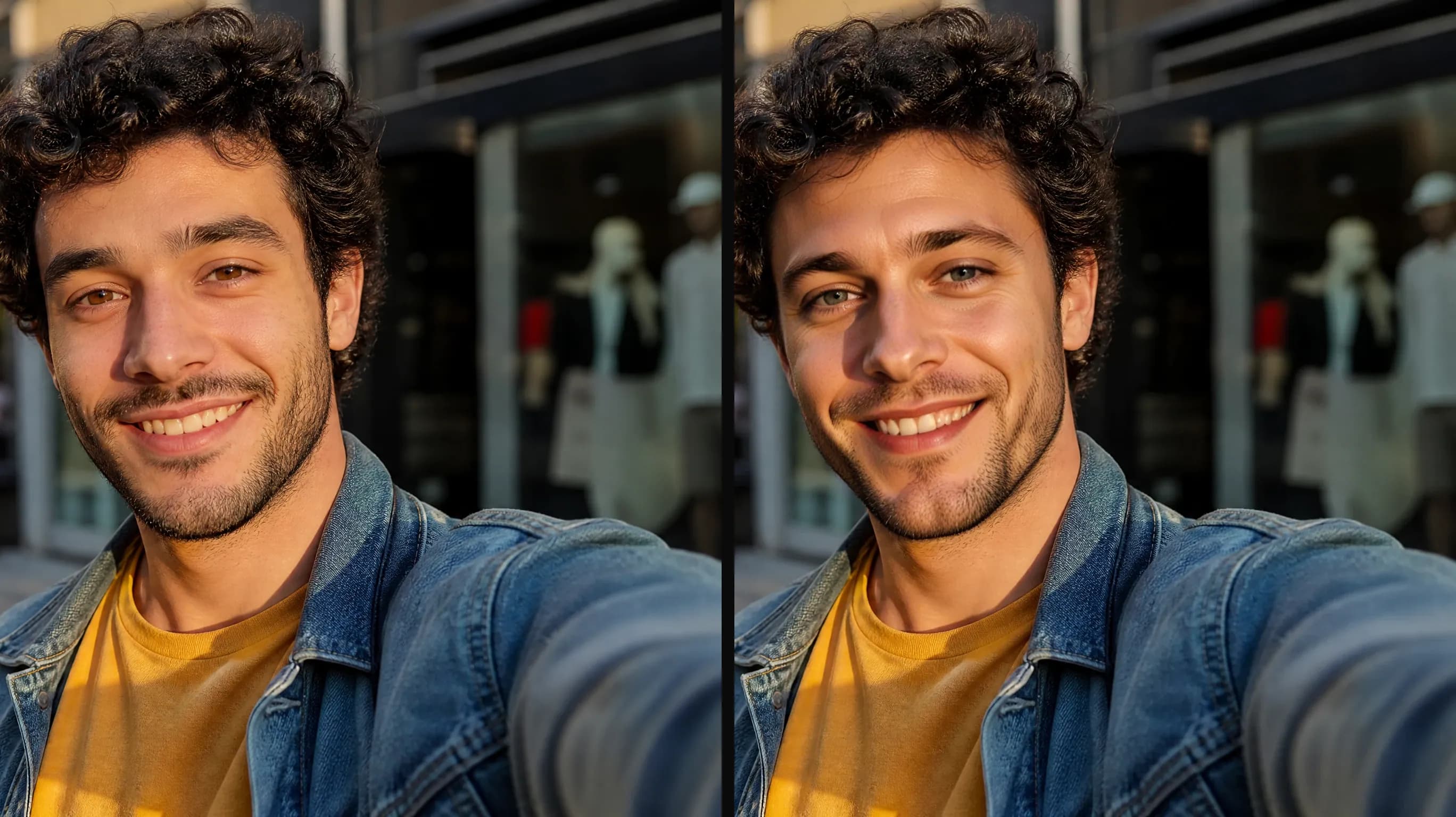
Face swap for photo apps and avatar features
Give users a swap button without building a model pipeline. Send the target photo and the source face, get one image back, show it in your app. One flat rate per swap.
Read the API docsFace Swap takes a target photo and a source face and returns one finished image. Pose, lighting and background stay put; only the face changes. Try it below or call it with an API key, flat price per image.
 1
1playground-target.webp
✓ 1 file added
Required · public http(s) URL
 1
1playground-face.webp
✓ 1 file added
Required · public http(s) URL
Optional · 0 or empty = random
Credit-based — 1 credit = $0.001 USD. Pay only for completed generations.
One sample at the cheapest tier (1 image).
Face Swap is an image-to-image model exposed on reAPI as one async endpoint with three parameters: the target photo, the source face, and an optional seed. It puts the source face onto the target photo and keeps the target's pose, lighting and background. One image per request at a flat rate, in the playground on this page or through the API.
Real-world workflows and production use cases you can build and ship with this model.
Give users a swap button without building a model pipeline. Send the target photo and the source face, get one image back, show it in your app. One flat rate per swap.
Read the API docs
Reuse a shoot instead of booking another one. Face Swap keeps the original pose, light and backdrop and changes only the face, so the new version drops straight into the same layout.
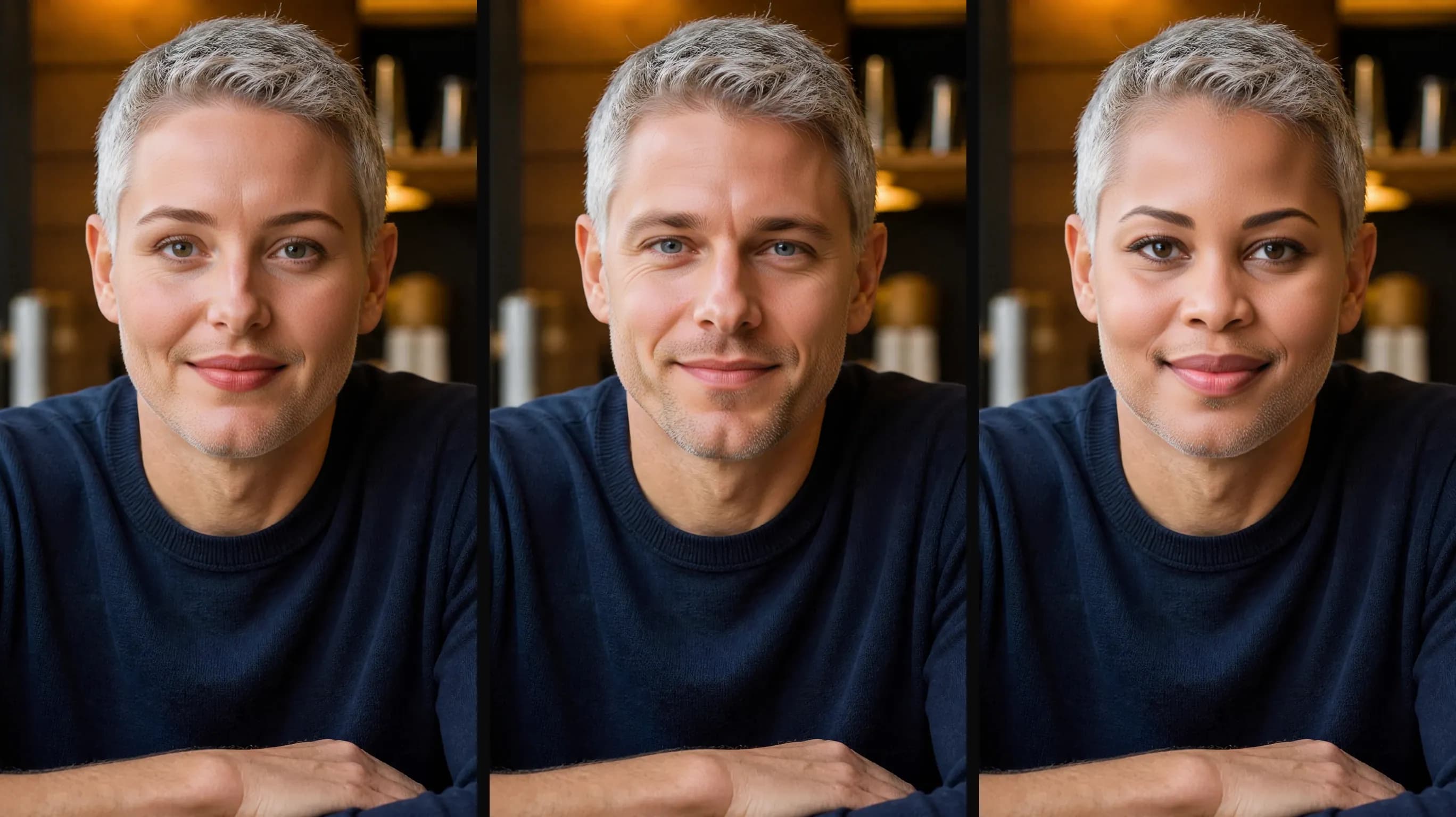
Pin a seed and the same two photos give the same result every time. Run a hundred variants overnight, keep the ones you like, and re-create any of them later from the same inputs.
Two image URLs in, one image URL out. No prompt to write, no size to choose, no model to pick. It does one job and hands back the result.
There is no content-filter switch on this model because there is no filtered route to switch to. Run it on this page or call it with an API key. Illegal and prohibited content is always blocked. Platform terms still apply.
1 credit equals $0.001 USD. Face Swap bills one flat rate per image whatever the photo size. POST, get a task_id, poll. Failed swaps are refunded.
Both put one face onto another photo. Face Swap on reAPI is one HTTP call at a flat rate; a self-hosted face swap model is weights, a GPU and a queue that you run and maintain yourself.
Comparison reflects publicly documented behavior at the time of writing. Model behavior and pricing can change; check the pricing card above and the API docs for current values.
Try Face Swap in the playground on this page first. For your own code, sign up, create a key in the dashboard, and pass it as a Bearer token.
OpenPOST to /api/v1/images/generations with model: face-swap, image_url for the target photo and face_image_url for the source face. You get a task_id at once.
OpenGET /api/v1/tasks/:id until status is completed. The Face Swap image URL stays valid for 30 days; copy it to your own storage if you need it longer.
Opencurl -X POST https://reapi.ai/api/v1/images/generations \
-H "Authorization: Bearer YOUR_API_KEY" \
-H "Content-Type: application/json" \
-d '{
"model": "face-swap",
"image_url": "https://example.com/target-photo.jpg",
"face_image_url": "https://example.com/source-face.jpg"
}'Rejected synchronously with the failing field named. Check enum values, ranges, and URL fields — nothing is charged.
401 means a missing or invalid Bearer key; 402 means the reserve exceeds your balance. Manage keys and credits in the console.
Reference material and outputs pass automated moderation. Rejected tasks fail with a clear error and a full refund.
A task that reaches a failed state is never charged — the reserve refunds automatically. Keep the task id and retry when ready.
Common questions about this model.
Try it in the playground or grab an API key to integrate now.