GPT Image 2.5 is live — OpenAI's newest image model, targeted edits that leave the rest of the frame alone

reAPI Video 1 — Video With Sound From One Prompt

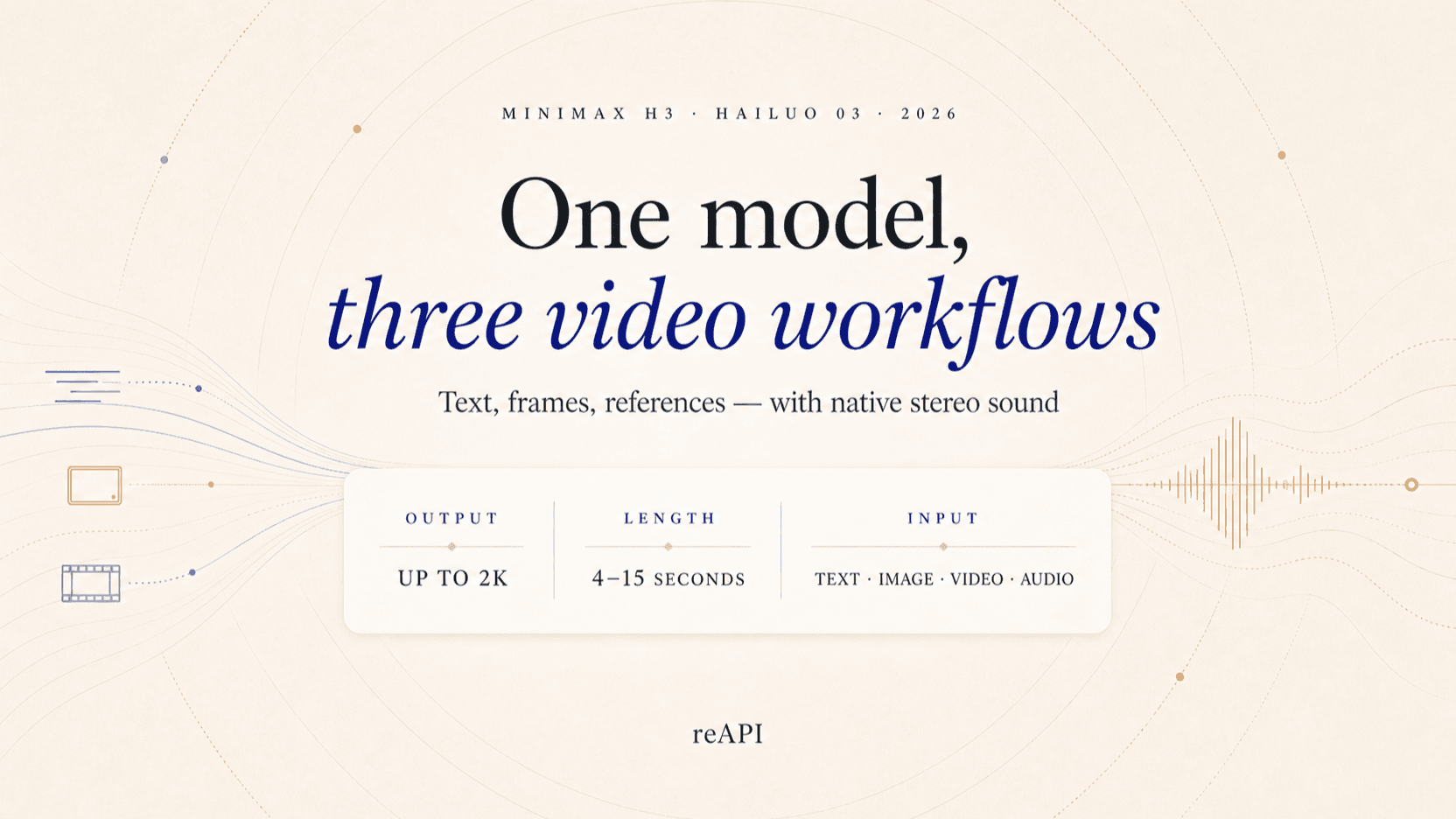
reAPI Video 1 is reAPI's video model, built on MiniMax H3: describe a scene and get a 5–15 second clip with its own dialogue, ambience and effects. Start from text, a first frame, or your own images, videos and audio.

Highlights
5–15 s · 480p / 768p · audio included
Best for
Talking scenes, product shots, social clips
Input
Text, a first frame, or images, videos and audio
Output
Video with audio (mp4)
Input

1 to 32,000 characters

Default 768p

adaptive works in reference mode only

5

5 to 15 · default 5

Default turbo

Estimated cost~$0.15150 credits
Result

Try one of these prompts

Pricing

Credit-based — 1 credit = $0.001 USD. Pay only for completed generations.

First test cost
$0.1100 credits

One 5-second sample at the cheapest tier.

Testing budget guide
Add credits
$10
≈ 100 tests
$50
≈ 500 tests
$100
≈ 1000 tests
Category
Text / image to video
Reference to video
480P
$0.02
Price · 1 second
$0.04
Price · 1 second
768P
$0.03
Price · 1 second
$0.06
Price · 1 second

What is reAPI Video 1?

reAPI Video 1 is reAPI's video generation model, built on MiniMax H3. One reAPI Video 1 call makes the whole scene at once: subject, setting, light and sound, including spoken lines, room tone and effects that match the space you describe. Call it from a text prompt, from an image that becomes the first frame, or from up to 12 reference images, videos and audio clips the shot must keep. Output is MP4 (H.264) at 24 fps with 32 kHz stereo AAC audio, 5–15 seconds at 480p or 768p.

A potter at a wheel, a clip generated by reAPI Video 1

What you can build with this model

Real-world workflows and production use cases you can build and ship with this model.

Sound in the same render

Dialogue, ambience and effects come with every reAPI Video 1 clip, generated from the same prompt as the picture. No voiceover pass, no lip-sync step: describe the room tone and the effects, and say no music when you do not want a bed.

Generate a clip


Name the camera, get the look

reAPI Video 1 responds to a real camera body, lens and aperture far more than to words like cinematic. Write the shot the way a crew would brief it and keep the camera still: short, contained shots with one subject are where it is strongest.

Keep your product in the shot

Give reAPI Video 1 photos, clips or audio in reference mode and the colour, form and markings of what you supplied carry into a new scene. Address each one in the prompt as Picture 1 or Video 1. Write each label in angle brackets.

Why reAPI for reAPI Video 1

Picture and sound together

Every reAPI Video 1 clip carries its own stereo track of dialogue, ambience and effects, so a talking scene or a product shot is finished in one request.

Does what you asked

reAPI Video 1 follows a brief literally and keeps objects at their size and place. No dialogue in the prompt means no dialogue in the clip.

Repeatable shots

Fix the seed and reAPI Video 1 returns the same clip for the same prompt, so you can change one detail at a time instead of starting over.

reAPI Video 1 vs Veo 3.1

How reAPI Video 1 on reAPI compares to Veo 3.1 for short video with generated sound.

Capability
reAPI Video 1 on reAPI
Veo 3.1
Clip length
Any whole second from 5 to 15
4, 6 or 8 seconds
Resolution
480p or 768p
720p, 1080p or 4K
Aspect ratios
21:9, 16:9, 4:3, 1:1, 3:4, 9:16, plus adaptive
16:9 or 9:16
Audio
Always generated with the picture: dialogue, ambience, effects
Generated audio track
Reference images
Up to 9, addressed as Picture N (in angle brackets) in the prompt
Up to 3
Reference video and audio
Up to 3 videos and 3 audio clips
Not supported

Veo 3.1 values reflect its documented API surface on reAPI as of October 2026. Check each model's docs for current limits.

Ship in three steps

  1. step 01

    Create an API key

    Sign up and create a key in the dashboard. New accounts get a small signup credit to try a request.

    Open
  2. step 02

    Submit a video task

    POST to /api/v1/videos/generations with model = reapi-video-1 and a mode. The endpoint returns a task ID immediately.

    Open
  3. step 03

    Poll the result

    GET /api/v1/tasks/:id until status is completed, then download the MP4 and its audio.

    Open
docs/api/reapi-video-1

API reference

Drop-in code and the full parameter table.

curl -X POST https://reapi.ai/api/v1/videos/generations \
  -H "Authorization: Bearer YOUR_API_KEY" \
  -H "Content-Type: application/json" \
  -d '{
    "model": "reapi-video-1",
    "mode": "text_to_video",
    "prompt": "A barista pours steamed milk into a latte, close-up, static camera. The hiss of the steam wand, no music.",
    "resolution": "768p",
    "aspect_ratio": "16:9",
    "duration": 5
  }'

Parameter validation failed

Rejected synchronously with the failing field named. Check enum values, ranges, and URL fields — nothing is charged.

Authentication or balance issue

401 means a missing or invalid Bearer key; 402 means the reserve exceeds your balance. Manage keys and credits in the console.

Content or material rejected

Reference material and outputs pass automated moderation. Rejected tasks fail with a clear error and a full refund.

Task failed or timed out

A task that reaches a failed state is never charged — the reserve refunds automatically. Keep the task id and retry when ready.

Frequently asked questions

Common questions about this model.

reAPI Video 1 is reAPI's video generation model, built on MiniMax H3. It makes one clip of 5 to 15 seconds at 480p or 768p, with dialogue, ambience and effects generated together with the picture. You can start from a text prompt, a first-frame image, or up to 12 reference images, videos and audio clips.

start building

Ready to ship?

Try it in the playground or grab an API key to integrate now.