· reAPI Team
Hotel Lobby AI prompt: bind photos to the reference
Copy the Hotel Lobby AI prompt used in a recorded Seedance 2.5 draft. Assign each photo a side, separate identity from motion, and review changes one at a time.
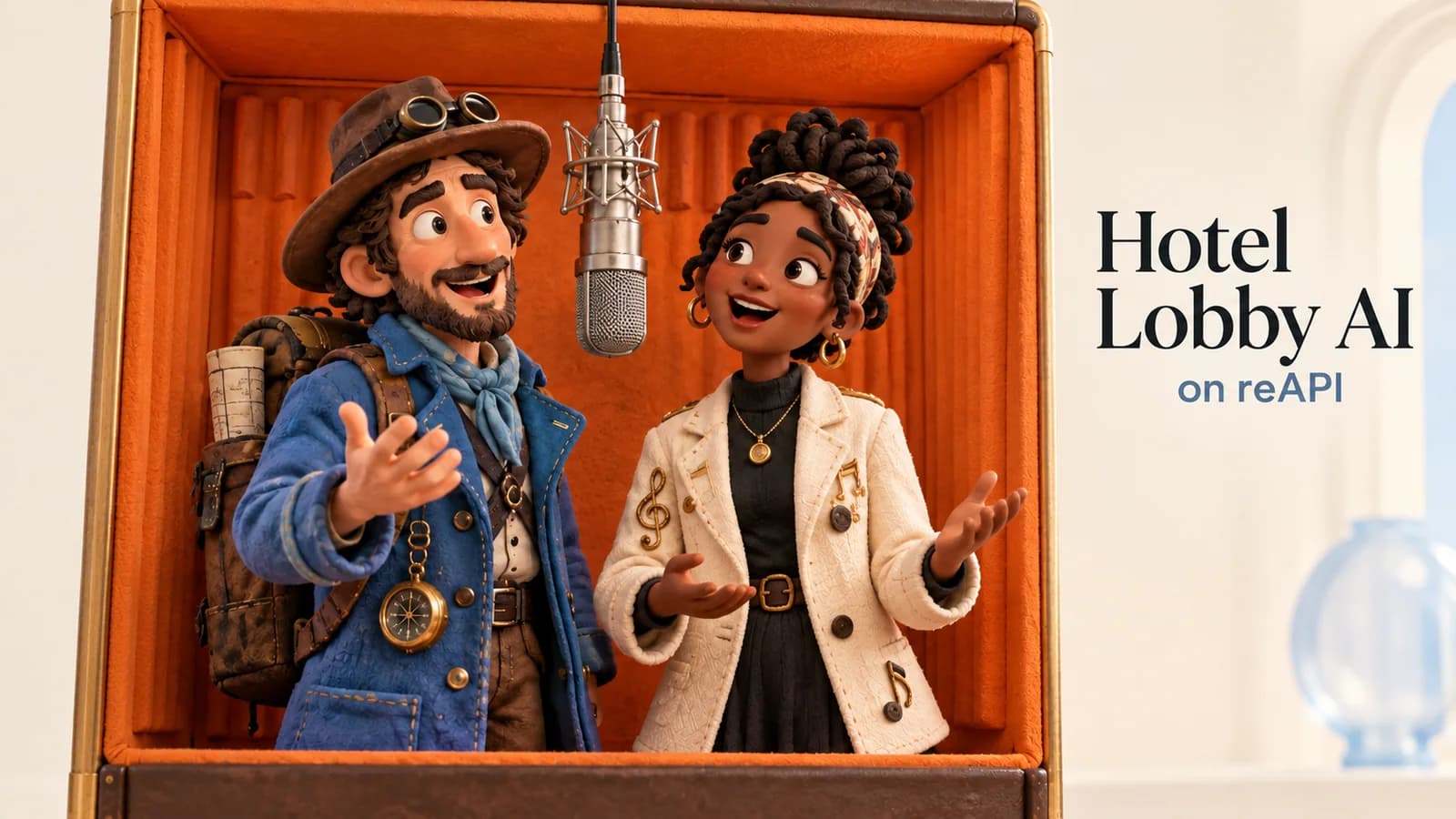
A useful Hotel Lobby AI prompt gives each reference one job: Image 1 defines the left performer, Image 2 the right performer, and Video 1 the movement and timing. The text below is the complete preset submitted in our October 10, 2026 Seedance 2.5 run. It produced a 15-second 480p video; the original soundtrack was added afterward.[1]
This guide is for someone asking “Where the prompt?” or trying to make both people follow the reference without inheriting its appearance. It explains the actual wording, how to keep the image order consistent and how to make a revision you can evaluate. For uploads and the finished download, follow the complete two-photo tutorial. Here the focus is the instruction and its relationship to the inputs.
Conceptual cover illustration; it is not a tested Seedance output.
TL;DR
- Preserve the binding: Image 1 = left; Image 2 = right; Video 1 = motion reference. The tool's image list follows that order.[2]
- Copy the full preset below if you need to edit it. Leaving the prompt blank uses the preset; typing custom text replaces it.[2]
- The reference's line art is not the requested output style. The prompt explicitly separates appearance from choreography.[1]
- Keep API fields separate from creative wording. The recorded task requested 15 seconds, 480p, 16:9, reference mode and
draft: true.[1] - Change one variable and save the resulting take. That is a suggested review method; no controlled prompt comparison established a quality improvement here.[1]
Copy the complete Hotel Lobby AI prompt
The following block preserves the exact English text of the submitted request. Its spelling and punctuation are retained so the wording can be compared with the public record. Localized explanations around it do not change the original request.[1]
Create a single continuous two-person rap performance. Image 1 is the LEFT performer; Image 2 is the RIGHT performer. Preserve each character’s face, hair, clothing and identity from their own image throughout the shot. Use Video 1 only for choreography, body gestures, mouth movements, camera framing and performance timing. Do not copy appearance or line-art styling from Video 1. Both performers share one silver microphone against a warm orange studio backdrop. Follow the reference’s turns, arm movements and exchanges while keeping each character on their assigned side. Natural coherent anatomy, consistent hands, expressive faces. No extra people, text, cuts or scene changes. Render the characters in the visual style of their uploaded images.The preset is a starting request you can inspect. It is not a guarantee that faces, hands, camera framing or mouth movements will match every instruction. The run record establishes the submitted text and completed file; no scored comparison identifies this as the best possible Hotel Lobby AI prompt.
If you want to retain the preset and add an instruction, copy the complete block into the field first. A short sentence entered by itself replaces all of the original bindings. For example, typing only “make the background blue” removes the sentences that explain who belongs on each side and what Video 1 should control.[2]
Keep your edited version with the source URLs and model settings. Prompt text without its image order is an incomplete recipe: the same sentence can assign the wrong face if the reference list has changed. Before copying a saved version into a new request, compare its labels with the two preview slots.
Map identity, movement and soundtrack separately
The role table explains how this particular request is organized. The exclusions are instructions in the prompt, not measured guarantees of what the model will ignore.
| Reference | Intended role | What it should not supply |
|---|---|---|
| Image 1 | Left performer's face, hair, clothes and identity | The right performer's appearance |
| Image 2 | Right performer's face, hair, clothes and identity | The left performer's appearance |
| Video 1 | Choreography, gestures, mouth movements, framing and timing | Source performers' appearance or line-art rendering |
| Original soundtrack | Audio attached after video generation | A default uploaded audio reference or newly generated song |
The two actual images were a fictional man in black and a fictional woman in white. They were submitted separately. Each source defined one identity; the video reference did not define either person's wardrobe or face.[1]

Left input: the fictional adult in black, submitted as Image 1.

Right input: the fictional adult in white, submitted as Image 2.
A multi-panel sheet can also depict one character, but say so explicitly if you use one. The existing two-image prompt examples explain that convention. Those older tests are different shots; they do not validate multi-view sheets for the Hotel Lobby choreography.
Other templates can number the sides in reverse. Check the actual image list rather than assuming a number identifies a side. The copied prompt and the visible slots must agree.
Read the prompt as a set of decisions
One continuous performance
“Create a single continuous two-person rap performance” sets the intended shot and cast. The later restriction on extra people, text, cuts and scene changes reinforces that brief. If your custom request introduces a new scene halfway through, it conflicts with the preserved continuous-shot instruction. Resolve the conflict in the text before submission.
The shared silver microphone and warm orange backdrop define the requested scene. If you want a different prop or room, change that scene sentence deliberately. Leave the identity and motion assignments intact unless changing them is itself your experiment.
Appearance comes from each person's own image
The preserve sentence names face, hair, clothing and identity separately. It matters because the reference shows other figures, and a general instruction such as “copy this video” leaves appearance and movement bundled together. The next sentence narrows Video 1 to choreography, gestures, mouth movement, framing and timing.
The final sentence asks for the visual style of the uploaded images. Check whether your two sources use compatible styles. If one is a photograph and the other a drawing, decide what you intend before generating; this article has no mixed-style experiment that can predict the result.
Positions remain assigned through movement
The preset asks for turns, arm movements and exchanges while keeping each character on the assigned side. That gives you something observable to check. Pause the output during a turn and compare the person on the left with Image 1. Repeat for the right. Do not judge identity from the opening thumbnail alone.
“Natural coherent anatomy” and “consistent hands” are requests for the output, not an anatomical validation result. Inspect them as closely as the faces. If the clip has a distorted hand, more adjectives do not automatically fix it; first identify the moment and what the hand was supposed to do.
Keep creative prose and request parameters apart
The real run used the following values alongside the prompt:
{
  "model": "doubao-seedance-2.5-face",
  "duration": 15,
  "resolution": "480p",
  "size": "16:9",
  "generate_audio": false,
  "omni_reference_task_type": "reference",
  "draft": true,
  "content_filter": true
}
Writing “15 seconds” or “480p” inside the prompt does not replace those fields. The prose assigns reference roles and desired behavior; the request carries the model, duration, resolution and aspect ratio. The API documentation is the place to check their current definitions.[1]
generate_audio: false means this generation request did not ask for newly generated audio. The original file was silent. The tool adds the original soundtrack afterward, so a finished website download and a raw API output have different audio histories. Turning on generated audio is not evidence that the original song will be recreated.
The model field was doubao-seedance-2.5-face. The preset can appear in a tool with several model choices, but this article's actual run only used 2.5. We did not compare the other choices or render a 1080p final. The settings are reproducibility details, not a model recommendation based on a benchmark.
For budget questions, use the cost and one-time-use guide and current model page. A longer reference, different output duration or different resolution can change the estimate even when the wording is identical. Save the parameter record with the prompt so those changes are visible.
Revise one thing you can check
Begin with a precise observation. “The right character changes shirt color during the turn” is more useful than “the video looks wrong.” Write down the moment, compare it with Image 2 and decide whether the source or the wording needs attention. Do not change both in the same review cycle if your goal is to learn which change mattered.
Here is a suggested process, not a tested improvement claim:
- Save the original prompt, ordered inputs, parameters and task ID.
- Name one failure you can point to in the completed clip.
- Choose one revision, such as simplifying a background sentence or clarifying which image owns an outfit.
- Keep the other inputs and settings fixed for that revision.
- Watch the entire new result and compare the named issue before deciding to keep it.
If the sides are wrong, inspect the image list first. If the appearance imitates the line art, check that the exclusion sentence is still present. If the original soundtrack is missing, inspect the audio-export stage rather than rewriting the visual prompt. Different symptoms belong to different parts of the workflow.
A network error, task rejection or inaccessible reference is not a prompt-quality score. Read the error before spending another generation. The template troubleshooting guide covers those checks. The pet pose guide addresses a separate input question; the adult run cannot establish animal anatomy or motion transfer.
Review the recorded take with its limits
The public workflow record includes the exact prompt, ordered URLs, task and finished media. Open the result from the tool's example or the full tutorial. Compare the requested decisions with the actual clip, including its later turns and ending.
The documented file is a 480p draft with soundtrack added. Task completion and media inspection establish an output, dimensions and audio presence. They do not establish perfect identity retention, lyric-level lip-sync or a causal improvement from any individual sentence. Use the take as a visible starting example and keep those limits when sharing your own result.
FAQ
Where is the Hotel Lobby AI prompt?
The complete original English preset is above. The tool also uses it automatically when the optional prompt field is blank.
Which image is left and which is right?
For this tool, Image 1 is left and Image 2 is right. Follow the visible labels and the submitted image order; other workflows can reverse that convention.
Does custom text add to the preset?
No. It replaces the preset. Copy the full block first if you want to preserve its bindings while changing one sentence.
What does Video 1 control?
The prompt asks it to supply choreography, gestures, mouth movement, framing and timing. It explicitly excludes appearance and line-art style. Review whether the result follows those requests.
Can this prompt guarantee accurate faces and hands?
No. Preservation and anatomy sentences are instructions. The actual output still needs inspection, and this article has no scored comparison proving a guarantee.
Does the prompt include the original song?
No. The recorded generation was silent; the tool attached the original soundtrack afterward. That is separate from asking the model to generate audio.
Should I change several settings to fix a take?
If you want an interpretable revision, change one variable and record it. This is a suggested diagnostic method, not a measured quality improvement from this run.
Was the same prompt tested across all available models?
No. The example used Seedance 2.5 once at 480p with draft: true. No cross-model ranking or 1080p final-render experiment was performed.
Save the binding with the prompt
The most useful copy of a Hotel Lobby AI prompt includes its references and parameters. Keep Image 1, Image 2 and Video 1 tied to their actual files, then change a sentence only when you know what you want to inspect. The tool and complete tutorial provide the next steps from that brief to the finished video.
References
- reAPI. Hotel Lobby AI: exact request and recorded Seedance 2.5 draft. Observed October 10, 2026. Public workflow record.
- reAPI. Hotel Lobby AI preset, ordered inputs and custom-prompt behavior. Implementation and interface checked October 10, 2026. reapi.ai/tools/hotel-lobby-ai.