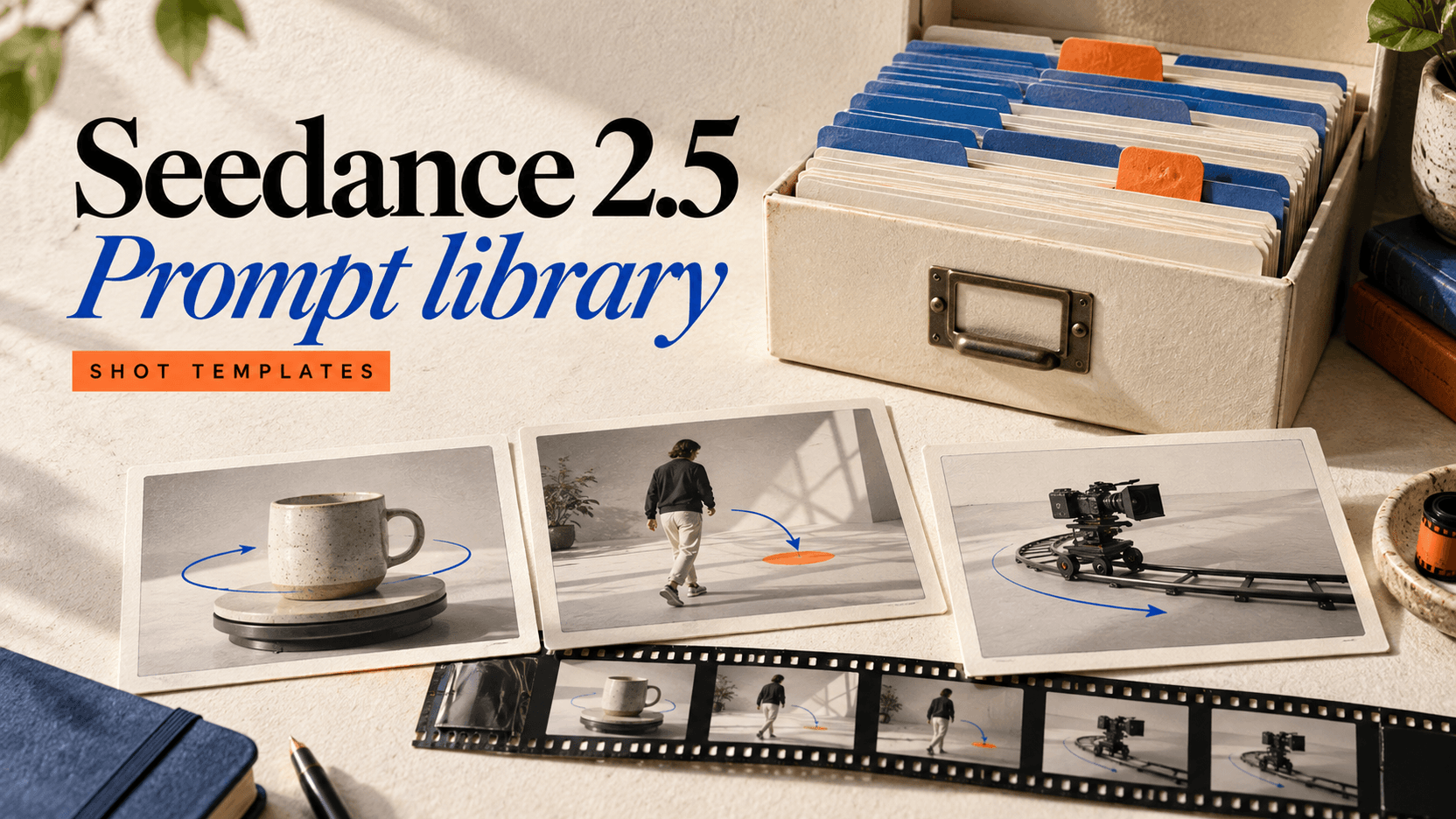
Seedance 2.5 Prompt Library: 20 Tested Shot Templates
Copy 20 Seedance 2.5 prompt templates for product shots, actor movement, camera control, references and audio, with real videos, settings and recorded costs.
This Seedance 2.5 prompt library contains 20 prompts we submitted through reAPI on September 12, 2026. Each has its exact wording, request settings and generated video below. All 20 tasks completed; each cost 475 credits, for a recorded total of 9,500 credits ($9.50). These are single takes you can inspect, not a ranked quality benchmark.[1]
Choose a group that matches the shot: product display, actor blocking, camera movement, two-image references or generated audio. Start with one prompt in the Seedance 2.5 playground, keeping the four-second duration and 480p setting while you change the subject. The API also accepts longer clips and higher resolutions, which change the cost of each revision.[2]
TL;DR
- Every template below was run once with
doubao-seedance-2.5-face,duration: 4,size: "16:9"andresolution: "480p". The linked videos are those original takes.[1] - Tests 1–12 used text alone. Tests 13–16 used two image references. Tests 17–20 enabled generated audio without an uploaded audio reference.[1]
- Each task charged 475 credits ($0.475). All 20 together charged $9.50; this is the observed batch cost, not a permanent price promise.[1]
- The audio-enabled files contain audio streams. Stream presence does not establish accurate lip-sync or frame-level sound alignment.[1]
- Inspect details as well as motion: test 10 requested a white vase, but the sampled output frame shows a dark, marbled vase.[1]
How this Seedance 2.5 prompt library was tested
We submitted one request per prompt, with no rerolls or selection of a better take. The API returned completed for all 20. File inspection found 854 × 480 video in every result. The silent files report approximately 4.042 seconds of container duration; the audio-enabled files report 4.064 seconds. The requested duration and actual charge were four seconds and 475 credits in both groups.[1]
The review checked task completion, charged credits, accessible video files and media streams, plus a midpoint frame from each take. It did not score motion accuracy, face identity or sound synchronization across complete clips.
The API field for aspect ratio is size, not ratio. Reference-free requests below have no image_urls, video_urls or audio_urls. Test 1 also sets return_last_frame: true; the remaining product, blocking and camera tests use no additional input fields. Follow the API quickstart for submission and polling code.[2]
Four product shots with one changing element
These prompts hold most of the scene still: the turntable rotates, the camera advances, a fabric corner lifts or a reflection travels.
1. Turntable mug
A matte cobalt ceramic mug stands on an ivory turntable. One continuous studio shot. Over four seconds the turntable rotates clockwise by about 45 degrees. The camera stays fixed at mug height. Keep the handle, rim and glaze consistent. Soft side light, plain background, no text or logos.Parameters: duration:4; size:"16:9"; resolution:"480p"; generate_audio:false; references:none. return_last_frame:true.
2. Bottle push-in
A plain amber glass bottle with a blank cream label stands on a stone plinth. Over four seconds the camera moves straight forward from a medium shot to a close-up of the shoulder of the bottle. The bottle stays completely still. Soft window light from the left, no label lettering, no cuts.Parameters: duration:4; size:"16:9"; resolution:"480p"; generate_audio:false; references:none.
3. Fabric reveal
A folded ivory linen scarf rests on a wooden table. A gentle breeze lifts only the top corner, revealing the weave, then lets it settle. One continuous four-second close-up. The table and camera remain still. Natural afternoon light, no hands, no writing.Parameters: duration:4; size:"16:9"; resolution:"480p"; generate_audio:false; references:none.
4. Watch light sweep
A plain silver wristwatch lies flat on charcoal fabric. The watch remains motionless while one broad soft reflection moves slowly across the metal case from left to right over four seconds. Locked macro camera. Preserve the circular dial and strap geometry. No brand name or added text.Parameters: duration:4; size:"16:9"; resolution:"480p"; generate_audio:false; references:none.
Four actor movements with a visible stopping point
Blocking describes where a person moves and where the action ends. Each example gives the subject a short sequence that fits the requested duration.
5. Walk to mark
A fictional adult wearing a blue jacket walks three measured steps from screen left to the center of an empty gallery, stops, and looks toward the camera. One continuous four-second full-body shot. The camera stays fixed. Keep the jacket blue and the floor level. No other people, no dialogue.Parameters: duration:4; size:"16:9"; resolution:"480p"; generate_audio:false; references:none.
6. Sit and look
A fictional adult in a rust-colored sweater stands beside a wooden chair. In four seconds the person sits down, settles both feet on the floor, and looks out of a window on screen right. Locked medium-wide camera, soft daylight. One continuous action, no cuts, no extra chairs.Parameters: duration:4; size:"16:9"; resolution:"480p"; generate_audio:false; references:none.
7. Pass through doorway
A fictional adult in a green coat walks through one open doorway toward the camera and stops just inside the room. One four-second take at normal walking speed. Fixed eye-level wide shot. Keep the doorway rectangular, the coat green and the background still. No camera motion.Parameters: duration:4; size:"16:9"; resolution:"480p"; generate_audio:false; references:none.
8. Turn toward sound
A fictional adult in a white shirt stands facing a sunlit wall. During one four-second medium shot, the person turns the head toward screen left, then turns the shoulders in the same direction. Keep the feet planted. Fixed camera, natural human speed, no slow motion, no dialogue.Parameters: duration:4; size:"16:9"; resolution:"480p"; generate_audio:false; references:none.
Four camera moves with direction and distance
A dolly changes camera position; an orbit travels around a subject; a pedestal raises the camera; a lateral track moves sideways. The camera-control guide explains how to describe a path with direction, distance and a stable target.
9. Measured dolly
An unoccupied reading room with one oak desk and a blue armchair. Over four seconds the camera travels straight forward about one meter toward the desk at a constant slow speed. Keep a level horizon and fixed focal length. No cuts, no zoom, no moving furniture.Parameters: duration:4; size:"16:9"; resolution:"480p"; generate_audio:false; references:none.
10. Quarter orbit
A white ceramic vase stands on a round wooden table. Over four seconds the camera orbits clockwise around the vase by about 45 degrees at a constant distance. The vase remains centered and still. Keep the tabletop circular and the horizon level. Continuous shot, no zoom.Parameters: duration:4; size:"16:9"; resolution:"480p"; generate_audio:false; references:none.
Observed limitation: the sampled frame contains a dark, marbled vase despite the white-vase instruction. Camera motion and object appearance need separate checks.
11. Vertical pedestal
A red bicycle is parked against a plain cream wall. Over four seconds the camera rises smoothly from the front wheel to handlebar height without tilting or moving sideways. Keep the bicycle motionless and its frame geometry consistent. Daylight, one continuous take, no people.Parameters: duration:4; size:"16:9"; resolution:"480p"; generate_audio:false; references:none.
12. Slow lateral track
A row of three plain ceramic bowls sits on a kitchen counter. Over four seconds the camera moves sideways from left to right by about half a meter, parallel to the counter. Maintain the same distance and camera height. Bowls stay fixed, background parallax stays gentle. No cuts or zoom.Parameters: duration:4; size:"16:9"; resolution:"480p"; generate_audio:false; references:none.
Four prompts that separate two image references
For tests 13–16, Image1 was a portrait of an adult with long wavy hair and a white top. Image2 was a three-panel image showing one adult with a short dark bob and a black shirt. The wording explicitly treats those three panels as one identity.
{
  "image_urls": [
    "https://cdn.deepytb.com/landing/qwen-image-2/playground-input.webp",
    "https://cdn.deepytb.com/landing/grok-imagine-video-1-5/playground-input.png"
  ],
  "omni_reference_task_type": "reference"
}
These are reference-guided generations, not explicit first/last-frame requests. For a strict frame-input setup, use the separate field combination in the image-to-video guide.[2]
13. Two-person greeting
Use Image1 for the adult with long wavy hair and a white top. Use Image2 for the adult with a short dark bob and a black shirt; its three panels show one person. Place both adults in a quiet gallery, waist-up. During four seconds the long-haired adult gives one small wave and the bob-haired adult nods in reply. Keep their faces, hair and clothes distinct. Fixed camera, one take, no dialogue.Parameters: duration:4; size:"16:9"; resolution:"480p"; generate_audio:false; image_urls:Image1,Image2, omni_reference_task_type:"reference".
14. Separate eyelines
Use Image1 as the long-haired adult in white and Image2 as the bob-haired adult in black; Image2 shows three views of one adult. Seat both side by side at a plain table. Over four seconds the adult in white looks toward a window on screen left while the adult in black keeps looking at the camera. Preserve each identity and outfit. Locked medium shot, no extra people.Parameters: duration:4; size:"16:9"; resolution:"480p"; generate_audio:false; image_urls:Image1,Image2, omni_reference_task_type:"reference".
15. One subject moves
Use Image1 for the adult with wavy hair and a white top. Use Image2 for the adult with a short bob and black shirt; treat the three panels as one identity. Both stand side by side in a plain studio. For four seconds the adult in white slowly turns the head toward the adult in black; the adult in black stays still. Preserve the two separate hairstyles and outfits. Fixed camera, no cuts.Parameters: duration:4; size:"16:9"; resolution:"480p"; generate_audio:false; image_urls:Image1,Image2, omni_reference_task_type:"reference".
16. Small camera move
Use Image1 as the long-haired adult in a white top and Image2 as the short-bob adult in a black shirt; Image2 contains three views of one person. Show both standing quietly in a gallery. Over four seconds move the camera straight backward about half a meter. Neither person walks. Preserve both identities, clothing colors and spacing. One continuous waist-up shot, no dialogue.Parameters: duration:4; size:"16:9"; resolution:"480p"; generate_audio:false; image_urls:Image1,Image2, omni_reference_task_type:"reference".
Four visible actions paired with generated sound
These requests set generate_audio: true and include no uploaded audio reference. Their files contain audio streams, but we have not rated timing or spoken-word accuracy. Play the take with sound and inspect the hand contact, bell press, mouth movement or cup contact before using it in a finished edit.
17. Visible hand clap
A fictional adult in a blue shirt faces the camera in a quiet studio. At about the second second, the person claps both hands once. Generate one dry hand-clap sound aligned with the hands touching, followed by quiet room tone. Four-second locked medium shot, no music, no speech, no subtitles.Parameters: duration:4; size:"16:9"; resolution:"480p"; generate_audio:true; references:none.
18. Bell strike
Close-up of a small brass desk bell on a wooden counter. One hand presses the bell once near the middle of this four-second shot. Generate one clear bell ring aligned with the press and let it decay naturally. Fixed camera, no music, no dialogue, no captions.Parameters: duration:4; size:"16:9"; resolution:"480p"; generate_audio:true; references:none.
19. Short spoken line
A fictional adult presenter in a plain gray shirt looks into the lens and says clearly, "The sample is ready." The line is spoken once during this four-second medium close-up. Natural facial movement, quiet room tone, no background music, no subtitles, no camera movement.Parameters: duration:4; size:"16:9"; resolution:"480p"; generate_audio:true; references:none.
20. Cup on saucer
A white ceramic cup is lowered gently onto a saucer by one adult hand. During this four-second close-up, generate a soft ceramic click when the cup touches the saucer, then quiet room tone. Keep the cup shape stable. Locked camera, no music, no speech, no text.Parameters: duration:4; size:"16:9"; resolution:"480p"; generate_audio:true; references:none.
Three rules for adapting a Seedance 2.5 prompt
Specify one main action. “A scarf corner lifts and settles” gives you something to inspect. Adding a spinning camera, a new background and several hand interactions at the same time makes a failed take harder to diagnose.
Give motion a direction and endpoint. “Move clockwise by about 45 degrees” is a clearer target than “make an amazing cinematic orbit.” Treat the number as an instruction to evaluate, not a guarantee of physical precision.
Assign references and sounds a role. Say which image supplies which subject and which visible event should produce a sound. Do not assume a reference file explains its own purpose. Dreamina's official prompt guide discusses subject, action, camera, visual style and audio; the Dreamina prompting walkthrough connects those ideas to the creator interface.[3]
FAQ
Seedance 2.5 prompt library
This page provides 20 exact prompts, their request settings and the original generated videos. Each prompt was submitted once on September 12, 2026; there are no selected rerolls.[1]
Seedance 2.5 prompt template
Use subject, visible action, camera path, duration and constraints as a starting structure. The templates above isolate one main change so you can inspect the result before adding complexity.
Seedance 2.5 prompt examples
The examples cover products, actor movement, camera movement, two-image references and generated audio, with four prompts per group. All use four-second, 480p, 16:9 requests.[1]
Seedance 2.5 prompting guide
Start with one shot, describe where movement begins and ends, then give each reference a role. For the tested API payload structure, use the quickstart alongside the prompt rather than copying text alone.
Seedance 2.5 official prompt guide
Dreamina publishes an official Seedance 2.5 prompt guide. This reAPI library is a separate set of editorial tests; it is not a ByteDance-authored template collection.[3]
Seedance 2.5 prompts
Copy a complete example, then change the subject and one action. Keep the actual API fields separate from prose: writing “480p” in the prompt does not replace resolution: "480p" in the request.[2]
Choose one template and inspect the take
Use this Seedance 2.5 prompt library as a starting set of observable shots. Choose the closest example, retain its inexpensive test settings, and change one part of the brief. Open the resulting video before increasing resolution or duration; a completed task can still contain a detail that needs another revision.
References
- reAPI editorial. Twenty Seedance 2.5 prompt tests: exact requests, returned status, charged credits and media probes. Run September 12, 2026. Test manifest and original video links.
- reAPI. Seedance 2.5 API — Parameters, Modes & Billing. Browser-retrieved September 12, 2026. reapi.ai/docs/seedance-2-5.
- Dreamina. Seedance 2.5 Prompt Guide. Browser-retrieved September 12, 2026. Official Dreamina guide.
Author

Categories
More Posts
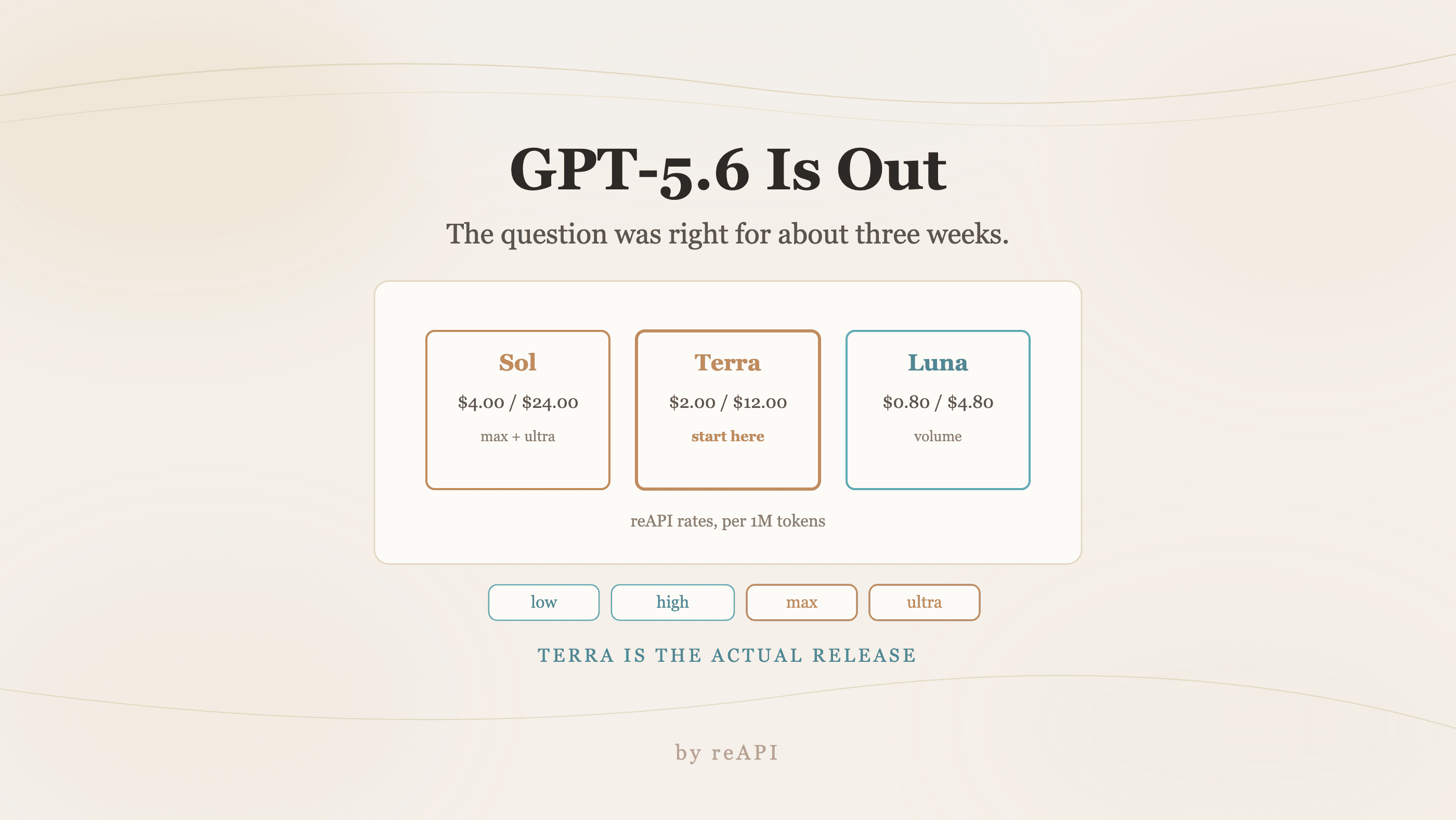
Is GPT-5.6 Out Yet? Yes — and Here Is What Shipped
GPT-5.6 is released. It shipped as three tiers, the rollout was gated for weeks which is why answers conflict, and Terra is the one worth migrating to.
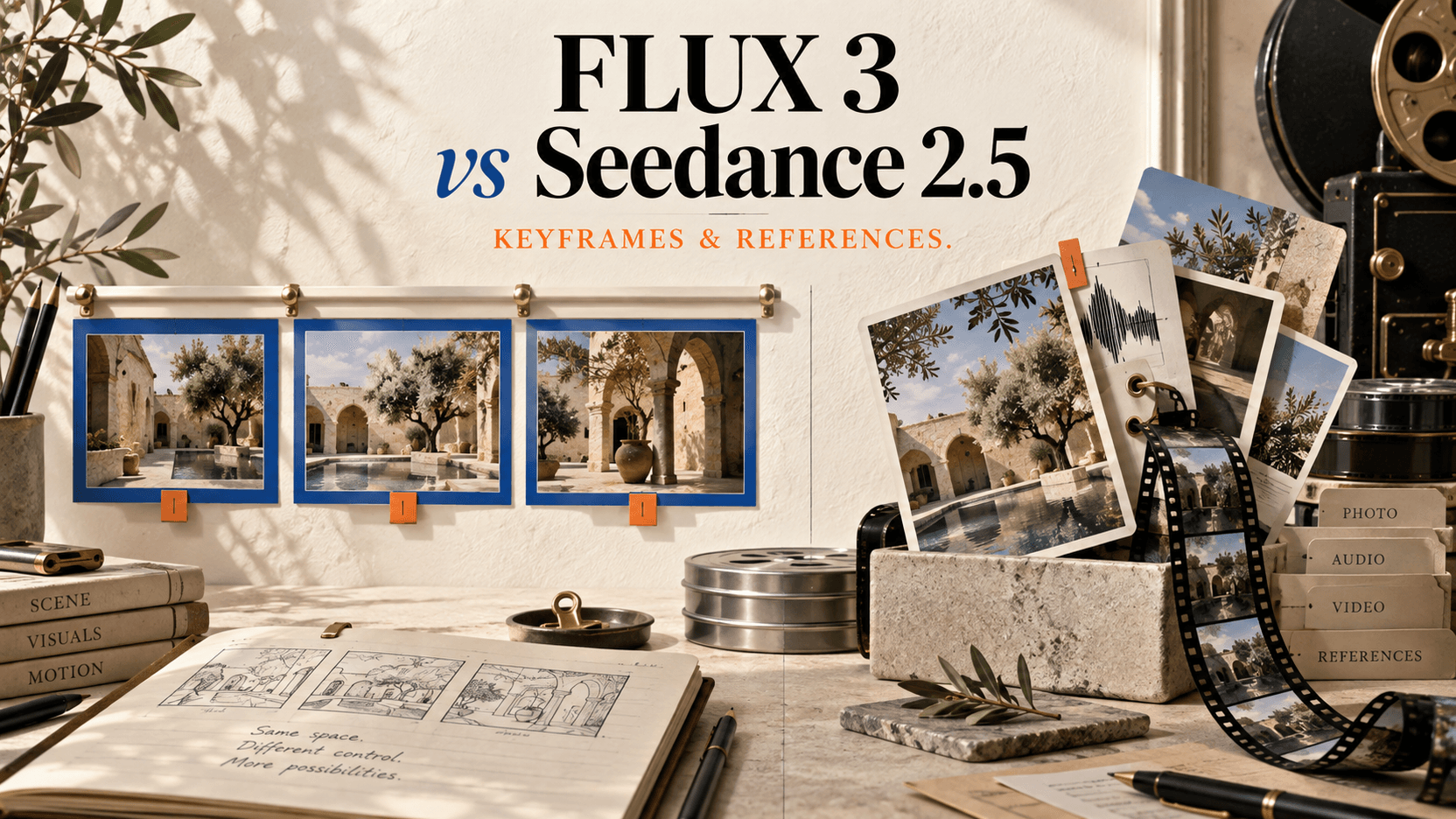
FLUX 3 vs Seedance 2.5: Keyframes, Duration, and Cost
Choose FLUX 3 or Seedance 2.5 by maximum duration, ordered keyframes, references, editing, native audio, Draft workflow, resolution, and API cost.
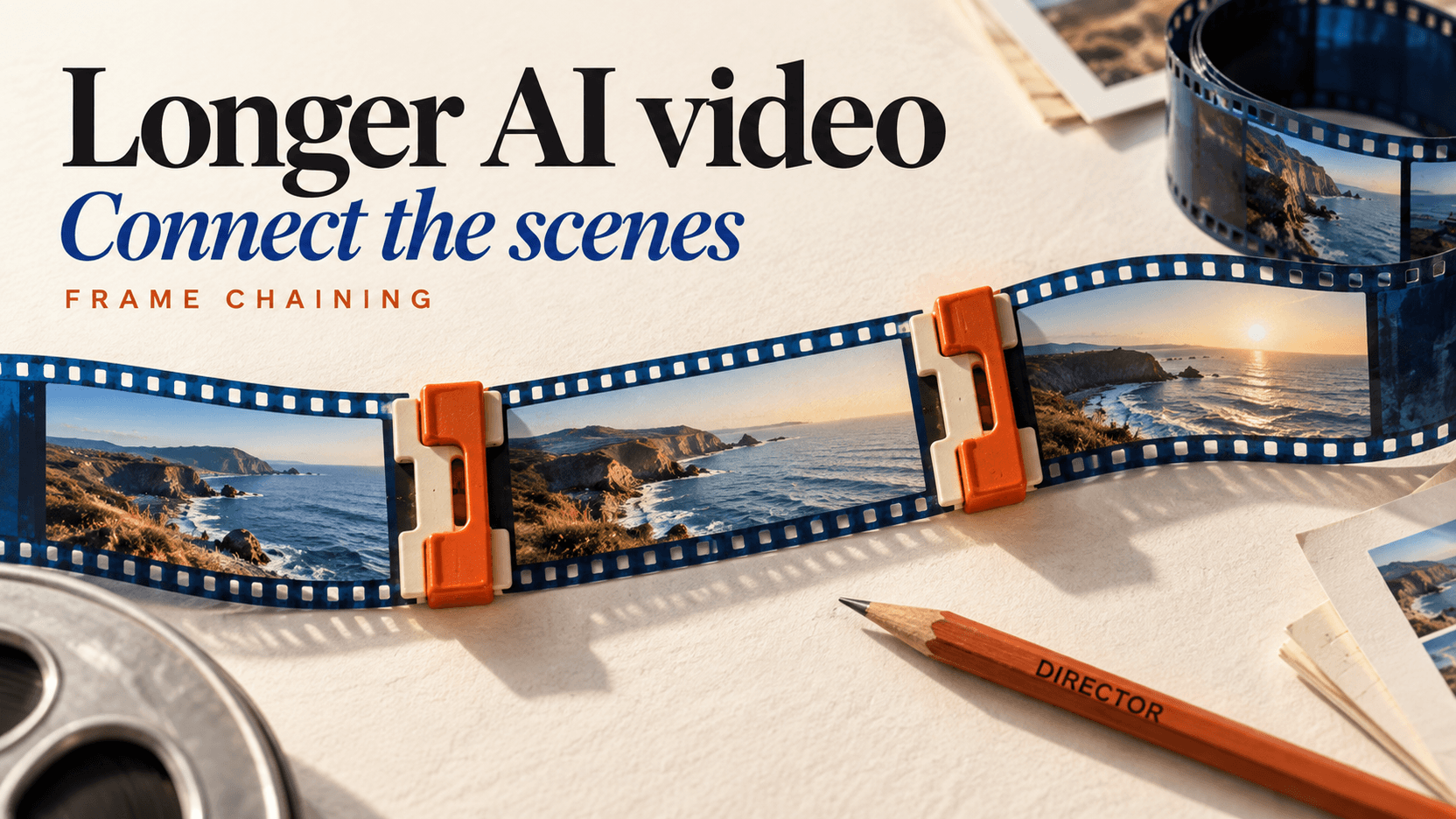
AI Video Generator Long Videos: Chaining Past the Cap
No AI video generator long videos mode exists: 30 seconds is the ceiling. How frame chaining works, the three rules it enforces, and what three minutes costs.