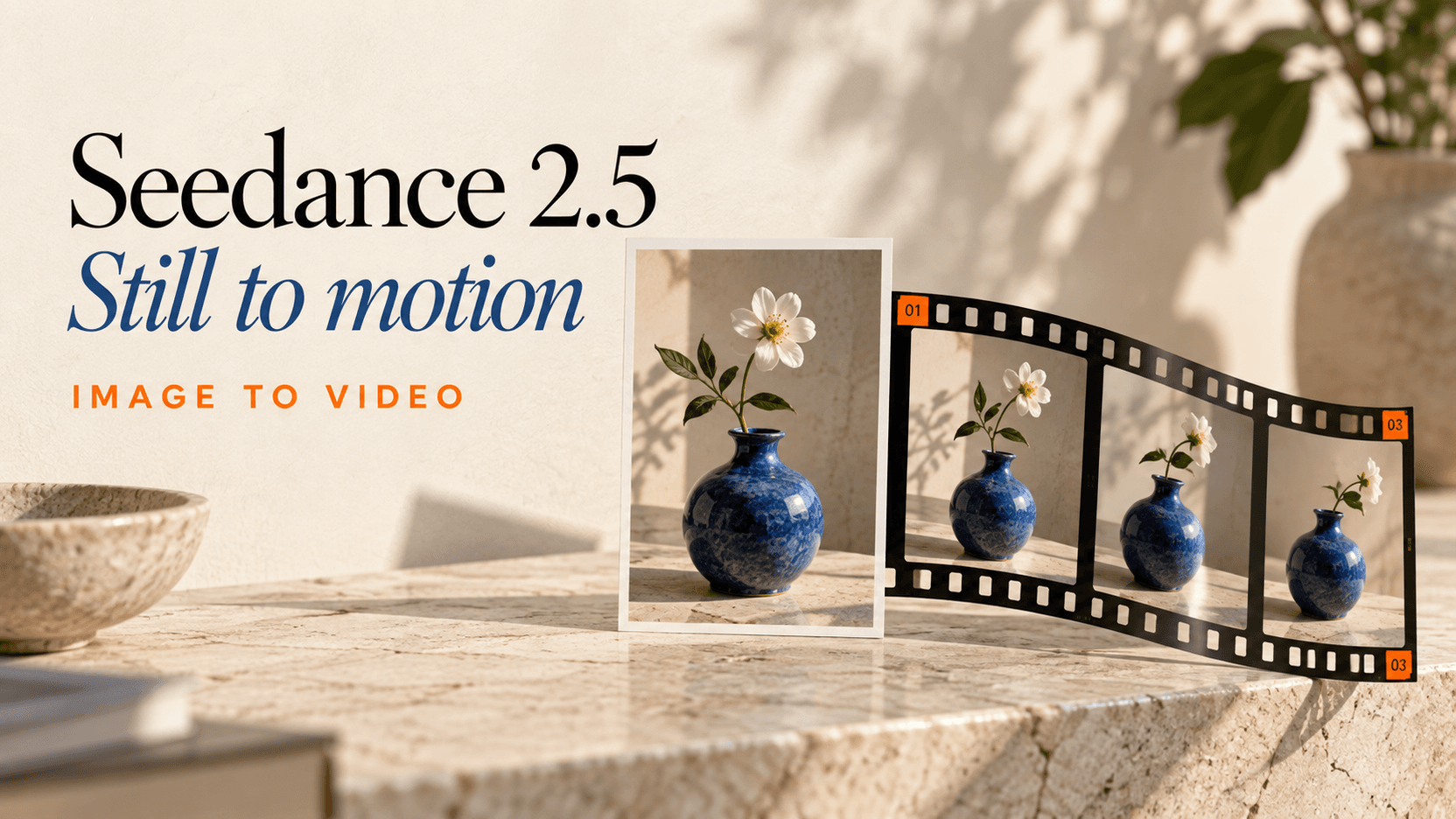
Seedance 2.5 Image to Video: Frames, Inputs and Cost
Learn Seedance 2.5 image to video with first frames, first/last frames and reference images. Check valid API fields, real-person inputs and 10-second costs.
Seedance 2.5 image to video on reAPI uses one model id, doubao-seedance-2.5-face, with different image fields for different jobs. Use an explicit first frame when the clip should start from a particular composition, first and last frames when both endpoints matter, or reference images when you want the model to use visual guidance while constructing a new scene.[1]
The distinction affects the JSON you submit. Frame roles require size: "adaptive"; reference-image inputs allow a chosen aspect ratio. For a ten-second 720p request with images but no reference video, the September 12 price is $2.669 after credit rounding. The Seedance 2.5 playground and API documentation expose the available controls.[1][2]
TL;DR
- Use
image_with_roleswithrole: "first_frame"to request a specific visual starting frame. Setsizetoadaptive.[1] - Add one
last_frameentry when you need a second endpoint. A last frame requires a first frame; each role may appear at most once.[1] - Use
image_urlsfor reference images. The API accepts up to 30, but it does not require you to fill the limit.[1] - Real-person reference images are supported on reAPI and reviewed automatically. A moderation rejection fails the task and is refunded.[2]
- Image references do not add billable source seconds. A ten-second 720p image request costs 2,669 credits at the September 12 no-video rate.[1][2]
Choose the Seedance 2.5 image to video input shape
Decide what the image must control before choosing an upload field. A starting frame defines the initial composition; a reference image can instead supply the appearance of a person, object or setting. Those are different instructions even if you use the same source file.
| Your goal | Request field | Aspect ratio | What to inspect in the result |
|---|---|---|---|
| Animate a particular starting composition | image_with_roles with first_frame | adaptive | Opening frame, requested motion and unwanted background changes |
| Move between two specified compositions | image_with_roles with first and last roles | adaptive | Both endpoints and the transition between them |
| Use one or several visual references in a new scene | image_urls | Choose an accepted size | Identity, object appearance and each reference's assigned role |
The input fields and aspect-ratio constraints are documented API behavior. The review column is an editorial checklist, not a promise that an input field guarantees perfect visual preservation.[1]
For a simple photo animation, begin with one explicit first frame and one visible action. If the goal is to place two referenced people in a newly described location, start with reference images instead. Adding more source files before you know which kind of control you need makes both the prompt and the result harder to interpret.
Animate one explicit first frame
An explicit first-frame request uses image_with_roles. The following cURL example uses a portrait already available as a public sample. Replace it with your own permitted source image and write the motion you want to see.
curl --fail-with-body https://reapi.ai/api/v1/videos/generations \
  -H "Authorization: Bearer $REAPI_API_KEY" \
  -H "Content-Type: application/json" \
  -d '{
    "model": "doubao-seedance-2.5-face",
    "prompt": "The adult turns her head slightly toward the camera and gives a small natural smile. Keep the framing, hairstyle, white top and background stable. One continuous shot, no camera movement.",
    "image_with_roles": [
      {
        "url": "https://cdn.deepytb.com/landing/qwen-image-2/playground-input.webp",
        "role": "first_frame"
      }
    ],
    "duration": 4,
    "resolution": "480p",
    "size": "adaptive",
    "generate_audio": false
  }'
The frame supplies the starting composition, so the prompt can concentrate on motion. Describe which subject moves, in what direction, and what should remain still. Avoid spending most of the prompt redescribing details that are already visible unless those details are particularly important to preserve.
For a fixed-camera portrait, head or eye movement is a simpler first test than a large camera orbit that would reveal unseen parts of the scene. For a product photo, inspect silhouette, handle placement, labeling and reflections. These checks assess the output; they are not settings that force the model to preserve those details.
Submission returns a task id. Poll that task until it completes, then read output.video_urls. The API quickstart provides the full submit-and-poll example.[1]
Connect a first frame and a last frame
Use two explicit roles when the opening and ending images both matter. There may be only one first_frame and one last_frame, and the latter cannot be sent on its own. Keep size: "adaptive" because the output follows the frame input's shape.[1]
{
  "image_with_roles": [
    {
      "url": "https://your-public-storage.example/start.png",
      "role": "first_frame"
    },
    {
      "url": "https://your-public-storage.example/end.png",
      "role": "last_frame"
    }
  ],
  "size": "adaptive"
}
This is a partial payload to combine with the model, prompt, duration and resolution. The two URLs are placeholders. Upload the actual images to public storage before using the example; a local file path or a renamed extension is not a substitute for a readable media file.
Choose endpoints that describe a plausible transition. If the opening shows a seated person and the ending shows that person standing, explain the act of standing and give it enough time. If the two images also change clothing, room geometry and camera position, the transition has more changes to reconcile. Decide which of those changes you actually want rather than leaving their interpretation implicit.
Review the middle of the clip as carefully as the endpoints. Matching the beginning and ending is not sufficient when the intervening movement contains a jump, distorted hand or unexpected cut. If the transition is the part you need to improve, revise the action or choose closer endpoints before adding more stylistic adjectives.
Assign each reference image one job
For a new composition guided by several images, use image_urls. The API accepts up to 30 reference images, each below the documented file-size limit. Images must be reachable through public HTTP(S) URLs; base64 data URIs are not accepted.[1]
{
  "model": "doubao-seedance-2.5-face",
  "prompt": "Use Image1 for the adult in white and Image2 for the adult in black. Place both in a quiet gallery. The adult in white waves once; the adult in black nods. Keep their hairstyles and outfits distinct. Fixed camera.",
  "image_urls": [
    "https://cdn.deepytb.com/landing/qwen-image-2/playground-input.webp",
    "https://cdn.deepytb.com/landing/grok-imagine-video-1-5/playground-input.png"
  ],
  "duration": 4,
  "resolution": "480p",
  "size": "16:9",
  "omni_reference_task_type": "reference",
  "generate_audio": false
}
The first sample shows one adult with long hair and a white top. The second is a three-view portrait of one adult with a short bob and dark clothing. When using the latter, specify that its panels depict one identity so the intended scene is clear. The 20-prompt library contains the exact longer prompt used for the two-reference test and its generated result.
Do not combine image_urls and image_with_roles in one request. They are mutually exclusive. Also keep explicit frame roles separate from reference_image roles inside image_with_roles; the documentation treats those as different request shapes.[1]
Adding video_urls or audio_urls alongside explicit frame images changes how those images are used: the request becomes a multimodal reference job. Treat the frames as reference guidance in that combination, rather than relying on the strict first/last-frame workflow described above.[1]
When a reference set contains several subjects, repeat the subject's name or visual label where ownership matters. “The adult in white lifts the cup” is less ambiguous than “she lifts it” after a paragraph about two people. Keep Image1 and Image2 labels aligned with the actual input order.
Upload real-person references and diagnose failures
reAPI supports real-person reference images and videos for Seedance 2.5. The references pass through automated review before generation, and rejected material produces an error with a full refund. Support for the input type is not a guarantee that every individual file will be accepted.[2]
Use images you are entitled to use and check the subject's intended portrayal before submission. If a request fails, read the error before rewriting the prompt. An inaccessible URL, invalid request field and moderation rejection require different responses.
| Failure | First check |
|---|---|
| Source URL cannot be read | Confirm the direct media URL works without a signed-in browser session |
| Request rejects the image fields | Check mutual exclusions and the first/last-frame role rules |
| Aspect ratio error | Use adaptive with explicit frame roles |
| Unsupported format | Check the actual file encoding, not just its filename |
| Moderation rejection | Review the material and intended content; inspect the returned error |
The real-person reference error guide provides broader troubleshooting context. For the exact accepted file formats and validation rules, use the current 2.5 documentation.[1]
What one image and ten seconds of 720p cost
An image-only request uses the no-reference-video rate. On September 12, that rate is $0.266824 per output second at 720p. Ten seconds therefore costs ceil(0.266824 × 10 × 1000) = 2669 credits, or $2.669.[2]
| Image request without source video | Output duration | Payable total |
|---|---|---|
| 480p | 4 seconds | 475 credits / $0.475 |
| 720p | 10 seconds | 2,669 credits / $2.669 |
| 1080p | 10 seconds | 4,619 credits / $4.619 |
These totals use the exact rendered rates and round the whole request up to a credit. Image references do not add billable seconds. If you add video_urls, the billing calculation changes to include reference-video duration and the documented minimum window.[1][2]
Keep that distinction when comparing input modes. A prompt with two images is still an image-reference request for this pricing question; it does not become a reference-video request merely because it has more than one source asset. For a broader choice of models, see the image-to-video API guide. This article covers the Seedance-specific field choices after you have selected 2.5.
FAQ
Seedance 2.5 image to video
Use doubao-seedance-2.5-face with image inputs. Choose explicit frame roles for a particular starting or ending composition, or image_urls for reference images.[1]
Can Seedance 2.5 animate a still image?
Yes. For an explicit starting frame, send the image as first_frame in image_with_roles, set size: "adaptive", and describe the motion.[1]
Seedance 2.5 first last frame
Send one first-frame entry and one last-frame entry. The last frame requires a first frame, and explicit frame inputs require adaptive size.[1]
how to upload real-person reference images to Seedance 2.5
Upload the reference to a publicly reachable media URL and pass it through the appropriate image field. Real-person references are supported and reviewed automatically.[1][2]
Seedance 2.5 cost per video
A ten-second 720p image request without reference video costs $2.669 at the September 12 rate, after whole-credit rounding. Other resolutions and durations change the price.[2]
Seedance 2.5 reference images
The API accepts up to 30 images. Use only the references needed for the shot and identify what each should control in the prompt.[1]
Start with the image control the shot needs
Use one frame for a particular opening, two frames for specified endpoints, or reference images for a newly composed scene. Keep the first test short enough to inspect closely. A useful Seedance 2.5 image to video workflow starts with a clear role for the image and ends with a review of the actual motion.
References
- reAPI. Seedance 2.5 API — Parameters, Modes & Billing. Browser-retrieved September 12, 2026. reapi.ai/docs/seedance-2-5.
- reAPI. Seedance 2.5 rendered pricing and real-person-reference FAQ. Browser-retrieved September 12, 2026. reapi.ai/models/seedance-2-5.
Author

Categories
More Posts

FLUX 3 Video API Pricing: Draft, HD, FHD, and Continuation
Calculate FLUX 3 video costs across Draft, HD, FHD, keyframe, and continuation modes, including the draft-to-final workflow and 5–20s totals.
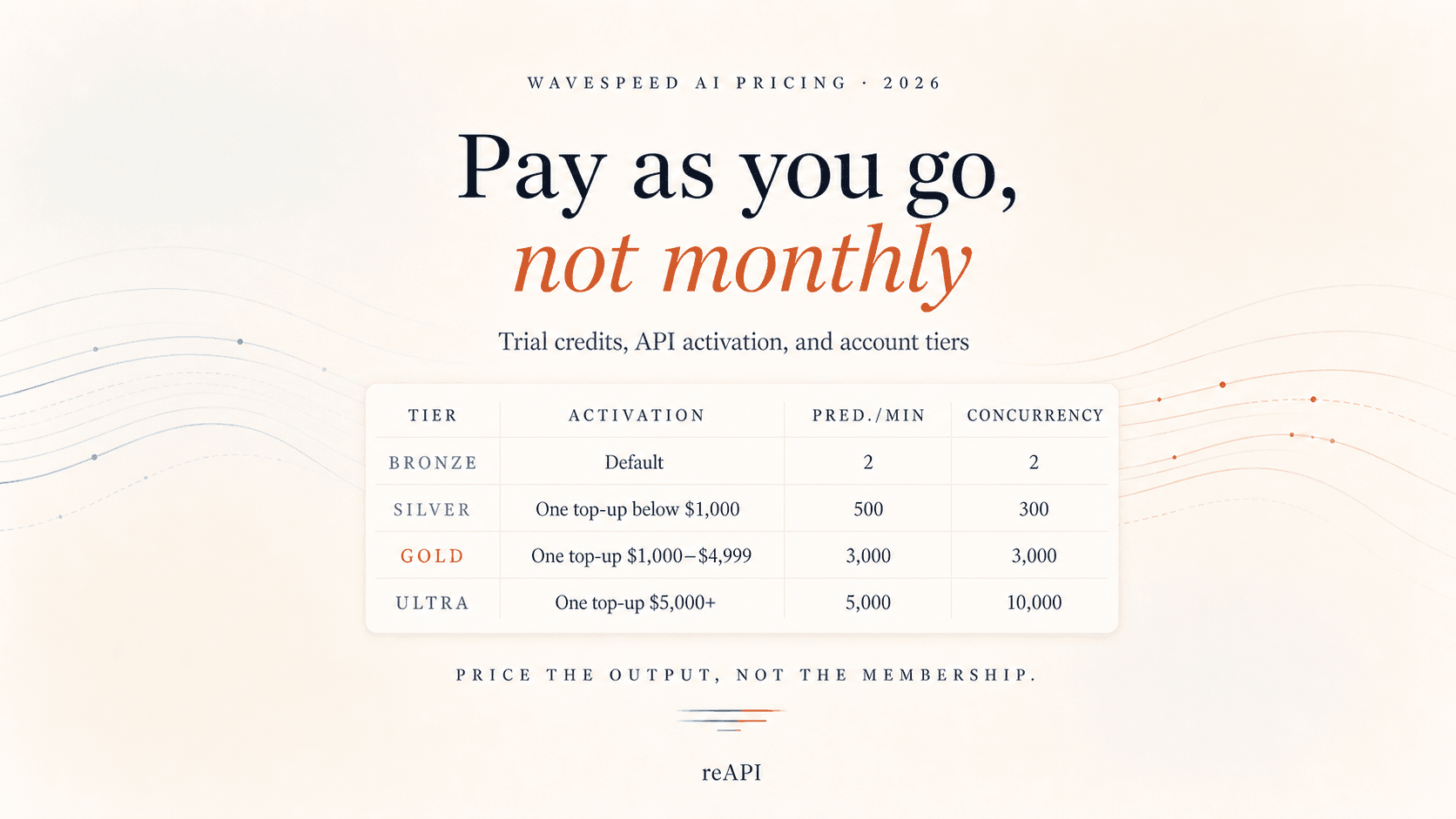
WaveSpeed AI Pricing: Free Trial, Tiers, and PAYG
WaveSpeed AI uses pay-as-you-go credits, not a monthly membership. Learn how its free trial, account tiers, API activation, and billing limits work.
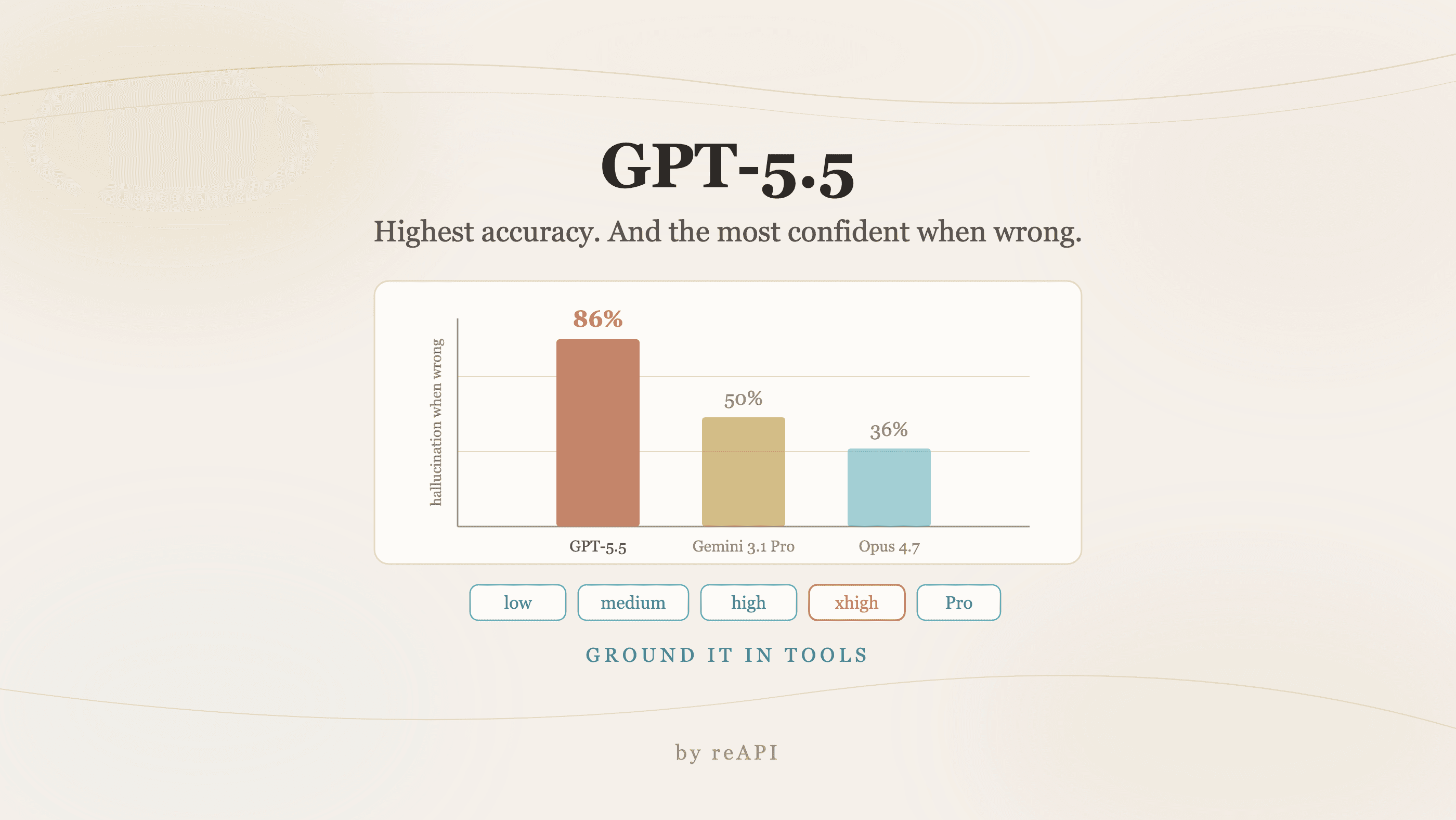
How to Use GPT-5.5: Agentic Strengths and Its One Flaw
How to use GPT-5.5: the Terminal-Bench lead, why the price rise is smaller than it looks, the 86% hallucination rate nobody quotes, and the loop it needs.