GPT Image 2.5 is live — OpenAI's newest image model, targeted edits that leave the rest of the frame alone

MAI-Image-2.7: High-Fidelity Image Generation and Editing

Create photorealistic product scenes, editorial compositions, and localized edits with MAI-Image-2.7. Microsoft AI’s flagship image model delivers up to 2K resolution and supports up to 5 reference images.

Input

Describe the scene to generate or the exact edit to apply (1–20,000 characters).

0/5 files

Upload or paste 1–5 public HTTP(S) image URLs (JPEG, PNG, WebP, or GIF; no base64). Output dimensions follow the references.

Text-to-image only: integer ratio from 1:4 to 4:1 (default 1:1) or WIDTHxHEIGHT.

1K (default) or 2K when size is an aspect ratio. Up to 2048×2048 (4.19 MP).

auto (default) or opaque. Transparent backgrounds are not supported.

Estimated cost~$0.123123 credits
Result

Try one of these prompts

How MAI-Image-2.7 is billed

  • ·Text input, reference-image input, and generated image output each carry a dedicated per-million-token rate shown in the table below.
  • ·Submitting a request reserves a provisional estimate. Completion settles on the actual measured tokens at the rate active when you submitted.
  • ·Reference images and higher pixel outputs increase token consumption, so final charges vary by request rather than using a flat per-image fee.
  • ·Failed tasks release their reservation automatically. Each new POST creates an independent task and charge.

Pricing

Live rates per million tokens. Final charges combine measured text input, reference-image input, and image output tokens.

Price calculatormai-image-2-7

Estimate from token usage across the whole request. The final charge uses actual text-input, image-input and image-output tokens.

Your estimate
$0.06567765.677 credits
Per $10
≈ 152 requests

At the token usage entered here. 1 credit = $0.001 USD.

The starting values are an example, not a fixed price per image. Enter totals for all images in a batch; count shared inputs once. Image dimensions alone do not determine the final token usage.

Text input
$4.40
Price · 1M tokens
Image input
$7.04
Price · 1M tokens
Image output
$29.92
Price · 1M tokens

What is MAI-Image-2.7?

MAI-Image-2.7 is Microsoft AI’s flagship text-to-image and image-to-image model built for high-fidelity visual creation and surgical localized editing. It uses a 20-billion-parameter flow-matching diffusion architecture that preserves subject identity, lighting, and layout across multi-step revisions. On text-to-image tasks, MAI-Image-2.7 outputs up to 4.19 megapixels across wide aspect ratios or custom pixel dimensions.

What you can build with this model

Real-world workflows and production use cases you can build and ship with this model.

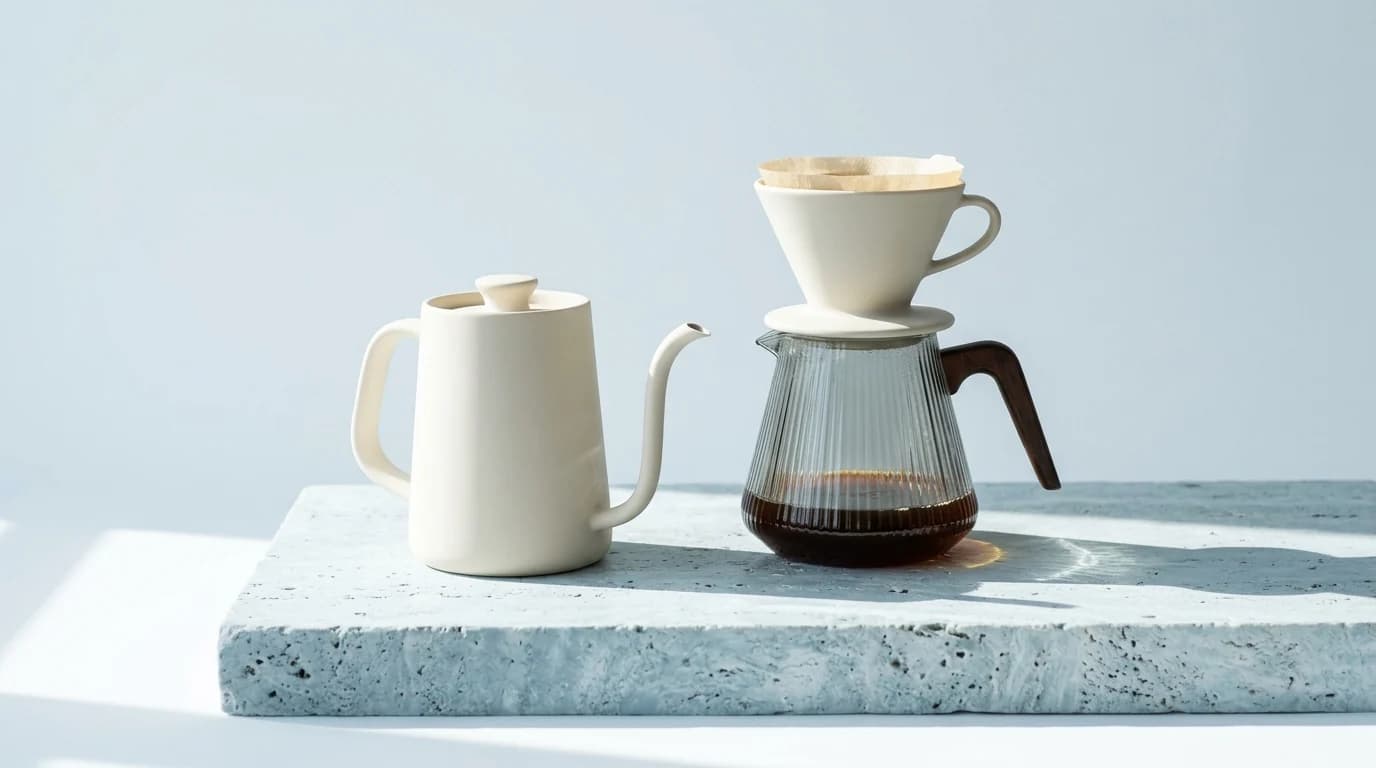
MAI-Image-2.7 concept illustration: editorial ceramic kettle product photography

MAI-Image-2.7 for editorial product photography

Stage products in clean studio light without booking a physical shoot. Give MAI-Image-2.7 a clear material, surface, and light direction—such as matte porcelain on cool travertine in morning window light—and render directly at 2K for campaign hero slots.

Explore capabilities
MAI-Image-2.7 concept illustration: multi-reference studio object composition

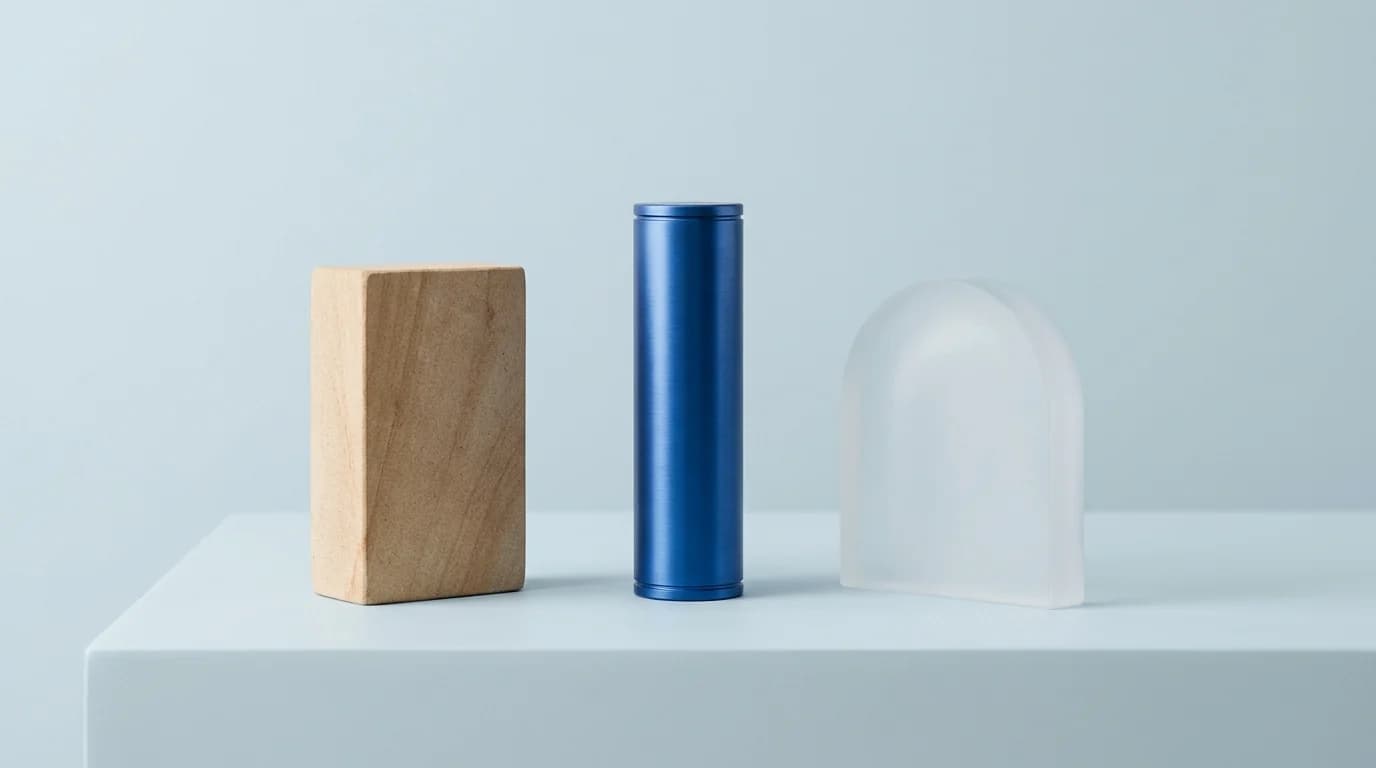
Surgical multi-reference editing with MAI-Image-2.7

Pass up to 5 reference URLs into MAI-Image-2.7 to swap a material, adjust color, remove an artifact, or combine objects while keeping the surrounding lighting and geometry intact. You edit with natural-language instructions rather than hand-painted masks.

Read the FAQ
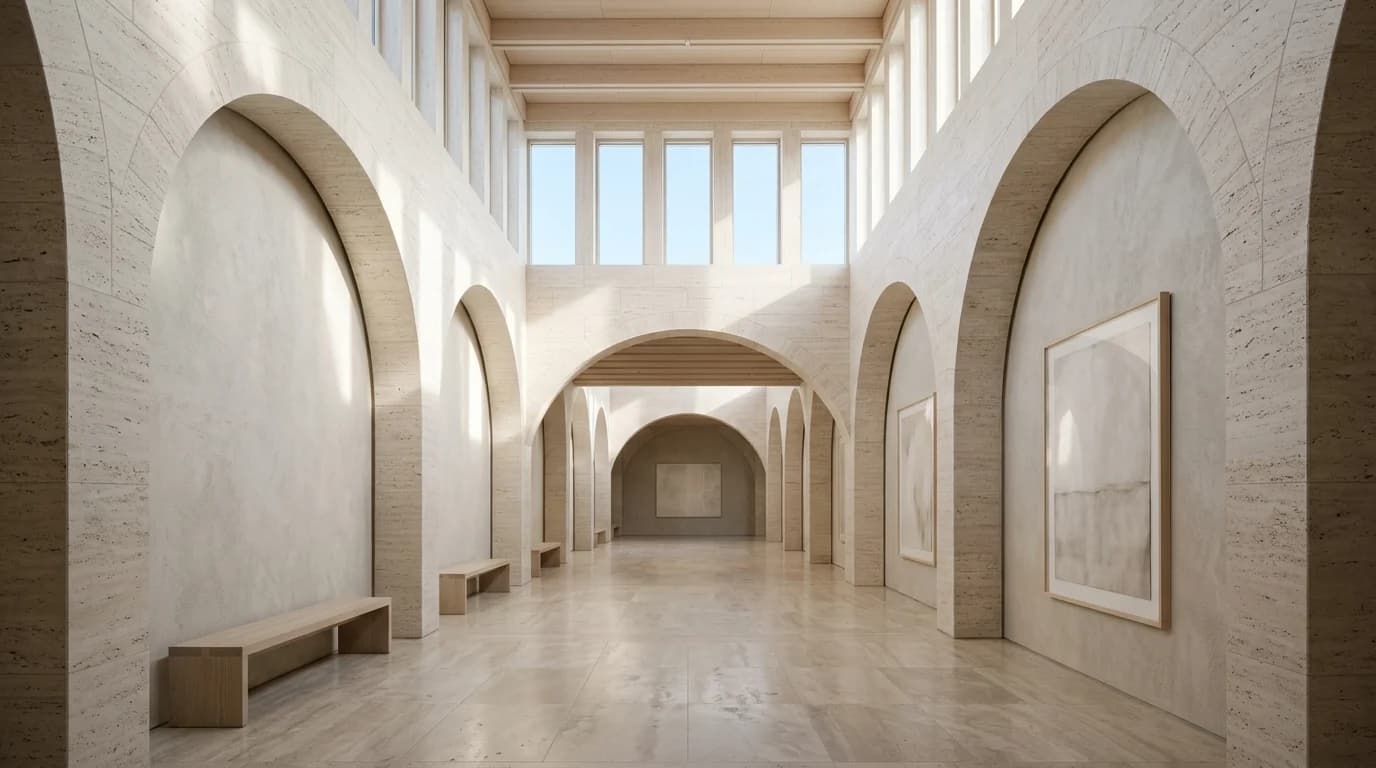
MAI-Image-2.7 concept illustration: sunlit architectural gallery banner

Wide-format banners and architectural scenes in MAI-Image-2.7

Generate panoramic hero headers, vertical mobile posters, or custom pixel layouts up to 4.19 megapixels. MAI-Image-2.7 supports ratios from 4:1 down to 1:4 and exact width-by-height pairs so assets land at the framing your layout requires.

Why choose MAI-Image-2.7?

Precision editing with MAI-Image-2.7

MAI-Image-2.7 focuses changes on the exact object, material, or text you describe instead of redrawing the entire frame. That keeps subject identity and lighting consistent across iterative design reviews.

Flexible 1K and 2K canvases in MAI-Image-2.7

Pick standard aspect ratios from 1:4 to 4:1 at 1K or 2K, or lock exact custom width and height values up to 4,194,304 total pixels. Every dimension snaps cleanly to multiples of 32.

Token-metered billing on MAI-Image-2.7

MAI-Image-2.7 bills separately for text input, reference-image input, and generated image output tokens. You pay for measured usage on completed images, and failed requests release their reservation.

How to work with MAI-Image-2.7

  1. step 01

    Create your key and write a focused brief

    Generate an access key in your workspace, then describe the subject, materials, and lighting for MAI-Image-2.7. Keep prompts specific so every visual constraint is clear.

    Open
  2. step 02

    Attach references or choose your canvas

    For text-to-image, choose an aspect ratio and 1K or 2K resolution—or pass paired width and height values. For edits, pass 1–5 public HTTP(S) URLs in image_urls and let MAI-Image-2.7 preserve the reference framing.

    Open
  3. step 03

    Inspect the PNG output and iterate

    Poll the asynchronous task until completion, review the delivered PNG against your brief, and refine the prompt or switch to MAI-Image-2.7 Flash for high-volume variations.

    Open

Capabilities

High-fidelity text-to-image

MAI-Image-2.7 renders photorealistic textures, natural shadows, and clean studio compositions from prompts up to 20,000 Unicode characters.

Up to 5 reference images

Supply 1–5 public HTTP(S) URLs in JPEG, PNG, WebP, or GIF format for single-image edits or multi-image composition in MAI-Image-2.7.

1K and 2K resolution tiers

Render at 1K for fast reviews or 2K (up to 2048×2048) for crisp print, product, and hero web placements.

Wide aspect ratios and custom pixels

Choose integer ratios from 1:4 to 4:1, WIDTHxHEIGHT strings, or explicit width and height integers (at least 768 per side, up to 4.19 MP).

Iterative visual consistency

MAI-Image-2.7 preserves layout, perspective, and subject identity across sequential prompt revisions so teams can polish assets step by step.

Predictable output contract

Every completed MAI-Image-2.7 task returns a hosted PNG URL, measured dimensions, and exact three-category token usage for transparent accounting.

MAI-Image-2.7 vs MAI-Image-2.7 Flash

MAI-Image-2.7 and MAI-Image-2.7 Flash share the exact same parameters, 2K ceiling, and 5-reference editing contract. Choose between flagship visual polish and high-throughput speed.

Capability
MAI-Image-2.7
MAI-Image-2.7 Flash
Primary positioning
Flagship fidelity & hero visual polish
High-throughput speed & lower token rates
Creation & editing
Text-to-image and multi-reference editing
Reference image limit
1–5 public HTTP(S) URLs
Max pixel budget
Up to 4,194,304 px (2048×2048 at 2K)
Background modes
auto or opaque (no transparent output)
Best workflow fit
Final hero stills, complex surgical edits
Batch catalog renders, rapid ideation

Sources: Microsoft AI MAI-Image-2.7 documentation and live endpoint specification, checked November 23, 2026. See each model’s live pricing table for current token rates.

Frequently asked questions

Common questions about this model.

MAI-Image-2.7 excels at photorealistic product scenes, editorial hero visuals, and surgical image edits where you need to change a single material, color, or detail without disturbing the rest of the frame.

Both models accept the exact same parameters, 1K–2K sizing, and up to 5 reference images. MAI-Image-2.7 targets maximum visual fidelity for final hero assets, while MAI-Image-2.7 Flash prioritizes faster turnaround and lower token rates for high-volume workflows.

MAI-Image-2.7 uses three token meters: text input, image input (for references), and image output. Submitting a task reserves an estimate, and completion settles on the exact reported usage. Failed requests are not charged. Check the live pricing table above for current rates.

For text-to-image, MAI-Image-2.7 supports integer aspect ratios from 1:4 to 4:1 at 1K or 2K resolution, plus custom WIDTHxHEIGHT strings or paired width and height integers (at least 768 per side, up to 4,194,304 total pixels).

No. MAI-Image-2.7 caps resolution at 2K (4,194,304 pixels) and rejects 4K or size: "auto". Choose a valid aspect ratio between 1:4 and 4:1 or specify explicit pixel dimensions.

Pass 1–5 public HTTP(S) URLs (JPEG, PNG, WebP, or GIF) in image_urls. Base64 data URIs are not accepted. When image_urls is supplied, MAI-Image-2.7 derives output dimensions from the reference images rather than size or resolution.

No. The background parameter accepts only auto (default) or opaque. Requests asking for transparent backgrounds are rejected; use a separate background-removal step when you need alpha transparency.

Each MAI-Image-2.7 request generates exactly 1 image (n = 1). To produce multiple variations in parallel, submit separate concurrent requests.

You can integrate MAI-Image-2.7 into commercial production pipelines subject to reAPI’s terms of service and Microsoft AI’s applicable usage policies. Always review final assets for brand, legal, and visual accuracy before publishing.

Prototype prompts, layouts, and catalog batches on MAI-Image-2.7 Flash to keep iteration costs low, then switch the model field to mai-image-2.7 for final hero visuals or delicate multi-reference edits—zero payload changes required.

If a task fails on the server, the reserved estimate is released automatically and you are not billed. If your HTTP client times out during submission, poll your task history rather than blindly retrying.

The three workflow posters are editorial concept illustrations designed to show product, multi-reference, and wide-format use cases. Run your own prompts and references in the MAI-Image-2.7 playground to evaluate output quality for your brief.
docs/api/mai-image-2-7

API reference

Drop-in code and the full parameter table.

curl https://api.reapi.ai/v1/images/generations \
  -H "Authorization: Bearer YOUR_API_KEY" \
  -H "Content-Type: application/json" \
  -d '{"model":"mai-image-2.7","prompt":"A matte ivory ceramic pour-over kettle on pale slate, soft morning light","size":"1:1","resolution":"1K","n":1}'

Parameter validation failed

Rejected synchronously with the failing field named. Check enum values, ranges, and URL fields — nothing is charged.

Authentication or balance issue

401 means a missing or invalid Bearer key; 402 means the reserve exceeds your balance. Manage keys and credits in the console.

Content or material rejected

Reference material and outputs pass automated moderation. Rejected tasks fail with a clear error and a full refund.

Task failed or timed out

A task that reaches a failed state is never charged — the reserve refunds automatically. Keep the task id and retry when ready.

start building

Ready to ship?

Try it in the playground or grab an API key to integrate now.