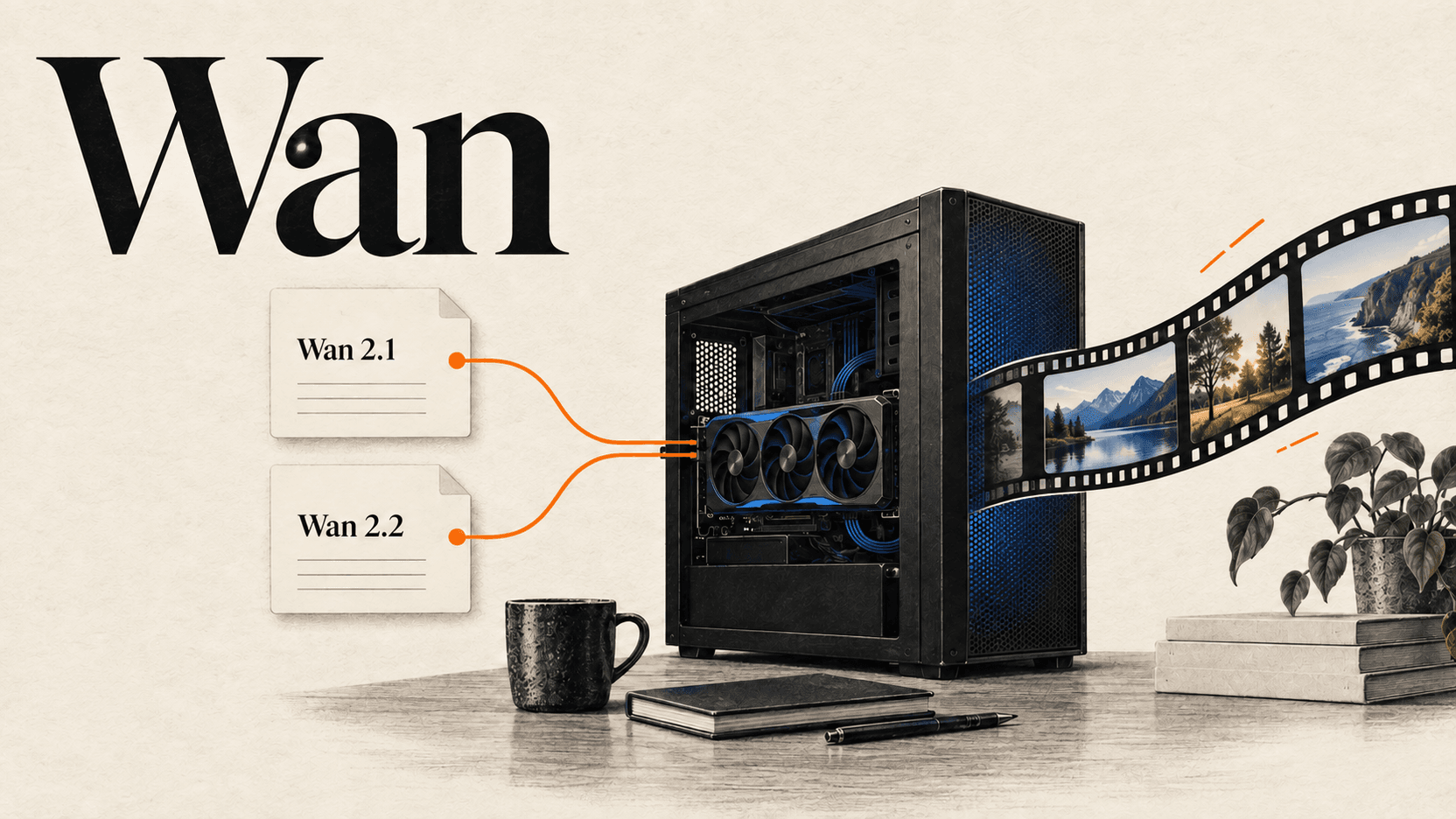
Which Wan Models Run Locally? Weights and GPU Memory
Choose Wan models for local use with official 2.1 and 2.2 downloads, runtime-specific VRAM guidance, ComfyUI file paths and a way to measure generation costs.
To run Wan models locally, start with downloadable Wan 2.1 or Wan 2.2 weights. Wan 2.2 TI2V-5B is a practical starting point for text and image to video, while Wan 2.1 T2V-1.3B offers a smaller text-to-video path. The official Wan-Video and Wan-AI indexes checked on September 14, 2026 did not establish a downloadable Wan 2.7 or Wan 3.0 release.[1][2][3][4]
Hardware requirements depend on the runtime as well as the model. Wan's reference 2.2 5B command specifies at least 24GB VRAM; ComfyUI says the 5B model should fit on 8GB with native offloading. Both can be true. This guide separates those paths so a search for wan 3.0 system requirements leads to an actual model choice.[5][6]
TL;DR
- Wan 2.1 and 2.2 have official repositories and downloadable model cards. Choose an exact model, not a generic “Wan download.”[2][1]
- Wan 2.1 T2V-1.3B targets 480P; its official model card reports 8.19GB VRAM. That is not a guarantee for every nominal 8GB GPU.[7]
- Wan 2.2 TI2V-5B supports text and image input at its documented 720P tier. The reference command and Comfy's offloading workflow have different memory guidance.[5][6]
- A Wan 3.0 API workflow in ComfyUI runs hosted inference. Installing that workflow does not download a Wan 3.0 checkpoint.[8][9]
- Budget local generation using the actual hardware, runtime, settings and accepted outputs. This article supplies a measurement method, not invented GPU timings.[1][6]
Which Wan models can run locally today?
Downloadability is established by a repository and model files, not by a hosted API model ID. Wan 2.1 and 2.2 meet that test in the official sources. Their family names contain several task-specific checkpoints, so choose the intended generation mode before downloading.[2][1]
| Generation or model | Local path checked | License label in official source | Useful starting point |
|---|---|---|---|
| Wan 2.1 T2V-1.3B | Official repository and Wan-AI model card | Apache-2.0 | Smaller 480P text-to-video setup |
| Wan 2.1 14B variants | Official T2V and I2V releases | Apache-2.0 | Existing workflows that need a specific 2.1 checkpoint |
| Wan 2.2 TI2V-5B | Official repository and Wan-AI model card | Apache-2.0 | One model for text and image input |
| Wan 2.2 T2V/I2V-A14B | Official repositories and linked downloads | Apache-2.0 | Task-specific larger-model workflows |
| Wan 2.7 | No official weight release found in the indexes checked | No local weight license established here | Use the documented hosted API if needed |
| Wan 3.0 | No official weight release found in the indexes checked | No local weight license established here | Hosted model/API workflow |
The last two rows describe the evidence checked on the observation date. They are not predictions about future releases. A repository with a familiar version name under another publisher does not establish an official release.[3][4]
The license labels above identify the published model packages. Consult the linked license for the files you actually download, including any community derivative. This guide does not replace a license review. For availability alone, see is Wan 3.0 open source?; the rest of this page addresses model and hardware selection.
Match GPU memory to the exact runtime
The most useful memory number is attached to a reproducible setup. The official sources provide the following distinct statements:[7][5][1][6]
| Model and execution path | Published memory guidance | What the number does not prove |
|---|---|---|
| Wan 2.1 T2V-1.3B, official model description | 8.19GB VRAM | That every 8GB card can run every setting |
| Wan 2.2 TI2V-5B, reference command | At least 24GB VRAM | A universal minimum across all runtimes |
| Wan 2.2 TI2V-5B, Comfy native offloading | Should fit on 8GB VRAM | A guaranteed configuration or a latency promise |
| Wan 2.2 T2V/I2V-A14B, documented single-GPU commands | At least 80GB VRAM | That repackaged or offloaded workflows share this requirement |
The reference 5B command uses --offload_model True, --convert_model_dtype and --t5_cpu. Comfy uses its own loading/offloading behavior and distributed model files. Compare the entire execution path, not the checkpoint label alone.[5][6]
Offloading changes where parts of the workload reside; it does not eliminate the need for working memory or data transfer. Before choosing an 8GB setup, check available system RAM, disk space and the behavior of the specific graph. The checked Comfy paragraph does not give a universal system-RAM minimum, so none is invented here.
Precision needs the same care. Comfy's 5B example uses an FP16 diffusion file and an FP8 text encoder. Calling that entire setup “an FP8 model” loses an important distinction. The larger T2V example uses separate high-noise and low-noise diffusion files; a single 5B loader recipe is not interchangeable with that graph.[6]
Download from the actual publisher and preserve the model identity
Use Wan-Video on GitHub to find the inference repository and Wan-AI on Hugging Face to find the model card. Follow the repository's download links and check the task name, version and file format before starting a large download.[3][4]
For a first local setup, these are specific destinations:
- Wan 2.1 T2V-1.3B for the smaller text-to-video model.[7]
- Wan 2.2 TI2V-5B for the hybrid text/image model.[5]
- The official Comfy Wan 2.2 tutorial when you want its repackaged files and native graph.[6]
Hugging Face is a hosting platform with many publishers. A huggingface search result is not automatically a Wan-AI release. A community GGUF conversion can be useful, but its loader, quantization level and original checkpoint must match the workflow. A different filename extension does not create a new Wan generation.
Keep a small record of the model-card URL, downloaded file names and workflow version. It makes an out-of-memory report or a failed loader easier to diagnose. If two recipes use different VAE or text-encoder files, compare their instructions before mixing the pieces.
Build the Wan 2.2 5B ComfyUI workflow
Use Comfy's native 5B tutorial as one complete recipe. Its three required model files go into separate locations:[6]
| Component | File | ComfyUI destination |
|---|---|---|
| Diffusion model | wan2.2_ti2v_5B_fp16.safetensors | models/diffusion_models/ |
| Text encoder | umt5_xxl_fp8_e4m3fn_scaled.safetensors | models/text_encoders/ |
| VAE | wan2.2_vae.safetensors | models/vae/ |
Follow the tutorial's download links rather than renaming files from another model family to make them appear in a dropdown. The filenames are part of the dependency match, not decorative labels.
- Update ComfyUI and find the Wan2.2 5B template. If it is missing, check the version and startup import errors.[6]
- Download the three files from the locations linked by the official tutorial and place them in the listed folders.[6]
- Confirm the diffusion, CLIP/text-encoder and VAE loaders point to those exact files.[6]
- Begin with the template's settings and a simple prompt. For image input, enable the optional image loader described by the tutorial.[6]
- Generate a small trial, inspect the saved video and record peak memory and elapsed time before raising output dimensions or frame count.
If memory runs out, return to the baseline and change one setting at a time. Do not assume that a successful model download means the largest possible video will fit. Also distinguish a model-loading failure from a failure later in decoding; those are different places to investigate.
For the standalone reference implementation, the documented 5B command uses the 720P-tier dimensions 1280*704 or 704*1280. Those exact dimensions differ from a blanket promise of 1280×720. Follow the chosen runtime's dimensions and aspect-ratio rules.[5]
Measure local cost against a comparable API job
There is no defensible universal “local cost per video.” A GPU you already own, a rented machine and a workstation purchased for this task have different costs. Loading models, preparing inputs, generating rejected takes and exporting the final file all consume time.
Record the model, runtime version, GPU, precision, offloading settings, dimensions, frame count and prompt. Separate first-run loading from repeated generation. Then measure wall-clock time, peak GPU memory, system memory, energy or rental cost, and whether the result meets the acceptance criteria. Compare cost per accepted output, not just cost per submitted job.
For a hosted baseline, the Wan 3.0 reAPI table checked on September 14, 2026 displayed $0.068/s at 720P. Ten output seconds multiplied by that displayed rate gives a $0.680 estimate before reference-video additions and credit rounding. This is a price illustration for a different model, not a claim that Wan 2.2 local output has identical quality or timing.[10][11]
Choose an API when the requested deliverable depends on a documented hosted capability your local setup does not provide, or when maintaining the hardware is not worth the effort. Wan 3.0 offers up to thirty seconds and native audio; its reference-video/output total still has a thirty-second limit.[11]
Local Wan can still be appropriate for private on-device workflows, reproducible experiments or repeated use of a specific checkpoint. Do not dismiss every audio-driven or longer workflow: the 2.2 family includes specialized speech-to-video and animation models, each with its own requirements. Nor does batch work automatically require an API; available hardware and acceptable queue time decide that trade-off.[1]
FAQ
wan 3.0 github
The checked Wan-Video organization provides Wan 2.1 and 2.2 repositories, but did not establish a Wan 3.0 weight release. Use an exact downloadable model for local inference.[3]
wan 3.0 huggingface
The official organization is Wan-AI on Hugging Face. Check the model card and publisher; the indexes checked here did not establish official Wan 3.0 downloadable weights.[4]
wan 3.0 open weights
No official 3.0 weight release was found in the sources checked on September 14, 2026. Downloadable Wan 2.1 and 2.2 models are the supported local alternatives in this guide.[3][4][1]
wan 3.0 system requirements
There is no verified local Wan 3.0 hardware specification in those sources. Hosted generation has a different requirement from loading model weights; for local work, use the runtime-specific 2.1/2.2 table above.[3][6]
wan 3.0 gguf
The checked official sources did not identify a Wan 3.0 GGUF release. For a community conversion of another Wan model, verify the base checkpoint and compatible loader.[3][4]
wan 3.0 local download
Download a named Wan 2.1 or 2.2 model for local inference. A Wan 3.0 ComfyUI API template accesses hosted generation and does not install a local checkpoint.[2][1][8]
Choose the downloadable model before choosing the hardware
To run Wan models locally, choose a real model card, then a complete runtime recipe. Start with Wan 2.2 5B for hybrid text/image generation or evaluate Wan 2.1 1.3B for its smaller text-only path. For hosted use, continue with the Wan 3.0 ComfyUI workflow, the local video model comparison, or the Wan 2.7 API guide and model page. Keep model availability, memory use and generation cost as separate decisions.
References
- Wan-Video. Wan-Video/Wan2.2: Wan: Open and Advanced Large-Scale Video Generative Models. Retrieved September 14, 2026 from github.com/Wan-Video/Wan2.2
- Wan-Video. Wan-Video/Wan2.1: Wan: Open and Advanced Large-Scale Video Generative Models. Retrieved September 14, 2026 from github.com/Wan-Video/Wan2.1
- Wan-Video. Wan. Retrieved September 14, 2026 from github.com/Wan-Video
- Wan-AI. Wan-AI (Wan-AI). Retrieved September 14, 2026 from huggingface.co/Wan-AI/models
- Wan-AI. Wan-AI/Wan2.2-TI2V-5B · Hugging Face. Retrieved September 14, 2026 from huggingface.co/Wan-AI/Wan2.2-TI2V-5B
- Comfy. Wan2.2 Video Generation ComfyUI Official Native Workflow Example - ComfyUI. Retrieved September 14, 2026 from docs.comfy.org/tutorials/video/wan/wan2_2
- Wan-AI. Wan-AI/Wan2.1-T2V-1.3B · Hugging Face. Retrieved September 14, 2026 from huggingface.co/Wan-AI/Wan2.1-T2V-1.3B
- Comfy. Wan 3.0 in ComfyUI: Native 30-Second Video with Omni-Reference Control. Retrieved September 14, 2026 from blog.comfy.org/p/wan-30-in-comfyui-native-30-second
- Comfy. FAQs about Partner Nodes - ComfyUI. Retrieved September 14, 2026 from docs.comfy.org/tutorials/partner-nodes/faq
- reAPI. Wan 3.0 — 30-Second Omni-Modal Video Generation. Retrieved September 14, 2026 from reapi.ai/models/wan-3-0
- reAPI. Wan 3.0 | reAPI. Retrieved September 14, 2026 from reapi.ai/docs/wan-3-0
Author

Categories
More Posts

Best Seedance 2.5 Alternatives: H3, Veo, Sora and More
Compare the best Seedance 2.5 alternatives for video generation, including MiniMax H3, Seedance 2.0, Veo 3.1, Sora 2, Runway, and Kling 3.

AI Video Generator Long Videos: Chaining Past the Cap
No AI video generator long videos mode exists: 30 seconds is the ceiling. How frame chaining works, the three rules it enforces, and what three minutes costs.
How to Stop Claude Code Asking for Permission Every Time
Claude Code has six permission modes. Auto mode moves review to a classifier, rules fix one repeated command, and one settings file silently ignores auto.