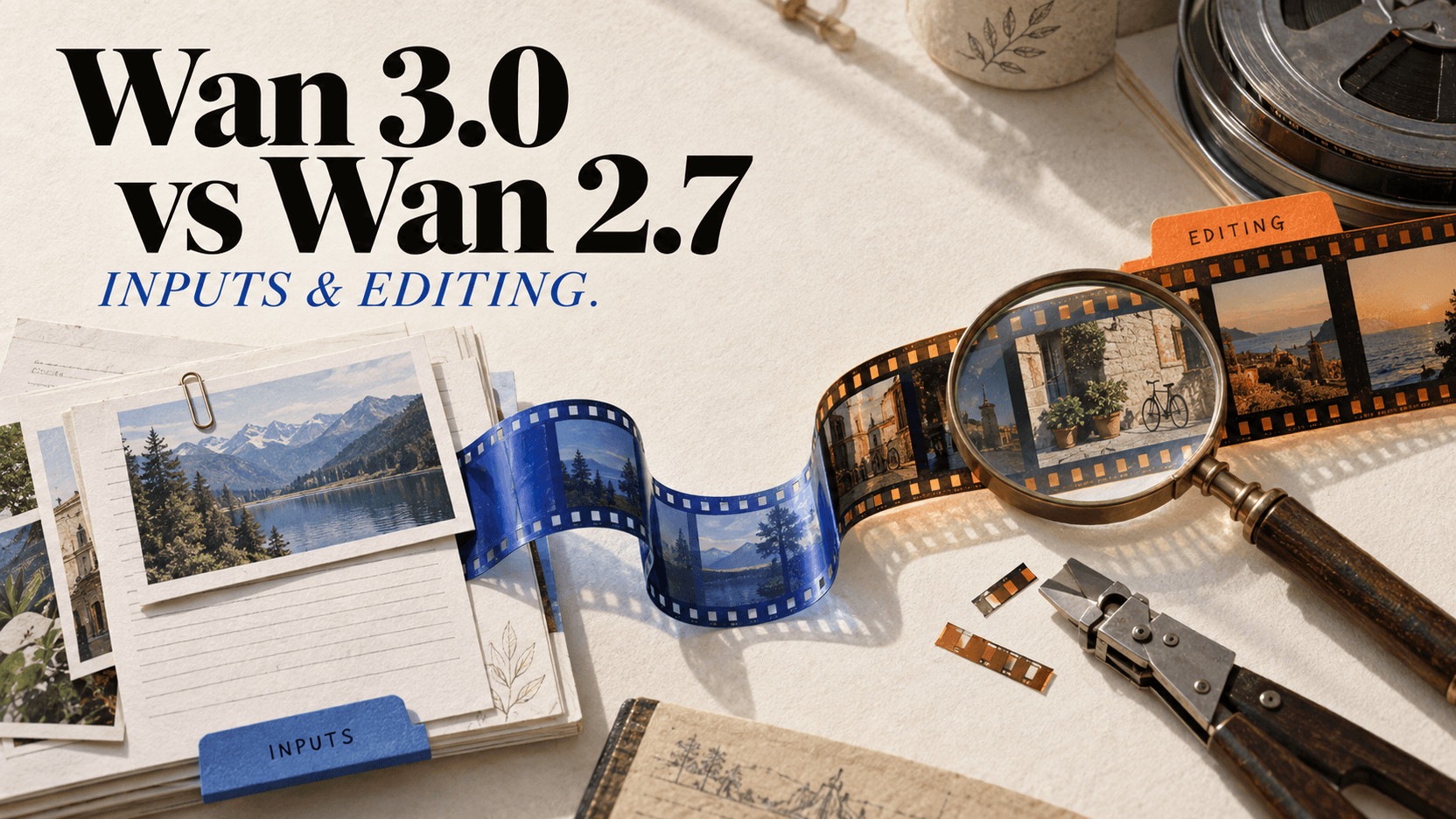
Wan 3.0 vs Wan 2.7: Duration, Inputs, Editing, and Cost
Compare Wan 3.0 and Wan 2.7 by maximum duration, resolution, document input, reference limits, video editing, billing, and the job each one fits.
Choose Wan 3.0 for 16–30-second generation, 480P drafts, larger reference sets, or document and web-page input. Choose Wan 2.7 when the job is explicit video editing or when you need its separate reference-to-video controls. Wan 3.0 is not a simple quality bump: it combines more input types into one reference model, while Wan 2.7 exposes a dedicated edit mode.[1][2]
This comparison describes the public reAPI endpoints checked on September 8, 2026. Wan 3.0 supports output through 4K, but document/webpage input is limited to 1080P; 2K/4K also exclude watermark: true. The separate editing-mode distinction below concerns these API request schemas, not every interface that offers Wan.
Wan 3.0 vs Wan 2.7 at a glance
| Requirement | Wan 3.0 | Wan 2.7 Video |
|---|---|---|
| Text/image output duration | 2–30 seconds | 2–15 seconds |
| Resolution | 480P, 720P, 1080P, 2K, 4K | 720P, 1080P |
| First and last frame | Yes | Yes |
| Reference images | Up to 10 | Up to 5 subject references |
| Reference videos | Up to 5, 15s total | Up to 5; lower output cap when video is present |
| Reference audio | Up to 5 | Per-subject voice references |
| Document input | Yes, up to 50 pages/100 MB (≤1080P) | No |
| Public web-page input | Yes (≤1080P) | No |
| Dedicated source-video editing | No separate edit mode | Yes |
| Generated audio | On by default | Mode-dependent audio controls |
The right choice follows the request shape, not the version number.
When did Wan 3.0 launch, and is Wan 2.7 discontinued?
Alibaba opened the Wan 3.0 public beta on August 6, 2026, and general availability followed on August 24, 2026. Both dates describe Alibaba's own rollout, not reAPI availability.
Wan 2.7 was not retired when 3.0 shipped. Both generations are callable on reAPI today, and 2.7 keeps the one capability 3.0 does not expose here — a dedicated source-video editing mode. Newer does not automatically mean the one to migrate to; the request shape decides.
The 15-second boundary is the clearest difference
Wan 2.7 text-to-video and image-to-video top out at 15 seconds. Wan 3.0 doubles that ceiling to 30 seconds.[1][2]
That matters for a continuous scene. A 24-second performance is one Wan 3.0 task, but at least two Wan 2.7 tasks and an edit. The extra join can change a face, room layout, voice, wardrobe, or camera speed.
It matters less for commercials cut into five-second shots. Short shot lists already have intentional edits, and a failed five-second insert is cheaper to replace than the last five seconds of a 30-second take. Longer is useful only when continuity is useful.
Wan 3.0 accepts material that 2.7 does not
Wan 3.0 can use a DOCX, XLSX, PPTX, PDF, text/Markdown file, Apple iWork document, or a public login-free page as reference input. Documents may be up to 100 MB and 50 pages.[1]
This makes it suitable for jobs such as:
- turning a product brief into a concept clip;
- using a public product page as context for a video;
- providing a presentation or report without manually converting every page to images;
- combining a document with visual and audio references in one request.
Wan 2.7 expects media and text fields. The application has to extract or summarize a document before submitting the video request.
Document support should not be mistaken for a deterministic slide renderer. Wan 3.0 interprets the material as a reference. It may choose scenes, reorder ideas, or omit details. If every number and on-screen sentence must match, extract a script and storyboard first.
Wan 2.7 still has the clearer editing path
Wan 2.7 exposes a dedicated video editing mode: send a source through video_url, describe the change, and choose whether the soundtrack is handled automatically or the original is kept. It can process the full source with duration: 0, subject to the mode's rules.[2]
Wan 3.0 accepts reference video, but reference is not a promise to preserve every source frame while changing one object. It interprets the clip alongside the prompt and other assets. For “re-render this source video” rather than “use this clip as guidance,” Wan 2.7 is the more explicit API contract.
Reference limits change how much preprocessing you need
Wan 3.0 accepts up to ten reference images, five reference video clips, and five reference audio clips. Wan 2.7 supports up to five subject images and five reference clips, with reference voices tied to subjects.[1][2]
The higher image limit helps with a character plus wardrobe, product, room, lighting, and prop references. More references are not automatically better. Contradictory angles or identities can make the target ambiguous. Start with the smallest set that defines the shot and add a reference only when it supplies information missing from the others.
Cost is not comparable without the mode
Public display rates checked September 8, 2026 (USD per output second; rounded for display, not exact task invoices):
| Model | Resolution | Per-second rate |
|---|---|---|
| Wan 3.0 | 480P | $0.035 |
| Wan 3.0 | 720P | $0.068 |
| Wan 3.0 | 1080P | $0.136 |
| Wan 3.0 | 2K | $0.199 |
| Wan 3.0 | 4K | $0.229 |
| Wan 2.7 | 720P | $0.074 |
| Wan 2.7 | 1080P | $0.121 |
For ordinary text/image generation, Wan 3.0 now has the lower displayed rate at 720P ($0.068 versus $0.074), while Wan 2.7 is lower at 1080P ($0.121 versus $0.136). Wan 3.0 also offers 480P drafts, 2K/4K output, and up to 30 seconds. Check the task estimate and settled credits for the actual charge.
Reference and editing work changes the comparison. Wan 2.7 can include probed source duration in the billable seconds for input-billed modes, while Wan 3.0's current public pricing multiplies its rate by output duration. Check the input mode rather than multiplying both models by the same duration and assuming the result is equivalent.[1][2]
A simple decision rule
Use Wan 3.0 when any of these is true:
- the shot must be longer than 15 seconds;
- the input is a document or public page;
- a cheap 480P iteration pass helps;
- the job needs more reference images;
- one multimodal reference request is easier than building preprocessing.
Use Wan 2.7 when:
- the job is specifically source-video editing;
- 15 seconds is enough;
- its per-subject reference voice structure matches the scene;
- the lower 1080P text/image generation rate matters more than 3.0's new inputs.
Do not migrate by changing only the model id
Applications moving a 2.7 workflow to 3.0 should treat it as a new request schema. Wan 2.7 separates subject references, reference voices, and source-video editing fields. Wan 3.0 combines reference media under a different family and adds file_url, link_url, and an explicit generation_type option.
Build a per-model validator and migrate one mode at a time. Start with prompt-only generation, then first/last frame, then mixed references. Keep 2.7 editing requests on the old model until a 3.0 reference test proves it meets the same acceptance criteria. A successful HTTP response does not mean the semantic operation stayed the same.
Also set resolution and duration explicitly during migration. Wan 3.0 adds 480P and defaults to 1080P; its -1 duration behavior reserves at the 30-second ceiling on reAPI. Silent default changes are a poor way to discover a new model's cost profile.
Both are available through their public model and documentation pages: Wan 3.0, Wan 2.7 Video, Wan 3.0 docs, and Wan 2.7 docs.
References
- reAPI Wan 3.0 API documentation, accessed August 23, 2026.
- reAPI Wan 2.7 Video API documentation, accessed August 23, 2026.
- Alibaba Cloud, “Wan 3.0: 30-Second AI Video Generation from Any Input”, 2026.
Author

Categories
More Posts
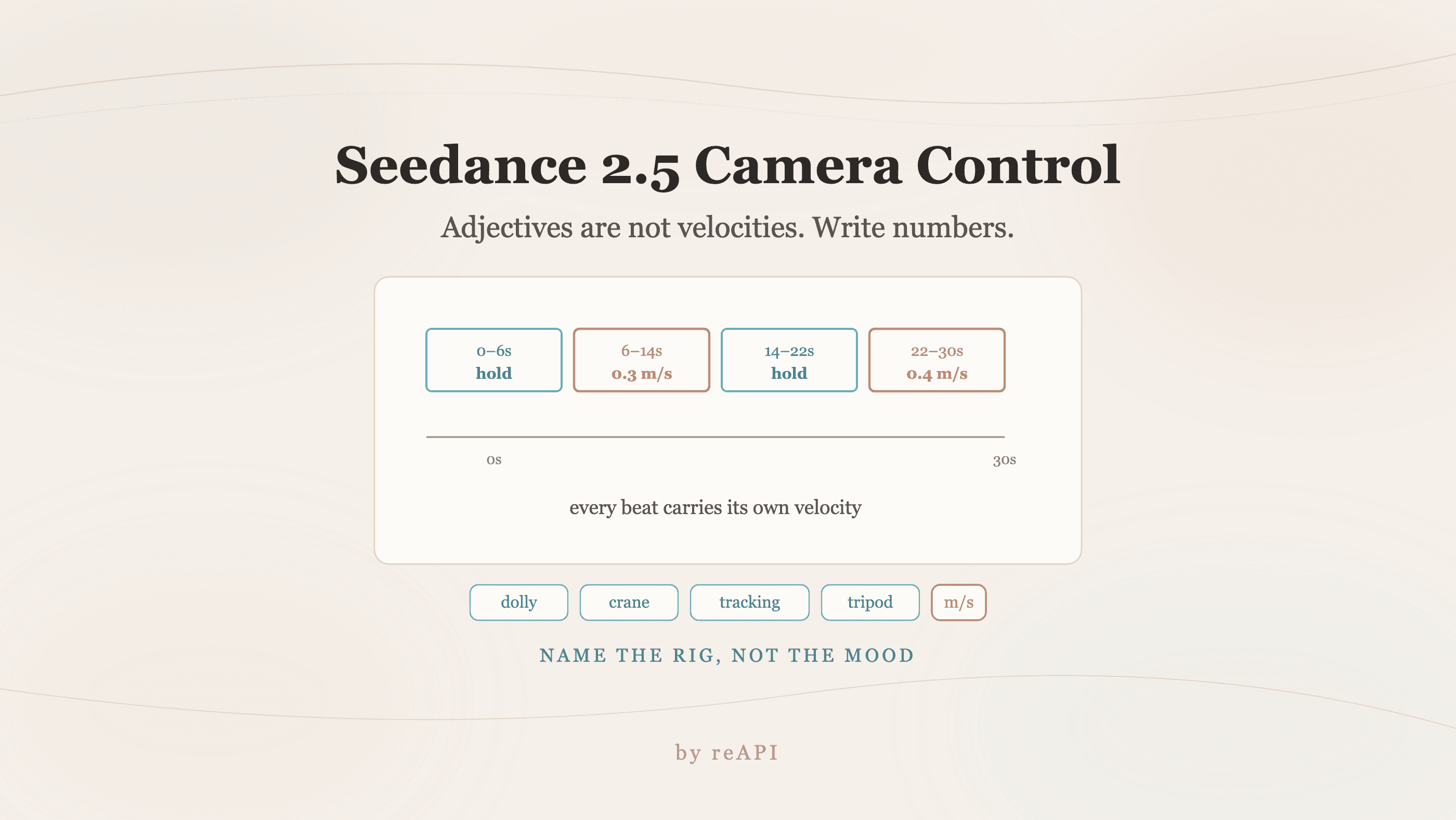
Seedance 2.5 Camera Control: Write Numbers, Not Adjectives
Seedance 2.5 camera control fails on mood words because adjectives map to fast default motion. Use explicit velocities, named rigs, and timestamped beats.
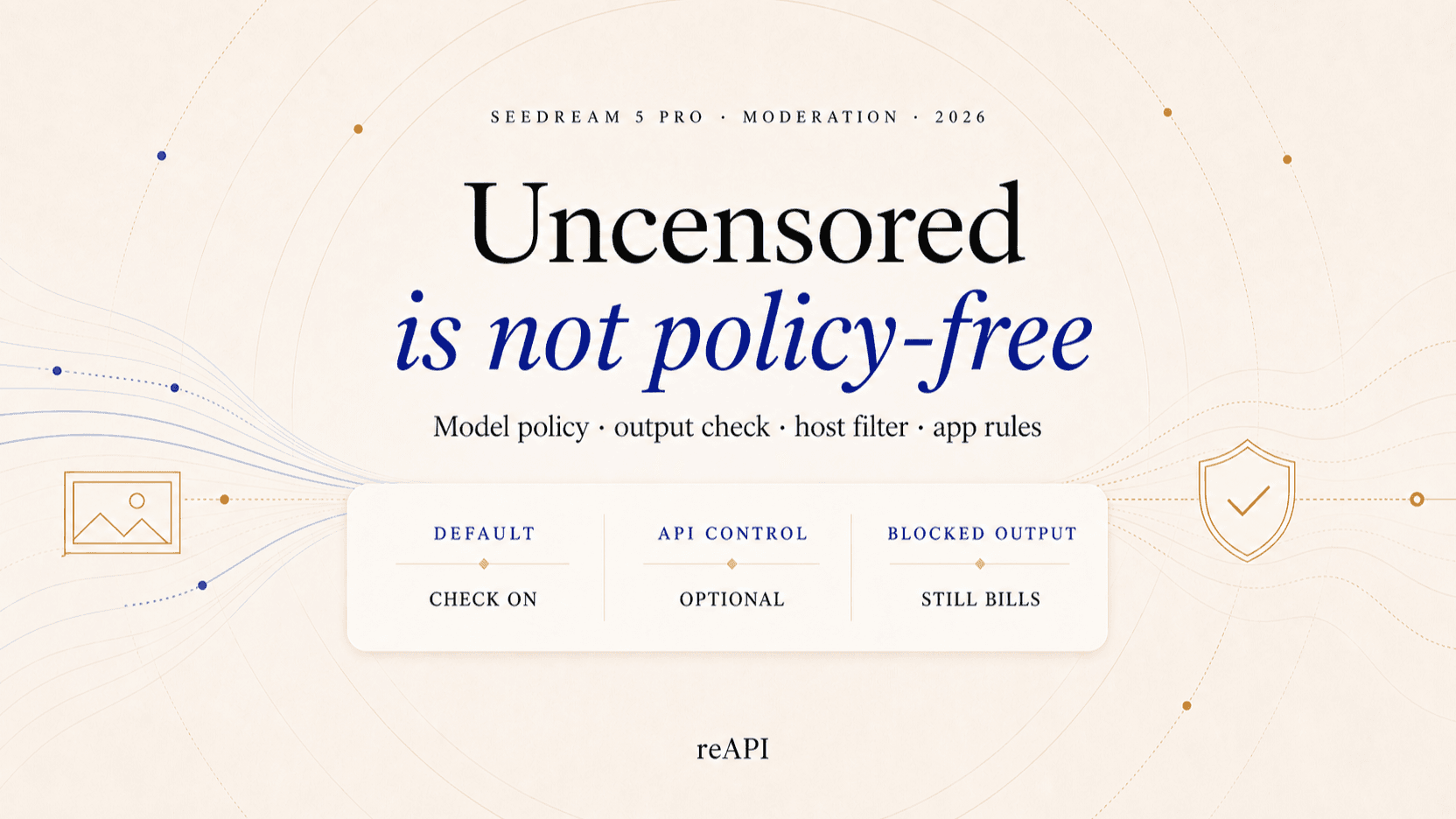
Seedream 5 Pro Content Filters: What They Block
Seedream 5 Pro content filtering runs in several layers, and a refusal rarely says which one fired. What each layer blocks and which limits never move.
Nano Banana 2.1 vs Nano Banana 2: What Changed and When to Switch
Nano Banana 2.1 vs Nano Banana 2: Google's own preference scores, the new thinking level, dropped 0.5K size, fixed panoramas, price and the shutdown date.