
How to Restore Old Video with AI (and What It Costs)
Restore old video with AI: the old_film scene preset, field-by-field request, real archive costs from $2.46 a reel, and where automated restoration stops.
To restore old video with AI through an API, there is exactly one field to know about: scene: "old_film". It is one of five scene presets on the enhance-video-1.0 endpoint, alongside modes for UGC, short series, and AI-generated footage, and it points the model's whole toolkit (upscaling, denoising, deblocking, frame interpolation, and color refinement) at the specific damage old footage carries[1][2].
The price is the surprising part. Restoring a full hour of digitized family footage at 1080p costs $14.79 on the standard tier, at rates pulled live from the model page in August 2026[1]. This guide walks the request field by field, prices three realistic archive jobs, and is honest about where an automated pass stops and desktop or manual work begins.
TL;DR
- The dedicated preset exists:
sceneacceptscommon | ugc | short_series | aigc | old_film, andold_filmis the restoration mode[1]. - One hour of footage at standard-tier 1080p is $14.79; the professional tier is exactly 10× that at $147.86, and the gap is the main pricing decision[1].
- The output ladder runs 240p to 4K, and
fpsaccepts 1–120 for interpolating jittery low-frame-rate scans[1]. - The model repairs compression-era damage well (noise, blocking, soft resolution, dull color); physical-damage footage (torn frames, heavy gate weave) is where desktop tools and manual work still earn their keep.
- Billing is per second of source footage, prepaid, and failed tasks refund automatically, so a test reel risks nothing but its own cost[1].
What restore means to the old_film preset
enhance-video-1.0 is a single async endpoint that takes a source video URL and returns a higher-quality MP4; its toolkit covers upscaling, denoising, deblocking, smart frame interpolation, and color refinement up to 4K, in two quality tiers, with the scene preset steering how aggressively each tool is applied[2]. old_film is the preset tuned for archive material, where the damage profile differs from a modern phone clip: uniform grain and chemical noise rather than sensor noise, soft detail from analog transfer, muted or shifted color, and low, sometimes uneven frame rates[1][2].
The preset matters because restoration is a balance, not a maximum. Denoising that flatters 8mm grain would smear a modern clip; the sharpening a crisp source tolerates would ring on VHS edges. Encoding that judgment in one field is what makes the API route batchable across a whole archive.
Restore old video with AI: the request, field by field
The full request for a digitized reel[1][2]:
curl https://reapi.ai/api/v1/videos/generations \
  -H "Authorization: Bearer rk_live_..." \
  -H "Content-Type: application/json" \
  -d '{
    "model": "enhance-video-1.0",
    "video_url": "https://your-cdn.com/8mm-scan.mp4",
    "tool_version": "standard",
    "scene": "old_film",
    "resolution": "1080p",
    "fps": 30
}'video_url(required): a public HTTPS URL to the scan; base64 uploads are rejected platform-wide.scene: "old_film": the restoration preset described above.resolution: the output target, from 240p up to 4K[1]. For a 480p source, 1080p is the sane target; jumping straight to 4K quadruples invented detail and, on the professional tier, quadruples cost.fps(1–120): interpolation for scans that came in at 15–18 fps and play back with a strobe. 30 is the natural target for screens; leave it unset to keep the original cadence.tool_version:standardorprofessional, priced 10× apart[1]; the next section is that decision.
The endpoint is async: submit returns a task id, poll until completed, and the output URL points at a CDN-rehosted file that does not expire[1]. A whole shoebox of reels runs through the same batch pipeline as any upscaling job.
Before the API: the scan itself sets the ceiling
Restoration works on what the digitization captured, and no preset recovers what the scan threw away. Three habits pay for themselves before the first request:
- Scan at the medium's native cadence and keep it. Forcing 8mm's 16-18 fps into a 30 fps scan bakes in duplicate frames that interpolation then has to fight; scan native and let the
fpsfield do the retiming once, cleanly. - Trim the dead air first. Billing follows the source clip's probed length[1], so leader, blank tape, and the forty seconds of ceiling at the end of every family reel are all billable seconds. An hour of tape with ten minutes of blanks is a 17% surcharge for nothing.
- Keep one untouched master. Run restoration on a copy; the preset that looks right today may not be the preset the footage deserves in five years, and the scan is the only artifact that cannot be regenerated.
What a family archive costs to restore
Per-second rates make archive math trivial: multiply the footage length by the tier rate[1].
| Job | Tier, output | Rate | Cost |
|---|---|---|---|
| 10-minute 8mm reel | standard, 1080p | $0.004107/s | $2.46 |
| 60-minute VHS transfer | standard, 1080p | $0.004107/s | $14.79 |
| 60-minute VHS transfer | standard, 720p | $0.002054/s | $7.39 |
| 60-minute wedding master | professional, 1080p | $0.041071/s | $147.86 |
| 10-minute showcase cut | professional, 4K | $0.164286/s | $98.57 |
The pattern that keeps budgets sane: run the whole archive through standard, then re-run only the reels that deserve it through professional. At these rates, restoring everything cheaply and upgrading selectively costs less than guessing wrong in either direction.
Standard or professional tier
The 10× price gap buys headroom, not a different feature list; both tiers run the same restoration toolkit[1][2]. Standard at $0.004107/s for 1080p output is the archive workhorse: family footage, research material, anything watched rather than projected. Professional at $0.041071/s exists for the footage with an audience, where the extra processing has a screen large enough to show. Test both on the same ten-second segment before committing an hour of material; the A/B costs about $0.45 total and settles the question with your own eyes.
Where the API route stops
An automated pass fixes the damage that time and compression caused. It does not fix everything, and pretending otherwise wastes money:
- Physical damage (torn sprocket frames, splice jumps, heavy gate weave) needs frame-level manual work or a desktop suite with human judgment in the loop; Topaz Video, the desktop reference tool, runs $59/month with unlimited local rendering[3].
- Severely degraded sources sometimes need several passes with different settings, which is where a local open-source stack earns its unlimited reruns.
- Wrong-speed and audio problems are outside this endpoint's scope; fix them in an editor before submitting, since billing follows the source clip's length[1].
The efficient division: API for the bulk pass across the archive, desktop or manual effort for the handful of reels the bulk pass flags as beyond it.
FAQ
What are the steps to restore old video with AI?
Digitize the film or tape, host the file at a public HTTPS URL, submit it to enhance-video-1.0 with scene: "old_film" and a modest resolution target, and poll for the finished MP4[1]. Test ten seconds first, then batch the archive.
Can AI fix VHS footage?
The compression-era damage, yes: noise, softness, blocking, and dull color are exactly what the restoration toolkit targets[2]. Tracking tears and dropout lines are physical-damage territory where results vary; test a worst-case segment before batching a tape collection.
How much does it cost to restore an hour of old video?
$7.39 at 720p or $14.79 at 1080p on the standard tier; $147.86 at 1080p professional[1]. Failed tasks refund automatically, so the quoted price is the worst case[1].
Can I take 240p footage to 4K?
The output ladder runs to 4K and nothing in the schema stops a 240p source[1]. Whether you should is another matter; a 9× resolution jump is mostly invented detail. 720p or 1080p from a 240p source keeps the result honest.
Can AI smooth out jerky old film?
That is the fps field: interpolation accepts targets from 1 to 120 fps[1], and 15–18 fps scans interpolated to 30 lose the strobe without the soap-opera look that higher targets bring.
Is restoring the same as upscaling?
Upscaling is one tool inside restoration. The old_film preset combines it with denoising, deblocking, interpolation, and color work[2]; a pure resolution job on clean footage is cheaper and simpler, covered in our upscaling guide.
A first reel, in practice
Pick the reel you care least about, cut its roughest thirty seconds, and run it at standard 1080p with scene: "old_film" for about twelve cents. That one test tells you how the preset handles your specific film stock, whether the fps interpolation suits the material, and whether any reel in the box needs more than an automated pass. After that, to restore old video with AI at archive scale is a loop over URLs and an evening of waiting, priced by the second instead of by the reel.
References
- reAPI. Enhance Video 1.0 — model page: live pricing, input schema, scene presets, task lifecycle. Retrieved August 2026 from reapi.ai/models/enhance-video-1-0
- reAPI. enhance-video-1.0 API docs — tiers, scene presets, and capabilities. Retrieved August 2026 from reapi.ai/docs/enhance-video-1-0
- Topaz Labs. Topaz Video — plans and pricing. Retrieved August 2026 from topazlabs.com/topaz-video
Further reading
- reAPI. Upscale video with AI: open source, desktop, or API. reapi.ai/blog/upscale-video-with-ai
- reAPI. Upscale video with Python: batch API pipeline and costs. reapi.ai/blog/upscale-video-python
- reAPI. Open source video upscalers: video2x and Real-ESRGAN setup. reapi.ai/blog/open-source-video-upscaler
Author

Categories
More Posts

Can You Tell If a Writer Used ChatGPT? Patterns, Not Proof
Can you tell if a writer used ChatGPT? Learn the recurring style signals, why no phrase proves AI authorship, and a fairer way to review suspicious text.

GPT Image 2.5 API Cost: Flare, Sunburst and Flat Rates
GPT Image 2.5 API cost by quality tier: compare OpenAI token rates, reAPI flat pricing and provider quotes, with exact monthly budgets and billing caveats.
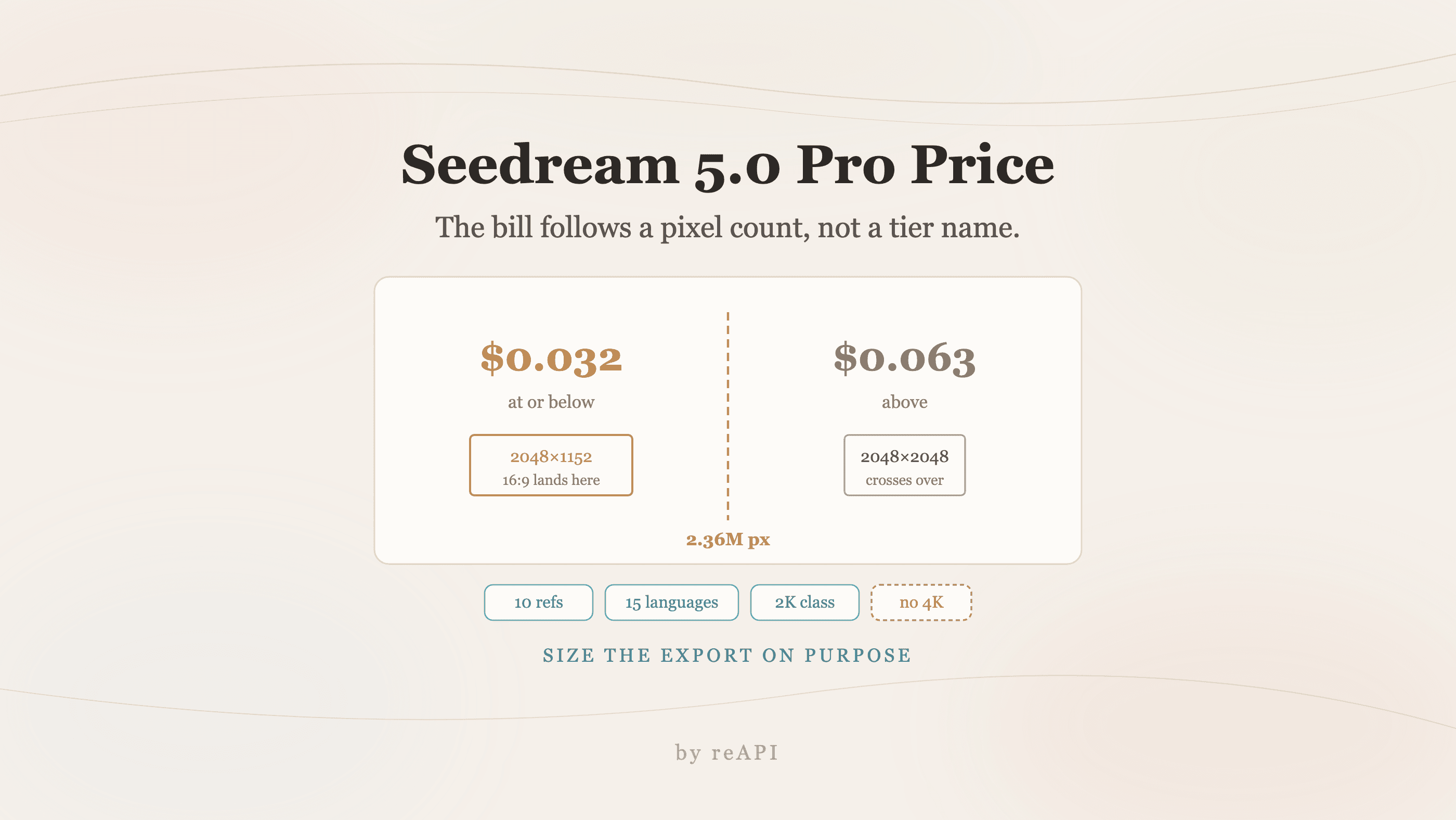
Seedream 5.0 Pro Price: The Pixel Line That Decides It
The Seedream 5.0 Pro price splits at 2.36 million pixels, not at a tier label. What each tier costs, and how to size a 16:9 export to stay in the cheap one.