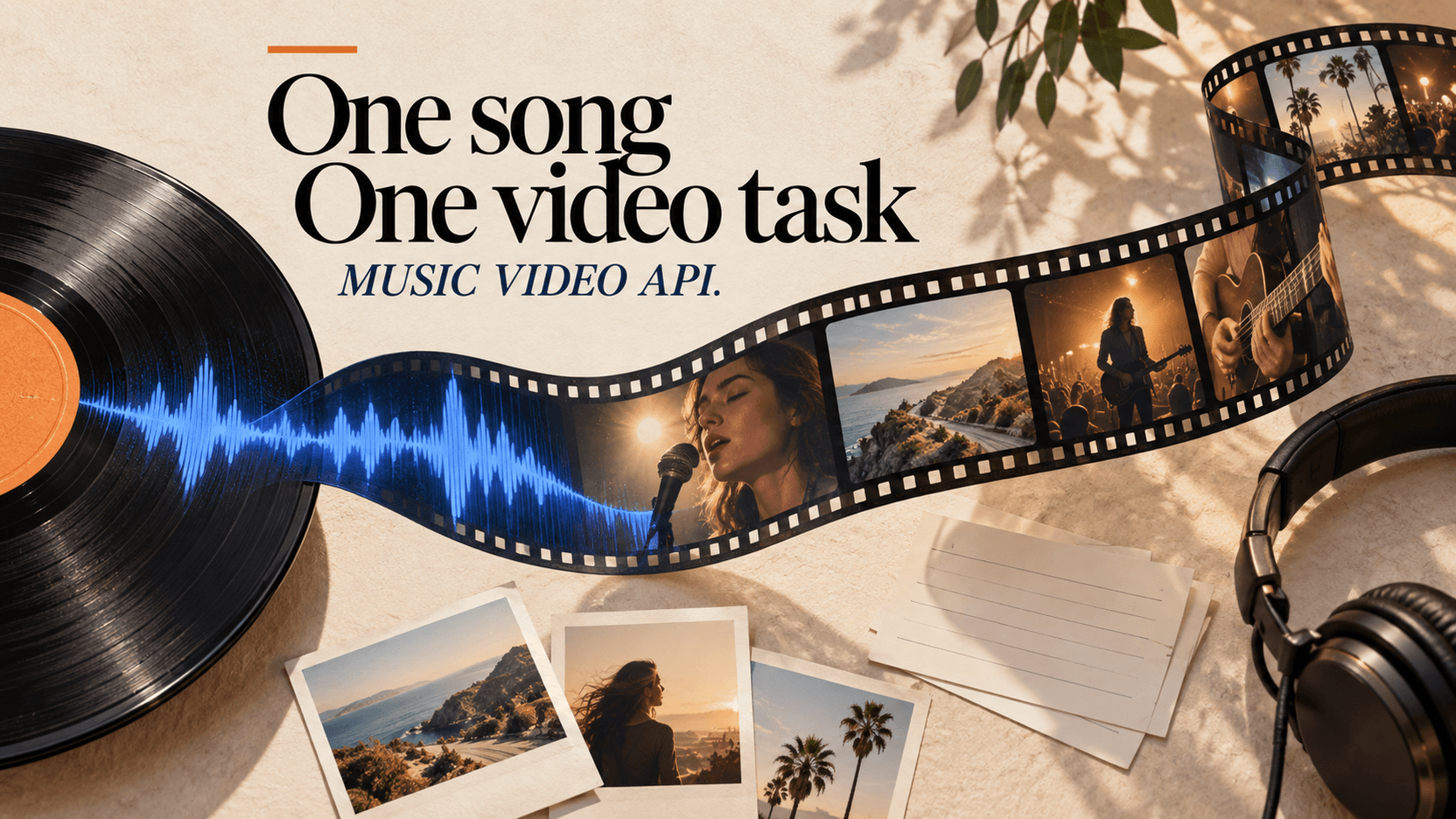
AI Music Video Generator API: Full Songs, Photos, and Lyrics
Turn a 10-second to 5-minute song and 1–7 reference images into a complete music video, with API examples, subtitle options, and exact cost tables.
Music Video 1.0 turns one 10–300-second MP3 and one to seven reference images into a full-length music video in a single asynchronous API task. It supports five aspect ratios, 540P/720P/1080P output, and optional burned-in lyrics generated from the song or supplied as an SRT file.[1]
This is a different product from generating thirty five-second shots and editing them to a track. The song sets both the output length and the bill.
Inputs, output, and limits
| Field | What it does | Limit |
|---|---|---|
audio_url | The complete song | MP3, 10–300 seconds |
reference_image_urls | Artist, character, location, or style references | 1–7 public URLs |
prompt | Visual direction | Up to 3,000 characters |
aspect_ratio | Landscape, portrait, or square | 16:9, 9:16, 1:1, 4:3, 3:4 |
resolution | Output tier | 540P, 720P, 1080P |
add_subtitle | Burn lyrics into the video | Optional |
srt_url | Supply approved lyric timing | Optional public SRT URL |
The output follows the song's duration, up to five minutes. The API returns a task id immediately; the application polls until output.video_urls contains the MP4.[1]
Minimum request
curl -X POST https://api.reapi.ai/api/v1/videos/generations \
  -H "Authorization: Bearer $REAPI_API_KEY" \
  -H "Content-Type: application/json" \
  -d '{
    "model": "music-video-1-0",
    "audio_url": "https://files.example.com/song.mp3",
    "reference_image_urls": [
      "https://files.example.com/artist-portrait.jpg",
      "https://files.example.com/neon-stage.jpg"
    ],
    "aspect_ratio": "16:9",
    "resolution": "540P",
    "prompt": "Intimate live performance, practical colored lights, slow camera movement"
  }'
All media must be public HTTP(S) URLs. Local paths and base64 data are rejected.
What a complete song costs
The live public rates are $0.05 per song second at 540P, $0.08 at 720P, and $0.15 at 1080P.[2]
music video cost = rounded-up song seconds × resolution rate| Song length | 540P | 720P | 1080P |
|---|---|---|---|
| 30 seconds | $1.50 | $2.40 | $4.50 |
| 60 seconds | $3.00 | $4.80 | $9.00 |
| 2 minutes | $6.00 | $9.60 | $18.00 |
| 3 minutes | $9.00 | $14.40 | $27.00 |
| 5 minutes | $15.00 | $24.00 | $45.00 |
The server probes the MP3 rather than trusting a client-supplied duration. Trimming a 12-second silent outro before upload reduces both output length and billable length.
Use the reference images as a visual contract
Seven images are available, but every one should have a job. A practical set for an artist video is:
- one clean face/wardrobe reference;
- one full-body image;
- two location or set references;
- one color/lighting reference;
- one object or album-art reference.
Do not mix several versions of the same character with different hair, clothing, or age unless variation is intended. The model has no way to know which contradiction is a mistake.
The prompt should explain the roles rather than restating the image contents:
Keep the singer's face and silver jacket from the first two images. Use the
warehouse and amber light from images three and four. Verses are restrained
handheld close-ups; choruses widen into fast dolly moves. No crowd, no logos,
no text except supplied subtitles.
Auto lyrics or your own SRT?
There are three valid choices:
| Subtitle mode | Use it when | Risk |
|---|---|---|
add_subtitle: false | A clean master will be captioned later | No lyrics in the delivered file |
| Auto subtitles | A fast draft is enough | Names, slang, and timing may be wrong |
srt_url supplied | Lyrics and timing are approved | Requires preparing the SRT |
For a release master, bring an SRT. Automatic transcription is useful for review, not as proof that every lyric is correct.
{
  "model": "music-video-1-0",
  "audio_url": "https://files.example.com/song.mp3",
  "reference_image_urls": ["https://files.example.com/look.jpg"],
  "aspect_ratio": "9:16",
  "resolution": "720P",
  "add_subtitle": true,
  "srt_url": "https://files.example.com/song-approved.srt",
  "subtitle_color": "#F4EBDD"
}
Full-song generation or shot-by-shot?
Use a full-song task when speed and broad visual continuity matter more than editing every beat. Use a shot list when the video needs exact products, choreography, narrative continuity, or a fixed edit on beat.
The middle path is often best: generate a complete 540P visual treatment, mark the sections worth keeping, then rebuild only the hero moments with shot-level models. The full song becomes an animatic rather than the final master.
What one full-song request can and cannot control
A single task is good at preserving an overall look, pacing direction, and recurring subject across a track. It is weaker when the editor needs a specific action on bar 17, an exact product in every chorus, or a narrative event at a fixed lyric.
Treat the prompt as a music-video brief rather than a shot list with fifty timestamp commands. Describe the visual grammar: how verses differ from choruses, what changes at the bridge, which subject must remain recognizable, and what should never appear. Then review the result as an animatic.
Use a timeline editor or shot-level generations for deterministic overlays, logos, legal copy, lyric typography, and exact beat cuts. Generative frames are a poor place to typeset an approved sponsor name. The subtitle system is the exception because it burns a known transcript/SRT through a dedicated field rather than asking the video model to draw arbitrary text from a prompt.
Estimate retry exposure before choosing 1080P
The cost table becomes more useful when multiplied by expected attempts. A three-minute track costs $27 at 1080P. Three different visual concepts cost $81; two revisions of the chosen concept can bring the total to $135.
The same exploration at 540P is $9 per attempt. Three concepts plus one 1080P final cost $54:
3 × 180-second 540P concepts   $27
1 × 180-second 1080P final    $27
total                             $54
That staged plan does not work when the acceptance issue is visible only at final resolution. Run one short or full high-resolution calibration early if the video depends on face detail, fine costume texture, or subtitle legibility.
Prepare the audio and references before submission
The server measures the actual MP3, so the uploaded master should already be final. Before sending it:
- remove unintended silence and count-in audio;
- confirm the sample contains no temporary watermark or guide voice;
- normalize the approved master outside the video task;
- verify every reference image is licensed and intentionally part of the look;
- crop references around the subject information the model needs;
- remove near-duplicate images with conflicting color grades;
- create and proofread the SRT if lyrics matter.
Changing the song after generation shifts every later edit and subtitle cue. A full-song render is downstream of audio mastering, not a place to discover that the bridge will be eight seconds shorter.
Handling a failed or stalled long job
Do not automatically resubmit when polling times out. The original task may still be processing, and a blind retry can create a second full-song charge. Persist the task id, query its status again, and distinguish an application timeout from a terminal failed state.
If the server cannot probe the audio, the request returns a pricing error without a charge. Check that the URL is public, returns the MP3 directly, and supports remote access. A share page containing an audio player is not the same as a direct audio URL.
Build around a long-running async task
A multi-minute render may take much longer than a short text-to-video job. Production code should:
- save the task id before returning to the user;
- poll in the background rather than keeping an HTTP request open;
- allow a long timeout window;
- show the probed song length and estimated resolution cost;
- retain the input URLs and prompt for audit and retry.
The full request and error contract is in the Music Video 1.0 API documentation, and the current rates are on the Music Video 1.0 model page.
References
- reAPI Music Video 1.0 API documentation, accessed August 23, 2026.
- reAPI Music Video 1.0 model and pricing page, accessed August 23, 2026.
Author

Categories
More Posts
Midjourney V8.2 Features and the Nine Flags V8 Retired
Midjourney V8.2 dropped nine features V6 and V7 had, including Quality and Turbo. What still works, what silently falls back to V7, and what HD really costs.
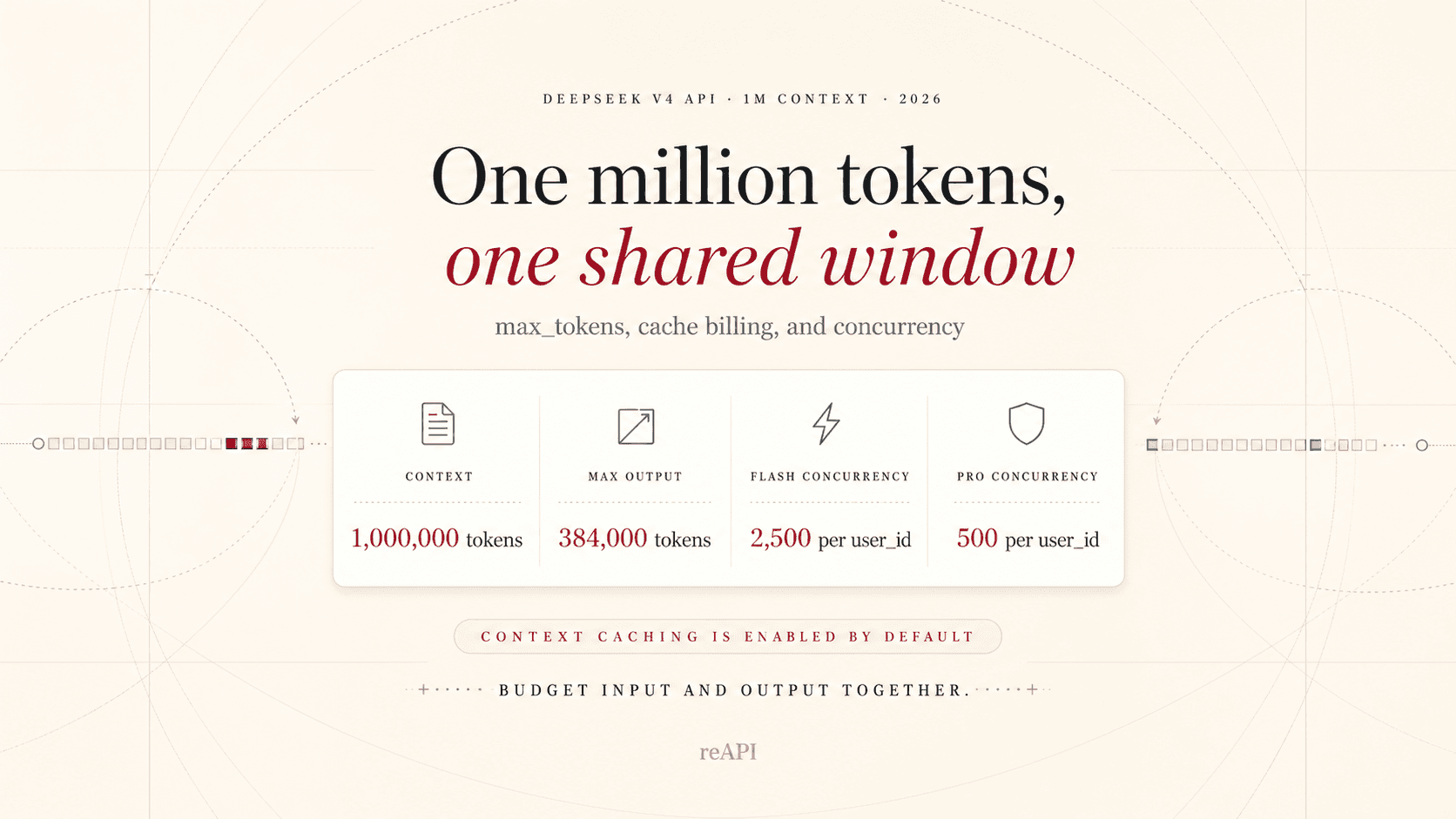
DeepSeek V4 1M Context: max_tokens, Billing, and Concurrency
DeepSeek V4 shares its 1M context between input and output, with a 384K maximum output. Learn max_tokens, cache billing, and concurrency limits.
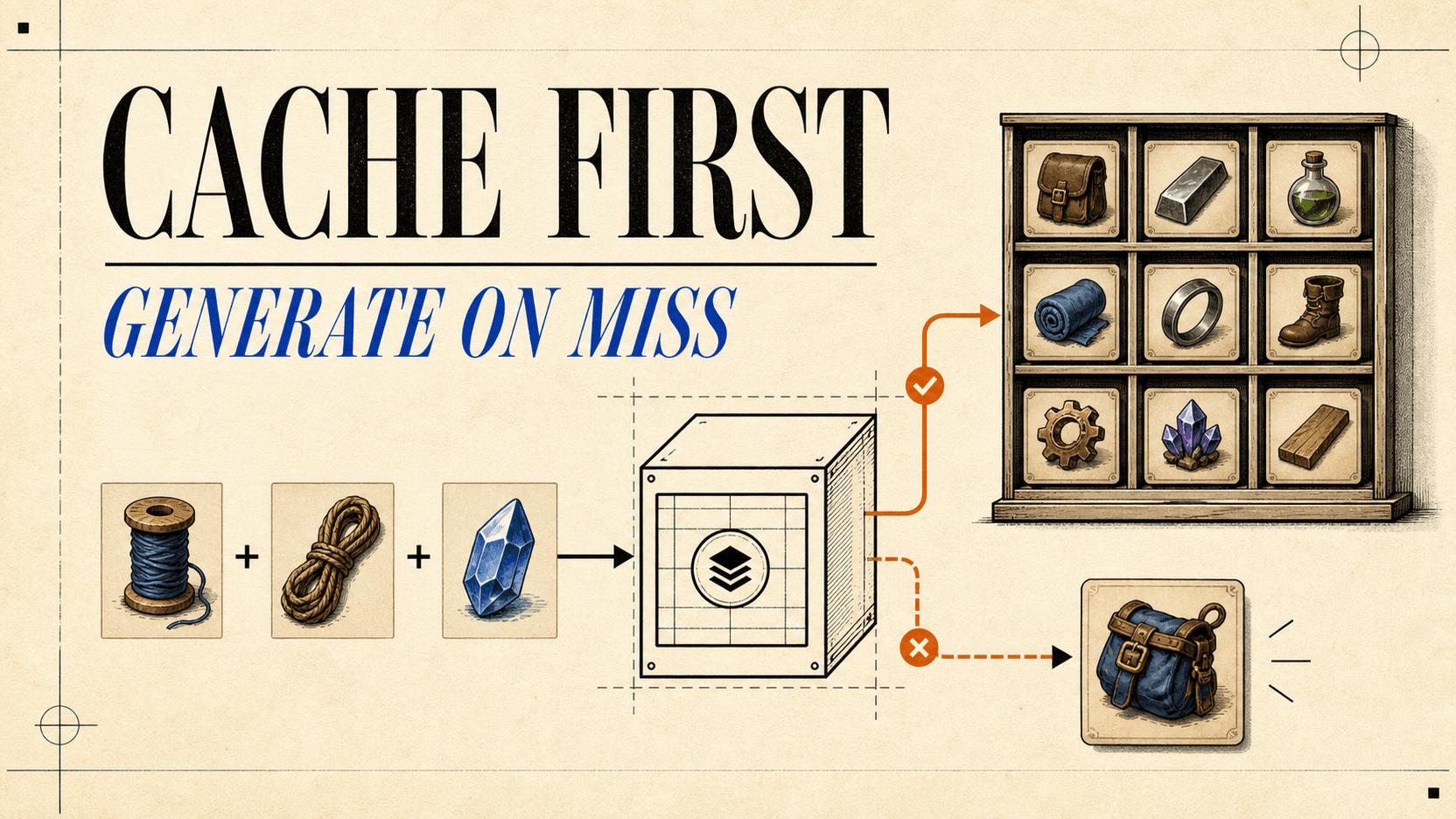
AI Image Generation for Games: Cut Cost With Caching
Build a cache-first game image pipeline with semantic keys, single-flight requests, async polling, budget caps, durable storage, and acceptance-cost math.