
Suno Music Video Workflow: Full Song or Shot by Shot?
Choose a music-video workflow for a Suno song: one full-song generation, a manual shot list, or a hybrid animatic-to-hero-shot process with cost math.
For a Suno song, use one full-song generation when you need a visual draft or social release quickly; use shot-by-shot generation when lyrics, products, characters, or beat-level edits must be exact. A hybrid usually gives the best production ratio: generate the whole song at 540P as an animatic, then replace only the chorus, opening, and hero shots.
The song generator does not decide this. The editing requirement does.
Three workable approaches
| Workflow | Best for | Main weakness |
|---|---|---|
| One full-song generation | Fast visualizer, background video, idea validation | Limited control over exact scene timing |
| Shot by shot | Narrative video, product placement, choreographed edit | Many prompts, joins, and retries |
| Hybrid | Most independent releases | Requires one review and replacement pass |
“One click” is attractive until one bad thirty-second section forces a complete three-minute rerun. Shot-by-shot control is attractive until the edit contains forty generated clips and three versions of every chorus. The hybrid contains both failure modes.
Full-song cost is easy to know before rendering
Music Video 1.0 accepts a 10–300-second MP3 and one to seven images. Its public rates are $0.05/s at 540P, $0.08/s at 720P, and $0.15/s at 1080P.[1]
For a three-minute Suno export:
| Resolution | One full-song generation |
|---|---|
| 540P | $9.00 |
| 720P | $14.40 |
| 1080P | $27.00 |
Two complete 1080P retries cost $54 before a final is accepted. Starting with one $9 540P pass is cheaper when the look is still undecided.
The hybrid workflow
1. Lock the audio first
Download the final mix, trim leading and trailing silence, and do not change the arrangement after video work begins. The song length sets the output length and bill. A new master with a four-second longer outro invalidates subtitle timing and replacement-shot markers.
2. Prepare a small visual reference pack
Use consistent images for the artist or character, wardrobe, location, palette, and one recurring object. More images help only when they add non-conflicting information.
For a fictional artist, create a simple continuity sheet before video generation:
Face: image 1
Wardrobe: image 2
Performance location: images 3–4
Color and lighting: image 5
Recurring prop: image 6
3. Generate the full song at 540P
Prompt structure, not individual shots:
Dream-pop performance video in an empty railway station at blue hour. Keep
the same singer and silver coat throughout. Verses use quiet close-ups and
slow tracks. Choruses become wider and brighter with passing trains. Bridge
turns nearly monochrome. No crowd, logos, or generated text.
This pass answers whether the overall concept survives three minutes. It is not the place to chase final resolution.
4. Review by timecode
Make three lists:
- keep as-is;
- cover with a generated replacement shot;
- cover with typography, album art, or existing footage.
A weak seven-second section does not justify regenerating 180 seconds. Cover it.
5. Generate only the hero shots separately
The opening, first chorus, bridge reveal, and final image carry more of the video than every connective shot. Generate these with the model whose control surface fits the task:
- ordered keyframes: FLUX 3;
- up to 30 seconds or large mixed references: Seedance 2.5 or Wan 3.0;
- inexpensive short 2K shots or audio references: MiniMax H3.
The AI video API comparison maps those request shapes without pretending one model wins every scene.
6. Add approved lyrics in the final pass
Music Video 1.0 can auto-generate burned-in subtitles or use your SRT file. Auto lyrics are suitable for checking placement. An approved SRT is safer for names, slang, another language, or any release master.[2]
When shot-by-shot is worth the extra work
Skip full-song generation as the final output when:
- the story has a precise order;
- the artist must perform recognizable lyrics on camera;
- a product, garment, or logo must remain exact;
- every cut must land on a beat;
- the same character appears across several locations;
- the client approves a storyboard before rendering.
Build the edit from the audio waveform. Mark sections, decide shot duration, and budget retries per shot. Do not ask a model to discover the edit while also preserving the identity and story.
Turn the song structure into a review sheet
Do not review a three-minute generation as one undifferentiated clip. Mark the arrangement before rendering:
| Section | Timecode | Visual job | Replacement priority |
|---|---|---|---|
| Intro | 00:00–00:12 | Establish artist and location | High |
| Verse 1 | 00:12–00:42 | Build visual language | Medium |
| Chorus 1 | 00:42–01:05 | Deliver the recognizable hook | High |
| Verse 2 | 01:05–01:35 | Variation without identity reset | Low/medium |
| Bridge | 01:35–02:00 | Introduce the largest contrast | High |
| Final chorus/outro | 02:00–end | Pay off the concept and end cleanly | High |
The exact timecodes will differ. The useful part is assigning a job and priority before watching. If the bridge is the planned visual break, its inconsistency may be intentional. If the opening loses the artist's face, it is a replacement even when the rest of the clip is attractive.
Keep text and lip-sync claims modest
A full-song generator can create a coherent visual treatment without delivering frame-accurate singing performance for every lyric. If visible lip sync is the point of the video, schedule dedicated performance shots and evaluate them line by line.
Do not rely on prompt-generated signs, credits, or lyric typography. Add release names, artist handles, sponsor text, and legal copy in the editor. For burned-in lyrics, use an approved SRT and still proof the exported video. Timing can be correct while spelling, line breaks, or safe-area placement need revision.
Preserve one continuity source of truth
Replacement shots often drift because the team changes reference images halfway through production. Keep one small continuity pack and version it. Note which face, wardrobe, color grade, and recurring object are authoritative.
When a replacement model supports more references, do not automatically give it every image from the animatic. Supply the assets required for that shot plus the same identity anchors. The goal is to repair a section, not reinterpret the entire music video.
Cost comparison: one 3-minute output vs 24 short shots
Suppose the manual edit uses 24 clips averaging 7.5 seconds. At a hypothetical average of $0.10 per generated second, one pass is $18. Three attempts per accepted shot makes it $54. The editor still has to assemble and time the shots.
The full-song route is $9 at 540P, $14.40 at 720P, or $27 at 1080P. It is cheaper when one or two passes work. It becomes wasteful when a small defect repeatedly forces a full rerender.
The hybrid budget is more controllable:
one 3-minute 540P animatic             $9.00
six 8-second replacements at $0.10/s   $4.80 per pass
two attempts for each replacement      $9.60
estimated generation total             $18.60
The $0.10 replacement rate is only an example; use the selected model's real tier. The method is the useful part: price the animatic and replacements separately.
A note on rights and identity
Suno supplies the song, not permission to use someone else's face, performance, trademark, or visual work. Use references you own or are allowed to use. Keep documentation for commissioned portraits and approved artist imagery.
The full-song endpoint, subtitle fields, and exact limits are documented in Music Video 1.0. Its live rate card is on the model page.
References
- reAPI Music Video 1.0 live pricing, accessed August 23, 2026.
- reAPI Music Video 1.0 API documentation, accessed August 23, 2026.
Author

Categories
More Posts

Can You Tell If a Writer Used ChatGPT? Patterns, Not Proof
Can you tell if a writer used ChatGPT? Learn the recurring style signals, why no phrase proves AI authorship, and a fairer way to review suspicious text.
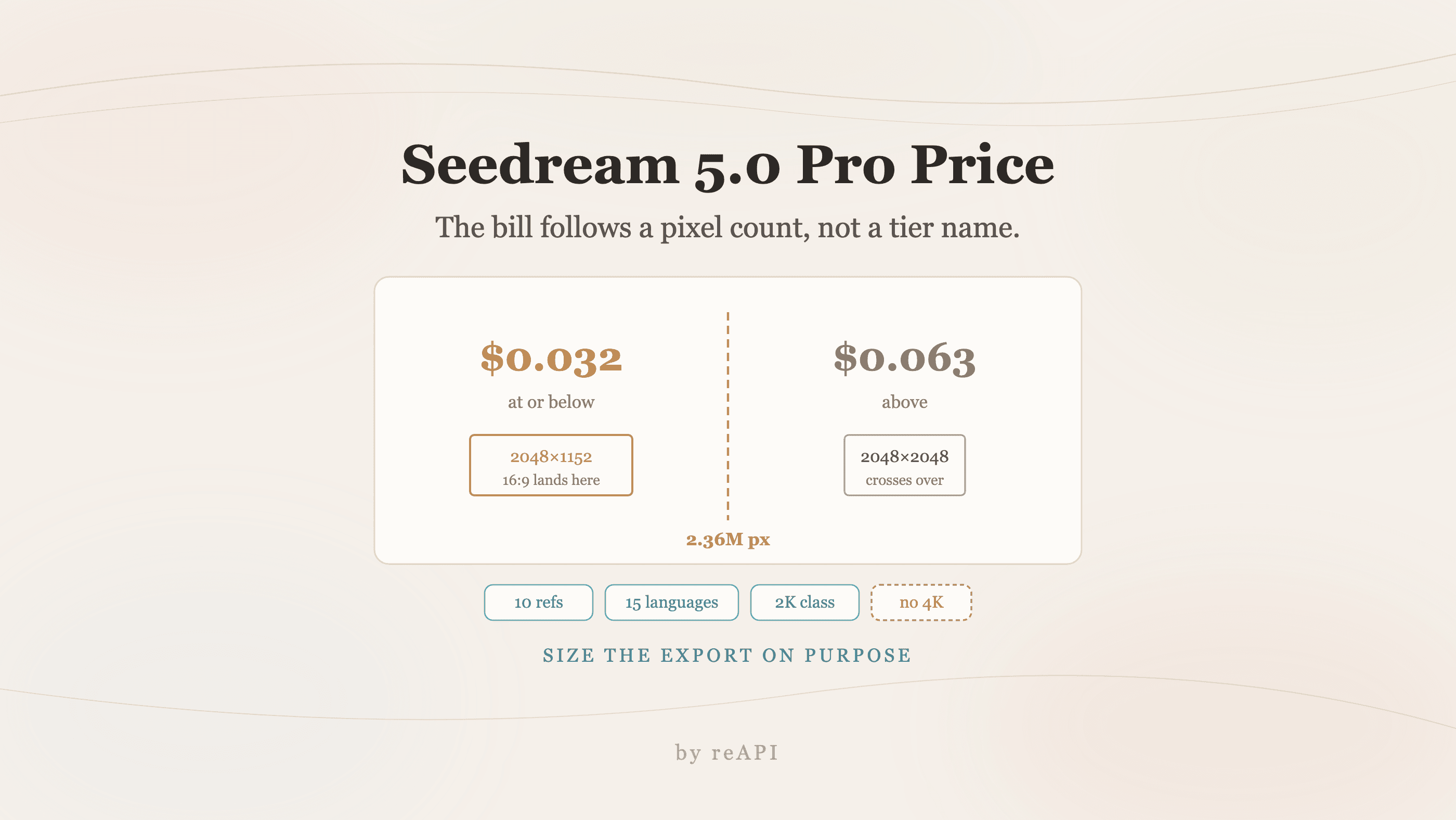
Seedream 5.0 Pro Price: The Pixel Line That Decides It
The Seedream 5.0 Pro price splits at 2.36 million pixels, not at a tier label. What each tier costs, and how to size a 16:9 export to stay in the cheap one.
Best Seedance 2.5 Alternatives: H3, Veo, Sora and More
Compare the best Seedance 2.5 alternatives for video generation, including MiniMax H3, Seedance 2.0, Veo 3.1, Sora 2, Runway, and Kling 3.