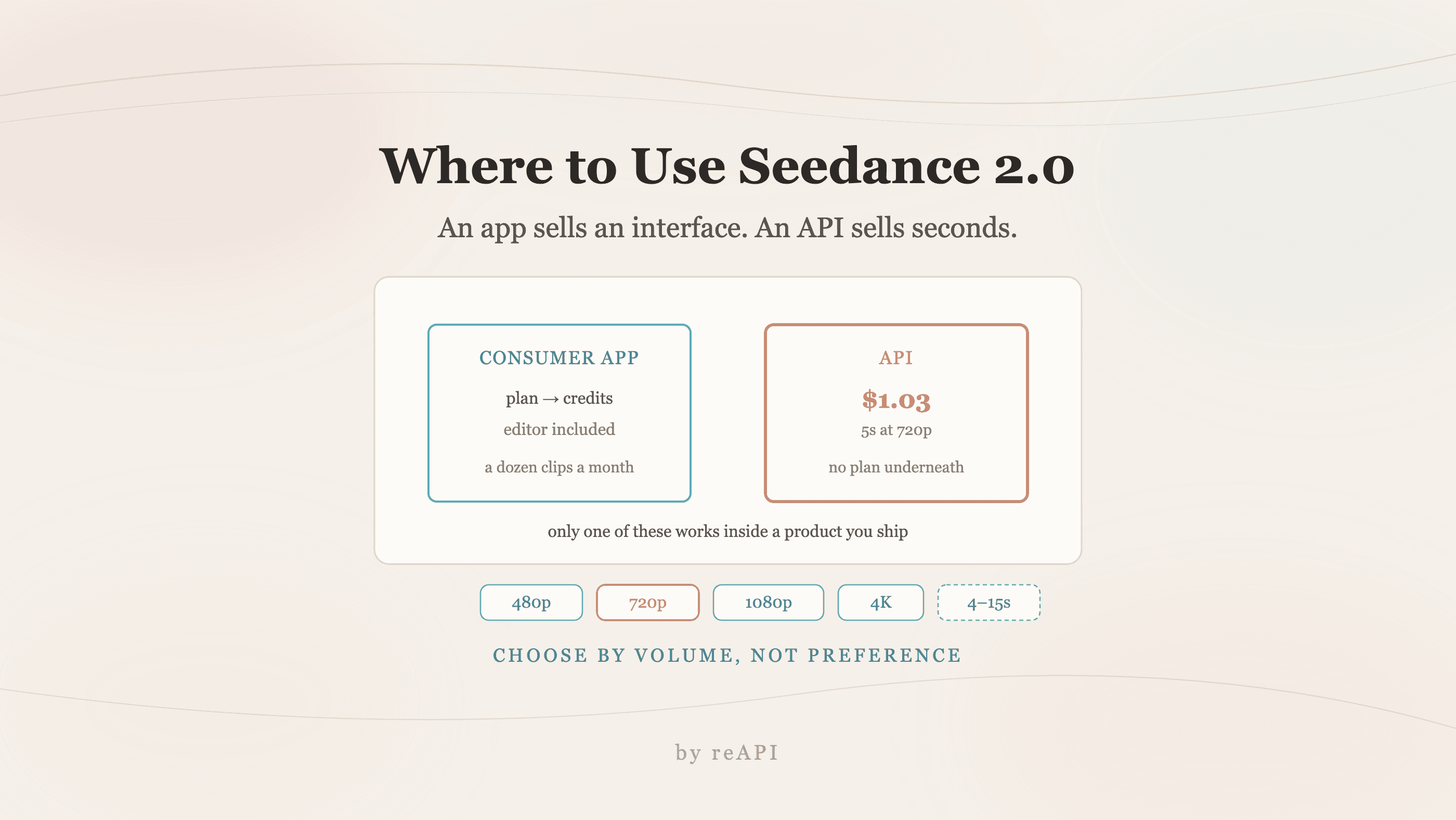
Where to Use Seedance 2.0: Consumer Apps vs the API
Where can I use Seedance 2.0: consumer apps wrap it in a subscription, the API bills per second with no plan. Real rates, the 4-15s cap, and how to choose.
Where can I use Seedance 2.0 is a different question from what Seedance 2.0 is, and it has a more annoying answer: it depends on whether you want to click a button or write a request.
Both routes exist. They cost differently, they cap differently, and the one that fits depends on whether you are making one video or a thousand.
TL;DR
- Consumer apps put Seedance behind a subscription with credits. Fastest to try, hardest to forecast.
- The API route bills per second with no subscription. On reAPI Face that is $0.07125/s at 480p and $0.15375/s at 720p without a source video.
- Uploading a source video lowers the rate to $0.043125/s and $0.09375/s respectively, but bills source plus output duration.
- Duration must be an integer from 4 to 15 seconds per call; out-of-range values are rejected.
- Nano Banana runs the same split: consumer surfaces inside Google products, or the API for volume.
- Pick by volume, not by preference. Under a dozen clips a month, an app is fine. Above that, credits become the constraint.
The two routes
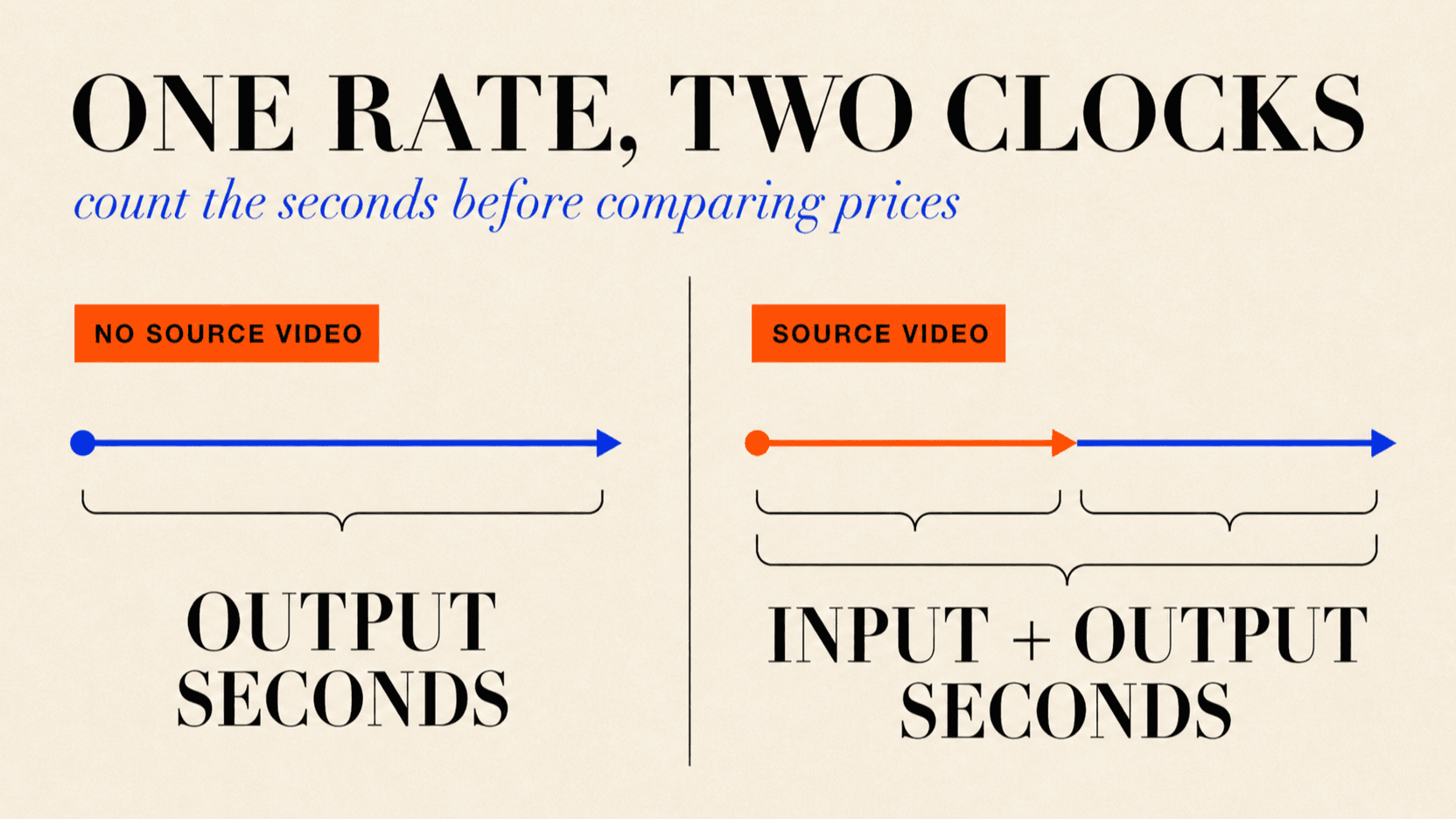
Consumer apps wrap the model in an editor. You sign in, type a prompt, get a video, and the cost is a monthly plan that converts into credits or points. Good for trying it, and for one-off work where the interface saves you more time than the pricing costs you.
The API gives you the model and nothing else. No editor, no timeline, no export presets. You send a request and poll for a URL. Without source video, billing follows generated output duration. With source video, the lower rate runs on the output duration plus the rounded-up total source-video duration.
The pattern that catches people out is starting on the app route because it is easier, then hitting a credit wall mid-project and discovering that the per-clip cost was never visible.
What the API route costs
Rates below are per billed second on the public Face route[1].
| Resolution | From a text prompt | With an uploaded video |
|---|---|---|
| 480p | $0.07125 | $0.043125 |
| 720p | $0.15375 | $0.09375 |
| 1080p | $0.3825 | $0.2325 |
| 4K | $0.780 | $0.480 |
A 5-second 720p Face clip without source video is $0.769 after whole-request credit rounding. A 10-second one is $1.538. There is no subscription underneath those numbers.
One detail worth knowing before you model costs: the lower column applies only when the request carries an uploaded source video. Images and first/last-frame references stay on the base rate. A video request bills output duration plus the rounded-up source-video duration. We covered the full billing model in Seedance 2.0 cost per second.
Duration must be an integer from 4 to 15 seconds per call. Out-of-range requests are rejected, and longer pieces are assembled from multiple generations.
Using it
Submit returns a task_id; poll until the video is ready.
curl https://reapi.ai/api/v1/videos/generations \
  -H "Authorization: Bearer YOUR_API_KEY" \
  -H "Content-Type: application/json" \
  -d '{
    "model": "doubao-seedance-2.0-face",
    "prompt": "a slow dolly through a neon-lit alley after rain, cinematic",
    "resolution": "720p",
    "duration": 5
  }'
Two platform rules. Media inputs are public http(s) URLs only, so reference material has to be hosted before the call, with no base64 accepted. And live rates are on reapi.ai/models/seedance-2-0, which is the canonical source rather than any figure in an article.
Full request and response shapes are in the reapi.ai/docs/seedance-2-0 reference.
Where Nano Banana fits
Nano Banana follows the same split. Google surfaces it inside consumer products, and the model is also available as an API for volume work[2].
On the API side the tiers matter more than with video, because they are priced differently and capped differently:
| Tier | Resolution ceiling | Per image on reAPI |
|---|---|---|
| Nano Banana 2 Lite | 1K | $0.022 |
| Nano Banana Pro | up to 4K | $0.053 |
Lite is the draft tier: roughly four seconds per image, ten aspect ratios, 1K ceiling. Pro is the only tier Google rates high on reasoning, which matters when a composition has to be factually correct rather than merely attractive[2].
The comparison in full is in Nano Banana Pro vs Nano Banana 2.
Choosing by volume
Under a dozen clips a month: use a consumer app. The editor is worth more than the pricing difference, and you will not hit a credit wall.
Dozens to hundreds: the API. At $0.769 for a 5-second 720p Face clip without source video, a hundred clips is $76.90 with no plan underneath it, and the number is knowable before you start.
Anything embedded in a product: the API, necessarily. A consumer app cannot generate video inside software you ship to other people.
Iterating on look and motion: draft at 480p on Fast Face, then render the approved shot once at the resolution you actually deliver. The Face route's 480p-to-4K spread is roughly 11x.
FAQ
Where can I use Seedance 2.0?
Through consumer apps that wrap it in an editor, or through an API with published per-second rates and no subscription. Without source video the clock is output duration; with source video it includes the rounded-up source duration too. The API route is at reapi.ai/models/seedance-2-0.
Do I need a subscription to use Seedance 2.0?
Not on the API route. Billing is per second of generated video, so there is no plan and no credit conversion.
How much does a Seedance 2.0 video cost?
A 5-second 720p Face clip without source video is $0.769. With a 5-second source video, the same output costs $0.938 because both source and output duration are billed[1].
How long can a single Seedance 2.0 generation be?
Between 4 and 15 seconds. Shorter requests bill as 4 seconds, and longer pieces are assembled from several generations.
Where can I use Nano Banana?
Inside Google's consumer surfaces, or through an API for volume work. On reAPI the Lite tier is $0.022 per image and Pro is $0.053[2].
Can I use these models inside my own product?
Only through an API. Consumer apps cannot generate on behalf of your users.
Why is my image-to-video generation billed at the higher rate?
Because the lower rate applies only when an uploaded source video is present. Image and first/last-frame references stay on the base rate. A source video also adds its rounded-up duration to the billing clock[1].
Do these accept base64 image input?
No. Every model on the platform takes public http(s) URLs only for media inputs.
Picking the entry point that matches the job
The honest answer to where can I use Seedance 2.0 is that there are two doors and they are built for different people. An app sells you an interface and charges for a plan. An API sells you the model and charges for seconds.
The decision is volume, not preference. One video a week and the interface is worth paying for. A hundred videos a month, or any video generated inside a product you ship, and the per-second arithmetic is the only version of the question that has an answer you can plan around.
References
- reAPI. Seedance 2.0 model page — live Face and Fast Face rates, source-video billing, and supported resolutions. Retrieved August 17, 2026 from reapi.ai/models/seedance-2-0
- reAPI. Nano Banana Pro vs Nano Banana 2 — tiers, resolution ceilings, and per-image rates. reapi.ai/blog/nano-banana-pro-vs-nano-banana-2
Further reading
- reAPI. Seedance 2.0 cost per second. reapi.ai/blog/seedance-2-0-cost-per-second
- reAPI. How to use Nano Banana 2 Lite. reapi.ai/blog/how-to-use-nano-banana-2-lite
- reAPI. Model catalog. reapi.ai/models
Author

Categories
More Posts
Suno V6 API: What Changes in Your Existing Integration
Update your Suno V6 API integration with exact version values, V6 Mini and Wild choices, snake_case fields, current prices, and asynchronous task handling.
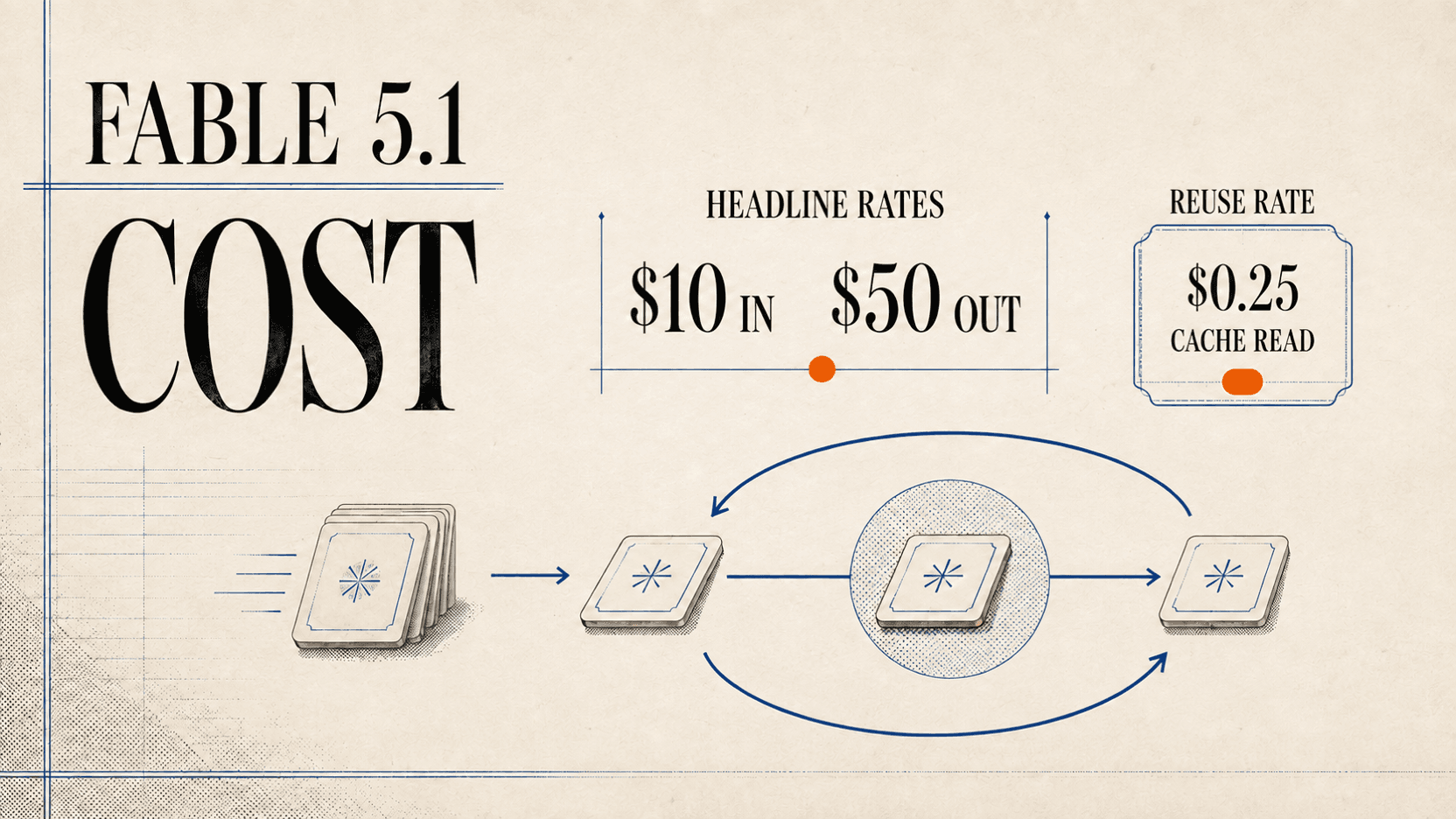
Is Claude Fable 5.1 Cheaper? The Cache Math Explained
Claude Fable 5.1 keeps Fable 5's $10/$50 rates but cuts cache reads to $0.25. Calculate the real task cost and avoid subscription-meter confusion.
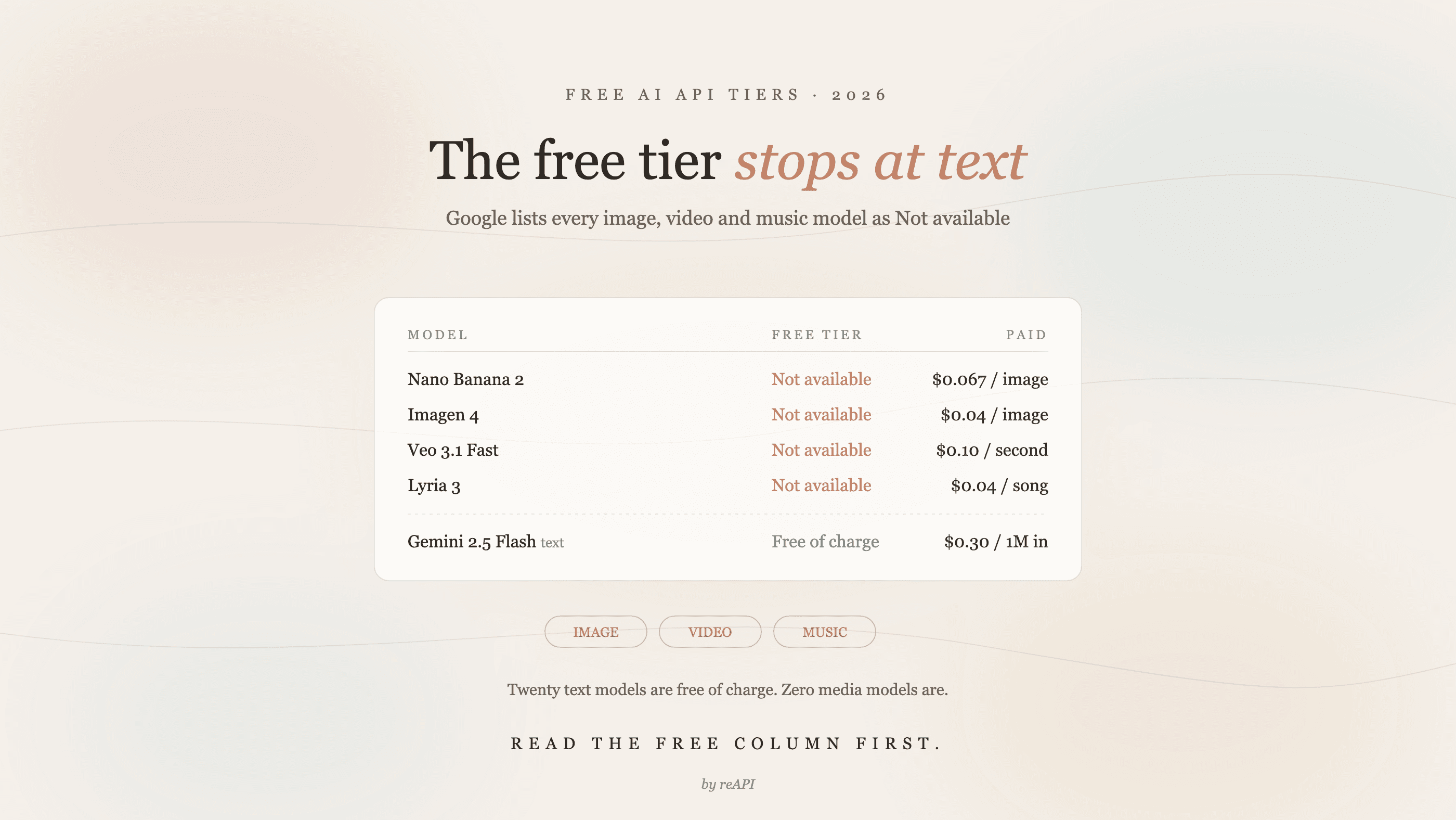
Free AI API tiers in 2026: what each one actually limits
Google's free AI API tier excludes every image, video and music model. Here is what each provider's free tier actually allows, with official 2026 prices.