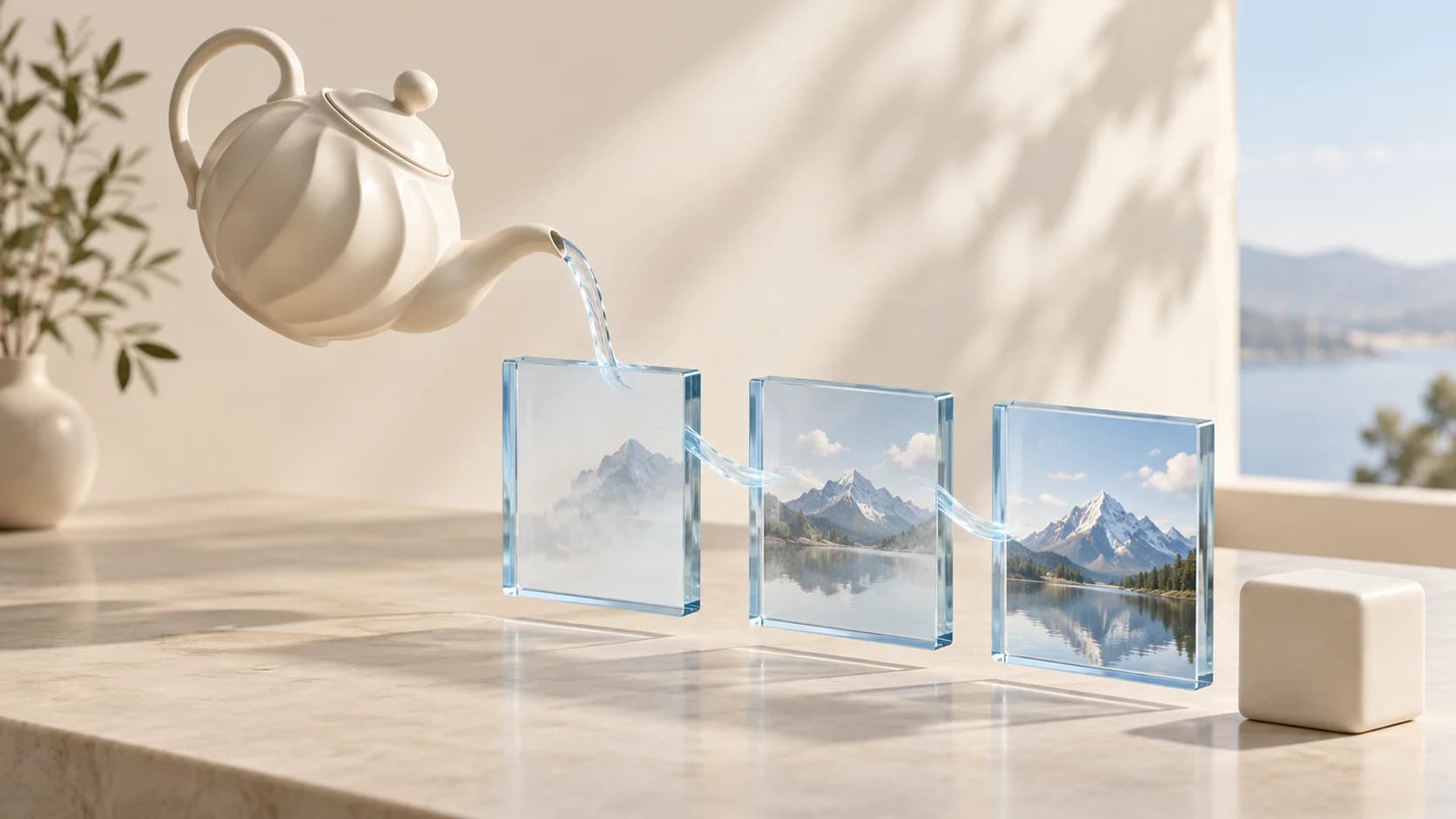
MAI Image 2.6 API guide: generate, edit, and poll tasks
Build with MAI Image 2.6: send a generation request, add ordered references, choose valid dimensions, poll the task, and handle estimates and final output.
The first MAI Image 2.6 integration decision is which service contract your application uses. Microsoft documents generation and editing through Foundry. On reAPI, both operations use the images generation endpoint: add reference URLs when you want an edit, then poll the returned task ID. The model name is similar across services, but authentication, request bodies, and responses are not interchangeable.[1]
This guide follows the reAPI contract for mai-image-2.6. Start with one
text-only request before adding reference handling or automatic framing.
That gives you a small integration to inspect when a request fails. Keep the
complete parameter reference beside your implementation;
the MAI Image 2.6 playground provides the same controls
and current estimates.[2]
TL;DR
- Submit
mai-image-2.6with a non-empty prompt to the images endpoint. One request produces one image.[2] - Use a ratio with
1Kor2K, or valid paired pixel dimensions. This endpoint does not accept4K.[2] - Supply up to five ordered public image URLs for reference editing. References make the output dimensions model-selected.[2]
- Save the returned task ID and poll it until
completedorfailed. Submission alone does not contain the finished image.[2] - Treat the displayed charge as an estimate. Completion reconciles the reservation; precise billing is available through
?include=billing.[2]
Make the first MAI Image 2.6 request
Create a reAPI key and store it in your server environment as REAPI_API_KEY.
The request needs a model and a non-empty prompt. This example asks for a
square image at explicit dimensions so the intended canvas is easy to check.
It is an example request, not a promise that every generated object will
match the brief perfectly.
curl https://reapi.ai/api/v1/images/generations \
  -H "Authorization: Bearer $REAPI_API_KEY" \
  -H "Content-Type: application/json" \
  -d '{
    "model": "mai-image-2.6",
    "prompt": "A matte ivory ceramic teapot on a pale blue table, soft daylight, product photography.",
    "width": 1024,
    "height": 1024,
    "n": 1
  }'
The API ID contains a dot before 6. The model page URL uses
/models/mai-image-2-6; copying that hyphenated slug into the request is a
different string. Save the returned task id as soon as submission succeeds.
You will use it to retrieve the result, identify a failure, or recover after
your own client disconnects. One request produces one image; increasing n
does not create a supported batch.[2]
Keep your key out of browser code. A frontend can send the user's brief to your backend, which adds the Bearer token and submits the request. Return your application's job identifier or the task ID to the frontend, depending on your access design. Avoid putting the key into a query string, screenshot, or a copied error report.
Poll the task you already submitted
Successful submission is an acknowledgement, not the finished image. Poll
GET /api/v1/tasks/:id until the task becomes completed or failed.
A completed task exposes the image in output.image_urls; a failed task
exposes error. The legacy usage.credits value is rounded to whole credits. For precise
accounting, poll with ?include=billing and inspect billing.credits_exact
and billing.cost_usd, plus charged and shortfall evidence when present.
Polling the original task does not submit another generation.
[2]
const taskId = submittedTask.id;
const headers = { Authorization: `Bearer ${process.env.REAPI_API_KEY}` };
const deadline = Date.now() + 5 * 60 * 1000;

while (Date.now() < deadline) {
  const response = await fetch(
    `https://reapi.ai/api/v1/tasks/${encodeURIComponent(taskId)}`,
    { headers },
  );
  if (!response.ok) {
    throw new Error(`Task lookup failed: HTTP ${response.status}; task ${taskId}`);
  }
  const task = await response.json();
  if (task.status === 'completed') {
    console.log(task.output.image_urls, task.usage);
    break;
  }
  if (task.status === 'failed') {
    throw new Error(JSON.stringify({ taskId, error: task.error }));
  }
  await new Promise((resolve) => setTimeout(resolve, 3000));
}
Here submittedTask is the parsed successful submission response. The
five-minute deadline is an application example, not a latency guarantee.
If it expires, retain taskId and show that the application stopped waiting.
Do not label the generation itself as failed unless the task reports failure.
In a production client, return a distinct timeout state after the loop and
offer a status refresh for that existing task.
A network error after submission creates another ambiguity: the server may have accepted the request before your connection failed. Automatically repeating every POST can create additional billable tasks. Keep submission and polling as separate operations, and preserve any returned ID before performing optional UI work.
Choose a size the endpoint accepts
For a text-only MAI Image 2.6 request, use a ratio with a resolution tier, or
provide explicit dimensions. The endpoint accepts 1K and 2K, not 4K.
Each explicit side must be at least 768 pixels, and the total area cannot
exceed 2,359,296 pixels. Ratios use positive integers and range from 1:4
through 4:1.[2]
| Request | Interpretation |
|---|---|
size: "16:9", resolution: "2K" | A landscape frame at the selected tier |
size: "1536x1024" | Explicit pixel dimensions |
width: 1024, height: 1024 | A paired explicit canvas |
size: "auto" | Ask the model to infer the frame |
width: 2048, height: 2048 | Invalid: the pixel area is too large |
Paired width and height take priority over pixel dimensions in size, which
take priority over a ratio plus resolution. Supply one clear sizing method
when possible. For example, width: 1024, height: 1024 alongside size: "16:9"
communicates contradictory intentions even though the documented precedence
resolves the request. Your own form can avoid that confusion.
Dimensions are rounded down to multiples of 32. A request for 1000 × 1000
therefore corresponds to 992 × 992 under the sizing rule. If a layout needs
an exact delivery size, pick valid multiples in the request and inspect the
downloaded file's dimensions. Treat later cropping or resizing as a separate
step in your application.[2]
Move from generation to reference editing
Add image_urls to the MAI Image 2.6 request to provide visual references.
The reAPI endpoint accepts up to five public HTTP(S) image URLs. The prompt
remains required. Keep references in a stable order and explain which one
supplies the scene, subject, or style.[2]
{
  "model": "mai-image-2.6",
  "prompt": "Use the first image as the room and the second as the chair. Replace the chair beside the window. Preserve the floor, window, and camera view.",
  "image_urls": [
    "https://example.com/room.jpg",
    "https://example.com/chair.jpg"
  ],
  "web_grounding": false
}
The example URLs must be replaced with accessible image files. Prefer JPEG or PNG. A URL that opens only after login is not an adequate reference URL for this request. Test that the URL returns the intended image bytes rather than an HTML viewer or an expired access page.
Reference editing has a different sizing rule: the model chooses the output
dimensions, and size, resolution, width, and height do not control that
output. Adding references to a previously text-only request changes more than
the visual context. It also changes what your application can promise about
the returned canvas.[2]
Do not translate "keep the room unchanged" into a guarantee of pixel identity. Inspect the edited object, nearby edges, reflections, and features that were supposed to remain. For a product workflow, separately check logos, labels, and physical proportions. These are suggested acceptance checks, not claims that this guide measured the model's accuracy on those tasks.
Use automatic framing and grounding deliberately
auto_aspect_ratio: true asks MAI Image 2.6 to infer a frame from the prompt,
as does size: "auto". This is useful when exploring composition and less
suitable when the next step requires a fixed canvas. An automatic choice
also makes the output pixel count uncertain before completion.
web_grounding is a separate boolean and defaults to false. Microsoft
describes web context as part of the model's creative inputs, but enabling
the switch does not make every depicted label or fact authoritative.
Review information that matters to the finished asset.
[3]
Neither switch is a substitute for a clear prompt. State the subject, composition, materials, and intended change first. Then enable the controls that serve that brief. Keeping a record of the submitted values makes it possible to distinguish a prompt revision from a settings change.
Understand the estimate before automating retries
MAI Image 2.6 pricing is sensitive to inputs and generated pixels. reAPI reserves an estimated amount at submission and reconciles the charge after completion. The final amount can be lower or higher. Reference images and model-selected dimensions are reasons the quote cannot be treated as a fixed per-image price.[2]
Use the current model-page estimate for the request you intend to send. The separate pricing and Flash guide explains why a square-image estimate, a reference edit, and a wide image are different budgeting cases. This article does not freeze a rate in example code.
Failed generations are refunded under the task contract. A completed image that you dislike is still a completed generation. Repeated creative attempts should therefore be budgeted as separate tasks. Record accepted outputs and the number of attempts needed, so your own evaluation can compare the cost of a usable asset instead of only the price of a single submission.
MAI Image 2.6 integration FAQ
Which model ID should I send?
Send mai-image-2.6, including the dot before 6. The page slug
mai-image-2-6 is for website URLs and is not the request model ID.
[2]
Can one request generate several images?
No. This endpoint supports n: 1. Send separate requests when you need
additional attempts, and account for each task separately.
[2]
Can MAI Image 2.6 create a 4K image through this endpoint?
No. The documented tiers are 1K and 2K. Explicit dimensions must keep
each side at least 768 pixels and the total area within 2,359,296 pixels.
[2]
Why does an edit ignore my width and height?
Supplying reference images changes the sizing behavior. The model selects
the edit dimensions; size, resolution, width, and height no longer
control that output. Inspect the returned file before promising a delivery size.
[2]
Is web grounding required?
No. web_grounding defaults to false. Enable it when web context serves
the brief, and still review depicted facts and labels in the finished image.
[2][3]
Does a polling timeout mean the generation failed?
No. A client deadline only means the client stopped waiting. Retain the
task ID and retrieve its status again. The generation is failed only when
the task reports failed.[2]
Download searches and model selection
An API client is not a downloadable model checkpoint. This integration calls a hosted service and does not install weights. Microsoft documents Foundry deployments for both the standard model and Flash; those instructions are separate from the reAPI endpoint in this article. [1]
The request ID mai-image-2.6 selects the standard MAI Image 2.6 model.
Do not append flash or substitute a deployment name unless the service
you are calling explicitly documents that model. For a first integration,
keep the model ID, endpoint, request body, and response parser together in
one reviewed example. Add alternate models only after their contracts have
been checked independently.
References
- Microsoft Learn. Deploy and use MAI image models in Microsoft Foundry. Retrieved October 9, 2026 from learn.microsoft.com/azure/foundry/foundry-models/how-to/use-foundry-models-mai-image.
- reAPI. MAI Image 2.6 request, sizing, polling, and billing contract. Reviewed October 9, 2026: reapi.ai/docs/mai-image-2-6.
- Microsoft AI. MAI-Image-2.6. Retrieved October 9, 2026 from microsoft.ai/models/mai-image-2-6.
Author

Categories
More Posts
What Is reAPI? Models, Pricing, and How to Use It in 2026
reAPI provides chat and media APIs for 200+ image, video, audio, and language models. Here is what it does, what it costs, and how to make your first call.

Midjourney V8.2 Features and the Nine Flags V8 Retired
Midjourney V8.2 dropped nine features V6 and V7 had, including Quality and Turbo. What still works, what silently falls back to V7, and what HD really costs.
Nano Banana 2.1 API Pricing: Cost per Image at 1K, 2K and 4K
Nano Banana 2.1 API pricing explained: Google's per-image cost at 1K, 2K and 4K, how it compares with Nano Banana 2 and Pro, and a flat-rate option.