
Document-to-Video AI API: PDF, PPT, XLS, DOCX, or Web Page
Use Wan 3.0 to generate video from a PDF, presentation, spreadsheet, document, or public web page, with input limits, cost math, and request examples.
Wan 3.0 can take one PDF, PPT/PPTX, XLS/XLSX, DOC/DOCX, text or Markdown file—or one public web page—as reference for a 2–30-second video. The document limit is 100 MB and 50 pages. This is useful for concept videos and summaries, but it is generative interpretation, not a pixel-faithful PowerPoint export.[1]
That last distinction saves a lot of bad expectations. If you need every slide, chart label, and sentence reproduced exactly, render the deck yourself. If you need a model to read source material and turn it into a short visual treatment, document-to-video is the right job.
Supported document and link inputs
The current Wan 3.0 API accepts one of the following:
| Input | Supported forms | Limit |
|---|---|---|
| Office document | DOCX, DOC, XLSX, XLS, PPTX, PPT | 100 MB, 50 pages |
| PDF/text | PDF, TXT, MD | 100 MB, 50 pages where applicable |
| Apple iWork | Keynote, Pages, Numbers | 100 MB, 50 pages |
| Web page | Public login-free URL | One URL |
Use file_url for a document and link_url for a web page. They are mutually exclusive; sending both is rejected before generation.[1]
The URLs must be public HTTP(S) links. A path such as /Users/me/report.pdf, a private Google Drive link, or a page behind a login cannot be fetched by the model.
A minimal PDF-to-video request
Upload the document to storage first, then submit its URL:
curl -X POST https://api.reapi.ai/api/v1/videos/generations \
  -H "Authorization: Bearer $REAPI_API_KEY" \
  -H "Content-Type: application/json" \
  -d '{
    "model": "wan3.0-video",
    "file_url": "https://files.example.com/q3-product-brief.pdf",
    "prompt": "Create a 20-second product launch concept. Keep the three claims and the product color from the brief. Use four clear scenes and restrained on-screen text.",
    "resolution": "720P",
    "duration": 20,
    "audio": true
  }'
The response is asynchronous and includes a task id. Poll GET /api/v1/tasks/{id} until the status is completed; the MP4 appears in output.video_urls.[1]
At the current 720P rate of $0.076 per second, the 20-second request is $1.52. The document size does not add a second billing unit. Resolution and output duration determine the public rate.[2]
Web-page-to-video uses the same model
Replace file_url with link_url:
{
  "model": "wan3.0-video",
  "link_url": "https://example.com/products/travel-backpack",
  "prompt": "Make a 15-second vertical product story. Use only features stated on the page. Show the opening, laptop sleeve, and carry-on fit in that order.",
  "size": "9:16",
  "resolution": "720P",
  "duration": 15
}
Public means fetchable without cookies, JavaScript-only authentication, a company VPN, or a region-specific login. A page that loads in your browser may still be inaccessible to a remote fetcher.
Give the model an editorial instruction, not “make a video”
A document describes more than a 30-second video can show. The prompt has to tell the model what to preserve and what kind of edit to make.
A useful prompt answers five questions:
- Who is the audience?
- What one claim must survive?
- Which facts or visual assets must be used?
- What should the scene order be?
- What must not be invented?
For a financial report, for example:
Create a 25-second internal update for employees. Open with revenue growth,
then show the two regions responsible, and finish on the stated Q4 priority.
Do not invent customer names, forecasts, or percentages. Read numbers exactly
as written. Use charts as visual references rather than recreating their labels.
This does not guarantee perfect numbers in generated pixels. It reduces ambiguity and gives reviewers an acceptance checklist.
When to extract the document yourself first
Direct document input is fast, but preprocessing is better when:
- every claim must be approved before generation;
- the document contains sensitive pages that should not be sent;
- only two paragraphs are relevant;
- the desired video is longer than 30 seconds;
- a script, shot list, and voiceover need separate review;
- the source contains dense tables that should appear exactly.
In those cases, extract the approved text, write a scene plan, and send the final prompt plus a small set of visual references. The extra step creates a stable audit trail and prevents an irrelevant appendix from steering the output.
Documents can be combined with reference media
Wan 3.0's reference family also accepts up to ten images, five short reference videos, and five audio clips. A product brief can therefore supply the facts while images define the product and a short clip defines the desired motion.[1]
Keep the set small. Ten images that disagree on color or shape are worse than three clear views. Name the important assets in the prompt and explain their role.
Treat remote documents as data leaving your system
Document-to-video is convenient because the model can fetch and interpret a file. That same behavior means the file is sent to a hosted service. Before submission, classify the source and remove anything the video does not need.
A safe preprocessing checklist:
- delete hidden slides, speaker notes, tracked changes, and appendices;
- export only the approved worksheet or page range;
- replace customer names and internal identifiers when they are not essential;
- confirm that a signed URL expires late enough for the asynchronous job;
- avoid a public permanent URL for confidential material;
- retain the exact source version used to generate the video.
The API limit of 50 pages is a maximum, not a recommendation. A three-page approved extract gives the model a clearer brief and exposes less information than a 50-page board deck.
Add a factual review after generation
The source document can guide content, but the video remains generated media. Review it against a short fact sheet rather than watching only for visual quality.
| Review item | How to verify it |
|---|---|
| Product appearance | Compare against approved reference images |
| Spoken claims | Transcribe the output and compare with the brief |
| On-screen text | Read frame by frame; replace it in post if wrong |
| Numbers/dates | Check against the source, never infer from appearance |
| Required exclusions | Confirm prohibited names, logos, or claims are absent |
| Scene order | Compare with the prompt's requested sequence |
If exact text matters, render it as a deterministic overlay after video generation. Asking for “the same table shown in the spreadsheet” does not guarantee correct table cells in the pixels.
Split long source material into a video series
Thirty seconds is not enough to cover a product manual, quarterly report, or full course. Avoid compressing every section into a rushed clip. Break the source into independent claims and give each one an approved extract and visual brief.
For example, a product page might become three videos: the problem and audience, the core workflow, and setup or pricing. Each request remains traceable to a small part of the source. The series also creates cleaner acceptance criteria and lets a failed section be regenerated without paying for the rest.
The split should follow reader intent, not document pagination. Slide 1–10 is rarely a meaningful episode by itself.
Common failure points
| Symptom | Likely cause | Fix |
|---|---|---|
| Request rejected immediately | Both file_url and link_url were sent | Keep one |
| URL works only in your browser | Login, cookies, or private network required | Use a public signed URL or approved storage |
| Video ignores a key claim | Source is too broad for the duration | Name the claim and scene order in the prompt |
| On-screen numbers are wrong | Generative video is redrawing text | Add exact text in post or use a deterministic overlay |
| Output feels like a generic ad | Prompt does not define audience or evidence | State audience, required facts, and exclusions |
The complete field list is in the Wan 3.0 API documentation, and the current rate card is on the Wan 3.0 model page.
References
- reAPI Wan 3.0 API documentation, accessed August 23, 2026.
- reAPI Wan 3.0 model and pricing page, accessed August 23, 2026.
- Alibaba Cloud, “Wan 3.0: 30-Second AI Video Generation from Any Input”, 2026.
Author

Categories
More Posts
Use ChatGPT Without Sounding Like AI: A Human-First Workflow
Use ChatGPT without generic AI prose. Turn a real thesis, evidence, constrained drafting, and careful human editing into publishable writing.
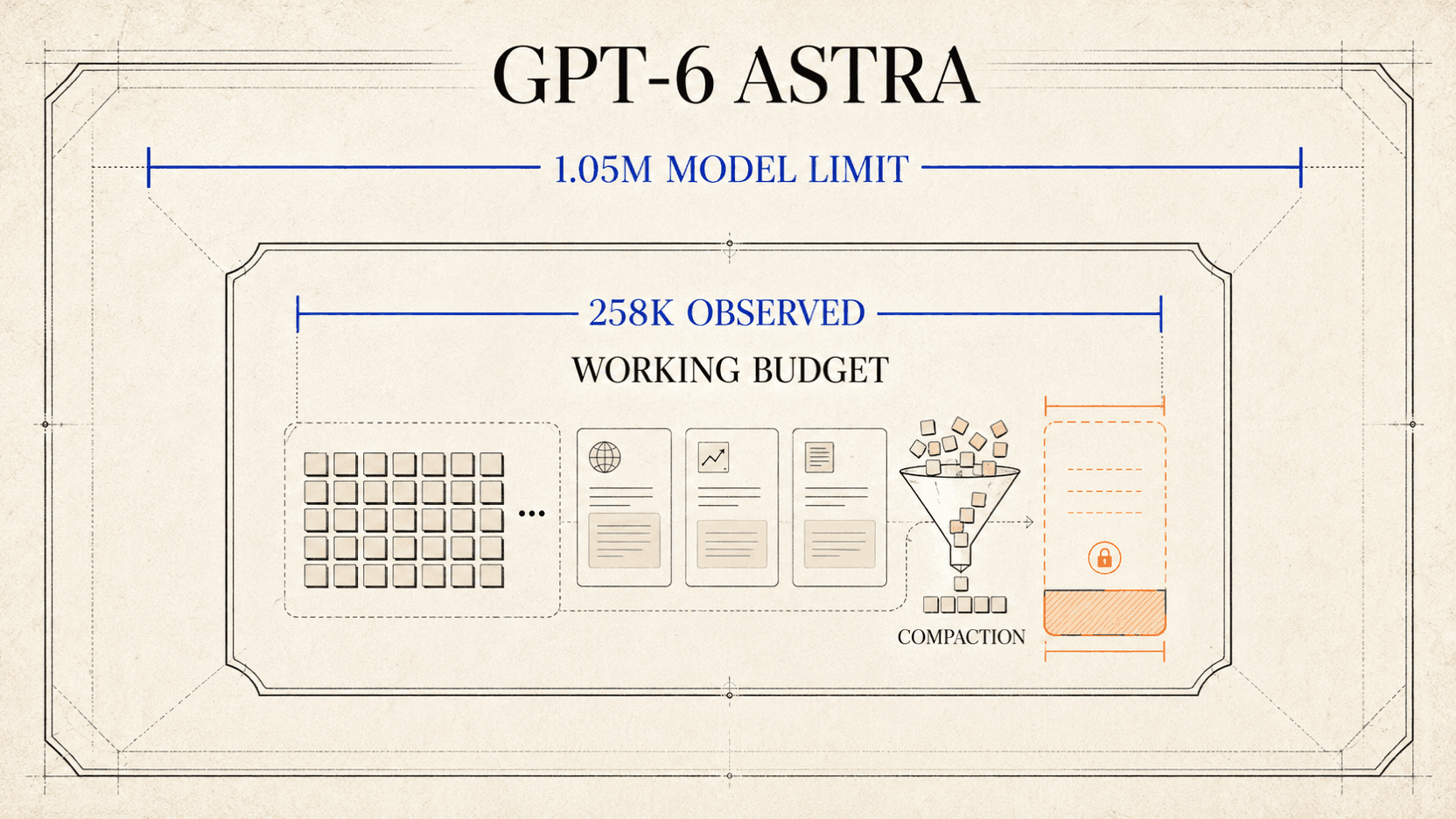
GPT-6 Astra Context Window: Why Codex May Show 258K
Understand GPT-6 Astra's 1.05M API context window, why a Codex session may show a smaller budget, and how to measure compaction without guessing.
Best Compilatio Alternatives in 2026: 5 Tools Compared
Comparing Compilatio alternatives in 2026? See how Turnitin, Copyleaks, GPTZero, Originality.ai, and reAPI differ on detection scope, API access, and languages.