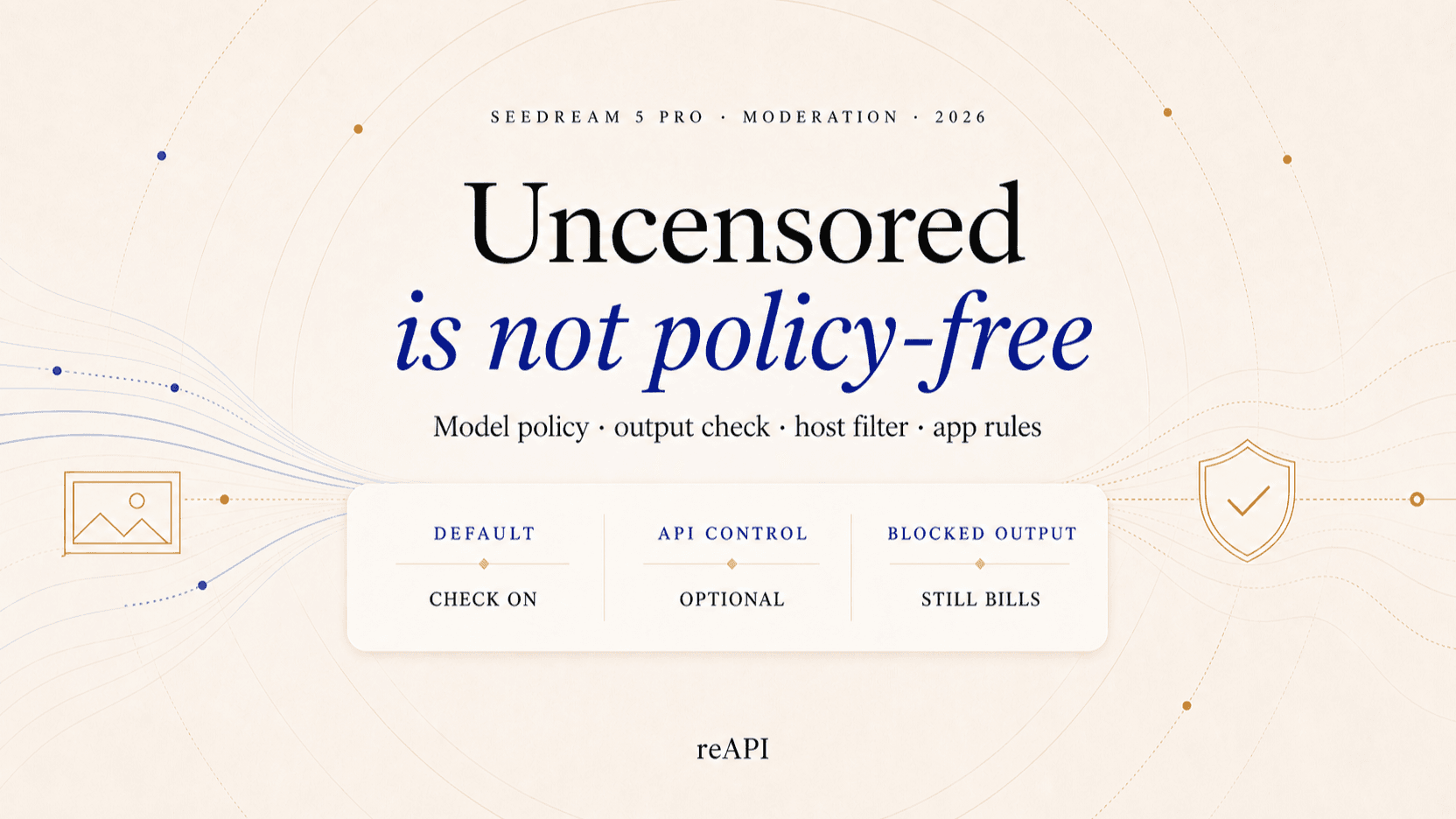
Seedream 5 Pro Content Filters: What They Block
Seedream 5 Pro content filtering runs in several layers, and a refusal rarely says which one fired. What each layer blocks and which limits never move.
Seedream 5 Pro is not literally uncensored. Hosted routes differ in how much filtering they add in front of the model, but no route removes every content, model, rights, or platform rule. The safer description is less restricted Seedream 5 Pro, not a rule-free image model.
That distinction matters because “Seedream 5 Pro uncensored” is used online to mean several different things: no extra prompt filter, fewer output blocks, support for real-person references, or no moderation at all. Those are not the same product. This guide defines the terms, separates the layers that can refuse a request, and explains which safety boundaries remain everywhere.
TL;DR
- Moderation is the default everywhere. No mainstream route ships with it off.
- The API offers an explicit control. Compatible Standard model requests may expose a moderation setting; consumer surfaces generally keep it locked on.
- A permissive route is not immunity. Where a host offers one, it changes which path runs the job. Model-level checks stay in place either way.
- Some rejections still happen. Model-level or output-policy failures can remain terminal even after an optional checker is disabled.
- Rights still apply. Consent, copyright, acceptable-use rules, and your own application's moderation obligations do not disappear.
What “Seedream 5 Pro uncensored” actually means
There is no standard definition of an uncensored image API. Different hosts use the word for different product decisions, so the useful question is not “Is it uncensored?” but “Which check can be disabled?”
| Label | What it may mean | What it does not prove |
|---|---|---|
| No prompt filter | The host adds no extra keyword gate before submission | The upstream model accepts every prompt |
| NSFW checker off | One post-generation output check is skipped | Every safety or policy layer is gone |
| Relaxed moderation | Fewer lawful borderline images become false positives | Prohibited material is permitted |
| Unrestricted editing | A host accepts a wider range of reference-image edits | Consent and image rights are optional |
| Fully uncensored | A marketing claim of no checks at all | A commercial API actually has no terms or enforcement |
Where a host exposes such a setting, it controls the additional final-image check. It is enabled by default, locked on in consumer interfaces, and may be configurable by direct API requests.
This control can reduce false positives for lawful work such as editorial fashion, stylized portraits, clinical diagrams, theatrical makeup, or product photography that a broad classifier misreads. It is not a prompt-obfuscation tool and does not grant permission to create or distribute prohibited content.
Seedream 5 Pro censorship is a stack, not one switch

The same prompt can behave differently across products because each product can add checks around the model. A useful diagnosis starts by identifying the layer that returned the refusal.
1. Upstream model policy
The model provider decides what the generation system will attempt. A request can be rejected before useful output is produced, regardless of the host's additional settings. A moderation setting cannot override that upstream policy.
BytePlus maintains acceptable-use terms for ModelArk generative AI services. The fact that an API exposes a Boolean output control does not replace those terms.[1]
2. Route-level moderation
An API host can send a request through different routes or route configurations. Where a host exposes a moderation setting, it participates in that routing decision rather than disabling the model's own checks.
This is the layer most people mean when they search for a "less-restricted Seedream 5 Pro API." More accurately, they are looking for an API without an additional conservative host check.
3. Model and provider policy
The generation model still has learned and enforced boundaries. The upstream provider can reject an input, refuse to render a scene, or return a policy error. A routing flag cannot promise that every requested frame will be generated.
BytePlus publishes separate ModelArk acceptable-use terms for its generative AI services, and its official Seedream documentation describes input restrictions for real-person reference media.
4. Output review
A prompt can pass and the rendered result can still fail a final output check. This is not contradictory: generative models are probabilistic, so a harmless brief can sometimes produce an image that crosses a policy threshold.
A content-policy failure is different from a provider submission or infrastructure failure, and should be treated as terminal rather than retried in a loop.
Seedream 5 Pro limits that stay the same
Moderation controls do not change the model contract:
| Item | Standard contract |
|---|---|
| Output | Exactly one image per request |
| Quality | Standard options per provider |
| Aspect ratios | Standard options per provider |
| Reference images | Up to 10 public HTTP(S) URLs |
| Response mode | Async task polling |
| Result URL lifetime | Per provider policy |
The absence of batch-generation (n) is easy to miss. If a workflow needs four
candidates, send four requests and track four task IDs. Do not add an unsupported
parameter and expect the API to fan out automatically.
Pricing is per output image and varies by quality and reference count. Consult your host's pricing page for current numbers rather than copying a percentage into application code.
Why a safe Seedream prompt can still be blocked
False positives happen because classifiers make decisions from incomplete context. A fully clothed editorial portrait, skin-toned packaging, clinical terminology, theatrical makeup, or an unusually tight crop can resemble the features a broad classifier is designed to catch.
For lawful, clearly safe material, troubleshoot the layer instead of trying to hide the prompt's meaning:
- Confirm that the prompt and every reference asset are original, licensed, or used with permission.
- Run the same benign request once with the moderation check enabled and once with it disabled on a compatible Standard model (if the host offers that option).
- Record whether the failure occurred before submission, during provider generation, or at final output review.
- Check the task's structured error code and avoid automatic retry on a content-policy result.
- If the issue is a real-person input, move to a face-enabled workflow rather than trying to disguise the subject.
This A/B test tells you whether the optional host check was the cause. It does not attempt to defeat a model-level decision.
What a less-restricted API still requires from SaaS teams
If you are integrating Seedream into a product, moderation becomes a product design responsibility rather than a box to remove.
A sound baseline for platform customers includes:
- keep a durable task-to-user mapping;
- log the model ID, route choice, input asset IDs, and policy outcome;
- rate-limit repeated failures and suspicious bursts;
- require a rights attestation for real-person or branded references;
- provide reporting, takedown, and account-enforcement tools;
- separate internal creative testing from public user-generated output;
- review the destination platform's rules before publishing.
This is the practical meaning of responsible API control. A more permissive route can reduce false positives for trusted creators while your application keeps the safeguards appropriate to its users and distribution channel.
FAQ
Is Seedream 5 Pro uncensored?
No, not in the literal sense of having no rules. Hosts vary in how much filtering they add, but model, provider, output, rights, and platform policies can still reject or prohibit content on any route.
Does a less-filtered route guarantee my image will generate?
No. A compatible permissive route may still return a model or output-policy failure. If a compatible route is unavailable, the task may use standard safety behavior instead. Treat the flag as a route preference, not a success guarantee.
Can I use a real person's face?
Use a face-enabled model only when you have the subject's authorization and the necessary rights. Different surfaces accept reference material and run their own review over it.
Why does the same prompt work on one Seedream platform and fail on another?
Hosts and apps add their own prompt filters, output checks, account rules, and client restrictions. A different result does not prove the underlying model changed; first identify which layer returned the block.
The accurate label is “less restricted,” not “no rules”
The useful part of this topic is not the word “uncensored.” It is knowing that filtering happens in distinct layers, that a refusal names only one of them, and that several of those layers never move regardless of which surface you use.
That distinction lets a team reduce avoidable false positives without pretending the rest of the safety stack has vanished. Assume the default is moderated, retain rights and consent records for any reference material, and treat a content-policy failure as final rather than something to retry around.
“Uncensored” is discussed here as a search and marketing term, not as a description of how any route actually behaves.
References
- BytePlus. GenAI Acceptable Use Policy. Updated July 11, 2026. docs.byteplus.com/en/docs/legal/acceptable_use_policy_byteplus_genai
Further reading
- BytePlus ModelArk. Dreamina Seedream 5 Pro series tutorial. docs.byteplus.com/api/docs/ModelArk/2291680
Author

Categories
More Posts

DeepSeek Harness vs OpenCode vs Claude Code
Compare DeepSeek Harness, OpenCode, and Claude Code by runtime ownership, model choice, plugins, permissions, setup burden, and the cost of agent loops.
Seedance 2.5 vs Wan 3.0: References, Length, and Cost
Compare Seedance 2.5 vs Wan 3.0 with current availability, 30-second output, reference limits, document inputs, resolution choices, and current API pricing.

FLUX 3 vs Seedance 2.5: Keyframes, Duration, and Cost
Choose FLUX 3 or Seedance 2.5 by maximum duration, ordered keyframes, references, editing, native audio, Draft workflow, resolution, and API cost.