
Seedance 2.5 4K: Output Limits and Upscaling Options
Check Seedance 2.5 4K claims against its actual output limits. Compare 1080p costs, Seedance 2.0 4K generation and a separate video upscaling workflow on reAPI.
Seedance 2.5 4K is not an output option on reAPI. The current API accepts 480p, 720p and 1080p for generated video. It can accept a 4K reference clip, but an input-file allowance does not increase the output resolution. These are separate fields with separate constraints.[1]
If you need a 4K deliverable, reAPI offers two different paths: use Seedance 2.0, whose model page lists 4K generation, or generate with Seedance 2.5 and upscale the resulting video as another job. Choose based on the shot's required duration, references and finishing needs, then price the complete workflow.[2][3]
TL;DR
- Seedance 2.5 on reAPI generates at 480p, 720p or 1080p, with a 4–30-second duration range. The resolution enum does not include 4K.[1]
- A reference video may be 480p–4K. That describes the file you upload, while
resolutioncontrols the generated output.[1] - At the September 12 rate, ten seconds of Seedance 2.5 at 1080p without source video costs $4.619 after credit rounding.[4]
- The Seedance 2.0 model page lists a 4K option at $0.78 per output second without reference video. Its request duration is limited to 4–15 seconds.[2]
- An upscaler is a separate processing step with its own input and price. reAPI's Topaz endpoint takes
video_urlandupscale_factorand bills by source-video duration.[3]
Separate Seedance 2.5 4K input, generation and export
A resolution label is useful only when you know which stage it describes. An uploaded reference, a generated intermediate and an exported deliverable can all have different dimensions. Treating one number as a property of the entire workflow causes the confusion behind many Seedance 2.5 4K claims.
| Stage | What the setting means | Current reAPI evidence |
|---|---|---|
| Reference-video input | File the generation request uses as guidance | Seedance 2.5 accepts reference clips from 480p to 4K |
| Generated output | Resolution requested from the video model | Seedance 2.5 accepts 480p, 720p and 1080p |
| Separate enhancement | Processing applied to a finished source clip | Topaz has a separate upscale_factor parameter |
| Another model's output | A different request with different limits | Seedance 2.0 lists a 4K generation option |
The first two rows come from the same Seedance 2.5 API reference. There is no contradiction between accepting a 4K input and generating a 1080p output. The input can provide visual guidance without becoming the output's pixel grid.[1]
When a platform advertises “4K Seedance,” check whether its description refers to generation or an included enhancement pass. Also check whether the version is 2.0 or 2.5. Do not transfer one platform's export setting to another platform's API enum. A claim about a finished download does not establish how the intermediate was produced.
What resolution can you request on each documented route?
The table below is a route comparison, not a claim that every service selling Seedance exposes identical options. It covers the interfaces retrieved for this guide on September 12, 2026.
| Route | Output controls | How to use the information |
|---|---|---|
| reAPI Seedance 2.5 | 480p, 720p, 1080p | Use these exact lowercase values in the request |
| reAPI Seedance 2.0 | 480p, 720p, 1080p, 4K on its model page | Check its own model reference before changing an existing 2.5 integration |
| reAPI Topaz Video Upscaler | upscale_factor: "1", "2", "4" | Submit a finished source video to a separate model |
Sources: the two model interfaces and the Topaz API reference.[1][2][3]
For Dreamina or another creator platform, inspect the current selected model and the export controls in that account. Do not infer availability from a search-result title. If a platform does not explain whether its 4K setting adds an upscaler, that part of the workflow remains unclear; it should not be described as native Seedance 2.5 4K generation.
The narrower API contract is straightforward. A reAPI Seedance 2.5 request with resolution: "4k" is outside the documented enum. Use the current model page to check available choices before submitting a batch.[1]
What 480p, 720p and 1080p cost for the same clip
Resolution changes the generation price even when the prompt and duration stay the same. These are the exact customer-facing per-second rates retrieved from reAPI's rendered pricing data on September 12, 2026.[4]
| Seedance 2.5 output | No reference-video rate | With reference-video rate | Ten-second output without reference video |
|---|---|---|---|
| 480p | $0.118589/s | $0.071153/s | 1,186 credits / $1.186 |
| 720p | $0.266824/s | $0.160094/s | 2,669 credits / $2.669 |
| 1080p | $0.461856/s | $0.275904/s | 4,619 credits / $4.619 |
The last column uses ceil(rate × 10 × 1000) credits. One credit is $0.001. These are calculated totals, not an estimate of what every platform charges.[1][4]
Reference-video requests use a different billing duration. They count the source footage and apply a minimum, so multiplying the lower reference rate by output seconds alone understates some jobs. Reference images and audio do not add source-video seconds. The API quickstart includes a concrete reference-video calculation.
For a ten-second clip without source video, moving from 720p to 1080p changes the payable total from $2.669 to $4.619, a $1.950 difference. If you are still changing the action or composition, deciding whether to pay that difference is an editorial choice. Check the shot at the lower resolution first when it answers the question you are testing.
When Seedance 2.0's 4K option fits the shot
Seedance 2.0 provides a direct 4K option on reAPI, but it also has a different duration range. Its model page lists 4–15 seconds per request, compared with 4–30 seconds for Seedance 2.5. Switching versions to get a resolution option therefore changes more than one number.[2][1]
At the displayed $0.78 per second for 2.0's 4K output without reference video, ten seconds costs $7.80. The same requested duration at 2.5's 1080p no-video rate costs $4.619 after rounding. The difference is $3.181, but the outputs come from different model versions. This is a budget comparison, not evidence that one version produces a better-looking shot.[2][4]
Choose the 2.0 path when its duration and input contract fit your shot and you specifically want that route's 4K output option. If the shot depends on 2.5's longer single take, plan for 1080p output and evaluate a separate enhancement step. Avoid cutting a carefully planned sequence into shorter pieces solely because a larger resolution label looks preferable.
The Seedance 2.5 feature guide covers the broader version differences. Use it before porting prompts with larger reference sets or a duration beyond 2.0's limit.
Upscale a completed Seedance 2.5 video as a separate job
An upscaling workflow starts after the generation finishes. Save the original clip, inspect it, and then submit its URL to the upscaler. You can keep the approved original and the enhanced copy separately, which also makes it easier to compare whether processing helped the actual material.
reAPI's documented Topaz request takes a single video_url and a string-valued upscale_factor. A two-times request uses "2", not a Seedance resolution field.[3]
{
  "model": "topaz-video-upscaler",
  "video_url": "https://your-public-storage.example/approved-video.mp4",
  "upscale_factor": "2"
}
The URL above is a placeholder; replace it with your completed, publicly reachable video. Read the Topaz API reference for its accepted source files and current limits before submitting. The generation and upscaling requests are separate asynchronous tasks and have separate charges.[3]
The documented Topaz input limit is 50 MB, with MP4, MOV and MKV accepted. A "2" factor doubles width and height: a 1920×1080 source becomes 3840×2160, while a smaller source starts from its own dimensions. Check the source file before assuming that selecting 2× will produce a 4K deliverable.[3]
For a budget, add the generation cost to the enhancement cost for the actual source duration. Do not present $4.619 as the finished price of a ten-second upscaled deliverable: that figure covers only the 1080p Seedance 2.5 generation described above. Use the upscaler's current model-page rate for the second part.
Keep expectations tied to the footage. A larger output file still needs review for faces, lettering, texture and moving edges. If a generated hand or product label was wrong in the original, judge the enhanced result against the real subject, rather than accepting it because the file has more pixels. Our video upscaling guide explains how to compare finishing paths.
Check the downloaded file, not just the selector
Inspect the delivered video's dimensions after each stage. In an editor, read the clip properties rather than the project sequence size; placing a smaller clip into a larger timeline does not tell you its source dimensions. A command-line inspection can also report the encoded width and height:
ffprobe -v error -select_streams v:0 \
  -show_entries stream=width,height \
  -of json approved-video.mp4
Treat that result as evidence about the file. It does not establish the internal generation process or prove that an enhancement step recovered real detail. For a client delivery, retain the original output, the processed version and a note of which step produced each file.
Also check the requested aspect ratio. Seedance 2.5 has separate size and resolution fields, and explicit first/last-frame requests require adaptive size. A resolution preset alone does not describe the entire frame shape.[1]
FAQ
Seedance 2.5 4K
reAPI's Seedance 2.5 API does not offer 4K output. Its accepted generation resolutions are 480p, 720p and 1080p.[1]
Seedance 2.5 resolution
Set resolution to 480p, 720p or 1080p. Set aspect ratio separately through size, following the constraints of the selected input mode.[1]
Seedance 2.5 direct 4K output
The current reAPI 2.5 contract does not support direct 4K output. Use the documented 2.0 4K option or evaluate a separate upscale after a 2.5 generation.[1][2]
Seedance 2.5 output resolution
The highest documented Seedance 2.5 output preset on reAPI is 1080p. A reference-video input can be 4K without making the generated output 4K.[1]
Seedance 2.5 price per second
Without source video, the September 12 rates are $0.118589 at 480p, $0.266824 at 720p and $0.461856 at 1080p per output second. Charges round up to whole credits.[4][1]
Seedance 2.5 vs 2.0
For this resolution decision, 2.5 supports up to 30 seconds at up to 1080p on reAPI; 2.0 lists 4K but limits each request to 15 seconds. Review the other input differences before switching.[1][2]
Choose the route for the required deliverable
For a Seedance 2.5 4K deliverable, plan the separate enhancement step and include its cost. If Seedance 2.0's duration and inputs fit the shot, its documented 4K option is another route. Keep the original generation and inspect the final file before delivery.
References
- reAPI. Seedance 2.5 API — Parameters, Modes & Billing. Browser-retrieved September 12, 2026. reapi.ai/docs/seedance-2-5.
- reAPI. Seedance 2.0 model page, rendered 4K pricing and duration limits. Browser-retrieved September 12, 2026. reapi.ai/models/seedance-2-0.
- reAPI. Topaz Video Upscaler API. Browser-retrieved September 12, 2026. reapi.ai/docs/topaz-video-upscaler.
- reAPI. Seedance 2.5 rendered pricing table. Browser-retrieved September 12, 2026. reapi.ai/models/seedance-2-5.
Author

Categories
More Posts

FLUX 3 vs Seedance 2.5: Keyframes, Duration, and Cost
Choose FLUX 3 or Seedance 2.5 by maximum duration, ordered keyframes, references, editing, native audio, Draft workflow, resolution, and API cost.
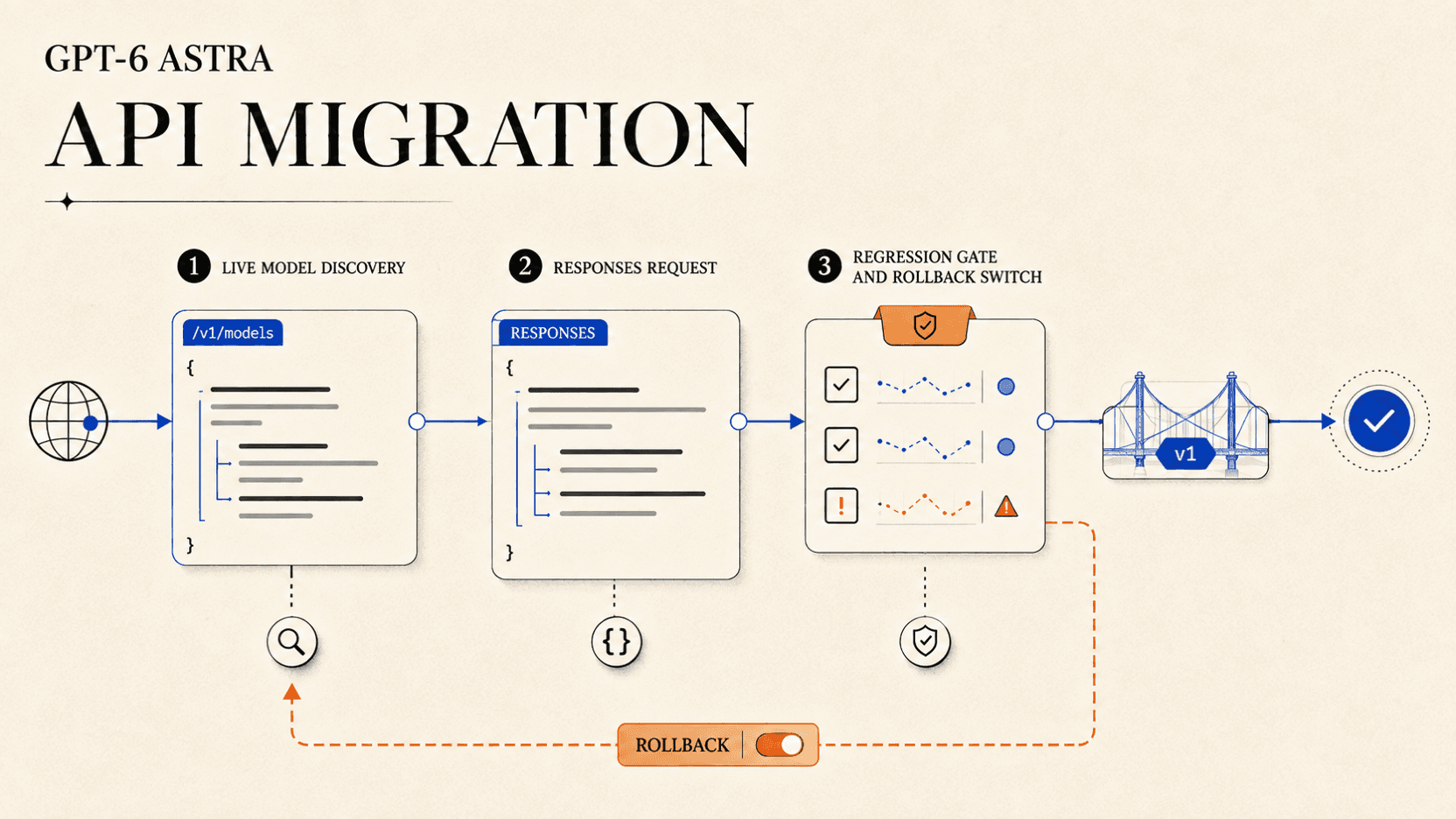
GPT-6 Astra API Migration: Responses, Tools, and Rollback
Migrate to GPT-6 Astra with model discovery, a Responses API request, reasoning controls, tool checks, acceptance gates, and a rollback plan.
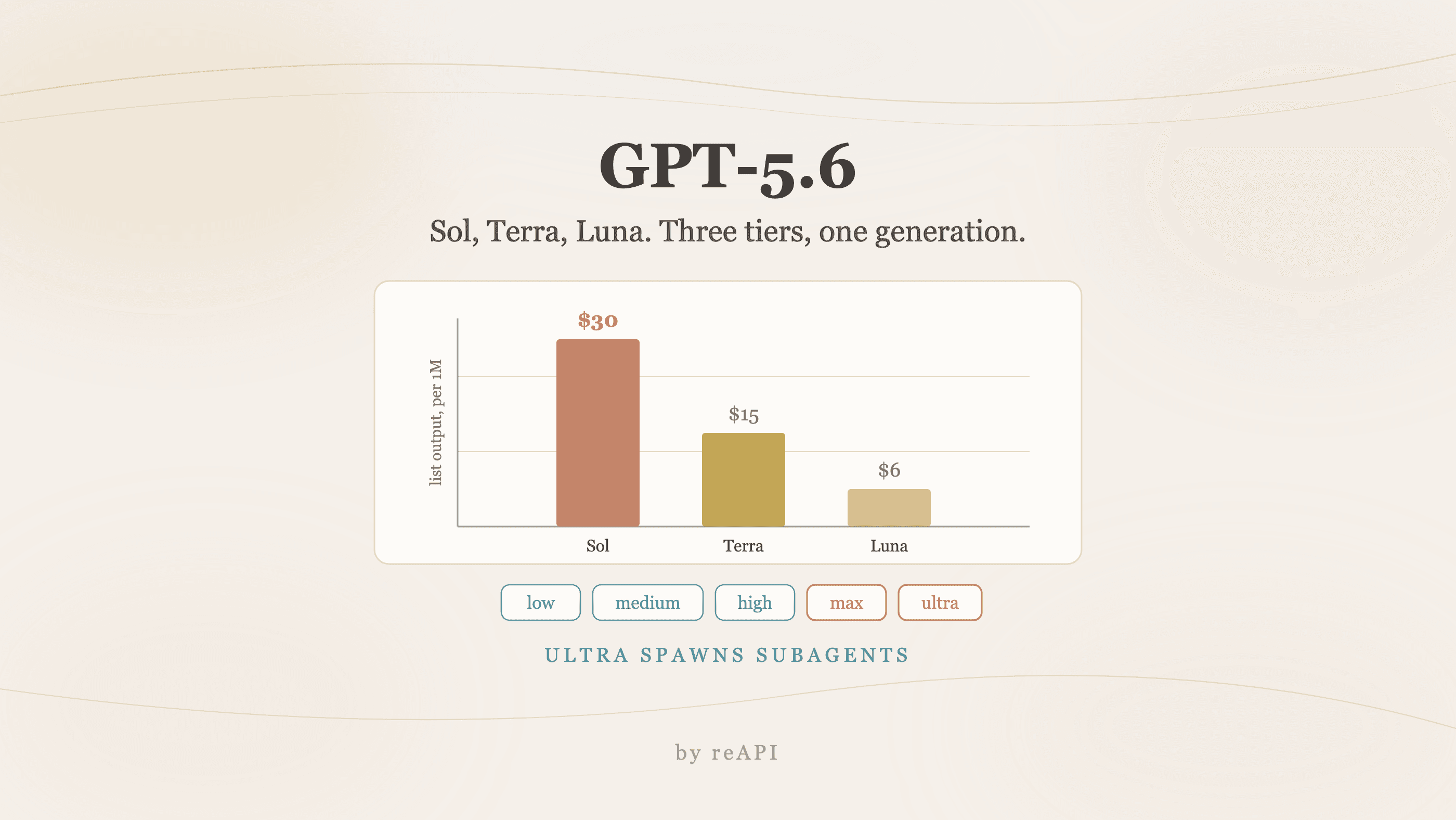
How to Use GPT-5.6: Sol, Terra, and Luna Tiers Compared
How to use GPT-5.6: what Sol, Terra, and Luna cost, the Terminal-Bench table and its four asterisks, the new max and ultra modes, and which tier to pick.