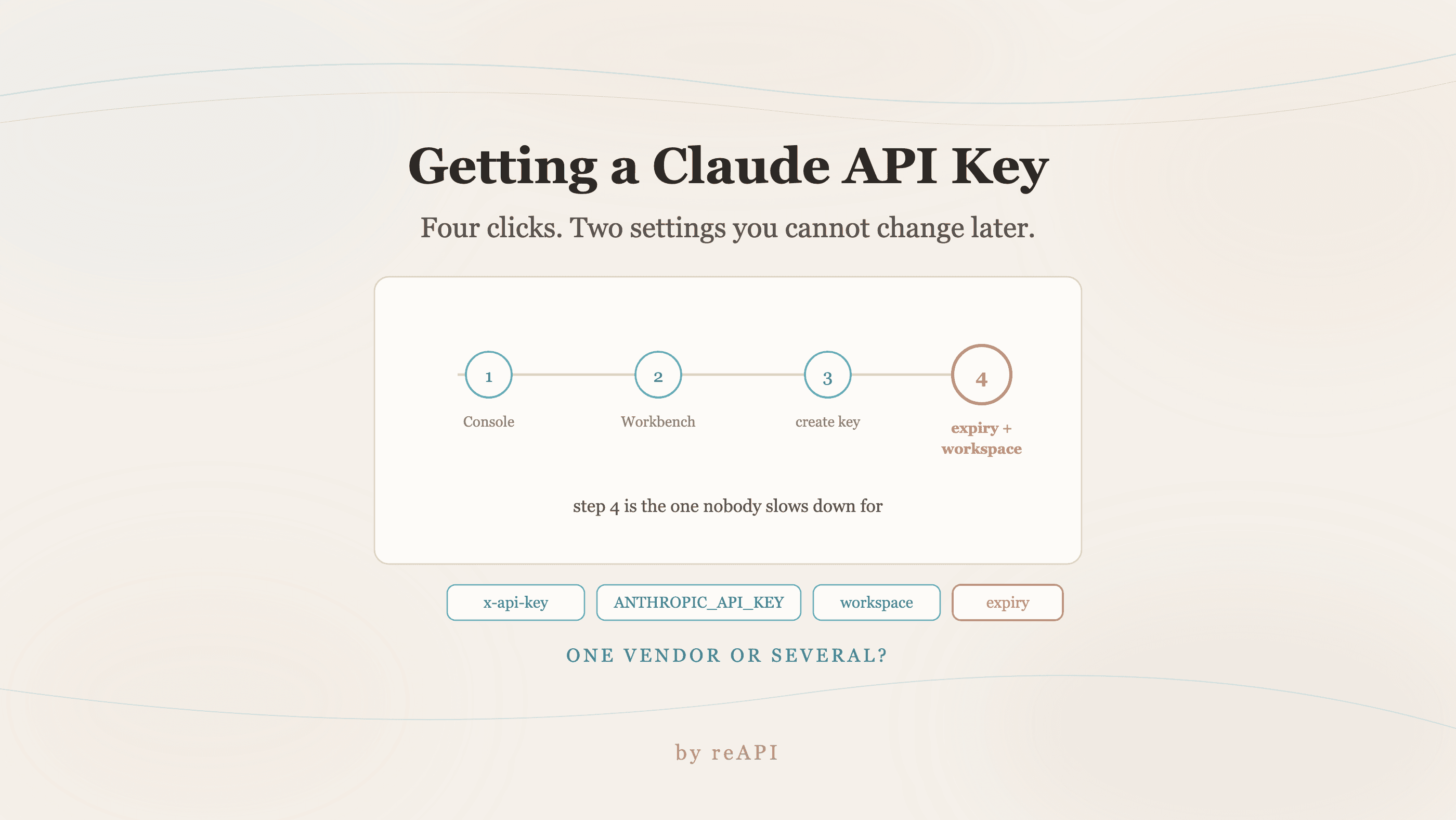
How to Get a Claude API Key, and When You Need One
Creating a Claude API key takes four clicks. Expiration and workspace are chosen once and cannot be changed later, and calling several vendors changes the math.
Getting a Claude API key takes about a minute. Two settings you choose while creating it matter more than the key itself, and most people skip past both.
There is also a question worth asking before you start: whether you need an Anthropic key at all, or whether the thing you are building calls more than one vendor.
TL;DR
- Keys are created in the Console at
platform.claude.com, under Account Settings[1]. - You choose an expiration when you create the key. That choice is made once, at creation[1].
- Workspaces segment keys and control spend per use case[1].
- Auth is the
x-api-keyheader, orAuthorization. SDKs readANTHROPIC_API_KEYfrom the environment[1][2]. - The Workbench lets you try the API in a browser before writing any code[1].
- If you are calling Claude alongside GPT or Gemini, one gateway key covers all three instead of three vendor accounts.
Creating the key
The API is made available through the web Console[1].
- Sign in at
platform.claude.com. - Try the API in the browser first with the Workbench at
platform.claude.com/playground, which needs no code. - Generate the key in Account Settings, at
platform.claude.com/settings/keys. - Pick an expiration while creating it.
- Optionally place it in a workspace at
platform.claude.com/settings/workspaces.
Steps 4 and 5 are the ones worth slowing down for.
The two settings people skip
Expiration is chosen at creation. You set each key's lifetime when you make it[1]. A key with a long life is a key you will still be finding in an old .env next year. For anything that is not long-lived production infrastructure, a short expiry is the cheapest security control available.
Workspaces segment keys and control spend by use case[1]. This is the feature that turns "someone's script ran overnight" from a billing surprise into a bounded one. One workspace per project, or per environment, means a runaway loop burns that workspace's budget rather than the account's.
Both are decisions you make once and live with. Neither is retrofittable to a key already in production without rotating it.
Using the key
Two headers are accepted. Send one of them[1]:
| Header | Value |
|---|---|
x-api-key | Your API key from Console |
Authorization | Bearer-style alternative |
The SDKs read the key from the environment automatically[2]:
export ANTHROPIC_API_KEY="sk-ant-..."import anthropic
client = anthropic.Anthropic() # reads ANTHROPIC_API_KEY
resp = client.messages.create(
model="claude-opus-5",
max_tokens=1024,
messages=[{"role": "user", "content": "Summarize this changelog."}],
)That is the whole integration for a single-vendor setup.
When you do not need an Anthropic key
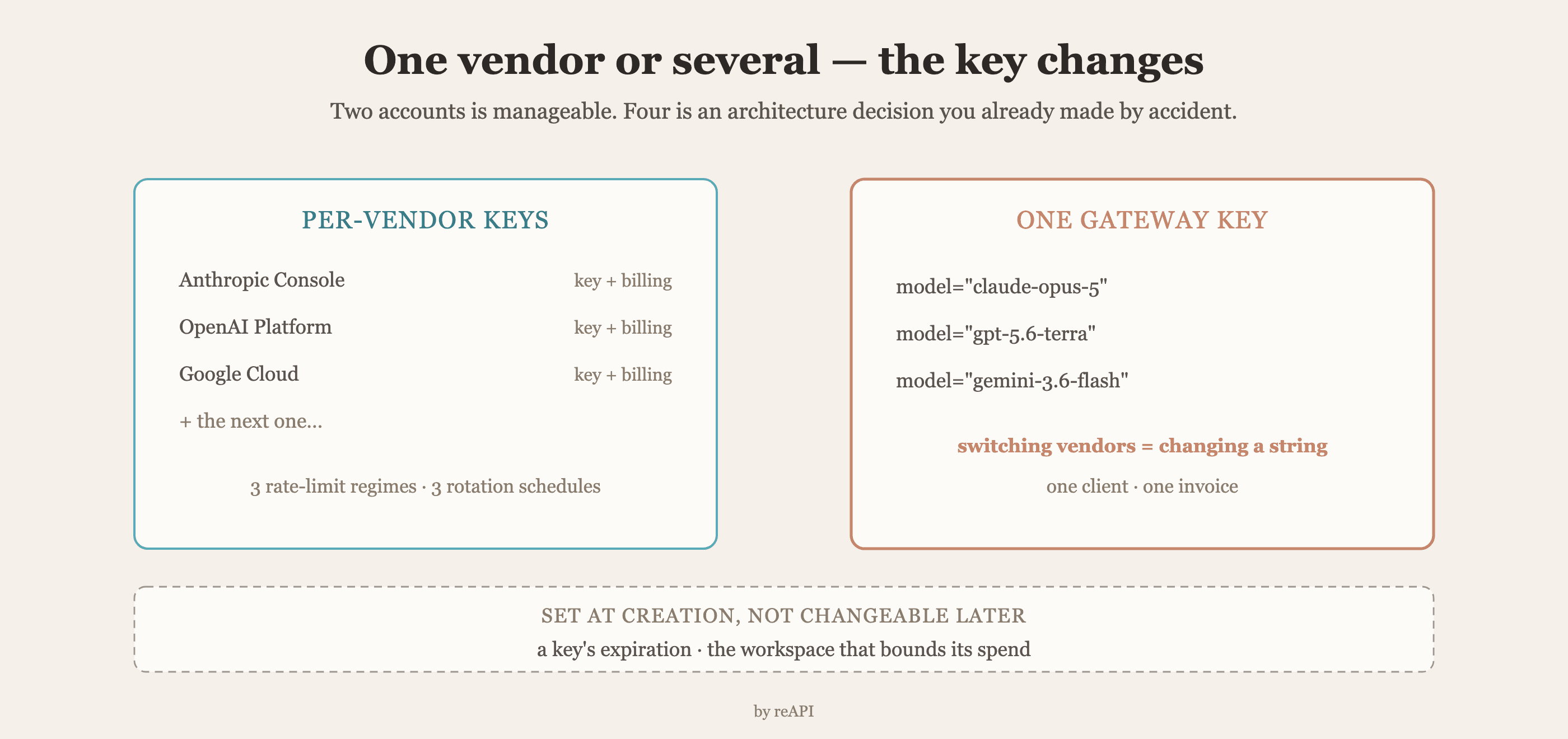
The Console flow above is the right answer when Claude is the only model you call.
It stops being the right answer the moment your product calls two vendors. Then you are maintaining an Anthropic account, an OpenAI account, and a Google Cloud project, three billing relationships, three sets of rate limits, and three key-rotation schedules, to run one feature. Adding a fourth model means a fourth of everything.
A gateway collapses that. reAPI exposes Claude through an OpenAI-compatible /v1/chat/completions endpoint, so the same client and the same key reach Claude, GPT, and Gemini, and switching between them is a model-string change:
from openai import OpenAI

client = OpenAI(
    api_key="YOUR_REAPI_KEY",
    base_url="https://api.reapi.ai/v1",
)

resp = client.chat.completions.create(
    model="claude-opus-5",
    messages=[{"role": "user", "content": "Summarize this changelog."}],
    max_tokens=16000,
)
The native Anthropic /v1/messages surface is available too, so an SDK already written against Anthropic's format works after changing the base URL.
Rates are on reapi.ai/models, and the current Opus reference is at reapi.ai/docs/claude-opus-5.
One thing to get right on reAPI
There are two separate credentials, and mixing them up is the most common first-call failure.
| Key | Where you create it | What it calls |
|---|---|---|
| Gateway key | api.reapi.ai console | Chat models: Claude, GPT, Gemini |
| Media key | reapi.ai account | Image and video generation |
A gateway key sent to a media endpoint fails, and the reverse fails too. If a first call returns an auth error and the key looks correct, check which of the two you are holding.
FAQ
Where do I get a Claude API key?
In the Console at platform.claude.com, under Account Settings at platform.claude.com/settings/keys[1].
Can I try the API without writing code?
Yes. The Workbench at platform.claude.com/playground runs requests in the browser[1].
How do I authenticate a request?
Send your key in the x-api-key header, or use Authorization. Send one, not both[1].
What environment variable do the SDKs read?
ANTHROPIC_API_KEY[2].
Can I change a key's expiration later?
Expiration is chosen when the key is created[1]. Changing it means creating a new key and rotating.
How do I stop one project from spending the whole budget?
Use workspaces, which segment keys and control spend by use case[1].
Do I need an Anthropic key to use Claude through a gateway?
No. A gateway key replaces the per-vendor account when you are calling several models, and the endpoint is OpenAI-compatible.
Why does my reAPI key return an auth error?
Most likely you are using the gateway key on a media endpoint or the media key on the gateway. They are separate credentials created in separate places.
Deciding before you create
The mechanical part of how to get a Claude API key is four clicks in the Console. The part worth thinking about is the two settings attached to it, expiration and workspace, because both are chosen once and neither can be changed afterward without rotating the key.
And the question underneath all of it is how many vendors your product will end up calling. One vendor, one key, and the Console flow is exactly right. Three vendors and the arithmetic changes: three accounts, three invoices, three rate-limit regimes, and a fourth model means starting over. That is the point where a single gateway key stops being a convenience and starts being the simpler architecture.
References
- Anthropic. API overview — Console, Workbench, key creation, expiration, workspaces, and authentication headers. Retrieved July 2026 from docs.claude.com/en/api/overview
- Anthropic. Get started — setting the API key and first request. Retrieved July 2026 from docs.claude.com/en/docs/get-started
Further reading
- reAPI. How to use Claude Opus 5. reapi.ai/blog/how-to-use-claude-opus-5
- reAPI. How to use Claude Code. reapi.ai/blog/how-to-use-claude-code
- reAPI. Model catalog. reapi.ai/models
Author

Categories
More Posts

Seedream 5.0 Pro Bugs: Documented Limits and Retests
Separate documented Seedream 5.0 Pro request limits and defaults from visual defects that require a controlled retest.

Which Wan Models Run Locally? Weights and GPU Memory
Choose Wan models for local use with official 2.1 and 2.2 downloads, runtime-specific VRAM guidance, ComfyUI file paths and a way to measure generation costs.
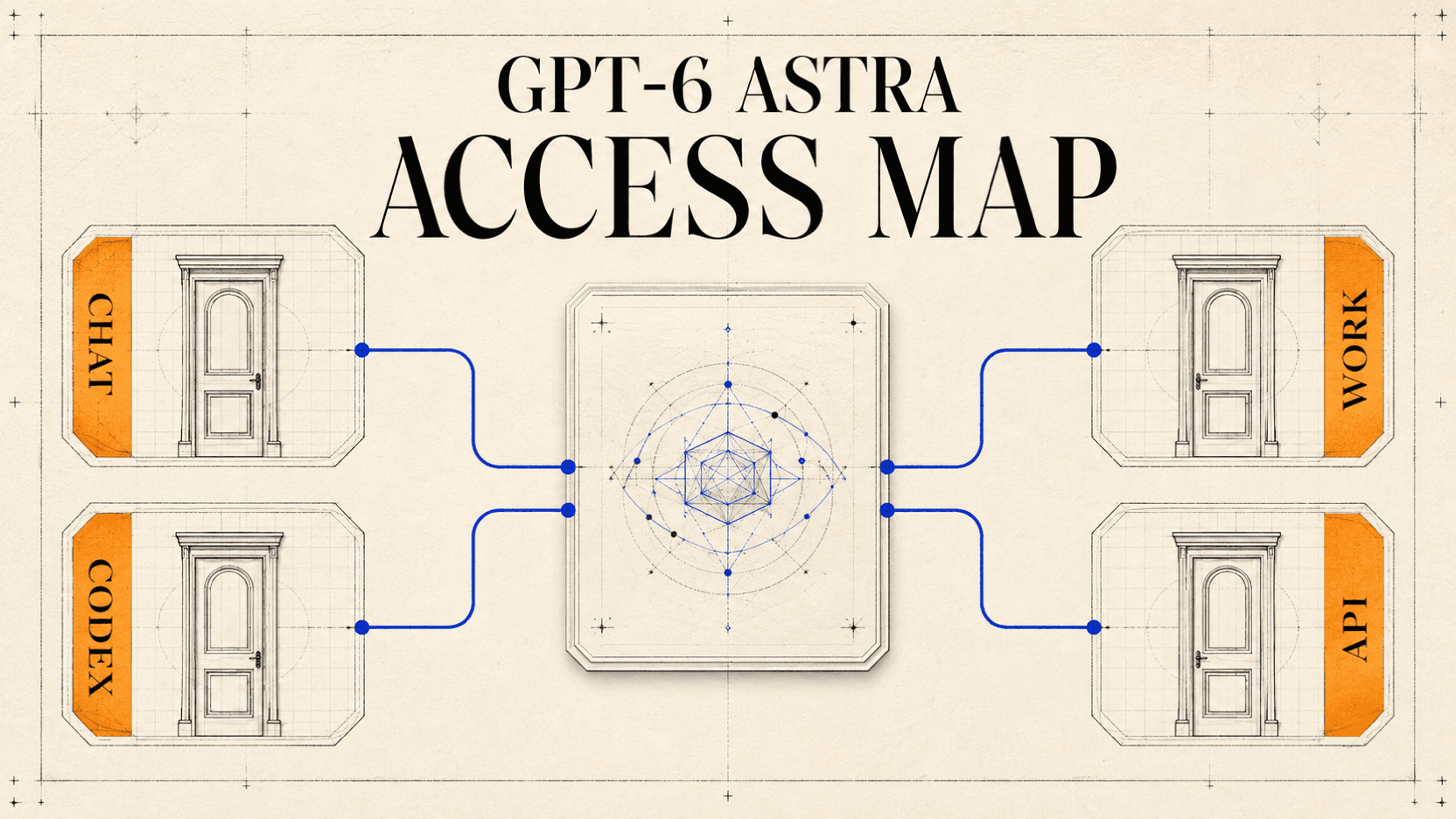
Who Gets GPT-6 Astra? ChatGPT, Work, Codex, and API Access
See who can access GPT-6 Astra in ChatGPT, Work, Codex, and the API as of September 7, 2026, plus a checklist for missing access.