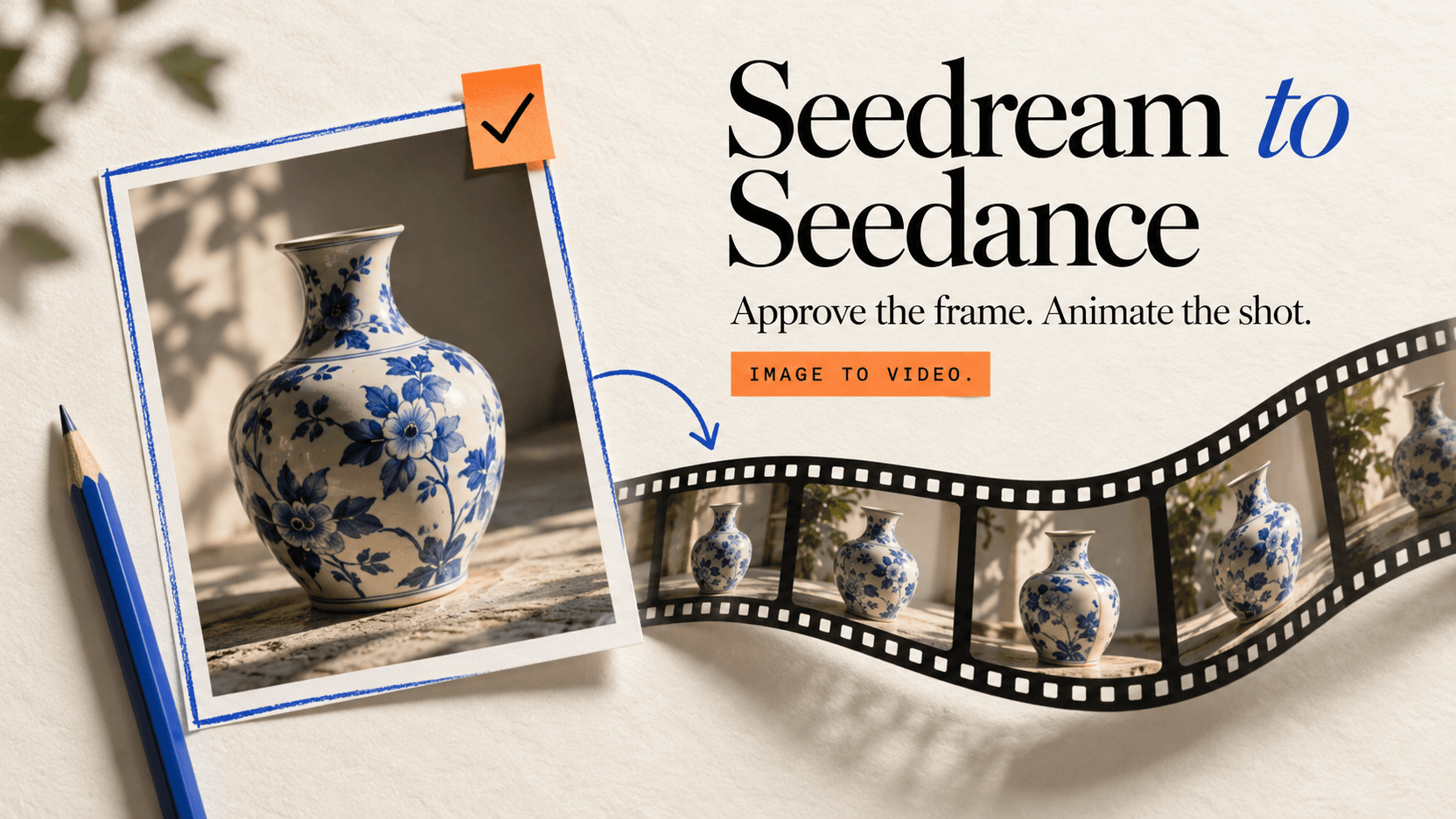
Seedream 5.0 Pro × Seedance 2.5 워크플로우 본격 구현
Seedream 5.0 Pro에서 Seedance 2.5로의 본격 워크플로우를 구축합니다. 현재 모델 ID, 요금, 이미지 우선 반복, 작동하는 코드를 확인하세요.
Seedream 5.0 Pro에서 Seedance 2.5로의 본격 워크플로우가 이제 엔드투엔드로 호출 가능합니다. Seedream 5.0 Pro는 doubao-seedream-5-0-pro로, Seedance 2.5는 doubao-seedance-2.5-face로 reAPI에서 실행됩니다.[6][10] Volcano Engine 문서의 7월 25일 스냅숏은 본격 운영 접근으로 대체되었습니다.
아키텍처는 동일합니다. 이미지 공간에서 저렴한 비용으로 합성을 승인한 후 비디오 크레딧을 모션에 투입합니다. 아래 두 단계는 이제 라이브 2.5 경로와 현재 본격 요금을 사용합니다.
TL;DR
- 1단계는 Seedream 5.0 Pro, 지금 본격 운영 중. 1K와 2K 티어, 최대 10개 참조 이미지, 14개 언어의 네이티브 이미지 내 텍스트, 호출당 정확히 이미지 1개.[1]
- 2단계는 Seedance 2.5, 지금 본격 운영 중. 480p, 720p 또는 1080p에서 4~30초 출력에
doubao-seedance-2.5-face를 사용하세요.[10] - 자신의 스토리지가 필요하지 않습니다. 72시간 내에 체인을 실행한다면 Seedream의 출력 URL은 공개이고 Seedance가 공개 URL을 수용합니다.[6][10]
- 이미지 참조는 초당 비디오 요율을 낮추지 않습니다. 저렴한 행은 소스 비디오에 적용되며 첫 프레임 정지 이미지가 아닙니다.[10] 절감은 상류에 있습니다. 거부된 구성당 $0.032, 5초 720p 비디오 시도의 경우 $1.335.
- 약 $1.59 거부된 8개 합성 포함. 동일 해상도의 직접 비디오 시도 8회는 $10.68이 소요됩니다.[7][11]
- 이 파이프라인에 대해 유포되는 세 가지 사양은 틀렸습니다. 해상도 티어와 투명 PNG 레이어 내보내기 포함.
1단계: 승인되는 핵심 프레임
이 단계의 역할은 한 장의 정지 이미지를 생성하는 것입니다. 인간이 승인할 가치가 있는, 가능한 한 저렴한 비용으로. 그 이후 모든 것이 그로부터 따릅니다.
어느 티어에서 초안을 작성할 것인가
Seedream 5.0 Pro에는 두 개의 해상도 티어만 있습니다. 1K와 2K, reAPI에서 quality: "basic" 또는 quality: "high"로 선택[1][6]. 16:9에서는 1424×800과 2816×1584. 총 픽셀 범위는 921,600에서 4,624,220. 종횡비는 1:16에서 16:1[1][2].
1K에서 초안을 작성하세요. $0.032 대 $0.063이고, 1424×800은 이미 720p보다 높으므로 비디오 참조로 완벽하게 적절합니다.[7] 승인된 프레임이 포스터나 썸네일로 배포되는 경우에만 2K에서 다시 렌더링하세요.
curl https://reapi.ai/api/v1/images/generations \
  -H "Authorization: Bearer $REAPI_API_KEY" \
  -H "Content-Type: application/json" \
  -d '{
    "model": "doubao-seedream-5-0-pro",
    "prompt": "Wide shot of a violinist on a rain-slicked Berlin street at dusk, sodium streetlights, shallow depth of field, poster headline NACHTMUSIK in the upper left",
    "aspect_ratio": "16:9",
    "quality": "basic"
  }'
제출은 비동기입니다. 상태가 completed가 될 때까지 GET /api/v1/tasks/{id}를 폴링한 후 output.image_urls[0]을 읽으세요. 폴링은 무료[6].
장면이 아닌 프레임에 프롬프트 입력
이미지 프롬프트는 정적 구성을 설명합니다. 피사체, 프레이밍, 조명, 재료 및 이미지에 렌더링하려는 모든 텍스트. Seedream은 이미지 내 텍스트를 충분한 품질로 렌더링하여 타이프셋 패스를 건너뛸 수 있습니다. ByteDance의 기법은 정확한 단어를 큰따옴표로 감싸는 것입니다.[1]
여기에 포함되지 않아야 하는 것은 모션입니다. 카메라 움직임을 2단계로 저장하세요. 지금 설명하면 팬 프레임 그랩처럼 보이는 정지 이미지가 생성됩니다.
애니메이션 전에 고정해야 할 세 가지
프레이밍, 복장, 빛의 방향. 이 세 가지는 이미지 공간에서 고치기가 저렴하고 비디오에서는 비쌉니다. 1K에서 세 가지 모두 승인을 받은 후에 단 하나의 비디오 크레딧도 이동하지 마세요. 워크플로우에 인간 검토자가 있다면 이것이 서 있어야 할 게이트입니다.
reAPI에서 기대하지 않는 한 가지 기능이 있습니다. Seedream 5.0 Pro는 이 계열에서 대화형 편집을 갖춘 유일한 모델입니다. 입력 이미지의 영역을 표시하거나 프롬프트에 <point> / <bbox> 태그를 작성하면 해당 영역 내에서만 편집합니다.[1] reAPI의 표면은 프롬프트, 참조 이미지, 종횡비 및 품질 티어만 수용하며 다른 것은 수용하지 않습니다. 따라서 영역 수준 복구는 그곳에서 사용할 수 없습니다.[6]
2단계: 모션 패스
핸드오프는 하나의 URL
Seedream의 완성 이미지 URL은 72시간 동안 유효하며, Seedance는 첫 프레임 핸드오프를 위해 image_with_roles의 공개 HTTP(S) URL을 수용합니다.[6][10] 체인이 해당 기간 내에 실행되면 핸드오프는 이미지 작업 출력의 한 문자열에서 비디오 작업 입력으로 전달됩니다. 3일을 초과해야 하는 경우에만 자산을 직접 미러하세요.
curl https://reapi.ai/api/v1/videos/generations \
  -H "Authorization: Bearer $REAPI_API_KEY" \
  -H "Content-Type: application/json" \
  -d '{
    "model": "doubao-seedance-2.5-face",
    "prompt": "Slow push-in. The violinist lifts the bow and begins to play; rain streaks catch the streetlight; steam rises behind her",
    "image_with_roles": [
      { "url": "https://cdn.reapi.ai/...jpg", "role": "first_frame" }
    ],
    "resolution": "720p",
    "duration": 5,
    "size": "adaptive"
  }'
모드 라우팅, 지속 시간, 해상도
모드는 암시적입니다. 프롬프트만 있으면 텍스트-투-비디오입니다. image_urls는 참조 이미지를 제공합니다. image_with_roles는 첫 프레임, 마지막 프레임 또는 둘 다를 정의합니다. 참조 비디오나 오디오는 스타일과 사운드를 구동합니다.[10] 설정할 모드 매개변수가 없습니다.
4개의 필드가 해당 본문에 위치를 얻습니다. size: "adaptive"는 다시 자르지 않고 정지 이미지의 종횡비를 상속합니다. duration은 4에서 30초 또는 자동 지속 시간의 -1을 허용합니다. resolution은 480p 또는 720p로 제한됩니다. 본격 모델 ID에는 -face가 포함되며 자동화된 검토 대상인 실제 인물 참조를 수용합니다.[10]
변화에 대해 이 프롬프트를 작성하세요. 장면이 아니라. 카메라 움직임, 들어오는 것, 나가는 것, 빛이 하는 일. 여기서 구성을 다시 설명하면 승인을 위해 지불한 참조 이미지와 싸우고 모델은 중간을 취합니다.
15초를 넘어가기
30초가 하나의 Seedance 2.5 생성의 한계입니다. 더 긴 시퀀스의 경우 return_last_frame: true를 설정하고 반환된 프레임 URL을 가져와 다음 세그먼트에서 image_with_roles의 first_frame 역할로 전달하세요.[10]
체이닝은 또한 단일 긴 생성이 할 수 없는 것을 가져옵니다. 각 세그먼트는 독립적으로 다시 롤링 가능합니다. 처음 30초 이후의 결함은 전체 시퀀스가 아닌 하나의 세그먼트 비용입니다.
시작부터 마무리까지 한 번에
여기서 미터가 실행 중입니다. 비디오 요금은 2026년 8월 17일 현재 reAPI 기준입니다.[7][11]
| 단계 | 호출 | 비용 | 누계 |
|---|---|---|---|
| 프레임 초안, 시도 1~8 | 1K 이미지×8 | 각각 $0.032 | $0.256 |
| 모션 테스트 | Seedance 2.5, 480p×5s | $0.118589/s | $0.849 |
| 최종 렌더링 | Seedance 2.5, 720p×5s | $0.266824/s | $2.184 |
선택적 모션 테스트를 제거하면 동일한 샷이 $1.591에 도달합니다. 비디오에서 프레이밍 문제를 발견하는 것과 비교하세요. 동일 해상도의 8개 5초 720p 시도는 $10.68이 소요되고 프레임으로 승인된 클립을 여전히 보유하고 있습니다.
아래 비율이 기억할 것입니다. 720p 초는 $0.266824입니다. 1K 정지는 $0.032. 완성 비디오 1초는 8개의 초안 정지보다 가치가 있으며, 5초 클립은 약 42개 분량입니다. 애니메이션 전에 구성을 결정하는 것은 훨씬 저렴합니다.
한 가지 수정이 중요합니다. 그것이 이 파이프라인에 대한 가장 일반적인 거짓 주장이기 때문입니다. 낮은 Seedance 2.5 요금. 720p 초당 $0.160094 또는 $0.266824가 아닙니다. 출력 비디오가 아닌 소스 비디오에 트리거됩니다. 또한 출력과 올림(소스 비디오 초) 또는 ceil(5 / 3 × 출력 초)의 기타 값 중 큰 값으로 청구합니다.[10][11] 이미지-우선은 제어와 저렴한 반복을 제공합니다. 소스 비디오 요금이 아닙니다.
레이어화된 워크플로우 이야기의 세 가지 사양이 성립하지 않습니다
"레이어 분리는 피사체, 배경, 소품 및 텍스트의 투명 PNG를 반환합니다." ByteDance의 기능 표에는 이에 대해 정확히 한 줄이 있습니다. 5.0 Pro의 출력 개수 행: "단일 이미지 또는 다중 레이어 생성 지원"[1]. 레이어를 요청하는 문서화된 매개변수 없음, 반환하는 응답 필드 없음, Seedream 튜토리얼 어디서나 예제 없음. 동일한 표는 그룹 이미지 출력이 이 모델에서 지원되지 않음을 표시합니다. reAPI는 호출당 정확히 하나의 이미지를 반환합니다.[6] 정지 이미지에 대해 계획하세요.
"해상도 티어는 1.5K와 2K입니다." 1K와 2K[1]. 1.5K는 모델 비교 표, 해상도 매핑 표 또는 픽셀 범위 사양에 나타나지 않습니다.
"Seedance 2.5는 네이티브 4K 10비트를 제공합니다." 라이브 2.5 경로는 480p, 720p 및 (2026년 8월부터) 1080p를 수용합니다. 여전히 4K 없습니다. Seedance 2.0이 계열 4K 옵션입니다.[10]
FAQ
오늘 Seedance 2.5를 API를 통해 사용할 수 있습니까?
예. reAPI에서 비디오 생성 엔드포인트에 doubao-seedance-2.5-face를 제출하세요. 모델 페이지와 API 참고서가 현재 가격, 요청 제한 및 청구 동작을 게시합니다.[10][11]
Seedream 이미지를 Seedance에 공급하면 비디오 비용이 낮아집니까?
초당 요율은 아닙니다. reAPI의 저렴한 행은 소스 비디오에만 적용되므로 첫 프레임 이미지는 텍스트-투-비디오와 동일한 요금으로 청구됩니다.[10] 절감은 상류입니다. 거부된 구성당 $0.032, 5초 720p 비디오 시도의 경우 $1.335.
각 단계에서 몇 개의 참조 이미지를 수용할 수 있습니까?
Seedream 5.0 Pro는 최대 10개, 하나의 출력으로 융합합니다.[1] reAPI의 Seedance 2.5는 최대 30개 이미지, 10개 비디오, 10개 오디오 클립을 수용하며 문서화된 지속 시간 및 조합 제약이 있습니다.[10]
단계 간에 이미지를 다시 호스팅해야 합니까?
72시간 이내에는 필요하지 않습니다.[6][10] Base64 및 data: URI는 거부되므로 로컬 디스크의 모든 항목은 먼저 공개 URL이 필요합니다.
핵심 프레임은 어느 해상도여야 합니까?
1K에서 초안, 2K에서 배포하세요. 1K 16:9 정지 이미지는 1424×800, 이미 720p 이상이고 비디오 참조로 적절합니다. 2K는 2816×1584[2].
생성에 실패하면 어떻게 됩니까?
비용은 제출 시 배치되고 작업이 failed로 끝나면 자동으로 환불됩니다. 폴링은 크레딧 비용이 없습니다.[10][11]
2.5에서 본격 워크플로우 실행
이 통합의 비싼 부분은 모델별이 아닙니다. 비동기 제출 및 폴링, 작업 생명 주기 처리, 승인된 프레임의 스토리지, 재시도 및 환불 경로, 정지 이미지를 애니메이션화할 가치가 있는지 결정하는 검토 게이트. 이 모든 것이 본격 2.5 워크플로우에 적용됩니다.
버전 번호를 무시하고 분할을 구축하세요. Seedream 5.0 Pro Seedance 2.5 워크플로우를 채택할 이유가 버전이 새로운 것이 아닙니다. 구성 결정이 3센트, 모션 결정이 1달러라는 사실입니다. 그리고 이 두 결정을 동일한 API 호출 내에 넣는 파이프라인은 이미지 질문에 답하기 위해 비디오 가격을 지불하고 있습니다.
참조
- Volcano Engine. Doubao Seedream 5.0 Pro guide — capability matrix, interactive editing, resolution tiers, reference limits. Retrieved July 2026 from volcengine.com/docs/82379/2582774
- Volcano Engine. Image generation guide — Seedream resolution-to-pixel mapping and model comparison. Retrieved July 2026 from volcengine.com/docs/82379/1824121
- reAPI. Seedream 5.0 Pro API reference — request body, tiers, one-image-per-call, retention. Retrieved July 2026 from reapi.ai/docs/seedream-5-0-pro
- reAPI. Seedream 5.0 Pro — live pricing table. Retrieved July 2026 from reapi.ai/models/seedream-5-0-pro
- reAPI. doubao-seedance-2.5-face — model ID, request schema, reference limits, and source-video billing. Retrieved August 17, 2026 from reapi.ai/docs/seedance-2-5
- reAPI. Seedance 2.5 — live production pricing. Retrieved August 17, 2026 from reapi.ai/models/seedance-2-5
추가 자료
- reAPI. Seedance 2.5 Release Status: What's Real, What's Keynote. reapi.ai/blog/seedance-2-5-release-status
- reAPI. Seedance 2.0 character consistency guide. reapi.ai/blog/seedance-2-0-character-consistency-guide
- reAPI. Seedance 2.5 model page. reapi.ai/models/seedance-2-5
작성자

카테고리
더 많은 게시물
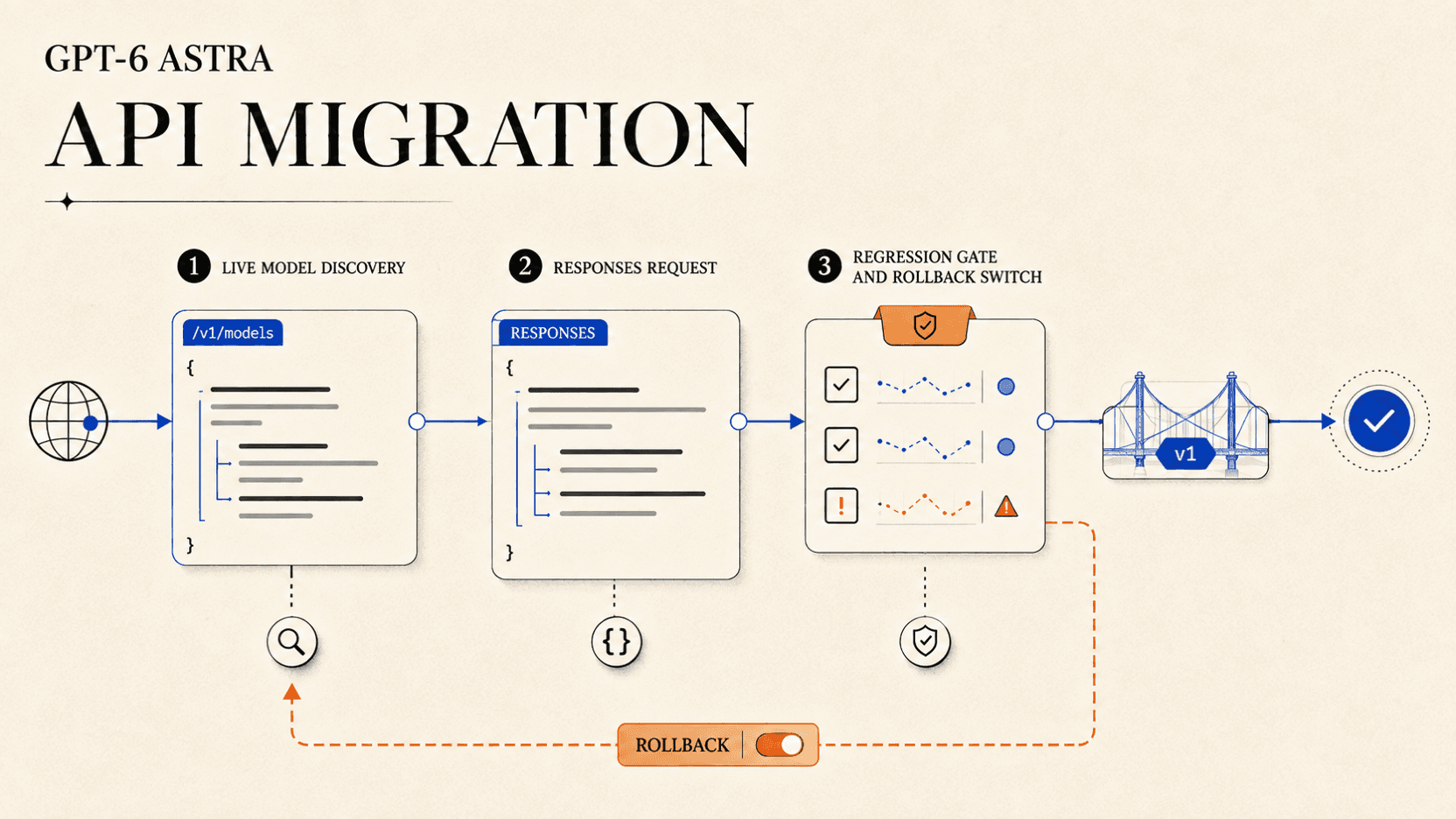
GPT-6 Astra API 마이그레이션 가이드
모델 발견, Responses API 요청, 추론 제어, 도구 검증, 승인 기준, 롤백 계획을 통해 GPT-6 Astra로 안전하게 마이그레이션합니다.

claude api 가격
Claude API 가격을 입력, 출력, 캐시별로 비교합니다. 공식 및 reAPI 요금, Batch 할인, 긴 컨텍스트 조건과 요청 비용 계산 예시를 확인하세요.
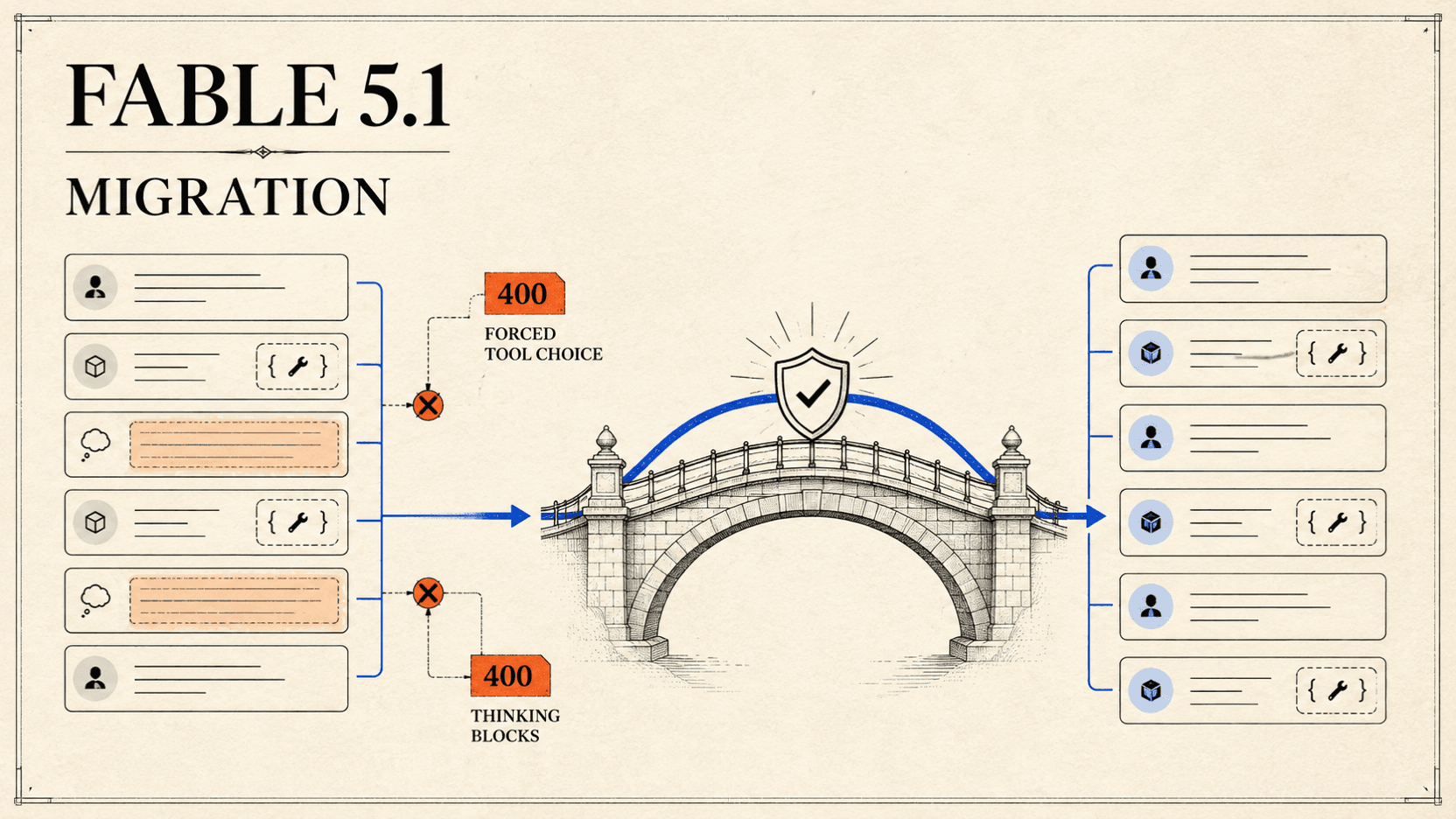
Claude Fable 5.1 마이그레이션: 400 오류 해결
Claude Fable 5에서 도구 호출과 대화 기록을 보존하고 강제 Tool 선택, 생각 블록, 압축, Fallback 오류를 수정하며 안전하게 마이그레이션하세요.