GPT Image 2.5 is live — OpenAI's newest image model, targeted edits that leave the rest of the frame alone

MiniMax H3 Image Highspeed: Faster Creation and Editing

Explore visual directions with MiniMax H3 Image Highspeed, MiniMax’s faster hosted option for text-to-image and reference editing. Keep the same output sizes and reference limits as the standard model.

Input

Describe the image or the change to make.

0/16 files

Upload images or paste public image URLs. Up to 16 references, in the order you want them used.

Default 1; up to 10 images.

Optional auto or WIDTHxHEIGHT. When using pixel dimensions, leave area and aspect ratio unset.

Leave unset for automatic framing, or enter X:Y between 1:3 and 3:1.

Leave unset for the 4K default. Area is a pixel-area target, not a fixed edge length.

For new generations only. Requires an explicit aspect ratio or pixel size. Reference editing always enhances prompts.

JPEG by default; PNG and JPG are also accepted.

0–100, default 95. Zero is sent as zero.

Off by default.

URL delivery through the asynchronous task API.

Keep off: this integration uses asynchronous tasks.

Estimated cost~$0.06262 credits
Result

Try one of these prompts

How MiniMax H3 Image Highspeed is billed

  • ·Text input, reference images and generated images use separate token rates. The table below shows the rate for each meter.
  • ·Submitting a request reserves an estimate. Completion settles the reported usage at the rates fixed when you submitted it.
  • ·Prompt enhancement, references and output choices can change the final charge. The estimate is not a fixed per-image price.
  • ·Failed tasks release their reservation. Each new submission starts a separate generation and charge.

Precios

Rates per million tokens. The final cost combines text input, reference-image input and image output.

Price calculatorminimax-h3-image-highspeed

Estimate from token usage across the whole request. The final charge uses actual text-input, image-input and image-output tokens.

Your estimate
$0.03297032.97 credits
Per $10
≈ 303 requests

At the token usage entered here. 1 credit = $0.001 USD.

The starting values are an example, not a fixed price per image. Enter totals for all images in a batch; count shared inputs once. Image dimensions alone do not determine the final token usage.

Text input
$2.25
Precio · 1M tokens
Image input
$3.00
Precio · 1M tokens
Image output
$7.50
Precio · 1M tokens

What is MiniMax H3 Image Highspeed?

MiniMax H3 Image Highspeed is the faster hosted variant of MiniMax’s H3 image model, with the same generation and editing parameters as the standard version. Work from a written scene or a set of reference images, with output up to 20 million pixels through custom dimensions. The useful distinction is speed positioning: Highspeed does not add more references, transparent output or masked editing.

Lo que puedes construir con este modelo

Flujos de trabajo reales y casos de uso en producción que puedes construir y lanzar con este modelo.

MiniMax H3 Image Highspeed conceptual workflow illustration: explore visual directions

Explore concepts with MiniMax H3 Image Highspeed

Use MiniMax H3 Image Highspeed when a creative session calls for successive variations of a scene. Keep the same subject and framing while changing the palette or light, so the comparison answers one question. MiniMax positions Highspeed for faster generation; review time and output quality still matter to the final choice.

Explore capabilities
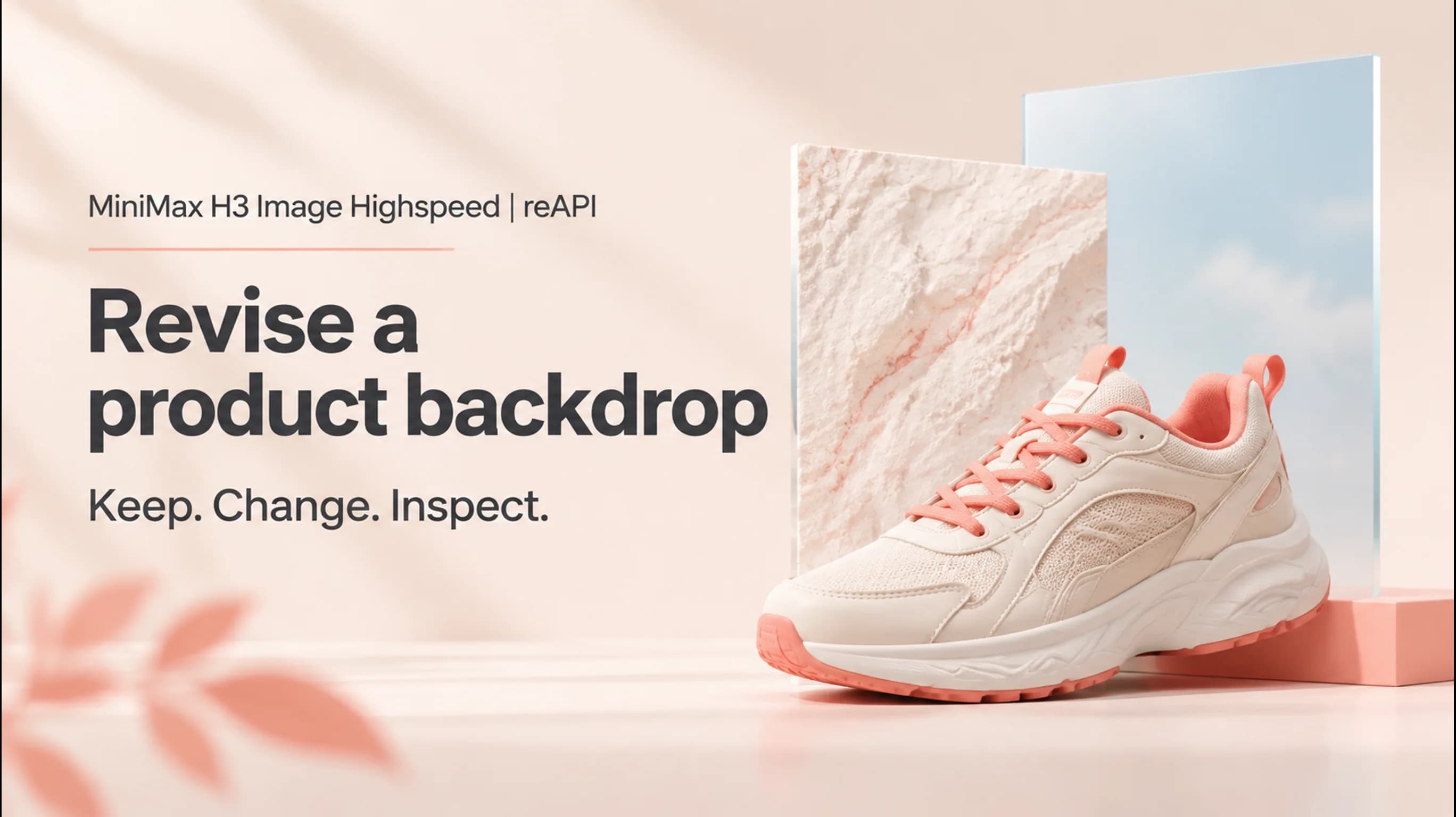

MiniMax H3 Image Highspeed conceptual workflow illustration: revise a product backdrop

Product backdrop edits with MiniMax H3 Image Highspeed

Give MiniMax H3 Image Highspeed a product reference and describe the new setting separately. For a shoe campaign, keep the shoe’s shape and stitching while asking for a pale studio floor. Inspect those details after the edit; a reference guides the result but does not guarantee an exact copy.

Read the editing FAQ
MiniMax H3 Image Highspeed conceptual workflow illustration: build an editorial series

Editorial series with MiniMax H3 Image Highspeed

Plan a set of related images with MiniMax H3 Image Highspeed by reusing a visual brief and assigning each reference a role. Try one composition before expanding the series. Repeated colors and subjects are useful directions, but each result needs a consistency check before it sits beside the others.

Why choose MiniMax H3 Image Highspeed?

Faster revisions with MiniMax H3 Image Highspeed

MiniMax positions MiniMax H3 Image Highspeed as its higher-speed option. Consider it when shorter waits between creative revisions matter; the documentation does not establish a fixed completion time for your workload.

MiniMax H3 Image Highspeed keeps the same controls

MiniMax H3 Image Highspeed retains the standard version’s reference count and output sizing options. You can compare the two versions using the same brief without inventing a separate image format or reference workflow.

When to choose MiniMax H3 Image Highspeed

MiniMax H3 Image Highspeed is a distinct hosted variant, not an extra resolution tier. Compare representative images against your actual brief, including fidelity and total workflow time, before deciding which version suits the work.

How to direct MiniMax H3 Image Highspeed

  1. step 01

    Brief MiniMax H3 Image Highspeed

    Give MiniMax H3 Image Highspeed a subject, setting and composition, then name the detail that will decide whether the image works. For example: an amber bottle on pale stone, side lighting, and open space at the left for a headline.

  2. step 02

    Give MiniMax H3 Image Highspeed clear references

    For a MiniMax H3 Image Highspeed edit, put the main subject first and explain what later images contribute. Use only references that help the brief, within the 16-image limit; conflicting instructions make it harder to judge the result.

  3. step 03

    Review each MiniMax H3 Image Highspeed result

    Choose an area level with an aspect ratio, or exact dimensions, in the MiniMax H3 Image Highspeed playground. Generate the image and inspect it against your brief before making another revision. The scene posters are concept illustrations; the playground shows an actual model output.

Capacidades

Text-to-image creation

MiniMax H3 Image Highspeed generates images from a written scene. Include subject placement and light direction when those details determine whether a composition fits your project.

Up to 16 references

MiniMax H3 Image Highspeed accepts one to sixteen images for editing. Assign roles explicitly: subject, setting or appearance. More references are not automatically better direction.

4K and custom canvases

MiniMax H3 Image Highspeed offers 1K, 2K and 4K area levels, or custom dimensions up to 20 million pixels. Choose a canvas that matches the intended layout.

Multiple image candidates

MiniMax H3 Image Highspeed supports up to ten output images in a request. Review each returned image separately; a larger batch does not guarantee every candidate meets the brief.

Prompt enhancement

MiniMax H3 Image Highspeed expands prompts by default. Text-to-image can disable enhancement with fixed framing; edits always use it. Review the revised prompt when diagnosing an unexpected result.

Clear editing boundaries

MiniMax H3 Image Highspeed does not support masked edits, transparent backgrounds or preview images in the documented service. Use another tool when your deliverable depends on those features.

MiniMax H3 Image Highspeed vs MiniMax H3 Image

MiniMax H3 Image Highspeed and MiniMax H3 Image share their documented image controls. Choose between their delivery options and speed positioning, then judge actual images against your brief.

Capability
MiniMax H3 Image Highspeed
MiniMax H3 Image
Hosted positioning
Faster generation
Standard generation
Creation and editing
Text-to-image and reference editing
Reference capacity
Up to 16 images
Up to 16 images
Output sizing
1K–4K area levels; custom canvas up to 20 MP
Editing limits
No masks or transparent output
Open-weight release
Separate Highspeed weights not verified
Official standard model weights published

Sources: MiniMax’s H3 Image announcement, official image generation guide and MiniMax-H3-Image repository, checked November 12, 2026. This compares documented models, not live reAPI services. Speed is vendor positioning; no reAPI benchmark was performed.

Preguntas frecuentes

Dudas comunes sobre este modelo.

MiniMax H3 Image Highspeed uses paid, usage-based billing on reAPI. Text input, reference images and generated images are metered separately. See the pricing table on this page for current token rates; the final cost depends on your request and its reported usage.

docs/api/minimax-h3-image-highspeed

Referencia de API

Código listo para usar y la tabla completa de parámetros.

curl https://reapi.ai/api/v1/images/generations \
  -H "Authorization: Bearer YOUR_API_KEY" \
  -H "Content-Type: application/json" \
  -d '{"model":"minimax-h3-image-highspeed","prompt":"A white ceramic teapot on pale linen","area":"1K","aspect_ratio":"1:1","n":1}'

Validación de parámetros fallida

Rechazado de forma síncrona con el campo problemático indicado. Revisa enums, rangos y campos de URL — no se cobra nada.

Problema de autenticación o saldo

401 significa clave Bearer ausente o inválida; 402, que la reserva supera tu saldo. Gestiona claves y créditos en la consola.

Contenido o material rechazado

El material de referencia y las salidas pasan una moderación automática. Las tareas rechazadas fallan con un error claro y reembolso completo.

Tarea fallida o con timeout

Una tarea que llega a estado fallido nunca se cobra: la reserva se reembolsa automáticamente. Guarda el ID y reintenta.

start building

¿Listo para lanzar?

Pruébalo en el playground o consigue una API key para integrarlo ahora.