GPT Image 2.5 is live — OpenAI's newest image model, targeted edits that leave the rest of the frame alone

MiniMax H3 Image: Image Generation and Editing

Create product scenes, compose posters and edit existing images with MiniMax H3 Image. MiniMax’s open-weight image model supports 4K output and up to 16 reference images.

Input

Describe the image or the change to make.

0/16 files

Upload images or paste public image URLs. Up to 16 references, in the order you want them used.

Default 1; up to 10 images.

Optional auto or WIDTHxHEIGHT. When using pixel dimensions, leave area and aspect ratio unset.

Leave unset for automatic framing, or enter X:Y between 1:3 and 3:1.

Leave unset for the 4K default. Area is a pixel-area target, not a fixed edge length.

For new generations only. Requires an explicit aspect ratio or pixel size. Reference editing always enhances prompts.

JPEG by default; PNG and JPG are also accepted.

0–100, default 95. Zero is sent as zero.

Off by default.

URL delivery through the asynchronous task API.

Keep off: this integration uses asynchronous tasks.

Estimated cost~$0.03131 credits
Result

Try one of these prompts

How MiniMax H3 Image is billed

  • ·Text input, reference images and generated images use separate token rates. The table below shows the rate for each meter.
  • ·Submitting a request reserves an estimate. Completion settles the reported usage at the rates fixed when you submitted it.
  • ·Prompt enhancement, references and output choices can change the final charge. The estimate is not a fixed per-image price.
  • ·Failed tasks release their reservation. Each new submission starts a separate generation and charge.

Цены

Rates per million tokens. The final cost combines text input, reference-image input and image output.

Price calculatorminimax-h3-image

Estimate from token usage across the whole request. The final charge uses actual text-input, image-input and image-output tokens.

Your estimate
$0.01761017.61 credits
Per $10
≈ 567 requests

At the token usage entered here. 1 credit = $0.001 USD.

The starting values are an example, not a fixed price per image. Enter totals for all images in a batch; count shared inputs once. Image dimensions alone do not determine the final token usage.

Text input
$2.25
Цена · 1M tokens
Image input
$1.50
Цена · 1M tokens
Image output
$3.75
Цена · 1M tokens

What is MiniMax H3 Image?

MiniMax H3 Image is MiniMax’s image generation and editing model, released on November 11, 2026. It turns text into images and combines visual references with editing instructions; MiniMax also publishes the standard model’s weights. Its documented strengths include photorealistic detail and following complex visual instructions, while the hosted service offers custom output sizes up to 20 million pixels.

Что можно создать на этой модели

Реальные рабочие процессы и production-сценарии, которые ты можешь собрать и запустить на этой модели.

MiniMax H3 Image conceptual workflow illustration: plan product photography

MiniMax H3 Image for product photography

Use MiniMax H3 Image to explore how a product could look under a different light or on a new surface. Start with a clear product reference, then describe a limestone pedestal and soft side lighting. Treat the result as a concept until its shape, label and material match the real item.

Explore capabilities
MiniMax H3 Image conceptual workflow illustration: edit with clear references

Reference editing with MiniMax H3 Image

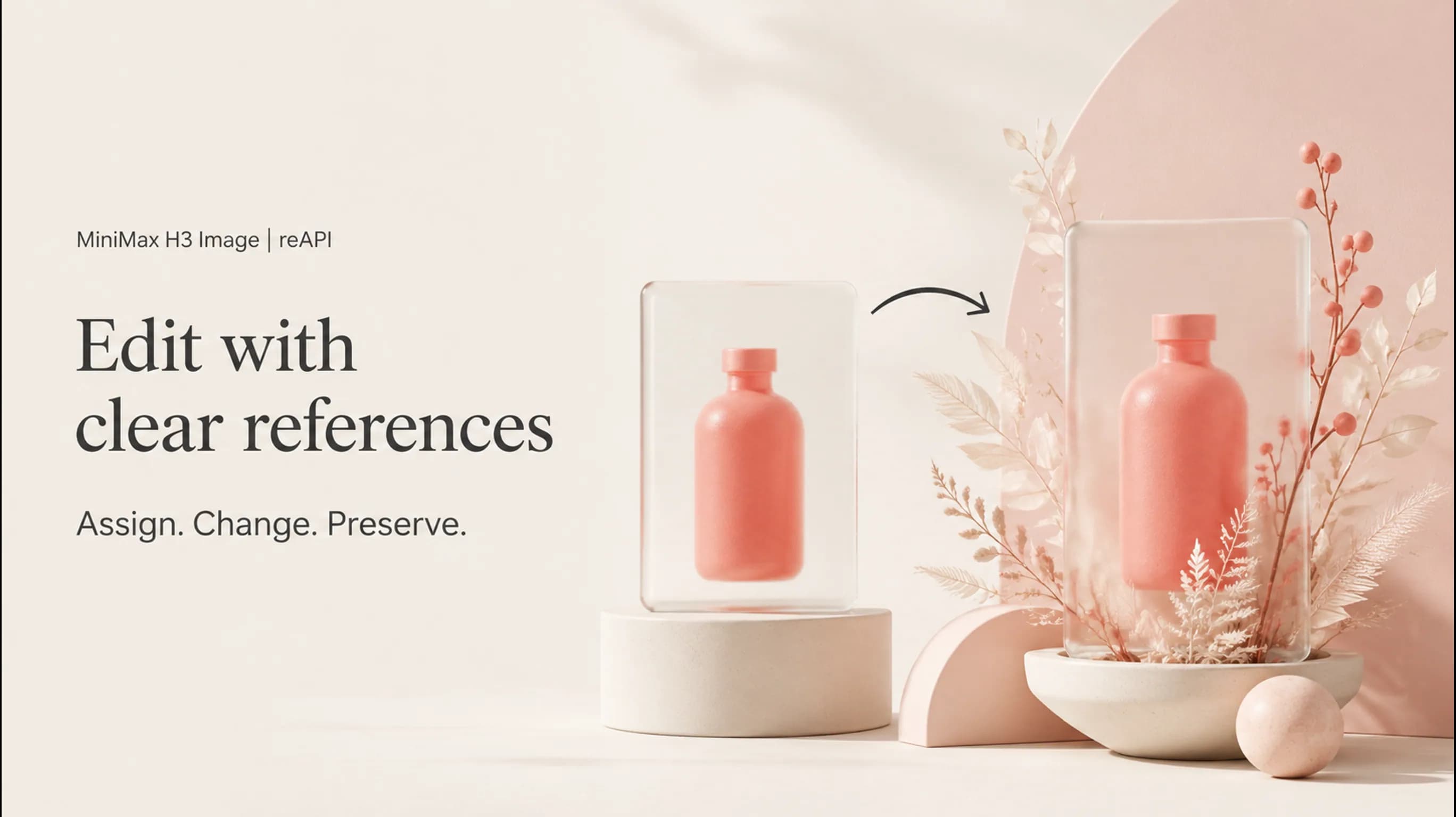
Give MiniMax H3 Image one image for the subject and another for the setting. Say which details to preserve and which to change: move the bottle onto the second image’s table while keeping its silhouette. This is reference-based editing; there is no mask control for locking every untouched pixel.

Read the editing FAQ
MiniMax H3 Image conceptual workflow illustration: compose poster concepts

Poster concepts with MiniMax H3 Image

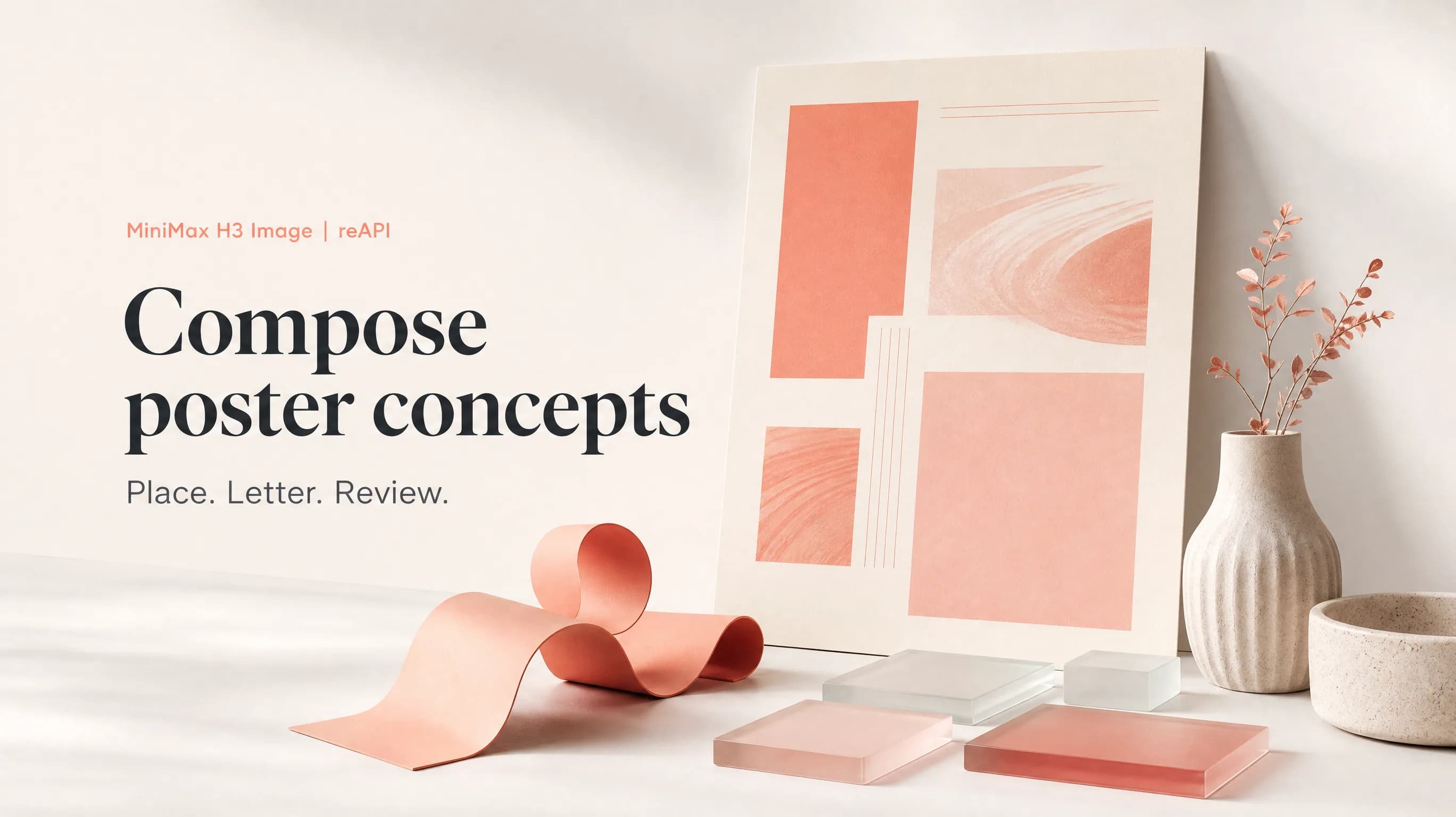
Ask MiniMax H3 Image for a poster with a defined subject, headline position and visual hierarchy. Specify the wording, its position and line breaks in the prompt, as MiniMax’s official repository recommends. Proofread every rendered letter and finish exact brand typography in your design tool.

Why choose MiniMax H3 Image?

Create and revise with MiniMax H3 Image

MiniMax H3 Image covers text-to-image and reference editing. Build an initial scene from a written brief, then use images to communicate the product, composition or visual direction for a revision.

MiniMax H3 Image for detailed compositions

MiniMax H3 Image supports 4K output and custom dimensions. This gives a poster or product scene more pixels to work with; it does not remove the need to inspect small text, edges and fine details.

MiniMax H3 Image open weights

MiniMax publishes MiniMax H3 Image weights and inference code for the standard model. Local deployment is a separate technical route with its own hardware and license requirements; it is not a feature currently provided by reAPI.

How to direct MiniMax H3 Image

  1. step 01

    Write a specific visual brief

    Give MiniMax H3 Image a subject, setting and composition, then name the detail that will decide whether the image works. For example: an amber bottle on pale stone, side lighting, and open space at the left for a headline.

  2. step 02

    Assign each reference a role

    For a MiniMax H3 Image edit, put the main subject first and explain what later images contribute. Use only references that help the brief, within the 16-image limit; conflicting instructions make it harder to judge the result.

  3. step 03

    Choose the canvas and review

    Choose an area level with an aspect ratio, or exact dimensions, in the MiniMax H3 Image playground. Generate the image and inspect it against your brief before making another revision. The scene posters are concept illustrations; the playground shows an actual model output.

Возможности

Text-to-image creation

MiniMax H3 Image generates images from a written scene. Include subject placement and light direction when those details determine whether a composition fits your project.

Up to 16 references

MiniMax H3 Image accepts one to sixteen images for editing. Assign roles explicitly: subject, setting or appearance. More references are not automatically better direction.

4K and custom canvases

MiniMax H3 Image offers 1K, 2K and 4K area levels, or custom dimensions up to 20 million pixels. Choose a canvas that matches the intended layout.

Multiple image candidates

MiniMax H3 Image supports up to ten output images in a request. Review each returned image separately; a larger batch does not guarantee every candidate meets the brief.

Prompt enhancement

MiniMax H3 Image expands prompts by default. Text-to-image can disable enhancement with fixed framing; edits always use it. Review the revised prompt when diagnosing an unexpected result.

Clear editing boundaries

MiniMax H3 Image does not support masked edits, transparent backgrounds or preview images in the documented service. Use another tool when your deliverable depends on those features.

MiniMax H3 Image vs MiniMax H3 Image Highspeed

MiniMax H3 Image and MiniMax H3 Image Highspeed share their documented image controls. Choose between their delivery options and speed positioning, then judge actual images against your brief.

Capability
MiniMax H3 Image
MiniMax H3 Image Highspeed
Hosted positioning
Standard generation
Faster generation
Creation and editing
Text-to-image and reference editing
Reference capacity
Up to 16 images
Up to 16 images
Output sizing
1K–4K area levels; custom canvas up to 20 MP
Editing limits
No masks or transparent output
Open-weight release
Official standard model weights published
Separate Highspeed weights not verified

Sources: MiniMax’s H3 Image announcement, official image generation guide and MiniMax-H3-Image repository, checked November 12, 2026. This compares documented models, not live reAPI services. Speed is vendor positioning; no reAPI benchmark was performed.

Часто задаваемые вопросы

Распространённые вопросы об этой модели.

MiniMax H3 Image uses paid, usage-based billing on reAPI. Text input, reference images and generated images are metered separately. See the pricing table on this page for current token rates; the final cost depends on your request and its reported usage.

docs/api/minimax-h3-image

Справочник API

Готовый код и полная таблица параметров.

curl https://reapi.ai/api/v1/images/generations \
  -H "Authorization: Bearer YOUR_API_KEY" \
  -H "Content-Type: application/json" \
  -d '{"model":"minimax-h3-image","prompt":"A white ceramic teapot on pale linen","area":"1K","aspect_ratio":"1:1","n":1}'

Ошибка валидации параметров

Синхронный отказ с указанием проблемного поля. Проверьте значения enum, диапазоны и URL-поля — ничего не списывается.

Проблема с аутентификацией или балансом

401 — отсутствует или неверен Bearer-ключ; 402 — резерв превышает баланс. Ключи и кредиты — в консоли.

Контент или материал отклонён

Референсные материалы и результаты проходят автоматическую модерацию. Отклонённые задачи завершаются понятной ошибкой с полным возвратом.

Задача не выполнена или истёк таймаут

Задача в состоянии сбоя никогда не тарифицируется — резерв возвращается автоматически. Сохраните ID задачи и повторите.

start building

Готов к запуску?

Попробуй в playground или получи API-ключ для интеграции прямо сейчас.